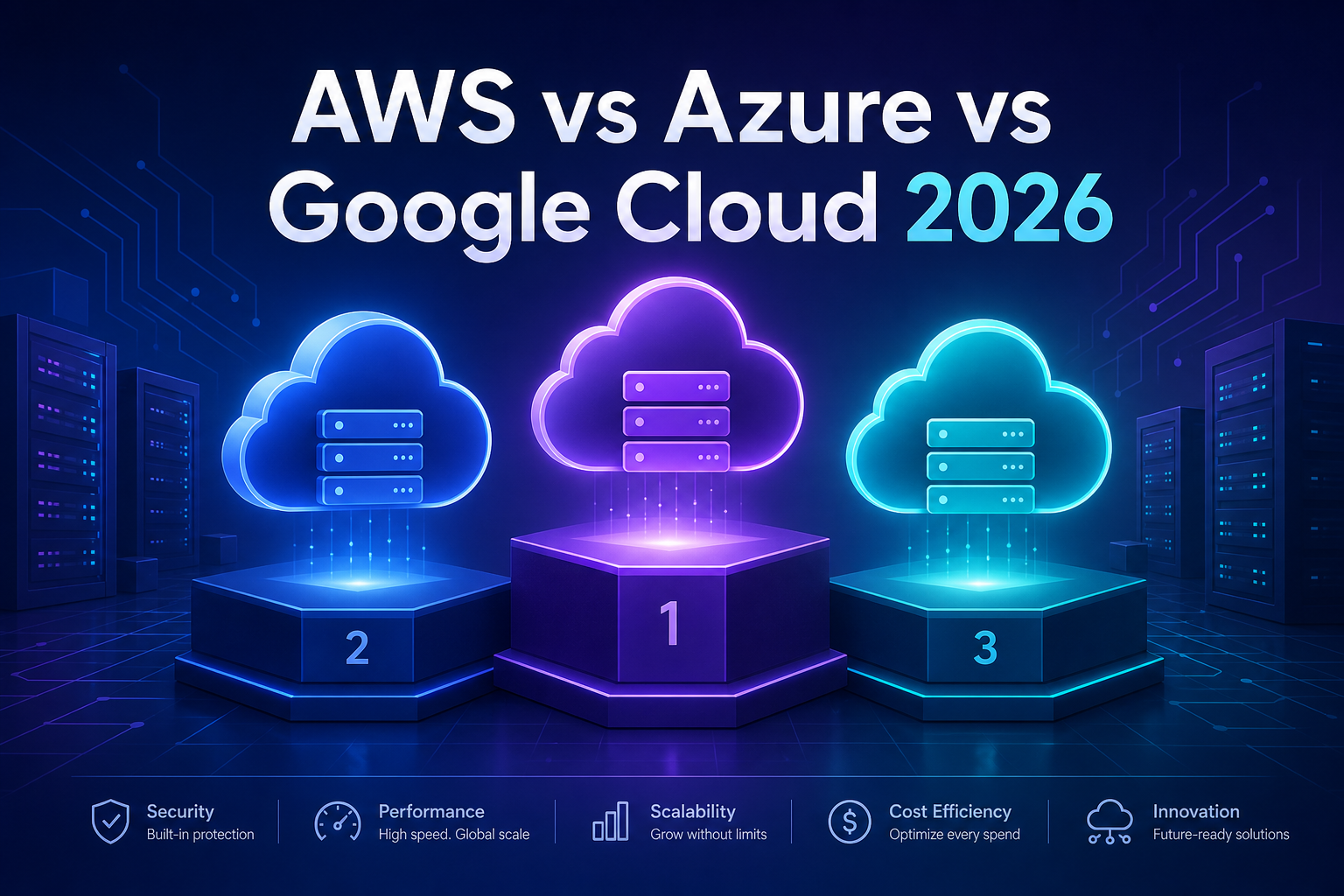
You have decided to break into cloud computing, you have a few hours each week to study, and then you hit the wall everyone hits: should you learn AWS, Azure, or Google Cloud? Pick wrong and it feels like you have wasted months. The good news is that the choice matters far less than the internet makes it sound, but the differences are real enough to change your job prospects, your study path, and how fast you land your first role.
This breakdown of AWS vs Azure vs Google Cloud cuts through the marketing. You will see how the three platforms compare on market share, hiring demand, certifications, pricing models, and learning curve, plus a clear framework for choosing based on your actual situation rather than hype.
What “Learning a Cloud Platform” Actually Means
A cloud platform is a collection of on-demand computing services such as servers, storage, databases, networking, and machine learning tools that you rent over the internet instead of buying and maintaining yourself. Learning one means understanding its core building blocks, how to deploy real applications on them, and how to manage cost, security, and scale.
Here is the part beginners miss: roughly 70% of what you learn on one provider transfers directly to the others. A virtual server is a virtual server. Object storage is object storage. The concepts of regions, availability zones, identity permissions, and autoscaling exist everywhere. What changes is the naming, the console layout, and a handful of signature services. Once you are fluent in one platform, picking up a second takes weeks, not months.
The Quick Comparison: AWS vs Azure vs Google Cloud at a Glance
Before going deep, here is the snapshot that answers most of the question. These figures reflect the 2026 market and the broad consensus across industry hiring data.
| Factor | AWS | Microsoft Azure | Google Cloud (GCP) |
|---|---|---|---|
| Market share | Largest (~30%) | Second (~22%) | Third (~12%) |
| Job openings | Most listings overall | Strong in enterprise/corporate | Fewer but high-paying |
| Sweet spot | Startups, breadth of services | Companies already on Microsoft | Data, analytics, AI/ML, Kubernetes |
| Learning curve | Steep (huge service catalog) | Moderate (familiar if you know Windows) | Gentle (clean, opinionated design) |
| Free tier | 12 months + always-free | 12 months + always-free + credit | Always-free + $300 credit |
| Entry certification | Cloud Practitioner | AZ-900 Fundamentals | Cloud Digital Leader |
If you want the one-sentence answer: AWS is the safest default for raw job volume, Azure wins if you target enterprise or government roles, and Google Cloud rewards anyone aiming at data engineering, analytics, or machine learning. The rest of this article explains why, so you can match the choice to your goals.
Amazon Web Services (AWS): The Market Leader
AWS launched in 2006 and still holds the largest slice of the market. That head start means the widest service catalog (well over 200 services), the deepest documentation, and the largest community, so almost every error message you hit has already been answered by someone on Stack Overflow.
For a learner, that breadth is both the strength and the trap. You do not need 200 services. You need a solid core: EC2 for virtual machines, S3 for object storage, IAM for permissions, VPC for networking, RDS for managed databases, and Lambda for serverless functions. Master those six and you can build real systems.
Here is how you would spin up storage and copy a file using the AWS command-line interface:
# Create a new S3 bucket in a chosen region
aws s3 mb s3://my-codelucky-demo-bucket --region us-east-1

# Upload a local file to the bucket
aws s3 cp ./report.pdf s3://my-codelucky-demo-bucket/

# List the contents to confirm the upload worked
aws s3 ls s3://my-codelucky-demo-bucket/
These three commands create a storage bucket, push a file into it, and verify it landed. The same pattern, create-resource then act-on-resource, repeats across nearly every AWS service, which is why building muscle memory with the CLI accelerates everything else. You can explore the full command reference in the official AWS documentation.
Choose AWS if you want the most job listings to apply to, you are aiming at startups or product companies, or you simply want the safest resume keyword. The downside is that the sheer size can overwhelm beginners, so you must be disciplined about ignoring services you do not need yet.
Microsoft Azure: The Enterprise Favorite
Azure’s superpower is that it lives where corporate IT already lives. If a company runs Windows Server, Active Directory, Office 365, or Teams, Azure integrates so tightly that adopting it feels like a natural next step rather than a migration. That is why banks, hospitals, governments, and large traditional enterprises lean Azure-heavy.
For your career, this matters in a specific way: enterprise roles tend to be stable, well-paid, and less likely to demand that you also reinvent the wheel every six months. If you see yourself in corporate IT, consulting, or the public sector, Azure is often the pragmatic pick.
The core services mirror AWS with different names. Virtual machines, Blob Storage for objects, Azure Active Directory (now Microsoft Entra ID) for identity, and Azure Functions for serverless. Here is the equivalent of creating a resource group and a storage account with the az CLI:
# Create a resource group to hold related resources
az group create --name codelucky-rg --location eastus

# Create a storage account inside that resource group
az storage account create \
  --name codeluckystore2026 \
  --resource-group codelucky-rg \
  --sku Standard_LRS
Notice the resource group concept: Azure forces you to organize resources into logical containers from the start, which makes cleanup and billing easier to reason about. This organizational discipline is a genuine teaching advantage for newcomers. The Microsoft Learn documentation offers free guided paths that pair well with the AZ-900 certification.
If you already work in a Microsoft-centric office, Azure is not just a good choice, it is the one that lets you turn your current job into hands-on practice the same week you start learning.
Google Cloud (GCP): The Data and AI Specialist
Google Cloud is the smallest of the big three by market share, but it punches far above its weight in specific domains. If your future involves data engineering, analytics, or machine learning, GCP is frequently the strongest hand. Tools like BigQuery for petabyte-scale analytics and Vertex AI for model training are considered best-in-class, and Google originally created Kubernetes, so its managed Kubernetes service feels especially polished.
GCP also tends to have the cleanest, most consistent design of the three. Fewer overlapping services means fewer decisions, which is a real gift when you are learning. Many people find the gentlest on-ramp here even though the ecosystem is smaller.
Querying a public dataset with BigQuery shows off the platform’s data-first character:
-- Count the most common baby names in a public dataset
SELECT name, SUM(number) AS total
FROM `bigquery-public-data.usa_names.usa_1910_current`
WHERE gender = 'F'
GROUP BY name
ORDER BY total DESC
LIMIT 10;
That single query scans millions of rows across Google’s infrastructure and returns results in seconds, with no servers to provision. This serverless, SQL-first approach to big data is the kind of thing that makes data professionals reach for GCP. Browse the capabilities in the Google Cloud documentation.
Choose Google Cloud if your target role is data engineer, ML engineer, analytics specialist, or Kubernetes-focused DevOps. The trade-off is a smaller job market overall, so in some regions you may find fewer entry-level postings than for AWS or Azure.
How to Actually Choose: A Decision Framework
Stop comparing feature lists and start with your destination. The right platform is the one that matches where you want to work, not the one with the longest service catalog. Run yourself through these questions in order.
- What job title do you want? Data or ML roles lean Google Cloud. Enterprise, .NET, or government roles lean Azure. General software, DevOps, and startup roles lean AWS.
- What do local employers ask for? Search job boards in your own city for “cloud engineer” and count which platform appears most. Local demand beats global statistics every time.
- What does your current company use? If you already have a job, learning your employer’s cloud lets you practice on real systems and pivot internally, which is the fastest route into the field.
- What feels approachable to you? Try the free tier of two platforms for a weekend each. The one whose console and docs click with you is the one you will actually stick with.
Here is the liberating truth in the whole AWS vs Azure vs Google Cloud debate: you cannot make a career-ending mistake. Because the fundamentals transfer, the worst case is that your second platform takes a few extra weeks. Pick one, go deep, and resist the urge to dabble in all three at once.
Certifications: Where to Start in 2026
Certifications will not get you hired on their own, but they give beginners a structured curriculum and a credible signal on a thin resume. Every provider offers a beginner-level “fundamentals” exam that requires no prior experience, and that is exactly where you should start.
| Level | AWS | Azure | Google Cloud |
|---|---|---|---|
| Foundational | Cloud Practitioner (CLF-C02) | AZ-900 Fundamentals | Cloud Digital Leader |
| Associate | Solutions Architect Associate | AZ-104 Administrator | Associate Cloud Engineer |
| Professional | Solutions Architect Professional | AZ-305 Architect Expert | Professional Cloud Architect |
A realistic path: pass the foundational exam in four to six weeks of part-time study to confirm you enjoy the field, then invest two to three months in the associate-level certification, which is the one recruiters actually value. Do not collect certifications endlessly. One associate cert plus a couple of projects you can talk about beats five badges with nothing to show.
Common Mistakes to Avoid When Learning Cloud
Most people who stall do so for predictable reasons. Sidestep these and you will move far faster than the average learner.
- Trying to learn all three at once. This is the number one beginner error. You end up shallow on everything. Commit to one platform until you can build and deploy a project unaided.
- Watching tutorials without building. Cloud is a hands-on skill. Passive video binging creates the illusion of progress. Open the free tier and break things instead.
- Ignoring billing alerts. A forgotten virtual machine or a misconfigured service can quietly run up charges. Always set a budget alert on day one so a learning mistake never becomes a painful bill.
- Skipping the fundamentals. Jumping straight to trendy AI services without understanding identity, networking, and storage leaves dangerous gaps. The boring basics are what interviews actually test.
- Chasing certifications without projects. A badge proves you can pass an exam. A deployed project proves you can do the job. Employers want the second.
Frequently Asked Questions
Which cloud platform is best for beginners in 2026?
AWS is the most common starting point because of its huge community and abundant free learning resources, which means quick answers when you get stuck. That said, Google Cloud has the gentlest learning curve, and Azure is ideal if you already use Microsoft tools. Any of the three is a solid first choice.
Can I get a job knowing only one cloud platform?
Yes. Most cloud roles ask for depth in one platform, not surface knowledge of all three. Go deep on a single provider, build two or three real projects, and earn one associate-level certification. You can add a second platform later once you are employed.
Is Google Cloud harder to find jobs with than AWS or Azure?
Overall there are fewer Google Cloud postings than AWS or Azure, but GCP roles are concentrated in data engineering, analytics, and machine learning, and they often pay well. If those fields are your goal, GCP can be the stronger choice despite the smaller total job count.
How long does it take to learn AWS, Azure, or Google Cloud?
Expect four to six weeks of part-time study to pass a foundational exam, and three to five months to reach a job-ready associate level with hands-on projects. Your pace depends on prior IT experience and how consistently you practice rather than which platform you pick.
Should I learn cloud before or after learning to code?
Basic scripting helps but is not required to start. You can learn core cloud concepts and pass a fundamentals certification with little to no coding. For engineering roles, however, comfort with a language like Python and with the command line will make you far more effective.
Conclusion: Pick One and Go Deep
The AWS vs Azure vs Google Cloud question feels enormous from the outside, but the practical answer is small: choose the platform that matches the job you want and the demand in your region, then commit to it. AWS gives you the most listings and the largest safety net, Azure opens the door to enterprise and government roles, and Google Cloud is the specialist’s edge for data and machine learning.
Whichever you choose, remember that the fundamentals of identity, storage, networking, and compute transfer across all three, so you are building durable skills no matter what. Sign up for a free tier today, set a billing alert, build one small project this week, and let real practice, not endless comparison, carry you into a cloud career in 2026.