Python powers the recommendation engine behind your favorite streaming service, the data pipelines at the world’s largest banks, and most of the AI tools you touched this week. Yet plenty of people who set out to learn Python never make it past the install screen. They drown in half-finished tutorials, hop between three languages at once, or quit the moment a beginner project gets uncomfortable.
The problem usually isn’t ability. It’s the lack of a clear path. This roadmap gives you that path: what to study, in what order, how long each stage takes, and which mistakes quietly waste months. Whether you’re switching careers, automating boring work, or aiming for a data role, you’ll know exactly what your next step is.
Why Learn Python in 2026?
Python has spent years near the top of nearly every developer survey, and 2026 is no different. Its appeal is simple: the syntax reads almost like English, so you spend your energy solving problems instead of fighting the language.
It’s also one of the most flexible skills you can own. The same language that automates a spreadsheet can train a neural network, scrape a website, build a web API, or analyze a year of sales data. That range is why beginners and senior engineers alike keep reaching for it.
- Career demand: data analysis, machine learning, backend development, and automation roles all list Python as a core requirement.
- Gentle learning curve: you can write something useful on day one, which keeps motivation high.
- Huge ecosystem: hundreds of thousands of ready-made packages mean you rarely build from scratch.
- AI-friendly: the dominant machine learning libraries are Python-first, so it pairs naturally with the skills employers want next.
What Does It Mean to “Learn Python”?
Python is a high-level, general-purpose programming language known for its readable, indentation-based syntax. To learn Python means becoming comfortable writing, reading, and debugging code that solves real problems — from renaming a thousand files to training a model — using its built-in standard library and its ecosystem of third-party packages.
Notice what that definition does not say: it’s not about memorizing every function. Professional developers look things up constantly. Your real goal is fluency in the fundamentals plus the ability to find and apply the rest.
You don’t need to know everything. You need to know the core well enough that learning the rest feels easy.
Step 1: Set Up Your Python Environment
Before any tutorial, get a working setup. In 2026, the recommended baseline is Python 3.12 or newer, paired with a modern editor like Visual Studio Code. Download the interpreter from the official Python website rather than a random mirror.
# check your version first (3.12+ recommended in 2026)
python --version

# create an isolated environment for each project
python -m venv venv
source venv/bin/activate      # Windows: venv\Scripts\activate

# install packages without touching system Python
pip install requests
The commands above install Python’s package manager workflow that you’ll use forever. A virtual environment (venv) keeps each project’s libraries separate, so upgrading a package for one project never breaks another. Skipping this step is the source of countless “it worked yesterday” headaches.
Step 2: Master the Core Python Concepts
Every advanced topic rests on a small set of fundamentals. Spend real time here — rushing this stage is why so many people stall later. These are the building blocks worth practicing until they feel automatic.
Variables and Data Types
Python figures out types for you, which keeps early code clean and approachable.
# variables don't need type declarations
name = "Ada"
age = 30
is_learning = True

# f-strings make formatting clean and readable
print(f"{name} is {age} and learning Python: {is_learning}")
That f"..." syntax is an f-string, the standard way to drop variables into text. It’s faster to read and write than older formatting methods, and you’ll use it in almost every script.
Control Flow and Loops
Decisions and repetition are where programs start to feel alive.
scores = [88, 72, 95, 60, 100]

for score in scores:
    if score >= 90:
        print(f"{score}: excellent")
    elif score >= 70:
        print(f"{score}: passing")
    else:
        print(f"{score}: needs work")
This loop walks through each score and branches based on its value. Notice the indentation — Python uses whitespace instead of curly braces to define blocks, so consistent spacing isn’t optional, it’s part of the syntax.
Functions and Dictionaries
Functions let you name a chunk of logic and reuse it. Dictionaries store data as key-value pairs, ideal for lookups.
def grade_report(students):
    """Return a dict mapping each student to a pass/fail status."""
    return {name: "pass" if score >= 70 else "fail"
            for name, score in students.items()}

results = grade_report({"Ravi": 81, "Mia": 64})
print(results)  # {'Ravi': 'pass', 'Mia': 'fail'}
This function takes a dictionary of students and scores, then returns a new dictionary with a verdict for each one. The triple-quoted line is a docstring that documents what the function does — a habit worth forming early.
Step 3: Write More Pythonic Code
Once the basics click, the next leap is writing code the way experienced Python developers do. “Pythonic” means using the language’s idioms instead of forcing patterns from other languages onto it.
numbers = range(1, 11)

# list comprehension: concise, readable, and fast
squares_of_evens = [n * n for n in numbers if n % 2 == 0]
print(squares_of_evens)  # [4, 16, 36, 64, 100]
A list comprehension builds a list in a single, readable line — here it squares only the even numbers from 1 to 10. The same result with a manual loop takes four lines and is harder to scan. Learning these idioms is the difference between code that merely works and code others enjoy reading.
For the agreed conventions on naming, spacing, and structure, study the PEP 8 style guide. Following a shared style early makes your code look professional from day one.
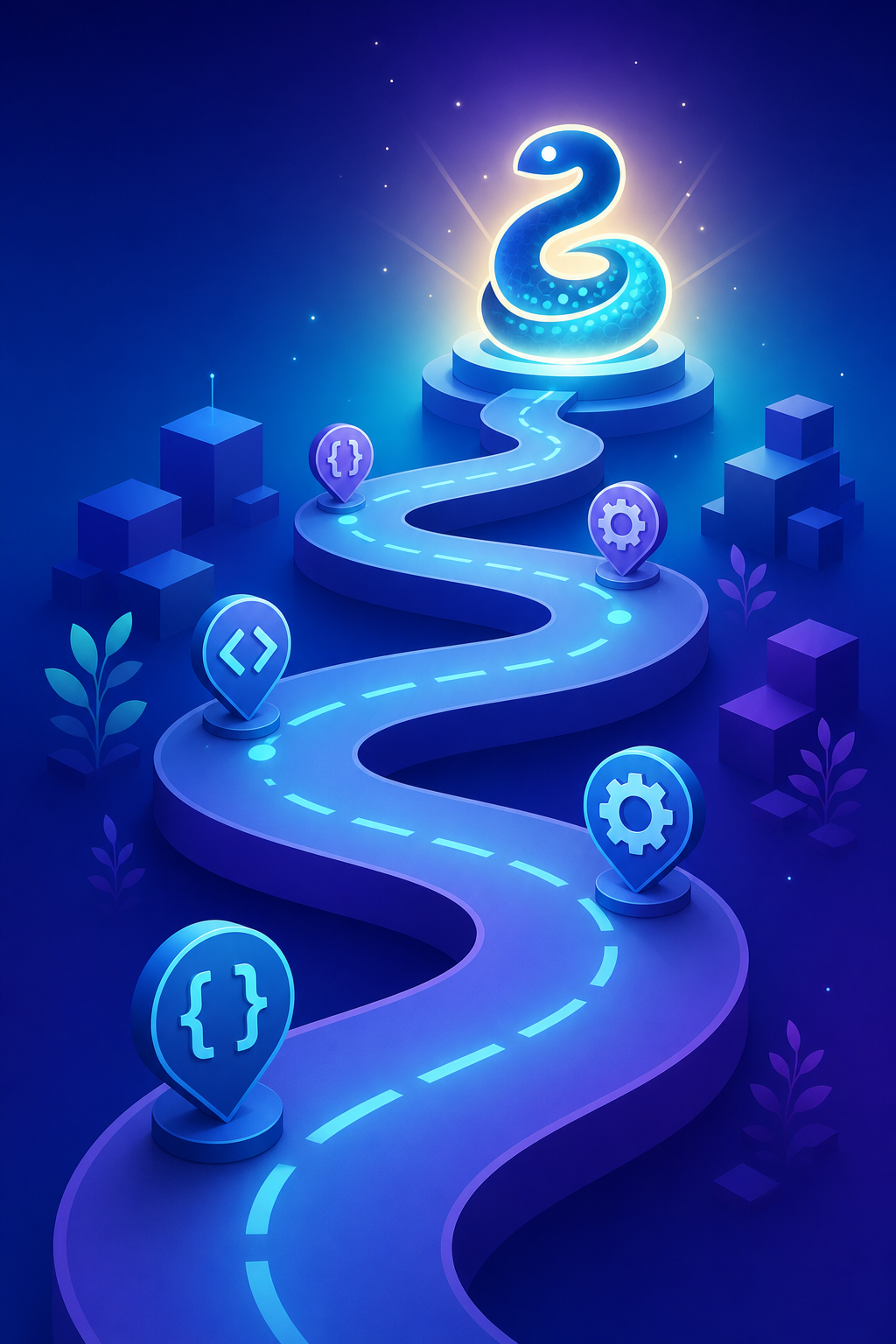
A Realistic Roadmap to Learn Python in 2026
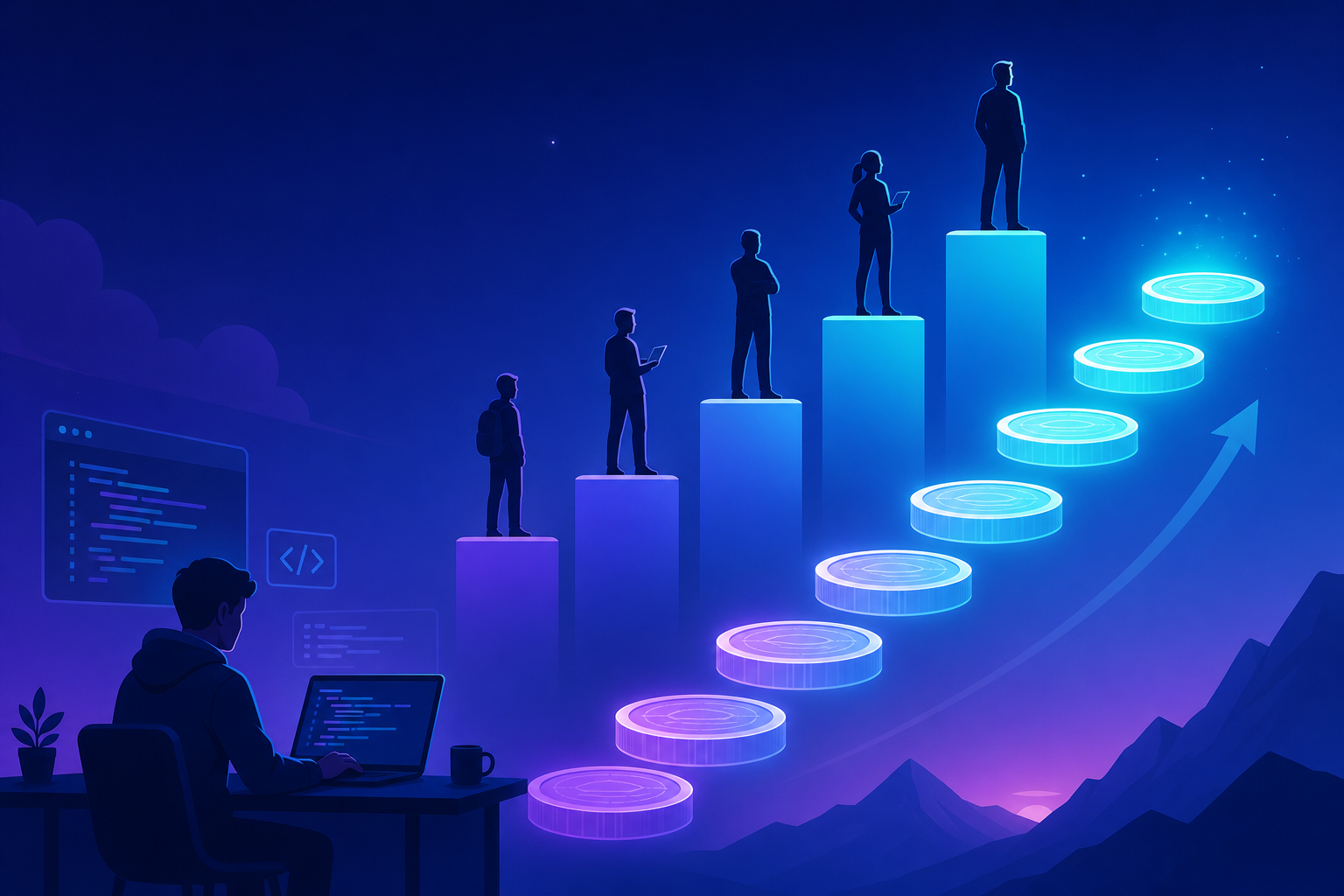
Here’s a phased plan with honest time estimates for someone studying around an hour a day. Adjust the pace to your schedule, but keep the order — each phase depends on the one before it.
| Phase | What You Learn | Typical Time |
|---|---|---|
| 1. Foundations | Syntax, variables, loops, functions, data structures | 3-5 weeks |
| 2. Practical scripting | File handling, modules, error handling, the standard library | 3-4 weeks |
| 3. First projects | Small automation tools, simple games, command-line apps | 4-6 weeks |
| 4. Specialization | Web (Django/Flask), data (pandas), or AI/ML (PyTorch) | 8-12 weeks |
| 5. Portfolio & depth | Testing, Git, APIs, deployment, a polished showcase project | Ongoing |
Most learners reach genuine job-ready confidence somewhere in phase four, after roughly four to six months of consistent practice. The exact number matters less than the habit: short, daily sessions beat occasional marathons every time.
Step 4: Build Real Projects (Not Just Tutorials)
Watching tutorials creates the illusion of progress. Building your own projects creates the real thing. The gap between “I understood that video” and “I built this myself” is where actual skill forms.
Start small and let each project stretch you slightly beyond what you already know:
- A file organizer that sorts your downloads folder by file type.
- A weather checker that pulls live data from a public API using
requests. - A budget tracker that reads expenses from a CSV and prints a monthly summary.
- A simple web app with Flask once you reach the specialization phase.
Push every project to a public repository on GitHub. A handful of working projects with clean code says more to an employer than any certificate, and the official Python documentation will be your most reliable reference while you build them.
Common Mistakes to Avoid When Learning Python
Knowing the traps in advance saves you weeks of frustration. Almost every beginner hits at least one of these.
- Tutorial hell: endlessly consuming courses without building anything. Fix it by coding along, then rebuilding from scratch without the video.
- Skipping the fundamentals: jumping to machine learning before you understand functions. The advanced stuff will feel impossible and you won’t know why.
- Ignoring errors: Python’s error messages are detailed and helpful. Read the last line first — it usually tells you exactly what broke.
- Not using version control: learn basic Git early so you never lose work or fear breaking your code.
- Comparing your start to someone’s middle: the developer you admire was once stuck on the same loop you are. Progress, not perfection.
Choosing the Right Learning Resources
There’s no single best way to learn Python — the right mix depends on how you absorb information. Here’s an honest look at the main options.
| Resource Type | Best For | Trade-off |
|---|---|---|
| Interactive platforms | Instant feedback and momentum | Can feel easy without building real projects |
| Video courses | Visual, step-by-step structure | Easy to watch passively without practicing |
| Books & official docs | Depth and accuracy | Slower; requires self-discipline |
| Project-based learning | Building real, portfolio-ready skills | Frustrating early without some fundamentals |
The strongest approach blends them: one structured course or book for the fundamentals, the official docs as your reference, and constant project work to make it stick. Pick one main resource and finish it before chasing the next shiny tutorial.
Frequently Asked Questions
How long does it take to learn Python?
With consistent daily practice of about an hour, most people grasp the fundamentals in four to six weeks and reach job-ready confidence in four to six months. The timeline depends far more on how much you build than on raw hours spent watching content.
Can I learn Python with no programming experience?
Yes. Python’s readable syntax makes it one of the most beginner-friendly languages, which is exactly why universities and bootcamps choose it as a first language. Start with the foundations phase and resist the urge to skip ahead.
Is Python still worth learning in 2026?
Absolutely. Python remains central to data science, AI, automation, and backend development, and demand for those skills continues to grow. Learning Python in 2026 opens doors across more career paths than almost any other single language.
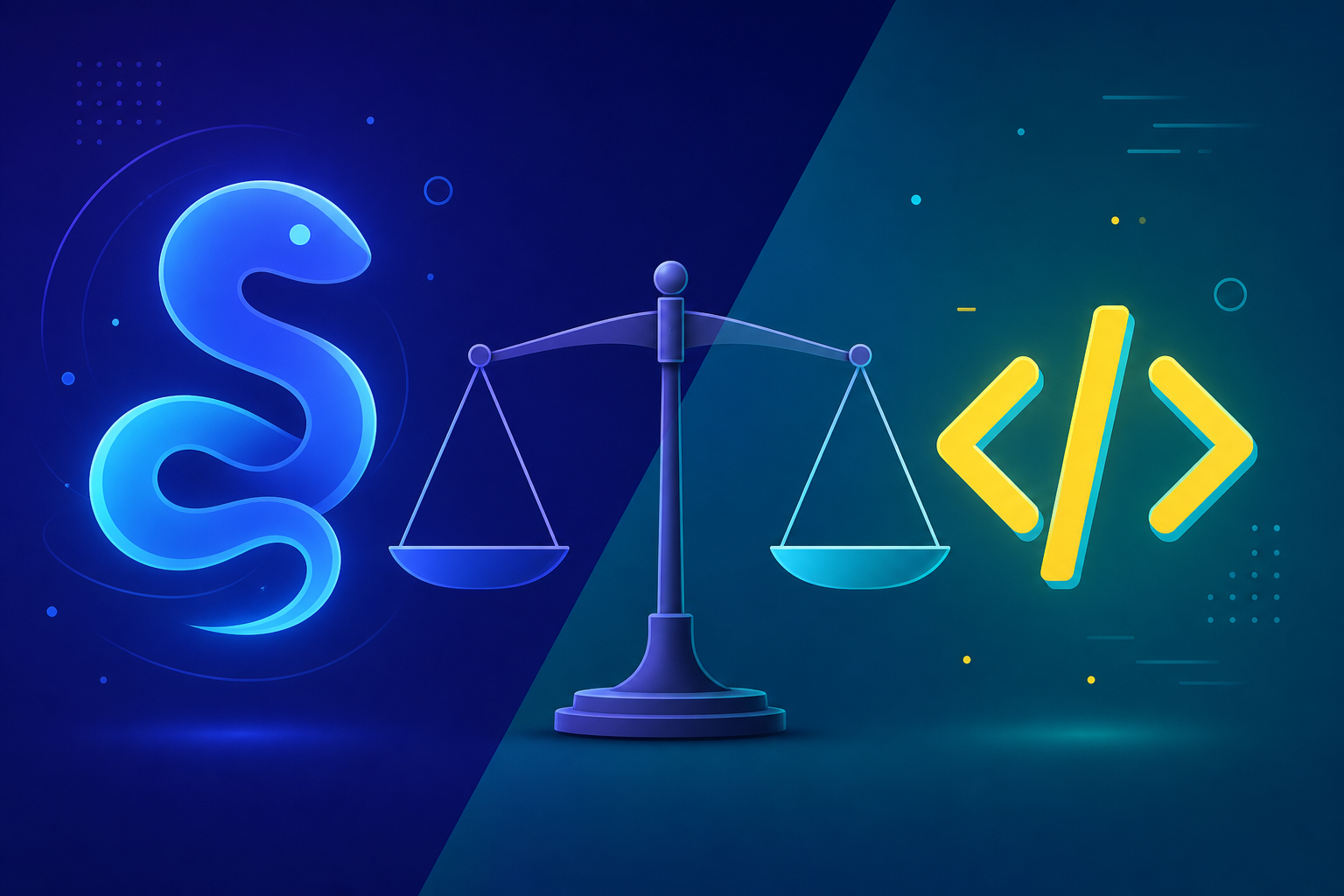
Which is better for beginners, Python or JavaScript?
Both are excellent first languages. Choose Python if you’re drawn to data, AI, or automation; choose JavaScript if your heart is set on interactive websites. Python’s cleaner syntax gives it a slight edge for absolute beginners focused on logic over visuals.
Do I need to be good at math to learn Python?
For general programming and automation, basic arithmetic is plenty. Math becomes important only if you specialize in data science or machine learning, and even then you can learn the relevant concepts alongside the code as you need them.
What should I build first?
Start with a tiny automation script that solves a problem you actually have — renaming files, organizing a folder, or summarizing a spreadsheet. Solving a real annoyance is far more motivating than another generic to-do list app.
Conclusion
The decision to learn Python in 2026 is one of the highest-leverage moves you can make for your career, and the path forward is clearer than it looks. Set up a clean environment, master the fundamentals until they feel automatic, write Pythonic code, and then prove your skills by building real projects you can show off.
Avoid tutorial hell, read your error messages, and commit to short daily sessions over occasional cramming. Specialize once the basics are solid, whether that’s web development, data analysis, or AI. Most importantly, keep building — that single habit separates the people who learn Python from the people who only meant to.
Open your editor, run your first script today, and let momentum do the rest. Your future self will be glad you started now.