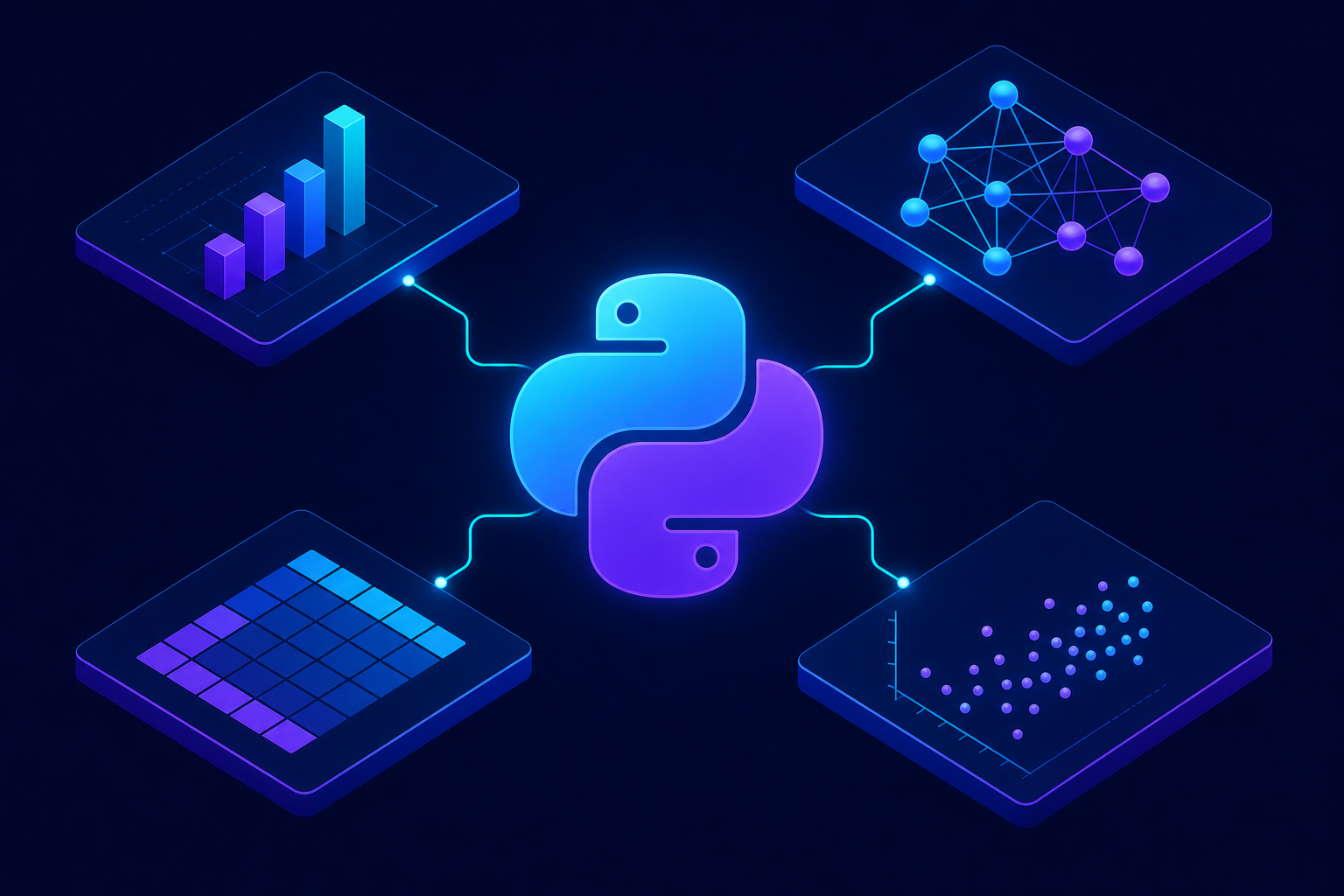
Ask ten data scientists what tools they reach for first, and nine will start typing import pandas as pd before they finish the sentence. The Python ecosystem has become the default workbench for analytics, machine learning, and AI — but the toolbox keeps shifting. Libraries that felt indispensable five years ago now share the stage with faster, leaner alternatives, and a wave of AI tooling has rewritten what a typical workflow looks like.
Knowing the right Python libraries for data science is the difference between fighting your tools and flowing through a project. This guide walks through the libraries that actually earn their place on a 2026 data scientist’s machine, why each one matters, and how to use them with real code you can run today.
Why Python Dominates Data Science
Python is a high-level programming language whose readable syntax, massive open-source community, and rich scientific stack make it the standard choice for data analysis, statistical modeling, and machine learning. Its libraries wrap fast, compiled C and Rust code behind simple Python calls, so you get expressive code without sacrificing speed.
The real magic is interoperability. NumPy arrays feed pandas DataFrames, which feed scikit-learn models, which export to dashboards or production APIs — all without leaving the language. That cohesion is why the most valuable data science libraries tend to grow stronger together rather than compete in isolation.
You don’t need to master every library on this list at once. Learn pandas and NumPy deeply, then add specialized tools as real problems demand them.
Core Data Manipulation: NumPy, Pandas, and Polars
Before you can model anything, you have to wrangle data into shape. These three libraries handle the unglamorous but essential work of loading, cleaning, and reshaping datasets.
NumPy: The Foundation Everything Builds On
NumPy gives Python its n-dimensional array, the data structure that nearly every other scientific library depends on. It performs vectorized math across millions of elements in compiled code, which is dramatically faster than looping in pure Python.
import numpy as np

# Create a 2D array of sales figures (rows = stores, cols = months)
sales = np.array([[120, 135, 150],
                  [ 98, 102, 110],
                  [200, 215, 230]])

# Vectorized operations apply to the whole array at once
total_per_store = sales.sum(axis=1)      # sum across months
growth = (sales[:, -1] - sales[:, 0]) / sales[:, 0] * 100

print(total_per_store)   # [405 310 645]
print(growth.round(1))   # [25.  12.2 15. ]
Notice there are no for loops. NumPy applies sum and arithmetic across entire axes at once, which keeps the code short and the execution fast. This vectorized style is the mental model you’ll reuse in nearly every other library.
Pandas: The Workhorse of Tabular Data
If NumPy is the engine, pandas is the dashboard. Its DataFrame object turns messy spreadsheets, CSVs, and database tables into labeled, queryable structures. Filtering, grouping, joining, and time-series handling all become a few readable lines.
import pandas as pd

df = pd.read_csv("transactions.csv")

# Clean, filter, and aggregate in a readable chain
summary = (
    df.dropna(subset=["amount"])                 # drop rows missing amount
      .query("amount > 0")                       # keep valid transactions
      .groupby("category")["amount"]             # group by category
      .agg(["sum", "mean", "count"])             # multiple stats at once
      .sort_values("sum", ascending=False)
)

print(summary.head())
This single chained expression loads data, removes invalid rows, groups by category, and computes three statistics — the kind of exploratory analysis you’ll do dozens of times a day. Method chaining keeps each transformation visible and easy to debug.
Polars: When Pandas Runs Out of Room
Polars is the rising star for larger-than-memory and performance-critical work. Written in Rust with a lazy execution engine, it often runs many times faster than pandas on big datasets while using less memory.
import polars as pl

# Lazy mode builds a query plan and optimizes before running
result = (
    pl.scan_csv("large_transactions.csv")   # lazy scan, nothing loads yet
      .filter(pl.col("amount") > 0)
      .group_by("category")
      .agg(pl.col("amount").sum().alias("total"))
      .sort("total", descending=True)
      .collect()                            # execute the optimized plan
)

print(result)
The key idea is lazy evaluation: Polars plans the whole pipeline before touching data, then runs it in parallel. For datasets that make pandas crawl or run out of RAM, switching to Polars is often the single biggest speedup you can make.
Data Visualization Libraries That Tell the Story
Numbers convince no one until you can see them. These visualization tools turn DataFrames into charts that reveal patterns and persuade stakeholders.
- Matplotlib — the foundational plotting library; total control, more verbose. Ideal for publication-quality static figures.
- Seaborn — built on Matplotlib with sensible defaults and statistical plots in one line. Great for quick exploratory analysis.
- Plotly — interactive, browser-based charts you can zoom, hover, and embed in dashboards or web apps.
import seaborn as sns
import matplotlib.pyplot as plt

tips = sns.load_dataset("tips")

# One line produces a polished scatter plot with a regression fit
sns.lmplot(data=tips, x="total_bill", y="tip", hue="time", height=5)
plt.title("Tip vs. Total Bill by Service Time")
plt.tight_layout()
plt.savefig("tips_plot.png", dpi=150)
Seaborn’s lmplot handles the scatter points, color grouping, and trend lines automatically — work that would take a dozen lines in raw Matplotlib. Reach for Seaborn during exploration and Plotly when your audience needs to interact with the data themselves.
Machine Learning Libraries Every Data Scientist Needs
Once your data is clean and understood, the modeling libraries take over. These are the Python libraries for data science that turn historical data into predictions.
Scikit-learn: The Classic ML Toolkit
Scikit-learn covers the bread-and-butter of classical machine learning: regression, classification, clustering, and preprocessing. Its consistent fit / predict API means you can swap models with almost no code changes.
from sklearn.ensemble import RandomForestClassifier
from sklearn.model_selection import train_test_split
from sklearn.metrics import accuracy_score

# X = features, y = target label
X_train, X_test, y_train, y_test = train_test_split(
    X, y, test_size=0.2, random_state=42
)

model = RandomForestClassifier(n_estimators=200, random_state=42)
model.fit(X_train, y_train)              # train on training set

preds = model.predict(X_test)           # predict on unseen data
print("Accuracy:", accuracy_score(y_test, preds).round(3))
This same five-step pattern — split, instantiate, fit, predict, evaluate — works for nearly every scikit-learn model. Master it once and you can experiment with dozens of algorithms quickly.
XGBoost and LightGBM: Winning on Tabular Data
For structured, table-shaped data, gradient-boosted trees still beat deep learning more often than not. XGBoost and LightGBM are the go-to libraries, prized for accuracy, speed, and built-in handling of missing values. They dominate Kaggle competitions on tabular problems for good reason.
Deep Learning and AI Libraries for 2026
When data is unstructured — images, audio, text — deep learning takes the lead. Two frameworks own this space, plus a hub that has reshaped how everyone works with AI models.
PyTorch: The Research and Production Standard
PyTorch has become the dominant deep learning framework, valued for its intuitive, Pythonic style and dynamic computation graphs. It powers most modern research and an increasing share of production systems.
import torch
import torch.nn as nn

# A tiny neural network: 10 inputs -> 32 hidden -> 1 output
model = nn.Sequential(
    nn.Linear(10, 32),
    nn.ReLU(),
    nn.Linear(32, 1)
)

x = torch.randn(4, 10)        # batch of 4 samples, 10 features each
output = model(x)             # forward pass
print(output.shape)          # torch.Size([4, 1])
Defining a network is as simple as stacking layers in nn.Sequential. PyTorch handles the gradient calculations automatically during training, letting you focus on architecture instead of calculus.
TensorFlow and Keras: Production-Friendly Alternatives
TensorFlow, with its high-level Keras API, remains a strong choice for teams that want mature deployment tooling and mobile or edge support. The modeling experience is similar in spirit to PyTorch, so the skills transfer.
Hugging Face Transformers: Pretrained Models on Tap
The Hugging Face Transformers library has quietly become essential. Instead of training models from scratch, you download state-of-the-art models for text, vision, and audio and fine-tune them in a few lines.
from transformers import pipeline

# Load a ready-to-use sentiment model
classifier = pipeline("sentiment-analysis")

reviews = ["This library saved me hours.",
           "The docs were confusing and outdated."]

for review, result in zip(reviews, classifier(reviews)):
    print(f"{result['label']} ({result['score']:.2f}) -> {review}")
The pipeline helper hides tokenization, model loading, and post-processing behind one call. For text classification, summarization, translation, and embeddings, this is the fastest path from idea to working prototype.
Comparing the Essential Python Libraries
Here’s a quick reference for when to reach for each library and what it does best.
| Library | Primary Use | Best For |
|---|---|---|
| NumPy | Numerical arrays | Fast math, the base of the stack |
| pandas | Tabular data | Cleaning & exploring datasets |
| Polars | Fast DataFrames | Large or performance-critical data |
| Seaborn / Plotly | Visualization | Static stats vs. interactive charts |
| scikit-learn | Classical ML | Regression, classification, clustering |
| XGBoost | Gradient boosting | Top accuracy on tabular data |
| PyTorch | Deep learning | Research & custom neural networks |
| Transformers | Pretrained AI models | NLP, vision, and generative tasks |
Common Pitfalls to Avoid
Even experienced practitioners trip over the same issues. Knowing these in advance saves hours of debugging.
- Looping instead of vectorizing. Writing Python
forloops over rows is slow. Use NumPy and pandas vectorized operations or.applysparingly. - Data leakage. Fitting scalers or encoders on the full dataset before splitting leaks test information into training. Always fit preprocessing on the training set only.
- Ignoring memory. Loading a 20 GB CSV into pandas will crash your kernel. Use Polars, chunked reading, or appropriate
dtypedowncasting. - Chasing deep learning too soon. For tabular data, a tuned XGBoost model often beats a neural network with a fraction of the effort. Match the tool to the problem.
- Skipping virtual environments. Installing everything globally invites version conflicts. Isolate each project with
venv,conda, oruv.
How to Choose and Learn These Libraries
You will not learn all of these at once, and you shouldn’t try. A practical learning path keeps you productive while you grow.
- Start with pandas and NumPy until data wrangling feels natural.
- Add Matplotlib and Seaborn so you can see what your data is telling you.
- Learn scikit-learn to build and evaluate your first models end to end.
- Pick up XGBoost for stronger tabular results, then PyTorch when you hit unstructured data.
- Layer in Polars and Hugging Face Transformers as your datasets and ambitions grow.
Each new library builds on patterns you already know, so the learning curve flattens as you go. Resist the urge to install everything before you need it.
Frequently Asked Questions
Which Python library should a beginner learn first?
Start with pandas, backed by a basic understanding of NumPy. Pandas handles loading, cleaning, and exploring data — the foundation of every project. Once you’re comfortable manipulating DataFrames, adding visualization and machine learning libraries feels natural.
Is Polars replacing pandas in 2026?
Not entirely. Polars is faster and more memory-efficient for large datasets, but pandas has a larger ecosystem, more tutorials, and deeper integration with other tools. Many teams use pandas for everyday work and switch to Polars when performance becomes a bottleneck.
Do I need both TensorFlow and PyTorch?
No. PyTorch is the more popular choice for research and increasingly for production, so most newcomers should focus there. Learn TensorFlow only if a specific job, codebase, or deployment target requires it.
Are these Python libraries free to use?
Yes. Every library covered here is open source and free under permissive licenses, which is a major reason the Python data science ecosystem grew so quickly. Always check each library’s license before commercial use, but all of these allow it.
How do I keep these libraries from conflicting?
Use an isolated environment per project with a tool like venv, conda, or the faster uv, and pin your versions in a requirements.txt or pyproject.toml file. This keeps dependencies reproducible and prevents one project from breaking another.
Conclusion
The most important Python libraries for data science in 2026 form a connected pipeline rather than a list of isolated tools. NumPy and pandas (with Polars for scale) handle data; Matplotlib, Seaborn, and Plotly reveal patterns; scikit-learn and XGBoost cover classical modeling; and PyTorch plus Hugging Face Transformers open the door to deep learning and modern AI.
You don’t need to master all of them tomorrow. Build a strong foundation in data manipulation, add modeling tools as real problems arise, and let your projects guide which library to learn next. Do that, and these Python libraries will quietly carry you from raw CSV to deployed model — one readable line at a time.