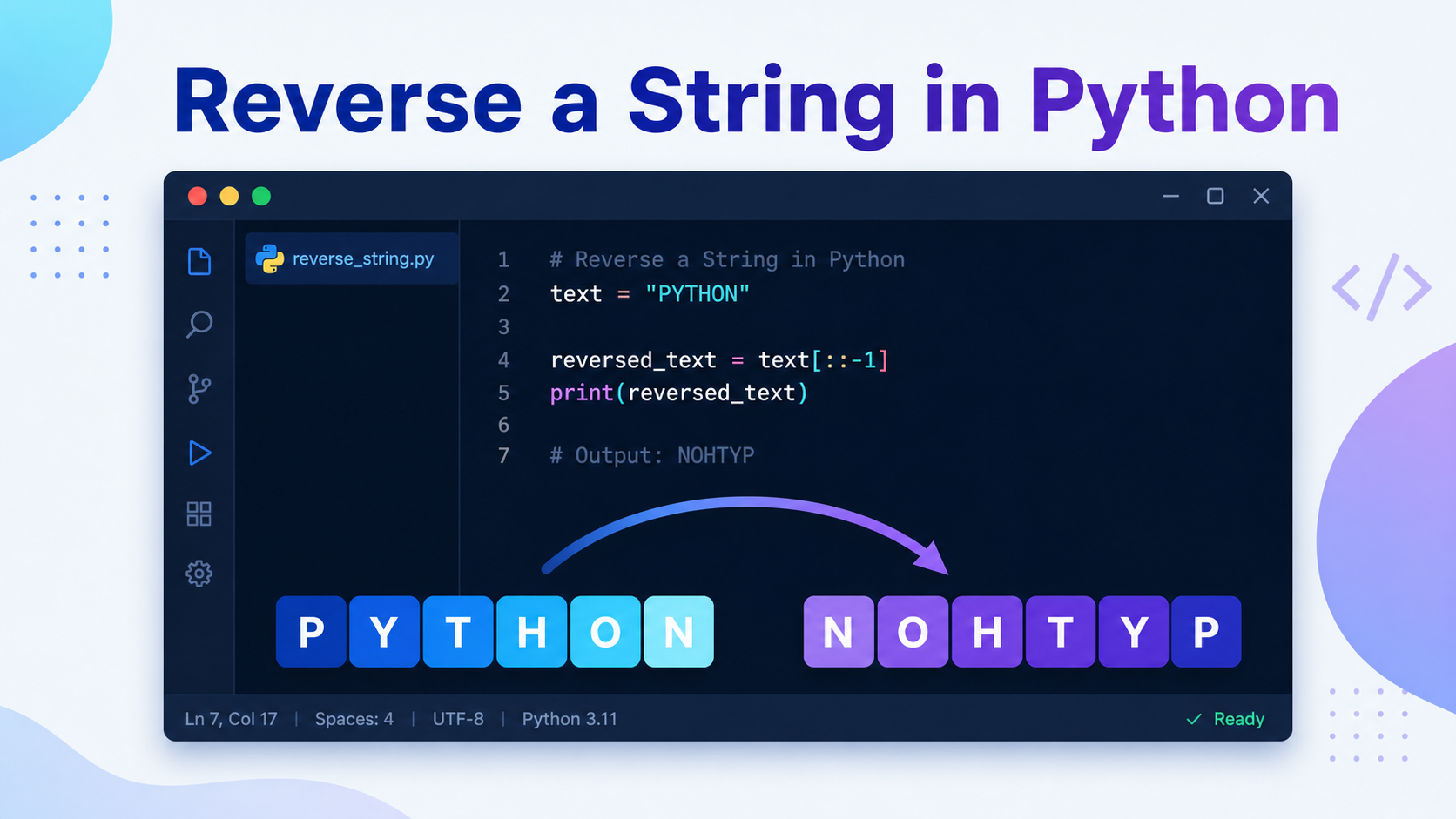
Ask five Python developers how to flip "hello" into "olleh" and you might get five different answers. Some reach for a one-line slice, others write a loop, and a few will defend recursion to the death. So which approach should you actually use?
Learning how to reverse a string in Python is a rite of passage. It shows up in coding interviews, palindrome checkers, text-processing scripts, and a surprising number of real bugs. The good news: Python gives you several clean ways to do it, each with its own trade-offs. This guide walks through six methods, explains when each one shines, and points out the mistakes that trip people up.
Why Reversing a String in Python Isn’t As Simple As It Looks
Before the code, one important fact: Python strings are immutable. You can’t change a string in place the way you might in C or rearrange characters like swapping items in a list. Every “reversal” actually produces a brand-new string.
That immutability is why some methods are faster than others. When you build a reversed string character by character, you may create many throwaway objects along the way. When you slice, Python does the work in optimized C code under the hood. Keeping this in mind helps you pick the right tool instead of memorizing one trick.
Reversing a string means producing a new sequence whose characters appear in the opposite order — the last character first, the first character last. In Python, the original string is never modified because strings are immutable; you always get back a fresh object.
That short definition is worth remembering, because it explains the behavior of every method below. Now let’s get practical.
Method 1: Reverse a String in Python Using Slicing
Slicing is the most popular, most Pythonic, and fastest way to reverse a string. The syntax looks cryptic the first time you see it, so let’s break it down.
# Slice syntax: string[start:stop:step]
text = "CodeLucky"

# A step of -1 walks through the string backwards
reversed_text = text[::-1]

print(reversed_text)  # ykcuLedoC
The slice [::-1] means “start at the end, stop at the beginning, and step backward by one.” Because start and stop are left empty, Python uses the full string. The negative step of -1 is what flips the order.
This approach is concise and runs entirely in optimized C, making it the go-to choice for almost every situation. The only downside is readability — a teammate unfamiliar with slicing might not immediately grasp what [::-1] does, so a short comment helps.
Method 2: Reverse a String With reversed() and join()
If you want something more self-documenting than a slice, combine the built-in reversed() function from the Python docs with the string join() method.
text = "Python"

# reversed() returns an iterator, not a string
reverse_iterator = reversed(text)

# join() stitches the characters back into a single string
reversed_text = "".join(reverse_iterator)

print(reversed_text)  # nohtyP
Here, reversed() hands back a lazy iterator that yields characters from last to first. On its own that iterator isn’t a string, so "".join(...) concatenates the characters using an empty string as the separator. The result reads almost like plain English: “join the reversed characters.”
This method is slightly slower than slicing but more explicit, which can be valuable in code that beginners will read and maintain.
Method 3: Reverse a String Using a for Loop
Sometimes you need to understand the mechanics rather than lean on built-ins — interviews love this. A for loop makes the reversal logic visible.
text = "loop"
reversed_text = ""

# Prepend each character to the front of the result
for char in text:
    reversed_text = char + reversed_text

print(reversed_text)  # pool
The trick is the order of concatenation: char + reversed_text places each new character before everything collected so far. As the loop processes l, o, o, p, the accumulator grows as "l", "ol", "ool", "pool".
Be aware of the performance cost. Because strings are immutable, each char + reversed_text builds a new string, so this loop does more work as the input grows. It’s perfectly fine for short strings and learning, but reach for slicing on large inputs.
Method 4: Reverse a String Using a while Loop
A while loop gives you index-level control, which is handy when you want to mirror the logic you’d write in a lower-level language.
text = "while"
reversed_text = ""
index = len(text) - 1  # start at the last character

# Walk backwards until we pass the first character
while index >= 0:
    reversed_text += text[index]
    index -= 1

print(reversed_text)  # elihw
You start index at len(text) - 1 because Python uses zero-based indexing, so the final character of a five-letter word sits at position 4. Each pass appends text[index] and steps the index down by one until it drops below zero.
This is the most verbose option and shares the same building-strings-is-costly caveat as the for loop, but it’s excellent for visualizing exactly how indexing works.
Method 5: Reverse a String Using Recursion
Recursion solves a problem by having a function call itself on a smaller piece of the input. Reversing a string is a classic teaching example.
def reverse_recursive(text):
    # Base case: an empty or single character is its own reverse
    if len(text) <= 1:
        return text
    # Move the first character to the end, then reverse the rest
    return reverse_recursive(text[1:]) + text[0]

print(reverse_recursive("recursion"))  # noisrucer
Every call peels off the first character with text[0], reverses the remaining substring text[1:], and tacks the original first character onto the end. The base case — a string of length zero or one — stops the recursion so it doesn’t run forever.
Recursion is elegant but impractical for long strings. Python caps recursion depth (around 1,000 calls by default), so a string longer than that throws a RecursionError. Treat this method as a concept-builder, not a production tool.
Method 6: Reverse a String With list.reverse()
You can also convert the string into a list, reverse the list in place, and join it back. This is useful when you’re already working with the characters as a mutable collection.
text = "listmethod"

# Convert the string into a list of characters
chars = list(text)

# reverse() mutates the list in place and returns None
chars.reverse()

# Rebuild the string from the reversed list
reversed_text = "".join(chars)

print(reversed_text)  # dohtemtsil
One gotcha: list.reverse() reverses the list in place and returns None. A common mistake is writing chars = chars.reverse(), which throws away your data and leaves you with None. Call reverse() on its own line, then join.
This method shines when you need to manipulate individual characters before or after reversing, since lists are mutable and strings are not.
Performance Comparison: Which Method Should You Use?
For everyday code, slicing wins on both speed and brevity. The table below summarizes how the six methods compare so you can match the technique to your situation.
| Method | Readability | Speed | Best For |
|---|---|---|---|
Slicing [::-1] |
Medium | Fastest | Almost everything |
reversed() + join() |
High | Fast | Readable production code |
for loop |
High | Slow | Learning, interviews |
while loop |
Medium | Slow | Index-level control |
| Recursion | Medium | Slowest | Teaching recursion |
list.reverse() |
Medium | Fast | Mixed character manipulation |
Want hard numbers for your own machine? Python’s built-in timeit module measures small code snippets accurately.
import timeit

setup = "text = 'benchmark' * 100"

slice_time = timeit.timeit("text[::-1]", setup=setup, number=100000)
join_time = timeit.timeit("''.join(reversed(text))", setup=setup, number=100000)

print(f"Slicing: {slice_time:.4f}s")
print(f"reversed + join: {join_time:.4f}s")
Run this and you’ll consistently see slicing finish first. The setup string is run once before timing, and number=100000 repeats each snippet so the timing is stable rather than dominated by random noise.
Common Pitfalls and Mistakes to Avoid
Even a task this small has sharp edges. Watch for these:
- Forgetting strings are immutable. There is no
text.reverse()method on strings. That method exists on lists, not strings, and calling it on a string raises anAttributeError. - Assigning the result of
list.reverse(). It returnsNone, sochars = chars.reverse()destroys your data. Reverse first, then use the list. - Expecting
reversed()to give a string. It returns an iterator. Wrap it in"".join(...)orlist(...)to see actual characters. - Breaking emoji and accented text. Some characters are made of multiple Unicode code points (like an emoji with a skin-tone modifier). A naive reverse can split them apart and corrupt the output.
That last point matters more than people expect. For human-facing text with complex Unicode, test with real data before trusting any reversal.
Frequently Asked Questions
What is the fastest way to reverse a string in Python?
Slicing with text[::-1] is the fastest method for nearly all use cases. It runs in optimized C code, requires no extra function calls, and reads as a single expression. Benchmark it with timeit if you want proof on your own hardware.
Can you reverse a string in place in Python?
No. Python strings are immutable, so you cannot modify the original string. Every reversal technique returns a new string object. If you genuinely need in-place mutation, convert the string to a list, reverse the list, and join it back into a new string.
Why does reversed() not return a string?
The reversed() built-in is designed to work with any sequence, so it returns a lazy iterator instead of a specific type. This is memory-efficient because it yields one item at a time. Call "".join(reversed(text)) to turn that iterator into a string.
How do I reverse the words in a sentence instead of the characters?
Split the sentence into words, reverse the list of words, then join them with spaces: " ".join(sentence.split()[::-1]). This reverses word order while keeping each word readable, which is different from reversing every character.
Is reversing a string a good way to check for palindromes?
Yes. Compare a string to its reverse with text == text[::-1]. If they match, it’s a palindrome. For real-world checks, normalize the text first by lowercasing it and stripping spaces and punctuation so phrases like “A man a plan” are evaluated correctly.
Conclusion
You now have six reliable ways to reverse a string in Python, plus the judgment to choose between them. For day-to-day work, slicing with [::-1] is the clear winner: it’s fast, compact, and idiomatic. When readability for newcomers matters more, "".join(reversed(text)) reads beautifully. The loops and recursion are best kept for interviews and for genuinely understanding what happens under the hood.
The deeper lesson is bigger than this one task. Because Python strings are immutable, knowing how to reverse a string in Python is really about understanding how Python handles sequences, iterators, and memory. Carry those concepts forward and the next string-manipulation problem will feel a lot less mysterious.
Open a Python shell, try each method on your own words, and benchmark them with timeit. The fastest way to make these techniques stick is to run them yourself and watch the characters flip.