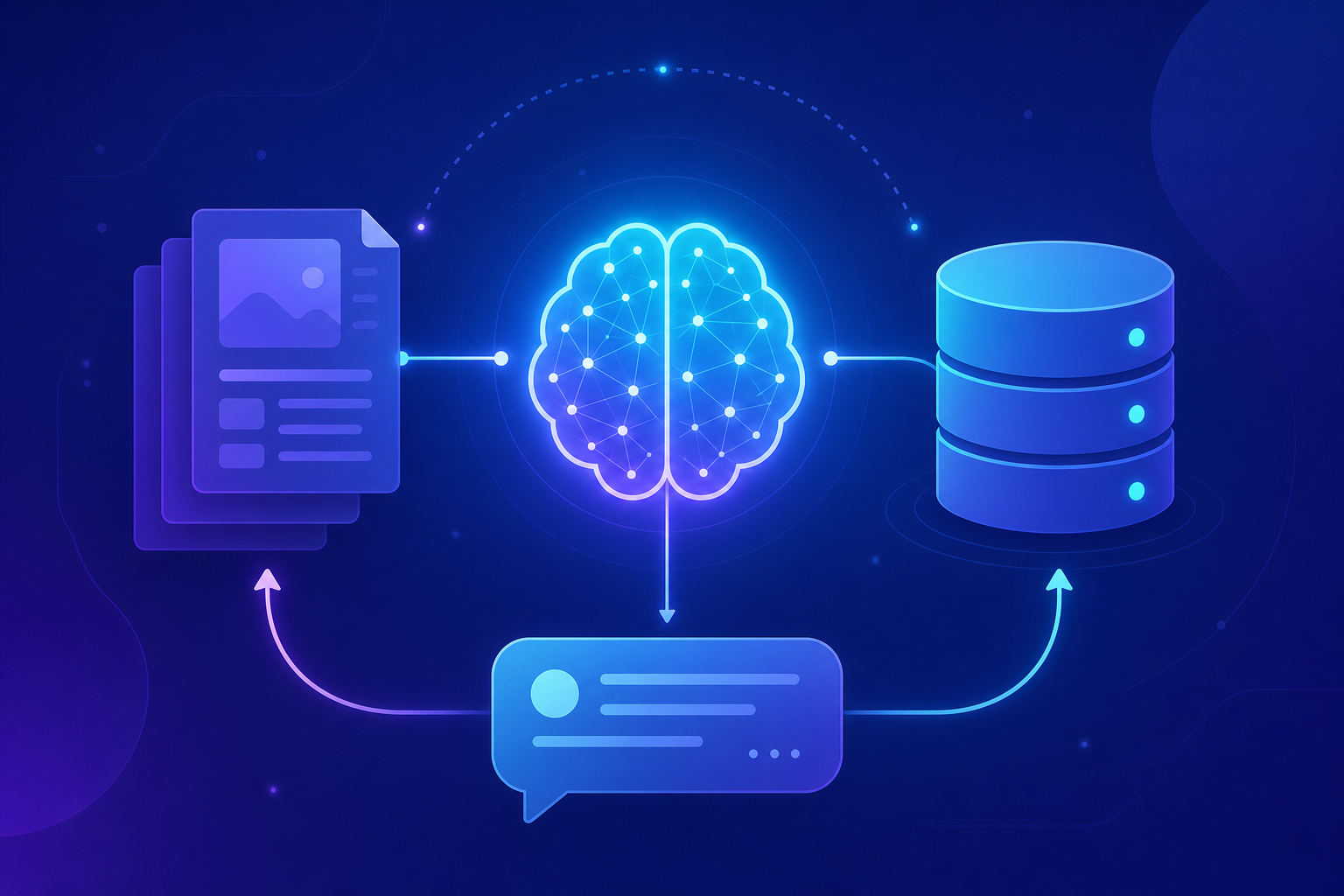
Ask a large language model about your company’s internal documentation, a library released last week, or yesterday’s news, and you will often get an answer that is confident, fluent, and completely wrong. The model isn’t lying on purpose. It simply has no access to that information, so it fills the gap with a plausible-sounding guess. Retrieval-Augmented Generation (RAG) is the technique that fixes this problem by giving the model the right facts before it answers.
If you have ever wished an AI assistant could read your actual files, your product manuals, or your knowledge base and answer based on them, you are describing RAG. Over the next few sections you will learn exactly what Retrieval-Augmented Generation is, why it works, how to build a small one yourself, and where teams trip up when they take it to production.
What Is Retrieval-Augmented Generation (RAG)?
Retrieval-Augmented Generation (RAG) is an AI technique that connects a large language model to an external knowledge source. Before the model writes an answer, the system retrieves the most relevant documents from that source and feeds them into the prompt as context. The result is grounded in real, current information rather than the model’s frozen training memory.
Think of a closed-book exam versus an open-book exam. A standard LLM takes the closed-book version: it answers from whatever it memorized during training. RAG turns it into an open-book exam, where the model can look up the relevant page first and then write a much more accurate response.
The term comes from a 2020 research paper by Facebook AI that combined a document retriever with a text generator. The idea has since become one of the most practical patterns in applied AI development, powering chatbots, internal search tools, and documentation assistants everywhere.
Why Large Language Models Need RAG
To understand why Retrieval-Augmented Generation matters, you have to understand the limits baked into every standalone LLM. These models are powerful, but they carry three structural weaknesses that no amount of clever prompting fully removes.
- Knowledge cutoff. A model only knows what existed in its training data. Anything that happened after that date is invisible to it.
- Hallucinations. When a model lacks a fact, it often invents one. These confident fabrications are called hallucinations, and they are dangerous precisely because they sound correct.
- No private knowledge. Your internal wiki, customer records, and proprietary docs were never in the training set, so the model cannot reason about them.
RAG addresses all three at once. By retrieving fresh, relevant, and private documents at query time, you give the model the exact context it needs. The knowledge stays outside the model, which means you can update it any time without retraining anything.
The model supplies the language and reasoning. RAG supplies the facts. Keeping those two jobs separate is what makes the whole approach so practical.
How Retrieval-Augmented Generation Works (Step by Step)
A RAG system runs in two phases. The first phase happens once, ahead of time. The second phase happens every time a user asks a question. Understanding this split is the key to understanding the whole pattern.
Phase 1: Indexing your documents
- Chunk. Split your documents into small passages, often a few hundred words each, so retrieval stays precise.
- Embed. Convert each chunk into an embedding — a list of numbers that captures the meaning of the text.
- Store. Save those embeddings in a vector database that can search by similarity.
Phase 2: Answering a question
- Embed the query. Turn the user’s question into an embedding using the same model.
- Retrieve. Find the chunks whose embeddings are closest to the question — this is semantic search.
- Augment. Paste those chunks into the prompt alongside the question.
- Generate. Send the combined prompt to the LLM, which writes an answer grounded in the retrieved text.
The clever part is step two of phase two. Instead of matching keywords, embeddings let you match meaning. A question about “ways to lower my cloud bill” can retrieve a document titled “reducing AWS costs” even though they share almost no words.
The Core Components of a RAG System
Every Retrieval-Augmented Generation pipeline is built from four moving parts. Once you can name them, you can debug any RAG system you encounter.
| Component | Job | Common tools |
|---|---|---|
| Embedding model | Turns text into meaning-rich vectors | Sentence Transformers, OpenAI embeddings |
| Vector database | Stores vectors and runs similarity search | Pinecone, Weaviate, FAISS, pgvector |
| Retriever | Fetches the top matching chunks for a query | LangChain, LlamaIndex |
| Generator (LLM) | Writes the final answer from the context | GPT, Claude, Llama, Mistral |
You do not need all of these to start learning. A short Python script and a handful of in-memory vectors are enough to see RAG work end to end, which is exactly what you will build next.
Building a Simple RAG Pipeline in Python
Let’s make the concept concrete with a minimal example. This code embeds a tiny knowledge base, finds the chunk most relevant to a question, and prints it. It uses the open-source Sentence Transformers library so you can run it locally for free.
# Install the dependencies first
pip install sentence-transformers numpy openai
from sentence_transformers import SentenceTransformer
import numpy as np
# A tiny "knowledge base" — in production this would be thousands of chunks
documents = [
"CodeLucky publishes tutorials on Python, JavaScript, and cloud computing.",
"RAG combines a retriever with a large language model to ground answers.",
"A vector database stores embeddings for fast similarity search.",
]
# Step 1: load an embedding model and convert each document to a vector
model = SentenceTransformer("all-MiniLM-L6-v2")
doc_embeddings = model.encode(documents)
# Step 2: embed the user's question with the SAME model
query = "What does RAG combine?"
query_embedding = model.encode([query])[0]
# Step 3: rank documents by cosine similarity (dot product of unit vectors)
scores = np.dot(doc_embeddings, query_embedding)
best_match = documents[int(np.argmax(scores))]
print(best_match)
# -> "RAG combines a retriever with a large language model to ground answers."This script is the retrieval half of RAG in about a dozen lines. The embedding model maps both the documents and the question into the same vector space, and np.argmax picks the document whose meaning sits closest to the query. Notice that the answer came back even though the question and the matching document barely share any words — that is semantic search at work.
The retrieved text is useless on its own, though. The final step is to hand it to a language model so it can write a natural answer. Here is the generation half.
from openai import OpenAI

client = OpenAI()  # reads your OPENAI_API_KEY from the environment

# Inject the retrieved chunk into the prompt as grounded context
prompt = f"""Use only the context below to answer the question.

Context:
{best_match}

Question: {query}
Answer:"""

response = client.chat.completions.create(
    model="gpt-4o-mini",
    messages=[{"role": "user", "content": prompt}],
)

print(response.choices[0].message.content)
The prompt does the augmenting: it wraps the retrieved chunk in a clear instruction so the model answers from that context instead of its own memory. The phrase Use only the context below is doing real work here — it nudges the model to stay grounded and to admit when the context does not contain the answer. That single instruction is one of the cheapest ways to cut hallucinations.
RAG vs Fine-Tuning: Which Should You Choose?
Newcomers often confuse Retrieval-Augmented Generation with fine-tuning. Both customize an LLM’s behavior, but they solve different problems. Fine-tuning adjusts the model’s internal weights by training it on examples. RAG leaves the model untouched and instead feeds it information at query time.
| Factor | RAG | Fine-Tuning |
|---|---|---|
| Best for | Injecting facts and fresh knowledge | Teaching style, format, or tone |
| Updating data | Edit the document store instantly | Requires retraining the model |
| Upfront cost | Low — no training run | Higher — needs data and compute |
| Source transparency | Can cite retrieved documents | Knowledge is baked in, hard to trace |
As a rule of thumb: if your problem is “the model doesn’t know something,” reach for RAG. If your problem is “the model doesn’t behave the way I want,” consider fine-tuning. Many production systems combine both — fine-tuning for voice and RAG for facts.
Common Pitfalls and How to Avoid Them
RAG is simple in concept but full of small decisions that quietly wreck answer quality. Here are the mistakes that catch most teams, and the fixes that save them.
- Chunks that are too big or too small. Huge chunks dilute relevance; tiny chunks lose context. Start around 300–500 tokens with a small overlap and tune from there.
- Mismatched embedding models. You must embed your documents and your queries with the same model. Mixing models scrambles the vector space and retrieval breaks.
- Retrieving too few or too many chunks. Passing one chunk risks missing the answer; passing twenty buries it in noise and inflates cost. Three to five is a sensible starting point.
- Ignoring retrieval quality. If the right document never gets retrieved, no amount of prompt tuning will save the answer. Always evaluate retrieval separately from generation.
- No fallback for “I don’t know.” Tell the model to say when the context lacks an answer. Forcing a response invites hallucinations right back in.
Best Practices for Production RAG
Once a prototype works, a few habits separate a demo from a dependable system. You do not need every one on day one, but keep them on your roadmap.
- Add metadata filtering. Tag chunks with fields like date, author, or department so you can narrow retrieval before similarity search even runs.
- Re-rank your results. A lightweight re-ranking model can reorder the top retrieved chunks for sharper relevance before they hit the LLM.
- Cite your sources. Return the document each answer came from. It builds user trust and makes wrong answers easy to audit.
- Measure with real questions. Build a small evaluation set of question-and-answer pairs and check both retrieval accuracy and answer quality after every change.
- Watch your context window. Retrieved text competes with the rest of your prompt for space. Trim aggressively and keep only what earns its place.
Frequently Asked Questions About RAG
Is Retrieval-Augmented Generation the same as a search engine?
Not quite. A search engine returns a list of links or documents for you to read. RAG retrieves documents too, but then it uses an LLM to read them for you and write a direct, synthesized answer in natural language.
Do I need a vector database to use RAG?
Not for learning. As the Python example showed, you can hold a few embeddings in memory and search them with NumPy. A dedicated vector database becomes worthwhile once you have thousands or millions of chunks and need fast, scalable similarity search.
Does RAG completely eliminate hallucinations?
No, but it dramatically reduces them. If the retrieved context is accurate and your prompt tells the model to rely on it, hallucinations drop sharply. They can still occur if retrieval fails or the context is incomplete, so always keep humans in the loop for high-stakes answers.
What kinds of data work well with RAG?
Almost any text-based knowledge: product documentation, support articles, legal contracts, research papers, internal wikis, and customer records. With the right loaders you can also pull from PDFs, websites, and databases. The data just needs to be chunkable and meaningful as text.
How much does it cost to run a RAG system?
Costs come from embedding your documents once, plus an LLM call per question. Embeddings are cheap and you can run open-source models for free. The largest ongoing cost is usually the generation step, which you control by choosing a smaller model and trimming the retrieved context.
Conclusion
Retrieval-Augmented Generation closes the gap between what a language model memorized and what your users actually need to know. By retrieving relevant documents and feeding them to the model as context, RAG delivers answers that are current, grounded in your own data, and far less prone to hallucination — all without retraining a single model weight.
You now know the four core components, the two-phase workflow, and the trade-offs between RAG and fine-tuning. More importantly, you have working code that runs the retrieval and generation steps end to end. Start small: index a folder of your own notes, ask a few questions, and watch the quality climb as you tune your chunks and prompts. That hands-on loop is the fastest way to turn Retrieval-Augmented Generation from a buzzword into a tool you genuinely rely on.