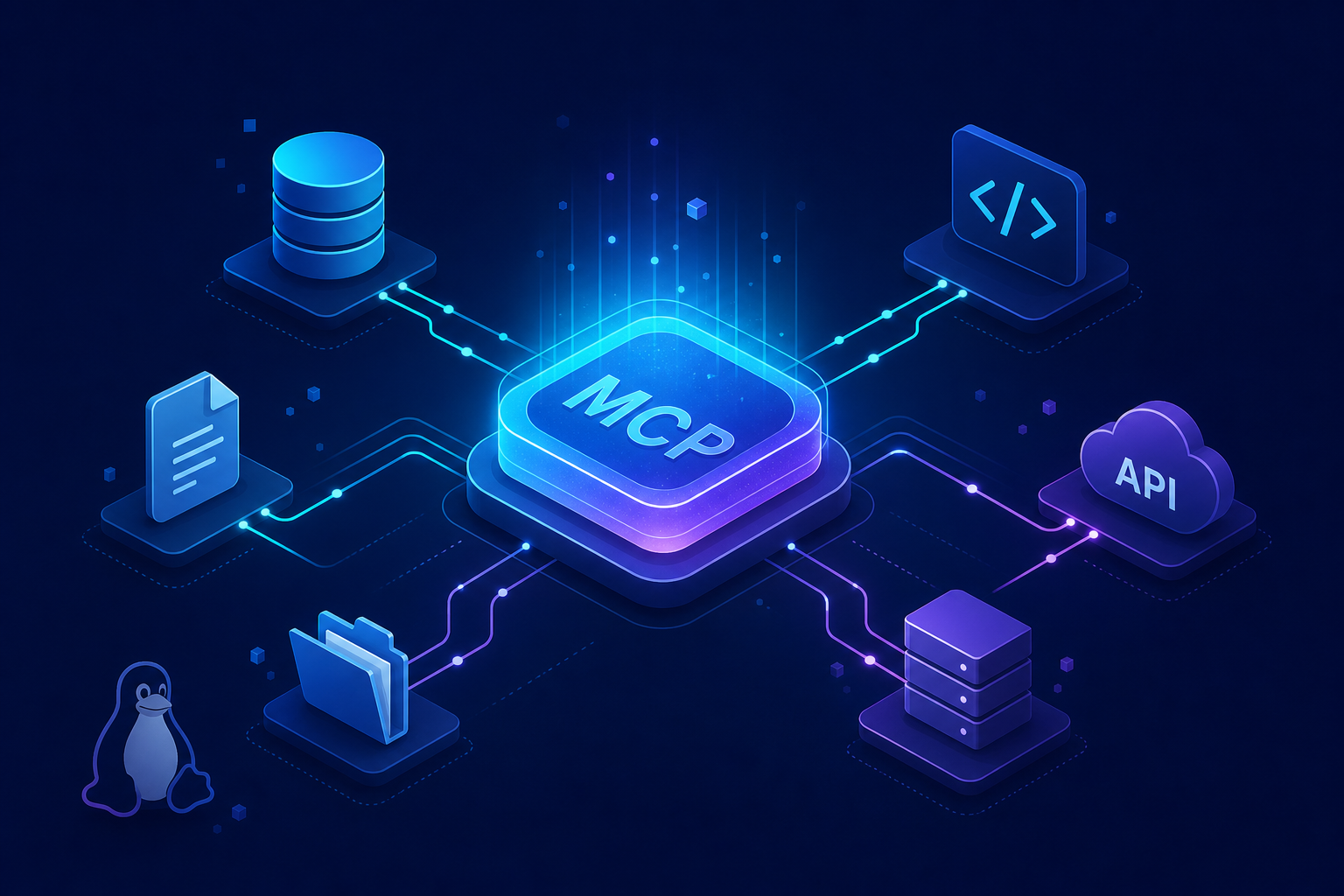
Eighteen months ago, almost nobody outside Anthropic had heard of the Model Context Protocol. Today, it sits at 97 million installs, ships natively in tools from OpenAI to Google to Microsoft, and has just been donated to the Linux Foundation as a vendor-neutral open standard. That is not a normal adoption curve — it’s the kind of trajectory the industry last saw with HTTP, USB, and the Language Server Protocol.
If you build with large language models, write developer tooling, or run an engineering team that’s wiring AI into internal systems, the Model Context Protocol is now table stakes. This guide walks you through what MCP actually is, why the Linux Foundation handover matters, how the protocol works under the hood, and how to start shipping with it today.
What Is the Model Context Protocol?
The Model Context Protocol (MCP) is an open standard that lets AI applications connect to external data sources, tools, and services through a single, predictable interface. Instead of writing custom glue code for every model and every integration, developers expose capabilities once as an MCP server, and any MCP-compatible client — Claude, ChatGPT, Cursor, your own agent — can use them immediately.
Think of MCP as USB-C for AI agents. Before USB-C, every device shipped with its own proprietary cable. Before MCP, every AI tool integration required bespoke function-calling schemas, custom auth flows, and per-vendor SDK quirks. MCP collapses that mess into one wire format.
The protocol was open-sourced by Anthropic in November 2024. By Q2 2026 it had crossed 97 million installs across servers, clients, and SDKs — making it one of the fastest-adopted developer standards in modern software history.
Why the Linux Foundation Move Is a Big Deal
On the surface, “Anthropic donates MCP to the Linux Foundation” reads like a dry governance announcement. In practice, it’s the moment MCP stopped being an Anthropic project and became internet infrastructure. Here’s why that matters for you as a developer.
- Vendor neutrality: No single company can unilaterally change the spec, deprecate features, or gate adoption behind commercial licenses.
- Long-term stability: The Linux Foundation has shepherded Kubernetes, Node.js, and the OCI container standard — projects that outlived multiple corporate sponsors.
- Multi-vendor governance: Anthropic, OpenAI, Google, Microsoft, and others now sit on the steering committee, which means cross-platform compatibility is contractual, not aspirational.
- Trademark and IP protection: Companies can build commercial MCP products without fearing rug-pulls.
For developers, the practical translation is simple: code you write against MCP today will still work in five years, regardless of which AI vendor wins the next round. That is a guarantee you couldn’t give about any vendor-specific function-calling format.
How the Model Context Protocol Actually Works
MCP is a JSON-RPC 2.0 protocol with a clearly defined client-server architecture. There are three primary roles to understand.
The Three MCP Roles
- Host: The application the user interacts with (Claude Desktop, Cursor, VS Code, a custom agent). It manages user permissions and orchestrates everything.
- Client: A connector inside the host that maintains a stateful 1:1 session with a single MCP server.
- Server: A program — local or remote — that exposes capabilities. A server can offer any combination of resources (read-only data), tools (functions the model can call), and prompts (reusable templates).
The transport layer is pluggable. For local integrations, MCP uses stdio (subprocess pipes). For remote integrations, it uses Streamable HTTP with optional Server-Sent Events for streaming responses. Authentication piggybacks on OAuth 2.1 for remote servers.
The Capability Primitives
| Primitive | Controlled By | Typical Use Case |
|---|---|---|
tools |
The model | Execute actions: query a database, send an email, run code |
resources |
The application | Expose readable context: files, API responses, logs |
prompts |
The user | Slash-command-style templates the user invokes deliberately |
sampling |
The server | Lets the server request LLM completions from the host |
This separation matters. Tools are model-controlled, so they belong in your safety layer. Resources are app-controlled, so the host decides what context to inject. Prompts are user-controlled, so they’re always intentional. Building with this distinction in mind keeps you out of trouble when scopes change.
Building Your First MCP Server in Python
The fastest path to a working MCP server is the official Python SDK. The example below exposes a single tool that fetches weather data for any city — enough to wire up to Claude Desktop or any MCP-compatible client in under five minutes.
# Install the official SDK
pip install mcp httpx
That installs the protocol library plus an async HTTP client. The SDK ships with both server and client primitives, so the same package powers either side of the connection.
from mcp.server.fastmcp import FastMCP
import httpx

# Create a named server instance
mcp = FastMCP("weather-server")

@mcp.tool()
async def get_weather(city: str) -> str:
    """Fetch current weather for a given city.

    Args:
        city: The city name, e.g. 'San Francisco'
    """
    # Open-Meteo is free, keyless, and great for examples
    geo_url = "https://geocoding-api.open-meteo.com/v1/search"
    async with httpx.AsyncClient() as client:
        geo = await client.get(geo_url, params={"name": city, "count": 1})
        results = geo.json().get("results", [])
        if not results:
            return f"No location found for {city}"

        lat, lon = results[0]["latitude"], results[0]["longitude"]
        weather = await client.get(
            "https://api.open-meteo.com/v1/forecast",
            params={"latitude": lat, "longitude": lon, "current_weather": True},
        )
        data = weather.json()["current_weather"]
        return f"{city}: {data['temperature']}°C, wind {data['windspeed']} km/h"

if __name__ == "__main__":
    # stdio transport — perfect for local clients like Claude Desktop
    mcp.run(transport="stdio")
Two things make this code production-shaped despite its size. First, the @mcp.tool() decorator auto-generates the JSON schema from your type hints and docstring, so the model sees a clean tool definition without you hand-writing one. Second, FastMCP handles the JSON-RPC framing, capability negotiation, and lifecycle events — you just write the business logic.
To connect this to Claude Desktop, add a single entry to your claude_desktop_config.json:
{
  "mcpServers": {
    "weather": {
      "command": "python",
      "args": ["/absolute/path/to/weather_server.py"]
    }
  }
}
Restart the host application and the get_weather tool appears as something the model can invoke. The same server runs unchanged in any other MCP-compatible client — that’s the entire point of the protocol.
Building an MCP Server in TypeScript
The TypeScript SDK mirrors the Python one closely, which makes it easy to port servers between ecosystems. Here is the same idea expressed as a Node-flavored remote server using Streamable HTTP transport.
import { McpServer } from "@modelcontextprotocol/sdk/server/mcp.js";
import { StreamableHTTPServerTransport } from "@modelcontextprotocol/sdk/server/streamableHttp.js";
import { z } from "zod";
import express from "express";
const server = new McpServer({ name: "weather-server", version: "1.0.0" });
server.tool(
"get_weather",
"Fetch current weather for a given city",
{ city: z.string().describe("The city name") },
async ({ city }) => {
const geo = await fetch(
`https://geocoding-api.open-meteo.com/v1/search?name=${encodeURIComponent(city)}&count=1`
).then((r) => r.json());
if (!geo.results?.length) {
return { content: [{ type: "text", text: `No location found for ${city}` }] };
}
const { latitude, longitude } = geo.results[0];
const data = await fetch(
`https://api.open-meteo.com/v1/forecast?latitude=${latitude}&longitude=${longitude}¤t_weather=true`
).then((r) => r.json());
const w = data.current_weather;
return {
content: [{ type: "text", text: `${city}: ${w.temperature}°C, wind ${w.windspeed} km/h` }],
};
}
);
const app = express();
app.use(express.json());
app.post("/mcp", async (req, res) => {
const transport = new StreamableHTTPServerTransport({ sessionIdGenerator: undefined });
res.on("close", () => transport.close());
await server.connect(transport);
await transport.handleRequest(req, res, req.body);
});
app.listen(3000, () => console.log("MCP server listening on :3000"));
This version is publicly addressable, which means any MCP host on the internet can connect to it (assuming you put auth in front of /mcp). The pattern is the same for any production deployment: validate inputs with zod, return content blocks, and let the SDK handle the wire format.
Real-World Use Cases Driving the 97M Number
The install count is not vanity metrics. It reflects MCP showing up in places where AI agents need to do real work. A few of the categories pulling the most weight today:
- IDE assistants: Cursor, Zed, and VS Code’s Copilot use MCP to connect editors to project-specific tooling — linters, test runners, codebase search.
- Database access: Servers for PostgreSQL, BigQuery, and Snowflake let agents run scoped queries without you wiring custom function calls.
- Issue trackers and docs: GitHub, Linear, Notion, and Confluence MCP servers turn an LLM into a project manager that actually has context.
- Internal enterprise tooling: Companies are wrapping HR systems, observability stacks, and incident playbooks as MCP servers so any approved agent inherits the integration.
- Browser and OS automation: Playwright-MCP and filesystem servers give agents the ability to actually do things, not just describe them.
The pattern across all of these: one team writes the integration once, and every agent in the company benefits. That economics shift is why adoption compounded so quickly.
Common Pitfalls When Adopting MCP
The protocol is simple, but the surrounding security model isn’t. Most production incidents I’ve seen fall into one of these traps.
1. Over-Privileged Servers
It’s tempting to ship a single MCP server that exposes every tool your team might want. Don’t. Each server should have a tight scope and minimal permissions. If a prompt injection compromises one server, you want the blast radius to be small.
2. Trusting Tool Descriptions Blindly
Tool metadata is sent to the model verbatim. A malicious or compromised server can craft descriptions that prompt-inject the model into harmful behavior. Treat third-party MCP servers like third-party browser extensions — review them, pin versions, and isolate sensitive workflows.
3. Skipping the Human-in-the-Loop on Destructive Tools
The protocol supports tool annotations like destructiveHint and requiresApproval. Use them. A delete-rows tool should never be auto-approved, even when the model sounds confident.
4. Confusing Resources with Tools
If something is read-only and context-shaped, expose it as a resource — not a tool. Tools cost the model a turn and a token budget. Resources are passive context the host can inject. Picking the wrong primitive is the most common architectural mistake new MCP authors make.
5. Forgetting About Streaming
Long-running tools (database queries, code execution, file processing) should stream progress notifications. The SDK supports it; lots of servers ignore it; users notice when an agent appears to hang for thirty seconds.
Frequently Asked Questions
Is the Model Context Protocol only for Claude?
No. While Anthropic created MCP, it is now a Linux Foundation project supported by OpenAI, Google, Microsoft, and a long list of open-source clients. Any MCP-compatible host — including ChatGPT Desktop, Gemini CLI, Cursor, and self-hosted agents — can connect to any MCP server.
How is MCP different from OpenAI function calling?
Function calling is a model capability — a way for a single LLM to request a tool invocation. MCP is a transport-and-discovery protocol that sits on top of function calling. Function calling defines what a model can ask for; MCP defines how applications expose tools, manage sessions, handle auth, and stream results across vendors.
Do I need to host an MCP server publicly?
Not at all. The most common deployment is a local server launched as a subprocess by the host application using stdio transport. You only need a hosted server when you want multi-user access, want to share tools across machines, or are building a SaaS product around your integration.
What programming languages does MCP support?
Official SDKs exist for Python, TypeScript, C#, Java, Kotlin, Swift, Go, Ruby, and Rust. Because the wire format is JSON-RPC 2.0, you can also write a server in any language that can speak JSON over stdio or HTTP.
Will MCP replace REST APIs?
No, and that’s not the goal. MCP is a complement to your existing APIs, not a replacement. The typical pattern is to wrap an existing REST or GraphQL API in a thin MCP server that adds AI-friendly tool descriptions, scopes, and safety annotations on top.
Where can I find existing MCP servers?
The official modelcontextprotocol/servers repository on GitHub maintains a curated list, and the official documentation site publishes specs and examples. Independent registries and package managers have started indexing community servers as well.
What the Linux Foundation Era Means for Your Roadmap
The handover to the Linux Foundation is a signal worth acting on. If you’ve been treating MCP as an Anthropic-specific experiment, it’s time to reclassify it as a multi-vendor standard you’ll be supporting for years. A few concrete moves to make this quarter:
- Audit your AI integrations. Anything you’ve wired up with vendor-specific function calling is a candidate for an MCP server rewrite — once, instead of per-model.
- Treat MCP servers as first-class artifacts. Version them, document them, run security reviews on them. They’re production code, not glue.
- Pick your transport deliberately. Local stdio for desktop tools, Streamable HTTP for shared services. Don’t run remote when local will do.
- Watch the spec. With Linux Foundation governance, the changelog becomes the source of truth. Subscribe to it.
Conclusion
The Model Context Protocol crossing 97 million installs and joining the Linux Foundation isn’t just news — it’s the moment the AI tooling stack got its first stable, vendor-neutral integration layer. For developers, that means the integration code you write today has a real chance of outlasting the model behind it, the framework around it, and the company that originally shipped it.
The technology is approachable: a JSON-RPC protocol, two well-supported SDKs, and a clean separation between tools, resources, and prompts. The hard parts are governance, security, and architecture — and those are exactly the parts the Linux Foundation transition just made easier. Build an MCP server this week, hook it up to a host you already use, and you’ll understand in an hour why the install graph looks the way it does.