You have an idea for a SaaS product, a clear picture of who would pay for it, and exactly zero time to spend six months learning React, databases, and deployment pipelines. A few years ago that gap killed most side projects. Today it is the easiest part of the job. The current generation of no-code AI app builders can turn a plain-English description into a working, deployable application — complete with authentication, a database, and a payment flow — in an afternoon.
The catch is that not every tool is built for the same job. Some are perfect for a quick internal dashboard, others are genuinely capable of running a paying customer base. This guide breaks down the top 10 no-code AI app builders in 2026, what each one is actually good at, and how to choose the right one so you ship a real product instead of an abandoned prototype.
What Is a No-Code AI App Builder?
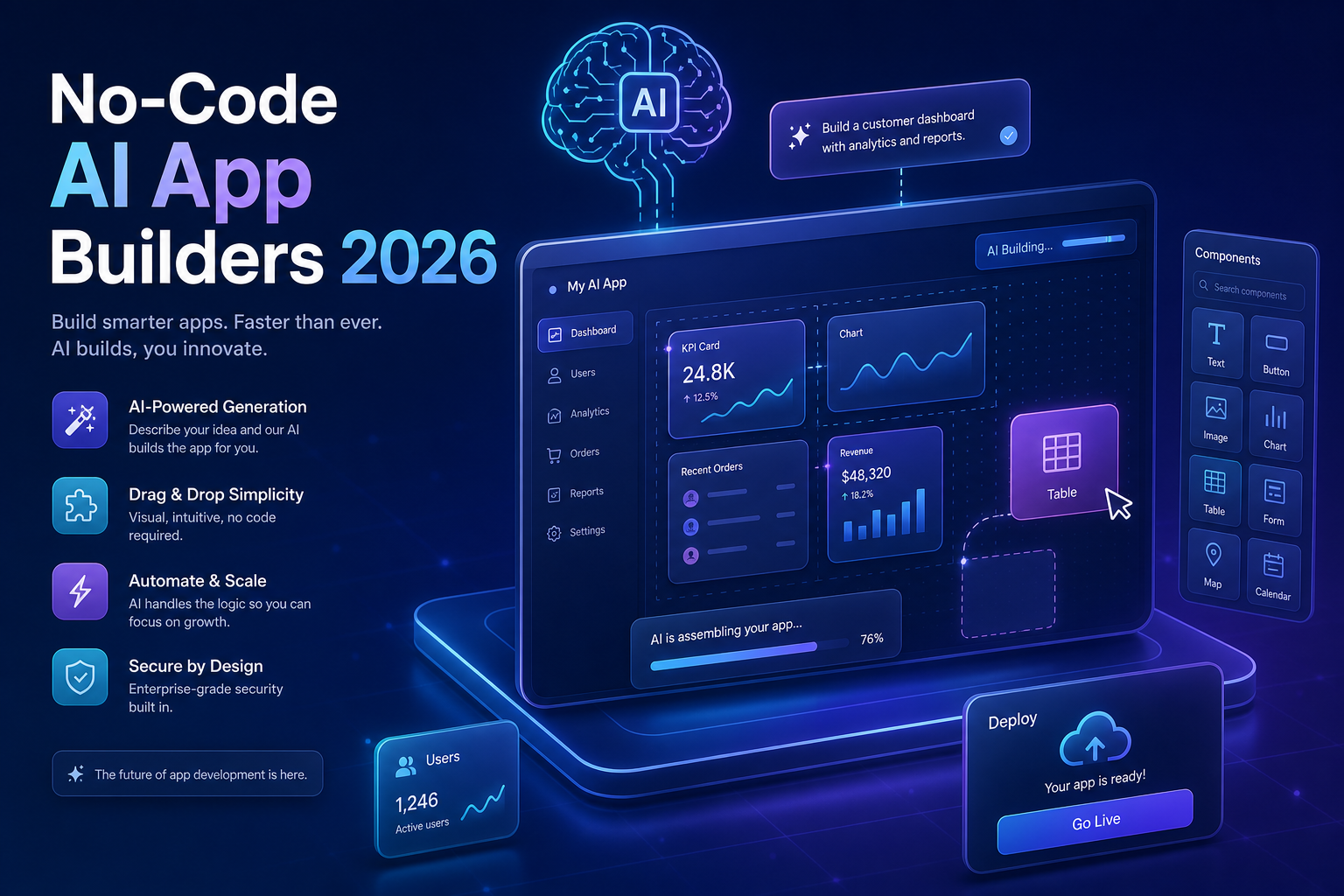
A no-code AI app builder is a platform that generates and runs full software applications from natural-language prompts and visual editing, without requiring you to write source code by hand. It combines a large language model that produces the logic and interface with a managed runtime that hosts the database, backend, and frontend for you. You describe what you want; the platform builds, previews, and deploys it.
This is a step beyond traditional no-code tools like spreadsheets-turned-apps. Earlier platforms gave you drag-and-drop blocks. The 2026 wave adds an AI layer on top that writes the underlying configuration — and in many cases real code — based on conversation. People call this workflow vibe coding: you steer with intent and feedback rather than syntax.
The honest distinction in 2026 is no longer “code vs. no-code.” It is “do you want to own and read the code, or do you want the platform to manage it for you?” Both can ship production software.
How We Evaluated the Best No-Code AI App Builders
Ranking these tools by hype is useless, because the right pick depends entirely on what you are building. Instead, judge any no-code AI app builder against five practical criteria:
- Production-readiness — Can it handle real users, authentication, and uptime, or is it a prototyping toy?
- Data ownership — Do you control the database and can you export it, or are you locked in?
- Escape hatch — If AI generation hits a wall, can you edit code or integrate custom logic?
- Pricing at scale — Does the cost stay sane as your user count grows?
- Learning curve — How fast can a non-developer reach a usable result?
Keep these in mind as you read. A platform that scores poorly on “escape hatch” might still be the perfect choice for an internal tool that will never need custom code.
The Top 10 No-Code AI App Builders in 2026
1. Lovable — Best for Full-Stack SaaS From a Prompt
Lovable generates a complete full-stack application — React frontend, backend logic, and a connected database — from a conversational brief. Its strength is that it produces real, readable code you can sync to a GitHub repository, which means you are never truly locked in. For founders who want a production SaaS but might hand it to a developer later, this combination of speed and ownership is hard to beat.
2. Bolt.new — Best for In-Browser Full-Stack Prototyping
Built by StackBlitz, Bolt.new runs an entire development environment in your browser and lets the AI install packages, run servers, and edit files live. It is exceptionally fast for spinning up a functional app you can interact with immediately. The trade-off is that complex, long-running projects can drift, so it shines brightest in the zero-to-first-version phase.
3. v0 by Vercel — Best for Polished UI and Frontend
If your priority is a beautiful, on-brand interface, v0 generates production-grade React and Tailwind components that look designed rather than generated. It integrates tightly with the Vercel deployment platform. Read more about the underlying framework in the official Next.js documentation. v0 is less of a full-backend solution and more the fastest path to a stunning, deployable frontend.
4. Bubble — Best for Complex, Logic-Heavy Web Apps
Bubble is the veteran of serious no-code web apps, and its AI features now scaffold pages and workflows from prompts. Its visual workflow editor handles genuinely complex business logic — marketplaces, multi-role permissions, conditional pricing — that lighter tools struggle with. The trade-off is a steeper learning curve and a proprietary environment, so plan to stay within Bubble’s ecosystem.
5. FlutterFlow — Best for Native Mobile Apps
When you need a real iOS and Android app rather than a web app, FlutterFlow leads. It builds on Google’s Flutter framework, generates clean code you can export, and supports AI-assisted screen and logic generation. It is the strongest choice for cross-platform mobile products that must feel native and ship to the app stores.
6. Replit Agent — Best for Developers Who Want AI Acceleration
Replit Agent autonomously plans, writes, and runs full applications inside a cloud IDE, then deploys them with a click. It sits in the gray zone between no-code and code: non-developers can use it conversationally, while developers can drop into the terminal and edit anything. That flexibility makes it a great bridge tool as your project grows in complexity.
7. Glide — Best for Internal Tools From Spreadsheets
Glide turns a spreadsheet or database into a clean app with AI assistance, and it is unbeatable for speed when your data already lives in a table. Internal dashboards, inventory trackers, and client portals come together in minutes. It is not designed for heavy custom logic, but for data-driven internal tools it is one of the most efficient options available.
8. Softr — Best for Client Portals and Membership Sites
Softr specializes in portals, directories, and membership sites built on top of databases like Airtable. Its AI helps assemble pages and gated content quickly, with built-in user authentication and permission tiers. If your product is fundamentally “show different content to different logged-in users,” Softr removes most of the work.
9. Adalo — Best for Simple Mobile MVPs
Adalo offers a friendly drag-and-drop builder for mobile and web apps, now with AI to generate screens and components. It is ideal for non-technical founders validating a simple mobile MVP before investing in a heavier platform. It can struggle with performance at large scale, so treat it as a fast validation tool rather than a long-term home for a high-traffic app.
10. Retool — Best for Business and Operations Apps
Retool is the go-to for internal business software — admin panels, CRMs, support tools — that connect to your existing databases and APIs. Its AI features assemble interfaces and queries from prompts, and it scales to enterprise use. For customer-facing consumer apps it is overkill, but for operational tooling inside a company it is in a class of its own.
No-Code AI App Builders Compared at a Glance
The table below summarizes where each platform fits best, so you can match a tool to your actual use case rather than its marketing.
| Platform | Best For | Code Export | Skill Level |
|---|---|---|---|
| Lovable | Full-stack SaaS | Yes (GitHub) | Beginner |
| Bolt.new | Fast prototyping | Yes | Beginner |
| v0 by Vercel | UI / frontend | Yes | Beginner |
| Bubble | Complex web apps | No | Intermediate |
| FlutterFlow | Native mobile | Yes | Intermediate |
| Replit Agent | AI-assisted dev | Yes | All levels |
| Glide | Internal tools | No | Beginner |
| Softr | Client portals | No | Beginner |
| Adalo | Mobile MVPs | No | Beginner |
| Retool | Business apps | Partial | Intermediate |
How to Choose the Right No-Code AI App Builder
Start from the output you need, not the tool you saw on social media. Ask three questions in order, and the field narrows quickly.
- Web or mobile? Native mobile points you to FlutterFlow or Adalo; everything else is web-first.
- Customer-facing or internal? Internal tooling favors Glide, Softr, and Retool, where speed beats flexibility.
- Will you ever need custom code? If yes, prioritize platforms with a real escape hatch — Lovable, Bolt.new, FlutterFlow, and Replit Agent all export or expose code.
One more practical tip: prompt quality determines output quality. Vague requests produce generic apps. Be specific about user roles, data fields, and flows. A useful prompt structure looks like this:
Build a [type of app] for [target user].
Core features: [feature 1], [feature 2], [feature 3].
Data to store: [entity] with fields [field a, field b, field c].
User roles: [admin can X], [member can Y].
Style: [clean, modern, minimal, brand color #2563eb].
This template forces you to define the data model and permissions up front, which is exactly where AI builders make the most mistakes when left to guess. Give them structure and the generated app needs far less rework.
Connecting Your No-Code App to Real Services
Most serious products eventually need to talk to an external service — a payment processor, an email API, or another AI model. Even on no-code platforms, you usually do this through a configurable HTTP request or webhook. Knowing the shape of that request helps you debug when something fails. A typical outbound call to an API looks like this:
{
  "method": "POST",
  "url": "https://api.example.com/v1/charges",
  "headers": {
    "Authorization": "Bearer YOUR_API_KEY",
    "Content-Type": "application/json"
  },
  "body": {
    "amount": 1999,
    "currency": "usd",
    "customer_email": "[email protected]"
  }
}
This JSON describes a single request: the method and url say where it goes, the headers carry your secret API key for authentication, and the body holds the data you are sending. When you wire an integration inside Bubble, Retool, or any of these builders, you are filling in exactly these four fields. If a connection breaks, check them in this order — wrong URL, missing or expired key, malformed body. To understand status codes you will see in the response, the MDN HTTP status reference is the authoritative source.
Common Pitfalls to Avoid
The platforms are powerful, but most failed no-code projects share the same handful of mistakes. Avoid these and you will be ahead of the majority of builders.
- Ignoring vendor lock-in. If a tool cannot export your data or code, you are renting your business. For anything you intend to monetize, favor platforms with export options.
- Skipping the data model. Letting the AI invent your database structure leads to painful migrations later. Decide your core entities and fields before you generate.
- Treating the first generation as final. The initial output is a draft. Real products come from iterating in small, specific steps, not from one giant prompt.
- Forgetting security basics. Never paste secret API keys into a public-facing field, and use the platform’s environment-variable or secrets manager instead.
- Choosing on hype. The most popular tool is not automatically right for your use case. Match the platform to the job, as in the comparison table above.
One area deserves extra attention: scaling cost. Several no-code platforms price by active users or compute usage, and a viral moment can produce a surprising bill. Read the pricing tiers before launch and model what 1,000 and 10,000 users would actually cost you.
Frequently Asked Questions
Can no-code AI app builders really handle a production SaaS?
Yes, with the right platform. Tools like Lovable, Bubble, and FlutterFlow run real businesses with paying users today. The key is choosing one that supports authentication, a proper database, and either code export or a path to custom logic, so you are not blocked when requirements grow.
Do I still own my code and data?
It depends on the platform. Builders such as Lovable, Bolt.new, and FlutterFlow let you export the underlying code, while Glide, Softr, and Bubble keep you within their hosted environment. Most allow you to export your data even when code export is not available — always confirm this before you commit.
How much do no-code AI app builders cost in 2026?
Most offer a free tier for experimentation and paid plans that typically range from around $20 to $100+ per month, scaling with users, projects, or compute. Watch for usage-based pricing, which can rise quickly under heavy traffic. Always model your costs at your expected user count before launching.
Is no-code the same as low-code?
Not quite. No-code aims to require zero hand-written code, while low-code expects some coding for advanced cases. In practice the line is blurring — many 2026 AI builders are “no-code first” but offer a code escape hatch, giving you the simplicity of no-code with the flexibility of low-code when you need it.
Will using a no-code AI app builder make me a worse developer?
No. These tools handle boilerplate so you can focus on product decisions, data modeling, and user experience — skills that matter regardless of how the code is written. Many developers use platforms like Replit Agent to move faster, then refine the generated code by hand.
Conclusion
The best no-code AI app builders in 2026 have closed the gap between idea and shipped product to a degree that would have sounded absurd just a few years ago. Whether you need a full-stack SaaS with Lovable, a native mobile app with FlutterFlow, or an internal tool with Glide or Retool, there is now a platform tuned for exactly your use case.
The winning strategy is not finding the single “best” tool — it is matching the right no-code AI app builder to what you are actually building, defining your data model up front, and iterating in small steps. Pick the platform that fits your output and your appetite for code ownership, write specific prompts, and watch for scaling costs. Do that, and you can ship a production application this week instead of next year.