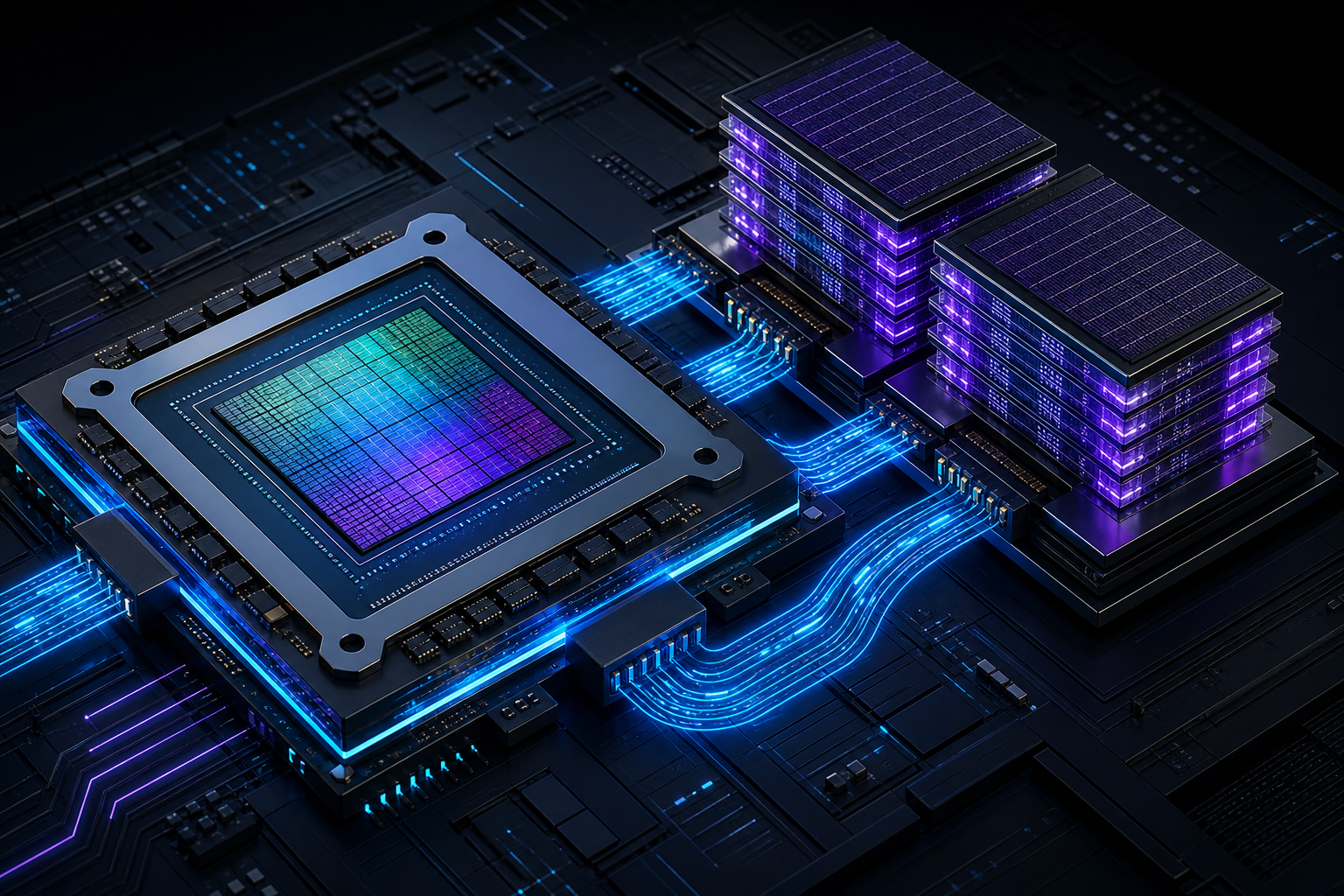
Imagine training a frontier-scale language model and watching the cluster electricity bill climb past the cost of the hardware itself. That is the wall every AI lab hit with the current generation of accelerators, and it is exactly the problem the NVIDIA Rubin GPU architecture was designed to break. Named after astronomer Vera Rubin, this is the successor to Blackwell, and NVIDIA positions it as delivering up to 4x the AI throughput on key training and inference workloads while keeping power and rack space under control.
If you build, train, or deploy large models, the chip underneath your stack quietly decides how much you can afford to do. Understanding what changed from Blackwell to Rubin tells you where AI infrastructure is heading through 2026 and 2027 — and whether your next hardware purchase will age gracefully.
What Is the NVIDIA Rubin GPU Architecture?
The NVIDIA Rubin GPU architecture is a data-center accelerator platform announced as the successor to Blackwell, built on an advanced TSMC process node and paired with next-generation HBM4 memory. It targets large-scale AI training and inference, combining a new GPU die, the Vera CPU, and faster NVLink interconnects into a single rack-scale system designed to push generative AI past the limits of previous hardware.
Think of it less as a single graphics card and more as a tightly integrated computer. Rubin follows NVIDIA’s roughly annual cadence: Hopper, then Blackwell, now Rubin, with a Rubin Ultra refresh expected to follow. Each step roughly doubles or quadruples effective AI performance by improving the chip, the memory, and the way many chips talk to each other — all three at once.
The biggest performance gains in modern AI hardware no longer come from a single faster chip. They come from moving data between thousands of chips without stalling. Rubin is engineered around that reality.
Why Blackwell Needed a Successor
Blackwell was a major leap when it arrived, introducing a dual-die design and native support for low-precision FP4 math that made trillion-parameter models practical. So why move on so quickly? Because the models kept growing faster than any single generation could comfortably serve.
Three pressures forced the jump to Rubin:
- Memory bandwidth starvation. Large models spend much of their time waiting on memory, not computing. Blackwell’s HBM3e helped, but inference on long context windows still hit a bandwidth ceiling.
- Interconnect bottlenecks. When you split one model across dozens of GPUs, the links between them become the slowest part of the system. Faster compute is wasted if the network can’t keep up.
- Power and cost per token. Operators measure success in performance per watt and dollars per million tokens. Squeezing those numbers is now the central design goal.
Rubin attacks all three. That coordinated approach — not raw clock speed — is what makes the headline performance claims plausible rather than marketing fiction.
How Rubin Delivers Up to 4x Performance Over Blackwell
The “4x” figure is a peak claim for specific AI workloads, especially low-precision inference and training throughput, rather than a flat speedup on every task. Understanding where the gains come from helps you judge what your own workloads will actually see.
1. A Redesigned GPU on a Newer Process
Rubin uses a more advanced manufacturing node than Blackwell, allowing more transistors in the same area and better energy efficiency per operation. Combined with architectural changes to the tensor cores, the chip processes more low-precision math per clock — the kind of math that dominates modern transformer workloads.
2. HBM4 Memory With Far Higher Bandwidth
Perhaps the single most important upgrade is the move to HBM4 (High Bandwidth Memory, fourth generation). HBM4 widens the memory interface and raises data rates substantially over the HBM3e used in Blackwell. For memory-bound inference — think serving long-context chat models — bandwidth often matters more than raw compute, so this directly lifts real-world throughput.
3. Faster NVLink and Rack-Scale Scaling
Rubin pairs with a next-generation NVLink interconnect that increases the bandwidth between GPUs. In a rack where dozens of GPUs cooperate on one model, this reduces the time spent shuffling activations and gradients. The result is that more of the theoretical compute actually gets used during training.
4. The Vera CPU and a Tighter CPU-GPU Link
Just as Blackwell paired with the Grace CPU, Rubin pairs with the new Vera CPU to form the Vera Rubin superchip. A high-bandwidth coherent link lets the CPU and GPU share memory efficiently, which matters for data preprocessing, mixture-of-experts routing, and inference pipelines that bounce work between processor types.
Rubin vs. Blackwell: A Side-by-Side Comparison
The table below summarizes the generational shift. Treat exact numbers as directional, since NVIDIA refines specifications up to launch, but the direction of every metric is what tells the story.
| Attribute | Blackwell (B200 / GB200) | Rubin (R200 / Vera Rubin) |
|---|---|---|
| Companion CPU | Grace | Vera |
| Memory type | HBM3e | HBM4 |
| Memory bandwidth | High | Substantially higher |
| Interconnect | NVLink (current gen) | NVLink (next gen, faster) |
| Peak AI math format | FP4 / FP8 | FP4 and refined low precision |
| Relative AI throughput | 1x baseline | Up to ~4x on target workloads |
| Expected availability | 2024–2025 | Late 2026 onward |
Notice that no single row explains the 4x figure on its own. The leap comes from compounding — a faster die multiplied by more bandwidth multiplied by better scaling. That compounding effect is the central lesson of modern accelerator design.
What Lower Precision Like FP4 Actually Means for You
A recurring theme in both Blackwell and Rubin is low-precision arithmetic. Instead of computing in 16-bit or 32-bit floating point, the hardware runs much of the work in 4-bit or 8-bit formats. Fewer bits per number means more numbers processed per second and less memory consumed.
Here is the trade-off in plain terms: lower precision is faster and cheaper but can reduce numerical accuracy if applied carelessly. Frameworks handle this with techniques like per-tensor scaling and selective precision, keeping sensitive layers in higher precision while pushing the bulk of the work to FP4.
You rarely write this by hand, but you do enable it. A typical pattern with modern PyTorch and NVIDIA’s libraries looks like this:
# Enable mixed/low precision on NVIDIA GPUs with PyTorch
import torch

# Check the GPU your job actually landed on
print(torch.cuda.get_device_name(0))  # e.g. "NVIDIA Rubin R200"

model = MyTransformer().cuda()

# Autocast runs supported ops in low precision automatically,
# while keeping accuracy-sensitive ops in higher precision.
with torch.autocast(device_type="cuda", dtype=torch.bfloat16):
    output = model(input_ids)   # forward pass uses fast low-precision math
    loss = loss_fn(output, targets)

loss.backward()   # gradients computed efficiently on tensor cores
This snippet shows the practical reality: you opt into autocast, and the hardware plus library decide which operations can safely run in reduced precision. On Rubin, the set of operations that run fast in low precision is broader and quicker, which is one concrete reason workloads speed up without code changes on your side.
Real-World Workloads That Benefit Most
Not every job sees a 4x jump. Knowing which workloads gain the most helps you decide whether Rubin is worth budgeting for.
- Large model inference with long context. Serving models that read tens of thousands of tokens is memory-bandwidth bound, so HBM4 helps directly.
- Trillion-parameter training. These runs span many GPUs, so the faster NVLink interconnect reduces idle time and improves scaling efficiency.
- Mixture-of-experts (MoE) models. These route tokens to different expert sub-networks and depend heavily on fast data movement, which Rubin’s interconnect and CPU-GPU link address.
- High-throughput recommendation systems. Large embedding tables stress memory capacity and bandwidth — again favoring HBM4.
If your workload is small, fits on a single GPU, and is compute-light, you will see a more modest improvement. Match the hardware to the bottleneck you actually have.
How to Estimate the Gain for Your Own Models
Before assuming 4x, profile where your current job spends its time. A workload that is 80% waiting on memory will benefit enormously from HBM4; one that is compute-bound at high precision will benefit less. A simple way to start is by measuring memory bandwidth utilization during a representative run.
# Sample GPU utilization and memory bandwidth every second
nvidia-smi dmon -s u -d 1

# Or query memory usage and utilization as parseable CSV
nvidia-smi --query-gpu=utilization.gpu,utilization.memory,memory.used \
  --format=csv -l 1
This command stream shows GPU and memory utilization over time. If utilization.memory sits high while utilization.gpu has headroom, your job is memory-bound and is a strong candidate for the largest Rubin gains. Profiling first prevents the classic mistake of buying compute when your real bottleneck is bandwidth.
Common Pitfalls and Misconceptions
Even experienced engineers stumble on a few points when planning around new accelerators. Watch for these.
- Treating “4x” as universal. It is a peak figure for favorable workloads. Your mileage depends on your model, batch size, and precision.
- Ignoring software readiness. Hardware gains require updated drivers, CUDA, and framework versions. Plan a software upgrade alongside any hardware move.
- Forgetting power and cooling. Rack-scale systems demand serious power delivery and often liquid cooling. The chip is only part of the deployment cost.
- Optimizing the chip, not the pipeline. If your data loading or preprocessing can’t feed the GPU, a faster GPU just waits faster. Profile end to end.
- Assuming instant availability. Early supply of top accelerators is constrained. Factor lead time into roadmaps.
Frequently Asked Questions About NVIDIA Rubin
When will the NVIDIA Rubin GPU be available?
NVIDIA has positioned Rubin to begin reaching customers in late 2026, following its roughly annual data-center release cadence, with a Rubin Ultra refresh expected the following year. As with any leading-edge accelerator, early supply is typically limited and prioritized for large cloud and AI customers first.
Is Rubin really 4x faster than Blackwell?
The 4x figure is a peak claim for specific AI workloads, particularly low-precision inference and large-scale training, not a flat speedup across every task. The gain comes from combining a newer process, HBM4 memory, and faster NVLink rather than any single change, so real results vary with your workload.
What is HBM4 and why does it matter?
HBM4 is the fourth generation of High Bandwidth Memory, a stacked memory technology placed close to the GPU. It offers significantly higher bandwidth than the HBM3e used in Blackwell. Because much of large-model inference is limited by how fast data moves rather than raw compute, HBM4 is often the single most impactful upgrade in Rubin.
What is the Vera Rubin superchip?
The Vera Rubin superchip pairs the Rubin GPU with NVIDIA’s new Vera CPU over a high-bandwidth coherent link, much like Grace Blackwell paired Grace with Blackwell. This tight coupling lets the CPU and GPU share data efficiently, benefiting preprocessing, MoE routing, and inference pipelines that move work between processor types.
Do I need to rewrite my code to use Rubin?
Generally no. If you build on standard frameworks like PyTorch with CUDA, most performance gains arrive through updated drivers, libraries, and automatic mixed precision. You may tune precision settings or batch sizes to capture the full benefit, but a full rewrite is rarely required.
Should I wait for Rubin or buy Blackwell now?
If you have an urgent need and Blackwell meets it, waiting indefinitely for the next generation rarely pays off — there is always a next chip. Buy for the workload in front of you, but if your purchase horizon is late 2026 and your jobs are memory-bound, factoring Rubin into the plan is sensible.
Conclusion: What Rubin Means for the Future of AI Hardware
The NVIDIA Rubin GPU architecture is best understood not as a single faster chip but as a coordinated upgrade across compute, memory, and interconnect. The headline of up to 4x performance over Blackwell holds for the workloads that dominate modern AI — large-scale training and memory-hungry inference — precisely because Rubin improves every link in the chain at once with HBM4, faster NVLink, and the Vera CPU pairing.
For you, the practical takeaways are clear: profile your workloads to find the real bottleneck, plan software upgrades alongside any hardware change, and treat performance claims as workload-specific rather than universal. Do that, and you will know exactly when the Rubin GPU architecture is worth the investment — and how much of that 4x you can actually capture. For deeper specifications as they finalize, the official NVIDIA data center resources remain the authoritative reference.