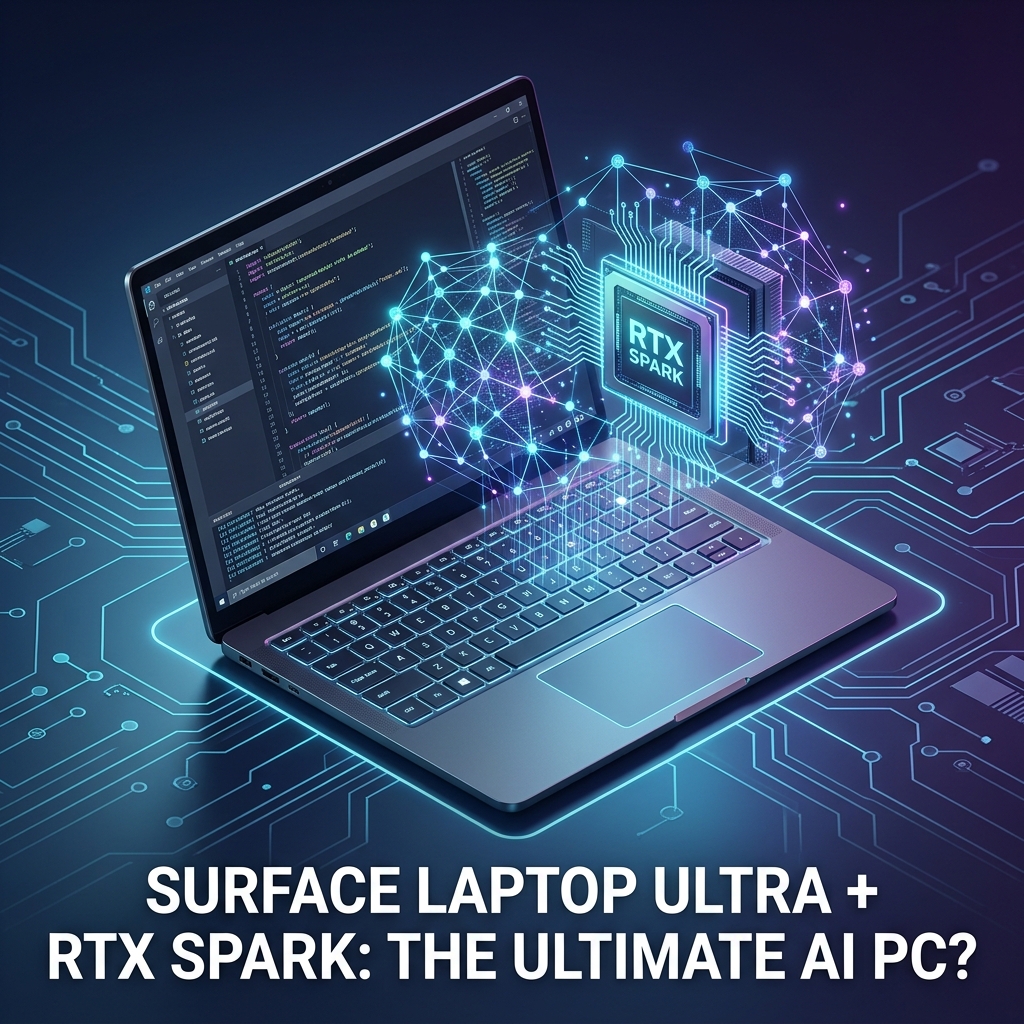
For years, running a serious large language model meant one of two things: renting expensive cloud GPUs or building a desktop tower with a power-hungry graphics card. The Surface Laptop Ultra with NVIDIA RTX Spark challenges that assumption head-on. It promises something that sounded absurd in 2023 — a thin-and-light laptop that can run multi-billion-parameter models locally, fine-tune them overnight, and still survive a full workday on battery.
If you are a developer, ML engineer, or simply someone deciding where your next $2,000+ should go, the real question is not whether this machine is impressive. It is whether the Surface Laptop Ultra is the right kind of impressive for your workload — and whether the “ultimate AI PC” label survives contact with reality. That is exactly what we are going to figure out.
What Is the Surface Laptop Ultra with NVIDIA RTX Spark?
The Surface Laptop Ultra with NVIDIA RTX Spark is Microsoft’s flagship AI PC: a premium ultrabook that pairs a high-TOPS neural processing unit (NPU) with NVIDIA’s Spark-class GPU silicon and a large pool of high-bandwidth unified memory, designed to run AI inference, fine-tuning, and agentic workloads locally instead of in the cloud.
That definition packs in three ideas worth unpacking, because they explain why this device is positioned differently from a typical gaming laptop with a discrete GPU bolted on:
- NPU + GPU pairing: The NPU handles always-on, low-power AI tasks (live captions, background blur, Copilot features), while the RTX Spark GPU takes over for heavy lifting like running a 30B-parameter model or training a LoRA adapter.
- Unified memory architecture: Instead of a small, isolated pool of VRAM, the GPU can address a large shared memory pool. This is the same architectural bet NVIDIA made with its DGX Spark desktop AI system — and it matters enormously for model size.
- Local-first AI: The whole machine is built around the premise that your prompts, codebase, and documents never need to leave the device.
Think of it like the difference between a sports car and a freight truck. A gaming GPU is a sports car: extremely fast, but with a small trunk (limited VRAM). The Spark approach is closer to a truck with a surprisingly good engine — it may not win every drag race, but it can actually carry the 70B-parameter cargo that the sports car physically cannot fit.
Hardware Breakdown: What You Actually Get
Exact configurations vary by region and tier, but the platform centers on a few defining characteristics that separate it from the Copilot+ PCs of 2024–2025:
| Component | What It Is | Why It Matters for AI Work |
|---|---|---|
| NPU | Dedicated low-power neural accelerator (45+ TOPS class) | Runs Windows AI features and small models with minimal battery drain |
| RTX Spark GPU | NVIDIA Blackwell-generation laptop AI accelerator with CUDA and Tensor Cores | Handles LLM inference, image generation, and fine-tuning at speeds NPUs cannot match |
| Unified memory | Large shared LPDDR5X pool addressable by CPU and GPU | Lets you load models far larger than a typical 8–16 GB VRAM laptop allows |
| Storage | PCIe Gen5 NVMe SSD | Fast model loading — a 40 GB quantized model loads in seconds, not minutes |
| Display and chassis | High-refresh PixelSense touch display, premium aluminum build | The “Surface” part of the equation: this is still a daily-driver ultrabook |
The headline here is memory, not raw compute. A traditional RTX laptop GPU with 8 GB of VRAM caps you at roughly a 7B–13B parameter model with aggressive quantization. A large unified pool changes the entire class of model you can run. That single architectural decision is why this machine is marketed as an AI PC rather than a gaming machine that happens to do AI.
NPU vs. GPU: Why an AI PC Needs Both
One of the most common misconceptions about AI PCs is that the NPU and GPU are competing for the same job. They are not — and understanding the split will save you from buying the wrong machine.
What the NPU Is For
A neural processing unit is optimized for sustained, low-power inference. It excels at small models that run constantly: real-time translation, webcam effects, semantic search over your files, and the on-device features baked into Windows. Its TOPS (trillions of operations per second) number looks modest next to a GPU, but it sips power doing it. You can read more about the underlying architecture on Wikipedia’s AI accelerator overview.
What the RTX Spark GPU Is For
The GPU is for burst workloads where speed matters: generating code with a local 30B model, producing images with a diffusion model, running a multi-step agent, or fine-tuning. CUDA support is the quiet superpower here — virtually every ML framework, from PyTorch to llama.cpp, treats NVIDIA hardware as the first-class citizen. On NPU-only Copilot+ PCs, developers spend real time fighting ONNX conversion issues. On this machine, your existing CUDA workflow just works.
Rule of thumb: the NPU is for AI features you use; the GPU is for AI software you build. If you only consume AI features, you are paying for a GPU you do not need.
Running Local LLMs on the Surface Laptop Ultra: A Practical Test
Specs are abstract until you actually run something. Here is the workflow most developers will reach for first: spinning up a local model with Ollama and confirming the GPU is doing the work.
# Install a quantized model and run it locally
ollama pull qwen2.5-coder:32b

# Start an interactive session — Ollama auto-detects the RTX GPU
ollama run qwen2.5-coder:32b

# Verify GPU offload: look for "100% GPU" in the processor column
ollama ps
The commands above pull a 32-billion-parameter coding model — a size that simply does not fit on most laptops — and run it entirely on-device. The ollama ps check matters: if you see layers split between CPU and GPU, generation speed drops sharply, and it usually means another application is hogging memory.
From Python, verifying that PyTorch sees the Spark GPU takes four lines:
import torch

# Confirm CUDA is available and identify the device
print(torch.cuda.is_available())        # True if the RTX Spark is visible
print(torch.cuda.get_device_name(0))   # Prints the GPU name
print(torch.cuda.get_device_properties(0).total_memory / 1e9)  # Usable memory in GB
This snippet is the first sanity check for any ML environment. If torch.cuda.is_available() returns False on a machine like this, the culprit is almost always a driver mismatch or a CPU-only PyTorch build — fix that before touching any model code.
What Performance to Realistically Expect
Two numbers govern your experience with local LLMs: prompt processing speed (how fast the model reads your input) and token generation speed (how fast it writes). Unified memory architectures historically trade some bandwidth for capacity, which means generation speed on very large models is comfortable rather than blistering. For interactive coding assistance, 15–30 tokens per second feels fluid. For batch jobs — summarizing a thousand documents overnight — total throughput and the fact that it costs you zero API dollars matter far more than latency.
Surface Laptop Ultra vs. the Competition in 2026
The “ultimate AI PC” claim only means something relative to the alternatives. Here is how the field actually breaks down:
| Machine Class | Strengths | Weaknesses | Best For |
|---|---|---|---|
| Surface Laptop Ultra + RTX Spark | CUDA ecosystem, large unified memory, true ultrabook portability, Windows AI integration | Premium price, thermal limits under sustained load | Developers building and running local AI on Windows |
| Apple MacBook Pro (M-series Max) | Excellent unified memory bandwidth, superb battery, strong MLX ecosystem | No CUDA; many ML tools require workarounds or are macOS second-class | Local inference for users already in the Apple ecosystem |
| Gaming laptop (RTX 50-series) | Highest raw GPU throughput per dollar | Limited VRAM caps model size; heavy, loud, poor battery | Training small models, image generation, gaming crossover |
| NPU-only Copilot+ PC | Cheapest, best battery life | Cannot run large models; weak framework support | Consumers who use AI features but never build them |
| Cloud GPU (rented) | Unlimited scale, latest data-center hardware | Ongoing cost, data leaves your machine, network dependency | Production training and serving |
The honest takeaway: no single machine wins every column. The Surface Laptop Ultra’s pitch is being the strongest generalist — the only option that combines CUDA compatibility, large-model capacity, and a chassis you would happily carry to a coffee shop.
Who Should Buy This AI PC — and Who Should Not
Marketing aside, the value calculation is straightforward once you know your workload.
Strong Fit
- Developers integrating LLMs into products: You can prototype against a local model with zero API spend, then swap in a cloud endpoint for production.
- Privacy-sensitive professionals: Lawyers, healthcare engineers, and anyone under strict data-residency rules can run capable models without a single byte leaving the device.
- ML students and researchers: Fine-tuning with LoRA/QLoRA on real models — not toy ones — becomes a laptop activity.
- Heavy AI users hitting subscription limits: If you routinely max out cloud chat quotas, a one-time hardware cost can beat perpetual subscriptions.
Poor Fit
- If you mostly use ChatGPT or Copilot through a browser, an NPU-only machine at half the price covers you completely.
- If you train models from scratch, no laptop is the right tool — rent data-center GPUs.
- If your workflow is gaming-first with occasional AI, a conventional RTX gaming laptop delivers more frames per dollar.
Common Mistakes to Avoid When Buying an AI PC
Buyers in this category make the same handful of errors repeatedly. Here are the ones that actually cost money:
- Comparing TOPS numbers across different chips. A 45 TOPS NPU and a GPU rated in the hundreds of TOPS are measured under different precisions (INT8 vs. FP4/FP8) and are not directly comparable. Always compare benchmarks on the workload you care about — tokens per second on a specific model beats any spec-sheet number.
- Buying minimum memory. Unified memory is not upgradeable after purchase. Model sizes have grown every year; the configuration that feels generous today will feel tight in two years. Memory is the single spec worth stretching your budget for.
- Ignoring sustained thermal performance. A thin chassis can run any benchmark for thirty seconds. Long fine-tuning runs are where thermal throttling shows up. Look for sustained-load reviews, not just peak numbers.
- Assuming every AI tool uses the NPU. Most open-source tooling targets CUDA, not Windows ML or ONNX NPU backends. Check that the specific software you depend on supports the accelerator you are paying for — the ONNX Runtime documentation lists which execution providers each backend supports.
- Forgetting electricity-free is not free. Local inference saves API fees but costs you up-front hardware and depreciation. Do the math on your actual monthly AI spend before assuming local wins.
Is the Surface Laptop Ultra the Ultimate AI PC in 2026?
“Ultimate” is doing a lot of work in that title, so here is the unvarnished verdict. The Surface Laptop Ultra with NVIDIA RTX Spark is the most complete AI PC you can buy in 2026 if your definition of an AI PC is a machine for building and running AI locally. The CUDA ecosystem advantage is decisive for developers: every tutorial, every framework, every quantization tool works without translation layers.
It is not, however, the best machine for everyone. It costs flagship money. Its thin chassis means sustained heavy training will throttle in ways a desktop never would. And if your AI usage is entirely cloud-based, you are paying a four-figure premium for silicon you will never saturate. The ultimate AI PC, in other words, is the one matched to your workload — and for the local-AI developer crowd, this is currently the machine to beat.
Frequently Asked Questions
Can the Surface Laptop Ultra run large language models offline?
Yes. With its unified memory pool and RTX Spark GPU, it can run quantized models in the 30B–70B parameter range entirely offline using tools like Ollama, LM Studio, or llama.cpp. Smaller models in the 7B–14B range run with fast, interactive response times.
What is the difference between NVIDIA RTX Spark and a regular RTX laptop GPU?
A regular RTX laptop GPU has a fixed, separate pool of VRAM (typically 8–16 GB), which hard-limits the size of models it can load. The Spark architecture prioritizes a large unified memory pool shared with the CPU, trading some raw bandwidth for the ability to fit dramatically larger models — the same philosophy behind NVIDIA’s DGX Spark desktop.
Do I need an AI PC if I already use cloud AI tools?
Not necessarily. If your usage is conversational — chatting with assistants, generating documents — cloud tools on any laptop are sufficient. An AI PC earns its premium when you need privacy, offline capability, unlimited usage without per-token costs, or a local development environment for AI software.
Is the NPU useless if the laptop has a powerful GPU?
No. The NPU runs persistent, low-power features — live captions, background effects, on-device search indexing — without waking the GPU, which preserves battery life. The two accelerators handle different duty cycles: the NPU runs constantly at low power, while the GPU activates for short, intense bursts.
Can you fine-tune models on the Surface Laptop Ultra?
Yes, within limits. Parameter-efficient methods like LoRA and QLoRA on models up to the mid-tens of billions of parameters are practical, especially for overnight runs. Full fine-tuning of large models remains a data-center task. For most application developers, LoRA-class customization covers the real-world need.
How long will an AI PC bought in 2026 stay relevant?
Plan for three to four years of strong utility. Model efficiency is improving fast — each generation of open models delivers more capability per gigabyte — which partially offsets hardware aging. Buying the largest memory configuration you can afford is the single best way to extend useful life.
Conclusion
The Surface Laptop Ultra with NVIDIA RTX Spark represents the moment the AI PC category grew up — the point where “AI PC” stopped meaning a sticker and an NPU, and started meaning a machine that can genuinely run, customize, and build with large models on your desk. Its combination of CUDA compatibility, large unified memory, and ultrabook portability is something no other 2026 laptop class fully matches.
Whether it is the ultimate AI PC for you comes down to three questions: Do you build with AI or just use it? Does your data need to stay local? And will you actually load models big enough to justify the memory? Answer yes to two of those, and this machine deserves the top of your shortlist. Answer no to all three, and your wallet will thank you for buying something simpler — the best hardware decision is always the one matched to the work you actually do.