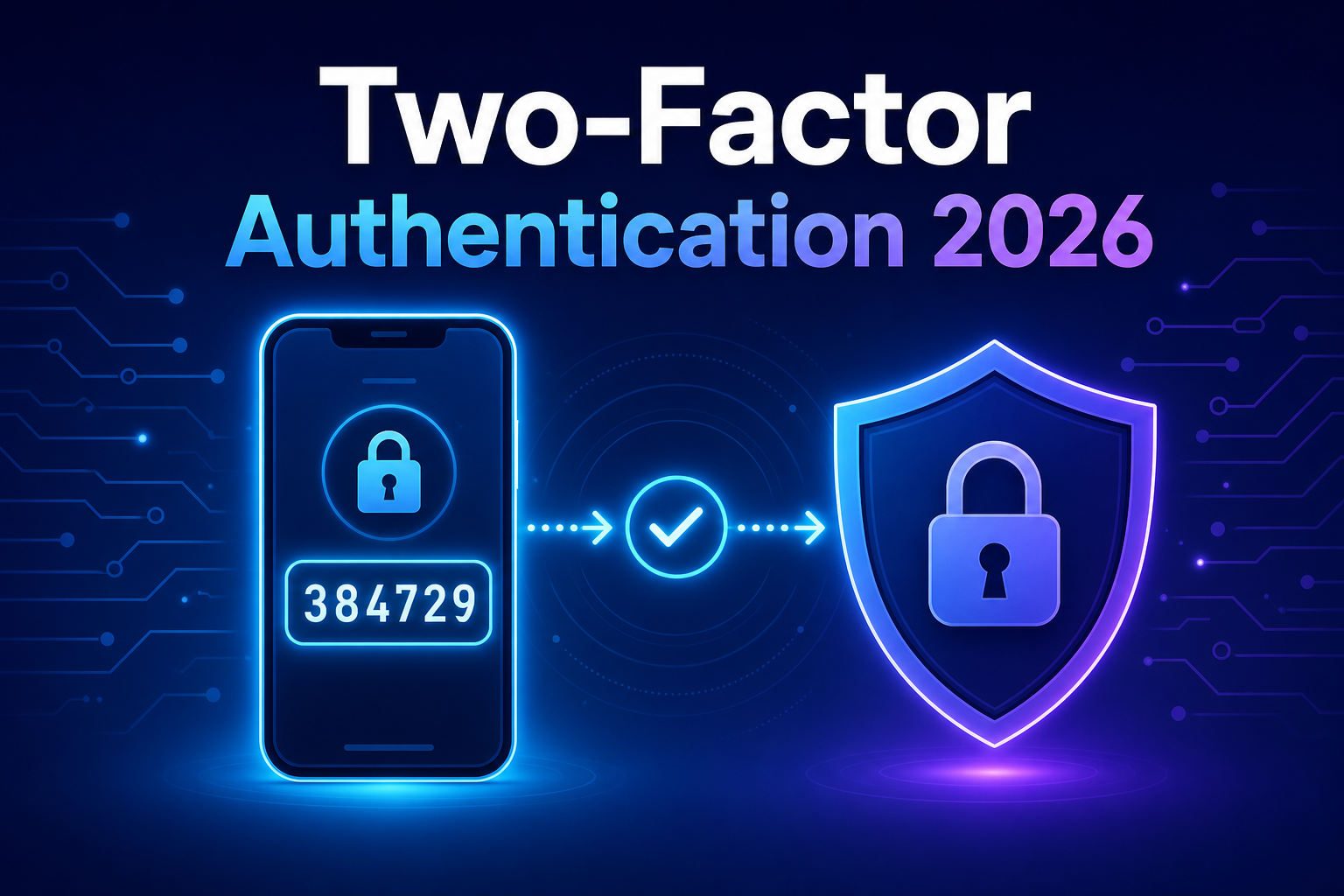
Your password is probably weaker than you think. Billions of stolen username-and-password combinations already circulate on criminal marketplaces, and automated bots test them against banking, email, and work accounts every single day. If a single password is the only thing standing between an attacker and your digital life, you are one data breach away from losing it. That is exactly the gap two-factor authentication is built to close.
The encouraging part is that turning it on takes a few minutes and costs nothing, yet it blocks the overwhelming majority of account-takeover attempts. This guide explains what 2FA actually is, how it works under the hood, the safest methods to use, and how to set it up the right way for 2026 security standards.
What Is Two-Factor Authentication?
Two-factor authentication (2FA) is a security method that requires two separate forms of proof before granting access to an account. Instead of relying on a password alone, it combines something you know (a password) with something you have (a phone or hardware key) or something you are (a fingerprint). Both factors must check out, so a stolen password by itself becomes useless.
You will also see the broader term multi-factor authentication (MFA), which simply means two or more factors. 2FA is the most common form of MFA, and for everyday accounts the two terms are often used interchangeably. The principle is the same: layered verification beats a single point of failure.
Think of 2FA like a bank vault. The PIN gets you to the door, but you still need the physical key to open it. Knowing one without the other gets you nowhere.
How Does Two-Factor Authentication Work?
Every authentication factor falls into one of three categories. A genuine two-factor setup must pull from two different categories — using two passwords is not 2FA, because both come from the same bucket.
- Knowledge — something you know: a password, a PIN, or the answer to a security question.
- Possession — something you have: your smartphone, an authenticator app, a hardware security key, or a one-time code.
- Inherence — something you are: a fingerprint, face scan, or other biometric trait.
When you log in to a 2FA-protected account, the flow looks like this. First you enter your password (the knowledge factor). The service confirms it is correct but does not let you in yet. It then asks for the second factor — typically a six-digit code from an app or a tap on a hardware key (the possession factor). Only after both pass does the session start.
Most app-based 2FA relies on a standard called TOTP (Time-based One-Time Password), defined in RFC 6238. When you scan that QR code during setup, your phone and the server agree on a shared secret. From then on, both sides independently generate the same short code based on the secret and the current time. No internet connection is needed on your phone — the math just lines up.
Seeing TOTP in Action
The logic behind those rotating six-digit codes is surprisingly approachable. Here is a working example in Python using the pyotp library, which implements the same standard your authenticator app uses.
import pyotp

# A shared secret is created once, when you enable 2FA.
# The server stores it securely and shows it to you as a QR code.
secret = pyotp.random_base32()

# TOTP = Time-based One-Time Password (RFC 6238)
totp = pyotp.TOTP(secret)

# Generate the current 6-digit code (it changes every 30 seconds)
current_code = totp.now()
print(f"Your one-time code is: {current_code}")

# On login, the server verifies the code the user typed in
user_input = current_code          # pretend the user entered this
is_valid = totp.verify(user_input) # True only within the time window
print(f"Code accepted: {is_valid}")
This snippet mirrors the real handshake: a secret is generated once, both parties derive codes from it, and the server checks whether the code you submit matches the one it expects within a 30-second window. Because the code expires almost immediately, an attacker who somehow intercepts it has a tiny window to misuse it — and a stale code is worthless.
The Main Types of Two-Factor Authentication
Not all second factors offer the same protection. Some are far more resistant to phishing and interception than others. Here is how the common methods stack up.
| Method | Security Level | Convenience | Best For |
|---|---|---|---|
| SMS text codes | Low | High | Better than nothing; low-risk accounts |
| Authenticator app (TOTP) | Medium-High | High | Most personal and work accounts |
| Push notifications | Medium-High | Very High | Frequent logins on trusted apps |
| Hardware security key (FIDO2) | Very High | Medium | High-value accounts, admins, executives |
| Passkeys / biometrics | Very High | Very High | The modern default in 2026 |
Why SMS Is the Weakest Link
Text-message codes are popular because they need no extra app, but they are the most vulnerable option. Attackers use SIM-swapping — tricking a mobile carrier into transferring your number to their device — to intercept codes. Phone networks were never designed to be secure delivery channels. Use SMS only when a service offers nothing better, and switch to an app or key the moment one is available.
Hardware Keys and Passkeys: The Phishing-Proof Tier
Security keys built on the FIDO Alliance standards (FIDO2/WebAuthn) tie your login to the exact website you registered with. If you land on a convincing fake login page, the key simply refuses to respond because the domain does not match. Passkeys bring that same cryptographic protection to your phone or laptop, secured by your fingerprint or face — no code to type and nothing to phish.
Why You Need Two-Factor Authentication in 2026
Passwords have aged badly. People reuse them across dozens of sites, choose predictable patterns, and unknowingly enter them into phishing pages. When one service is breached, attackers take those leaked credentials and try them everywhere else — a tactic called credential stuffing. Two-factor authentication breaks that chain, because a password alone is no longer enough to get in.
The threat landscape has also shifted. AI-assisted phishing kits now produce flawless fake login pages and convincing voice calls at scale. Public agencies like CISA consistently report that enabling MFA stops the vast majority of automated account-takeover attacks. A few concrete reasons it matters more than ever:
- Breaches are routine. Assume at least one of your passwords is already exposed somewhere. 2FA makes that exposure survivable.
- Reuse is unavoidable in practice. Even careful people slip up. A second factor contains the blast radius.
- Regulations increasingly demand it. Banking, healthcare, and enterprise systems now require strong authentication by default.
- The cost of recovery is brutal. Reclaiming a hijacked email or financial account can take weeks; prevention takes minutes.
How to Set Up Two-Factor Authentication
The setup process is similar across nearly every major service. Once you have done it once, the rest feel familiar. Here is the general flow using an authenticator app, the sweet spot of security and convenience for most people.
- Install a trusted authenticator app such as Google Authenticator, Microsoft Authenticator, Authy, or the password manager you already use.
- In the account’s
SecurityorPrivacysettings, find the option labeled “Two-factor authentication,” “2-step verification,” or “Login security.” - Choose Authenticator app as your method. The service displays a QR code.
- Open your app, tap to add an account, and scan the QR code. A six-digit code appears immediately.
- Type that code back into the website to confirm the link works.
- Save your backup recovery codes somewhere safe and offline. These are your lifeline if you lose your phone.
That last step is the one people skip and later regret. Treat recovery codes like spare house keys: store them in a password manager or a secure physical location, never in a plain note on the same device you authenticate with.
Pro tip: Enable 2FA on your primary email account first. It is the master key to every other account — if an attacker controls your inbox, they can reset passwords everywhere else.
Common Pitfalls and Mistakes to Avoid
Two-factor authentication is powerful, but a few avoidable mistakes can undermine it or lock you out of your own accounts. Watch for these.
- No backup plan. Losing your only phone without saved recovery codes can mean permanent lockout. Always store backups and, where possible, register a second factor (like a hardware key) as a fallback.
- Approving prompts on autopilot. Attackers spam push notifications hoping you will tap “approve” out of habit — a tactic called MFA fatigue. Only approve a login you personally initiated.
- Relying on SMS for critical accounts. For email, banking, and crypto, move beyond text codes to an app or hardware key.
- Storing codes and passwords together insecurely. If both factors live in one unprotected place, you have effectively recreated single-factor security.
- Ignoring the phishing risk. TOTP codes can still be phished in real time. Entering a code on a fake site hands it straight to the attacker. Passkeys and hardware keys solve this; codes do not.
Best Practices for Strong Two-Factor Authentication
To get the most out of two-factor authentication in 2026, treat it as part of a broader security habit rather than a one-time toggle.
- Prefer passkeys or hardware security keys for your most important accounts — they are resistant to phishing in a way that codes are not.
- Pair 2FA with a password manager so every account has a unique, strong password as the first factor.
- Register more than one second factor when a service allows it, so a lost device never locks you out.
- Review your account’s list of trusted devices and active sessions periodically, and revoke anything you do not recognize.
- Keep your authenticator app and operating system updated to receive the latest security fixes.
For organizations, the U.S. government’s NIST Digital Identity Guidelines offer a respected, evergreen reference on choosing and implementing authentication factors at scale.
Frequently Asked Questions About Two-Factor Authentication
Is two-factor authentication really necessary if I have a strong password?
Yes. Even a long, unique password can be stolen through phishing, malware, or a service-side breach you have no control over. 2FA adds a layer that remains protective even after your password is exposed, which is why security experts treat it as essential rather than optional.
What happens if I lose my phone?
This is why backup recovery codes matter. With them, you can regain access and re-enroll a new device. Many apps also offer encrypted cloud backups, and registering a second factor such as a hardware key gives you a reliable fallback if your primary device is gone.
Is an authenticator app safer than SMS codes?
Considerably. Authenticator apps generate codes locally on your device, so there is no text message for an attacker to intercept through SIM-swapping or carrier weaknesses. Whenever a service offers both, choose the app.
What is the difference between 2FA and passkeys?
Traditional 2FA adds a second step on top of a password. Passkeys can replace the password entirely with a cryptographic credential unlocked by your fingerprint or face. Passkeys are inherently phishing-resistant and represent where authentication is heading, but classic 2FA remains a strong, widely available option today.
Can two-factor authentication be hacked?
No security measure is perfect. Code-based 2FA can be defeated by real-time phishing or MFA-fatigue attacks if you approve a request you did not start. However, phishing-resistant methods like FIDO2 hardware keys and passkeys eliminate those weaknesses, which is why they are recommended for high-value accounts.
Does 2FA slow down my logins much?
Barely. Most logins add only a few seconds, and many services let you trust a device so you are not prompted every single time. Push notifications and passkeys make the extra step nearly instant. The minor friction is a small price for blocking nearly all automated attacks.
Conclusion
Two-factor authentication is the single most effective security upgrade most people can make, and it remains just as critical in 2026 as the threats against passwords keep growing. By requiring a second, independent proof of identity, 2FA turns a stolen password from a catastrophe into a minor inconvenience.
Start with your email, then move through banking, financial, and work accounts, choosing the strongest method each service supports — an authenticator app at minimum, and passkeys or hardware keys for anything you cannot afford to lose. Save your recovery codes, avoid the common pitfalls, and stay alert to prompts you did not initiate. Spend the few minutes now to enable two-factor authentication, and you give yourself a layer of protection that pays off the very first time a breached password would otherwise have cost you everything.