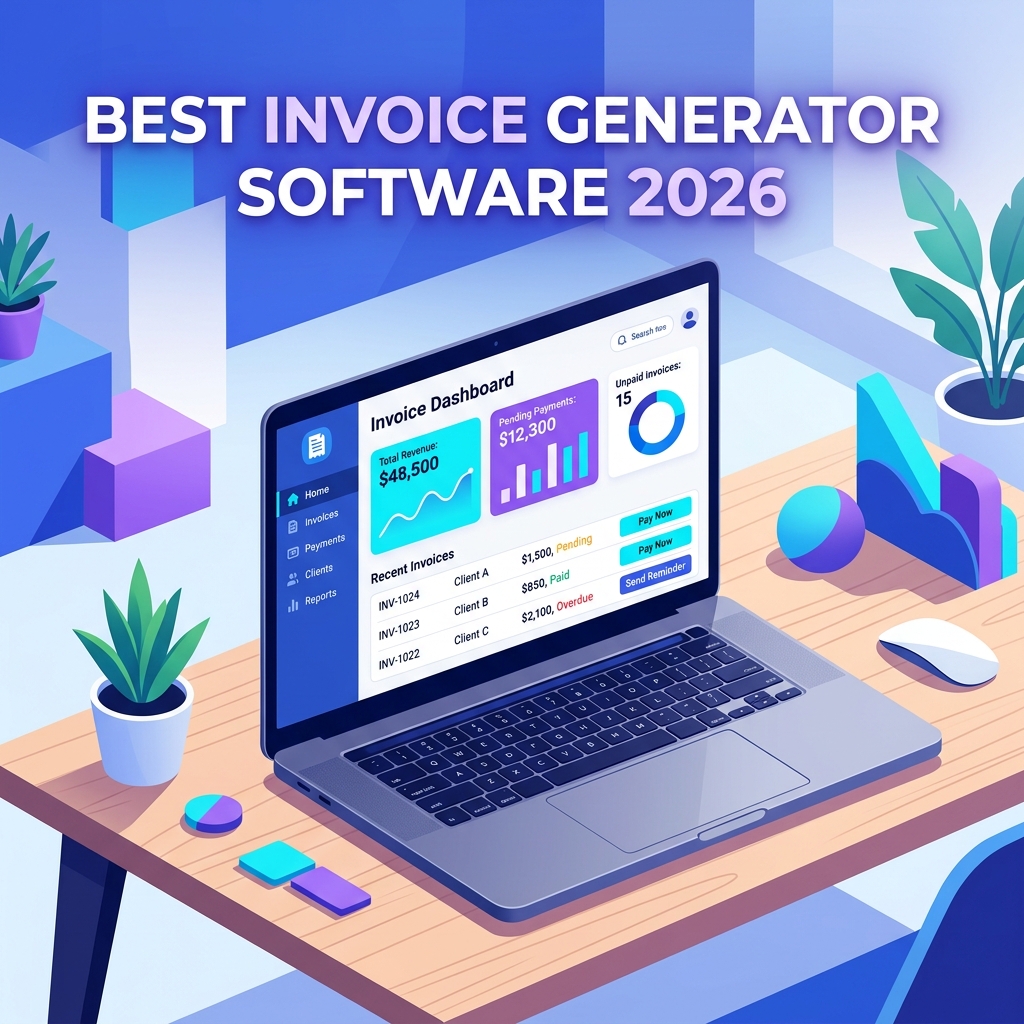
Late nights spent copying numbers from a spreadsheet into a Word template, chasing clients who swear they “never got the invoice,” and watching tax season turn into a panic attack — that is the reality for far too many small business owners. The right billing software for small businesses erases most of that pain in an afternoon. In 2026, the choices are sharper, the AI features are genuinely useful, and even free tiers can run a real business.
This guide ranks the ten best platforms based on real-world usability, pricing transparency, integration depth, and how well they handle the unglamorous parts of money: late payers, sales tax, multi-currency, and audit trails. Whether you are a freelancer sending five invoices a month or an agency juggling retainers, subscriptions, and project billing, you will find a fit below.
What Is Billing Software and Why Small Businesses Need It in 2026
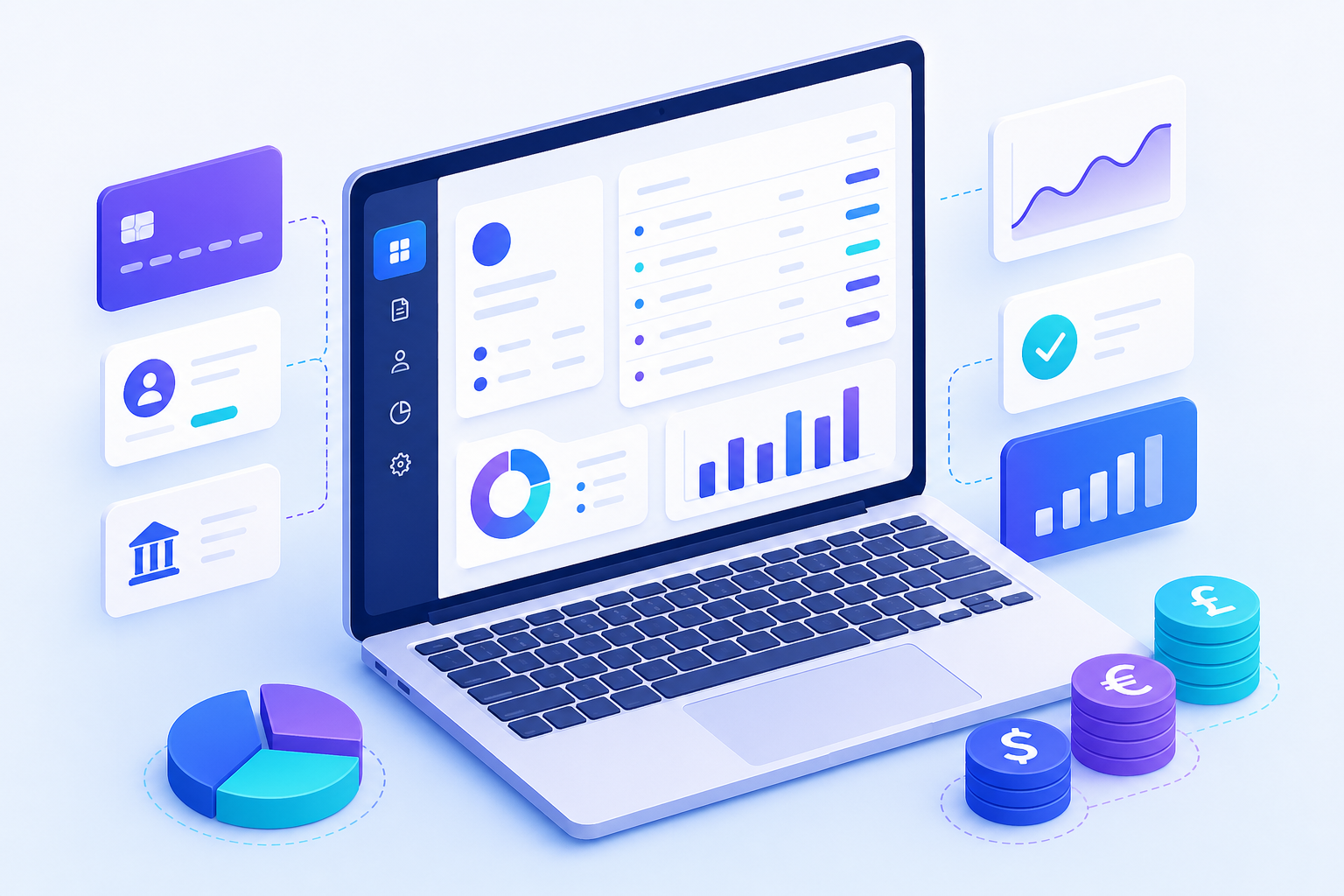
Billing software is a specialized application that automates the creation, delivery, tracking, and reconciliation of invoices and payments. Modern platforms also handle quotes, recurring subscriptions, expense capture, sales tax calculation, and integration with accounting ledgers — turning a fragmented manual process into a single workflow that takes minutes instead of hours.
The shift in 2026 is that AI assistants now draft invoice descriptions from time entries, predict which clients will pay late, and reconcile bank feeds with near-perfect accuracy. If you are still emailing PDFs you typed by hand, you are paying a tax measured in unbilled hours and forgotten line items.
According to industry surveys, small businesses that automate invoicing get paid an average of 11 days faster and reduce billing errors by more than 60%. The ROI shows up in cash flow, not just convenience.
How We Ranked the Best Billing Software for Small Businesses
Not every platform deserves the “small business” label. Some are built for solo freelancers, others for product-led SaaS companies with thousands of subscribers. We weighted six factors:
- Ease of setup — can a non-accountant be invoicing within an hour?
- Pricing transparency — no surprise per-transaction fees or “contact sales” walls.
- Payment options — cards, ACH, PayPal, Apple Pay, bank transfers, and increasingly stablecoins.
- Recurring and usage-based billing — essential for subscriptions and service retainers.
- Tax and compliance — automatic GST, VAT, and US sales tax handling.
- Integrations — accounting tools, CRM, time tracking, and payment processors.
1. FreshBooks — Best Overall for Service Businesses
FreshBooks remains the gold standard for service-based small businesses in 2026. The interface is friendly enough for a first-time business owner, but it scales to teams with project profitability tracking, client portals, and proposals.
Strengths include double-entry accounting (added years ago and now mature), excellent time tracking that converts hours into invoice line items, and a mobile app that genuinely works for capturing receipts on the go. The Lite plan starts around $19/month with a five-client cap; Plus at $33/month removes most limits.
Best for: consultants, agencies, freelancers, and service firms billing hourly or per project. Watch out for: per-extra-user fees that add up if your team grows quickly.
2. QuickBooks Online — Best for Full Accounting Integration
If you want billing that lives inside a complete accounting suite, QuickBooks Online is the default answer most accountants will give you. Invoicing is just one module, but it is tightly woven into bank reconciliation, payroll, and tax prep.
The 2026 release added Intuit Assist, an AI layer that drafts invoices from emails, flags duplicate bills, and predicts cash flow gaps weeks in advance. The Simple Start plan (around $35/month) handles solo billing; Essentials and Plus unlock multi-user, time tracking, and inventory.
Best for: businesses that want one tool for everything financial. Watch out for: a steeper learning curve than pure invoicing apps.
3. Zoho Invoice — Best Free Option
Zoho Invoice is genuinely free — not a stripped-down trial, but a full-featured product with unlimited invoices, up to 1,000 customers, and most of what a freelancer needs. Zoho monetizes by upselling the broader Zoho One bundle (CRM, Books, Projects).
The invoicing engine handles 17 languages, multi-currency, retainers, and a respectable client portal. If you outgrow it, Zoho Books picks up at around $20/month with full accounting.
{
  "invoice_number": "INV-2026-001",
  "customer_name": "Acme Corp",
  "currency": "USD",
  "line_items": [
    {
      "name": "Web Development - April",
      "rate": 95.00,
      "quantity": 24,
      "tax_percentage": 8.5
    }
  ],
  "payment_terms": "Net 15",
  "auto_reminders": true
}
The JSON above shows a typical Zoho Invoice API payload — useful if you want to trigger invoices from your own app or a workflow tool like Zapier. Most platforms in this list expose a similar REST API.
4. Wave — Best Truly Free Tier for Solopreneurs
Wave is another free invoicing and accounting platform, and unlike Zoho it does not push you toward a paid bundle. It earns revenue from payment processing fees (around 2.9% + $0.60 per card transaction) and optional payroll.
The trade-off is fewer customizations and slower support, but for a side hustle or new freelancer issuing under 50 invoices a month, Wave is hard to beat. The 2026 update brought meaningful improvements to the receipt scanner and bank feed reliability.
5. Xero — Best for International Small Businesses
Xero shines for businesses operating across borders. Multi-currency is native, the bank feed coverage is the broadest in the industry, and the marketplace of add-ons rivals Salesforce in breadth. It is also the favorite of accountants outside the US, particularly in the UK, Australia, and New Zealand.
Pricing starts at roughly $20/month for the Starter plan, but invoice limits on the cheapest tier are tight (20 per month). Most small businesses land on Standard at $47/month.
6. Stripe Invoicing — Best for Tech-Forward and SaaS Businesses
If your business is online-first and you already accept payments through Stripe, the built-in invoicing module is a no-brainer. There is no monthly fee — you pay 0.4% per paid invoice on top of normal payment processing.
It excels at usage-based billing, metered subscriptions, and global tax collection via Stripe Tax. The developer experience is unmatched: a few lines of code create, send, and track an invoice end-to-end.
// Create and send a Stripe invoice in Node.js
const stripe = require('stripe')(process.env.STRIPE_KEY);

async function billClient(customerId, amountCents) {
  // 1. Add a line item to the customer's draft invoice
  await stripe.invoiceItems.create({
    customer: customerId,
    amount: amountCents,        // e.g. 25000 = $250.00
    currency: 'usd',
    description: 'Monthly retainer - April 2026',
  });

  // 2. Create the invoice with auto-advance enabled
  const invoice = await stripe.invoices.create({
    customer: customerId,
    collection_method: 'send_invoice',
    days_until_due: 14,
    auto_advance: true,         // Stripe finalizes & emails it
  });

  return invoice.hosted_invoice_url; // shareable link
}
This snippet creates a one-off invoice item, attaches it to a new invoice, and lets Stripe handle finalization, emailing, payment capture, and dunning automatically. For deeper API patterns, see our guide on building a SaaS subscription billing system.
7. Square Invoices — Best for Businesses That Also Sell In-Person
Square is the only platform on this list that natively bridges in-person card readers, an online store, and digital invoicing without any integration work. If you run a hybrid business — say, a photographer who shoots events and sells prints — Square keeps everything in one ledger.
Basic invoicing is free; Square Invoices Plus at $20/month adds milestone billing, custom fields, and recurring invoices. Card processing is 3.3% + $0.30 per invoice paid online.
8. Invoice Ninja — Best Open-Source and Self-Hosted Option
For privacy-conscious businesses or those with developers in-house, Invoice Ninja offers a fully open-source platform that you can self-host on your own server. The hosted Forever Free plan supports up to 20 clients with unlimited invoices.
Self-hosting means complete data ownership, no per-user fees, and full source code access. The trade-off is that you are responsible for updates, backups, and security. For a primer on what that involves, see our breakdown of self-hosting business apps safely.
9. Bill.com — Best for Accounts Payable + Receivable Together
Bill.com (now branded BILL) targets the slightly larger small business that needs to pay vendors as efficiently as it bills clients. The platform automates approval workflows, syncs with QuickBooks and Xero, and handles ACH payments at low cost.
Pricing starts at $45/user/month for AR or AP, or both for around $79. It is overkill for a solo freelancer but a real time-saver once you have employees and dozens of vendor invoices flowing each month.
10. HoneyBook — Best for Creative Freelancers
HoneyBook bundles proposals, contracts, invoices, and payments into a single client-facing flow that feels designed by someone who has actually run a creative business. Photographers, designers, planners, and coaches love the polished templates and the way contracts and deposits work together.
Pricing is $36/month annually for the Starter plan. It is not a full accounting tool, but it pairs nicely with QuickBooks or Wave for tax season.
Quick Comparison Table
| Software | Starting Price | Free Tier | Best For | Recurring Billing |
|---|---|---|---|---|
| FreshBooks | $19/mo | 30-day trial | Service businesses | Yes |
| QuickBooks Online | $35/mo | 30-day trial | Full accounting | Yes |
| Zoho Invoice | Free | Permanent | Freelancers | Yes |
| Wave | Free | Permanent | Solopreneurs | Yes |
| Xero | $20/mo | 30-day trial | International | Yes |
| Stripe Invoicing | 0.4% per invoice | Pay-as-you-go | SaaS / dev teams | Yes |
| Square Invoices | Free / $20 | Permanent (basic) | Hybrid retail | Plus tier |
| Invoice Ninja | Free / $11 | Permanent | Open-source fans | Yes |
| BILL | $45/user | Trial | AP + AR teams | Yes |
| HoneyBook | $36/mo | 7-day trial | Creative freelancers | Yes |
How to Choose the Right Billing Software for Your Small Business
The “best” platform depends entirely on what your billing actually looks like a year from now, not today. Run through these questions before you commit:
- How do you charge? Hourly, fixed-fee, recurring subscription, usage-based, or a mix? Subscription-heavy businesses lean toward Stripe or Zoho; project-based agencies do better with FreshBooks or HoneyBook.
- Where are your clients? Multi-currency and local tax handling are non-trivial — Xero and Stripe lead here.
- Who else uses the data? If your accountant lives in QuickBooks, fighting that is rarely worth it.
- What is your volume? Under 50 invoices a month, free tiers are perfect. Past 200 a month, you need automation features that justify a paid plan.
- Do you need offline or in-person payment? Square is the clear winner for hybrid models.
Common Pitfalls When Adopting Billing Software
Even the best platform will not save a sloppy process. The mistakes that cost real money:
- Skipping the import step. Manually re-typing existing customers leads to duplicates that haunt reports for years. Use the CSV importer on day one.
- Ignoring late-payment automations. Every modern tool can send reminders at +3, +7, and +14 days. Turning these on typically improves days-sales-outstanding by a week or more.
- Not setting up sales tax correctly. Especially in the US post-Wayfair, getting nexus wrong means you owe back taxes plus penalties. Use the platform’s tax engine or pair it with Avalara.
- Treating invoicing as separate from accounting. If your billing tool does not sync to your books in near real-time, reconciliation eats hours every month.
- Locking into annual billing too early. Most vendors offer a meaningful discount for paying yearly, but only commit after a 60–90 day trial on monthly.
Frequently Asked Questions About Billing Software
What is the cheapest billing software for small businesses?
Zoho Invoice and Wave are both genuinely free and feature-complete for most freelancers and small teams. They charge nothing per invoice; you only pay payment processing fees if you accept cards or ACH. For developer-heavy teams, self-hosted Invoice Ninja is also free.
Do I need separate billing software if I already use accounting software?
Usually no. QuickBooks Online and Xero both have strong native invoicing. Add a dedicated tool only if you need specialized features like proposals (HoneyBook), usage-based subscriptions (Stripe), or in-person payments (Square). Avoid duplicate systems whenever possible to prevent data drift.
How long does it take to set up billing software?
For a freelancer importing fewer than 50 customers, expect 1–2 hours including branding, payment connection, and first invoice. For a small business with multiple users, tax rules, and historical data, plan a half-day to a full day. Migrations from legacy systems can take a week if you also want historical invoices imported cleanly.
Is billing software secure enough for sensitive client data?
Reputable platforms encrypt data in transit (TLS 1.3) and at rest, are SOC 2 Type II audited, and comply with PCI DSS for payment data. The bigger risk is usually weak passwords and shared logins — enable two-factor authentication and create a unique user per team member rather than sharing a single account.
Can billing software handle international clients and multi-currency?
Yes, but capability varies sharply. Xero, Stripe, and Zoho support 100+ currencies with automatic exchange-rate updates. FreshBooks and Wave handle multi-currency but with fewer accounting niceties. Always confirm whether the platform also handles VAT, GST, and reverse-charge rules for your customers’ jurisdictions.
What is the difference between billing software and invoicing software?
Invoicing software focuses narrowly on creating and sending invoices. Billing software is broader — it includes invoicing plus subscriptions, recurring charges, payment collection, dunning, revenue recognition, and often basic accounting. In 2026 the line has blurred, and most modern tools offer both under either label.
Conclusion
The right billing software for small businesses in 2026 is the one that disappears into your workflow, gets clients to pay faster, and hands clean data to your accountant without drama. For most service businesses, FreshBooks or QuickBooks Online is the safest pick. Freelancers on a budget should start with Zoho Invoice or Wave. SaaS founders and developers will be happiest with Stripe. Creative freelancers should look at HoneyBook, and globally distributed teams should evaluate Xero.
Whichever you choose, take advantage of free trials, import your data properly on day one, and turn on automated payment reminders before you do anything else. Small businesses do not lose money because their billing software is wrong — they lose money because billing happens late, inconsistently, or not at all. Pick a tool from this list, commit to it for at least 90 days, and watch your cash flow tighten up. For more on the financial side of running lean, see our deep dive on small business cash flow management essentials.