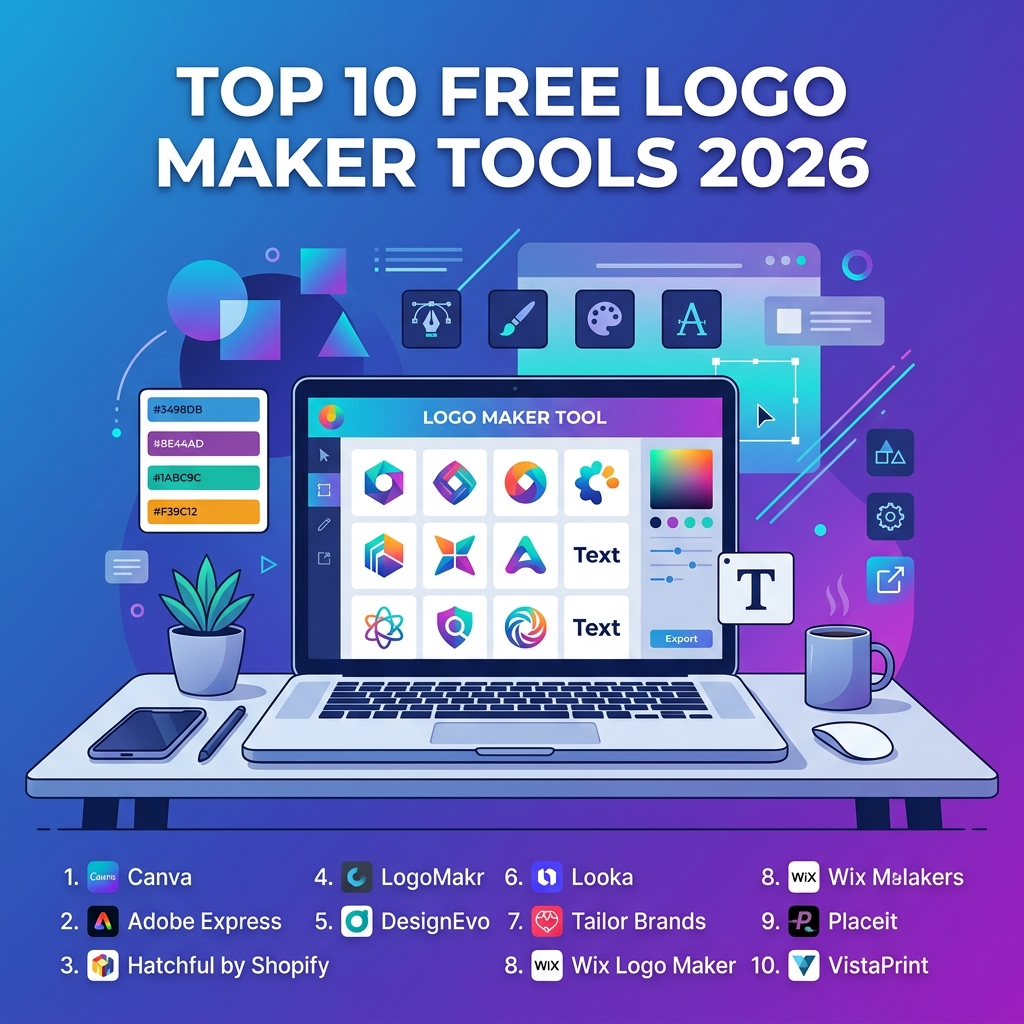
Your business card is printed, your website is half-built, and there is one stubborn item left on the checklist: a logo that does not look like it was sketched on a napkin. The good news is you do not need a five-figure agency budget or a degree in graphic design to get one. The best free logo maker tools in 2026 have matured into AI-powered design studios that can produce brand-ready vector files in minutes.
This guide cuts through the noise. We tested popular platforms across speed, customization, export quality, and the dreaded “free until you click download” trap. Whether you are launching a coffee cart, a SaaS startup, or a freelance consultancy, you will find a logo maker here that matches your skill level and budget.
What Is a Free Logo Maker Tool?
A free logo maker is a web-based or desktop application that lets you design a brand mark using pre-built templates, fonts, icons, and color palettes — usually without paying upfront. Modern tools combine drag-and-drop editors with AI generators that suggest layouts based on your business name, industry, and style preferences. Most offer a free tier with limited resolution exports, while paid tiers unlock vector files, transparent backgrounds, and full commercial rights.
How We Evaluated the Best Free Logo Makers
Not every “free” tool is genuinely free. Some platforms let you design for hours, then paywall the actual download. To produce a fair shortlist, we judged each tool against five practical criteria:
- Genuine free output: Can you actually export a usable file without paying?
- Customization depth: How much can you tweak fonts, colors, layout, and spacing?
- AI assistance: Does the generator produce relevant suggestions or recycled clipart?
- Export formats: PNG only, or do you get SVG, PDF, and transparent backgrounds?
- Commercial licensing: Are you legally allowed to use the logo on products, packaging, and ads?
With those benchmarks in mind, here are the ten platforms worth your time this year.
1. Canva — Best All-Around Free Logo Maker
Canva remains the default starting point for small business owners who want flexibility without a learning curve. Its 2026 update added a new Magic Brand assistant that generates entire brand kits — logo, color palette, typography, and social templates — from a single prompt.
The free plan gives you access to thousands of templates, a transparent background option (recently moved out of the Pro paywall for static PNGs), and unlimited project storage. The catch: SVG export and full vector editing still require Canva Pro.
Pros and Cons
- Pros: Massive template library, intuitive drag-and-drop interface, AI brand kit generation, mobile app parity.
- Cons: SVG exports gated to Pro, many premium elements mixed into free search results.
2. Looka — Best AI-Powered Logo Generator
Looka uses a conversational AI flow: enter your business name, pick five logos you like from a curated grid, choose colors, and it generates dozens of polished concepts in under a minute. The 2026 model handles abstract industries — Web3, AI consultancies, niche e-commerce — far better than the 2023 generation that defaulted to generic swirls.
Looka is technically a freemium tool. Designing is free, but downloading high-resolution files starts around the price of a single coffee per month on the basic plan. If you need a vector SVG, expect to upgrade. Still, the design experience is so polished it earns its place on this list.
3. Hatchful by Shopify — Best for E-commerce Starters
Hatchful is Shopify’s free logo maker, built specifically for online store owners. It is opinionated in a good way: pick an industry, a visual style, and a business name, and you get a tidy set of mock-ups showing your logo on storefronts, packaging, and social profiles. Downloads are completely free, including high-resolution PNGs sized for major platforms.
The trade-off is depth. You cannot fine-tune individual letters or add custom shapes. For founders who want a “good enough” mark to launch a store this week, Hatchful is hard to beat.
4. Adobe Express — Best for Adobe Ecosystem Users
Adobe Express consolidated Adobe Spark and the standalone logo maker into a single free hub. The 2026 release leans heavily on Firefly, Adobe’s generative AI model, which means you can describe a logo in plain English and get vector-editable results without leaving the browser.
If you already pay for Creative Cloud, Express integrates with Illustrator and Photoshop libraries. The free tier is generous — you get SVG exports, transparent backgrounds, and access to a large icon and font library — though some premium fonts and AI credits are capped monthly.
5. LogoMakr — Best for Hands-On Customization
LogoMakr keeps things refreshingly simple: a single canvas, a search bar for icons, and a font picker. There is no AI, no template gallery, and no onboarding wizard. You build the logo yourself, shape by shape. This is the right tool if you have a clear concept and want full control without learning a complex design app.
Low-resolution PNG downloads are free and watermark-free. High-resolution exports require a one-time payment per logo — a fair model if you only need one mark and dislike subscriptions.
6. Wix Logo Maker — Best for Website Integration
Wix’s logo tool is bundled inside its website builder, which makes it the obvious pick if your site already lives on Wix. The AI asks a short series of branding questions, then produces a handful of professionally laid-out options. You can edit type, color, and layout before exporting.
Standard-resolution previews are free; commercial-use files require a paid package. For solopreneurs building a Wix site anyway, the bundled pricing often works out cheaper than paying for design and hosting separately.
7. Tailor Brands — Best for Full Brand Identity
Tailor Brands positions itself as a one-stop branding platform: logo, social kit, business cards, and even LLC formation services in some regions. The AI generator is solid, and the editor has improved noticeably in 2026 with proper undo history and granular spacing controls.
The free experience is mostly a preview. To download files for commercial use, you will need a subscription. It is best suited for founders who want logo plus business setup wrapped together rather than someone hunting for a quick free download.
8. DesignEvo — Best Free Template Library
DesignEvo boasts over ten thousand customizable templates spanning niches from yoga studios to gaming clans. The editor is straightforward, and small businesses can grab a 500-pixel PNG for free with a credit-back link. Larger sizes and vector formats are inexpensive one-time purchases.
The template-first approach is its strength and weakness: you may find a near-perfect starting point in seconds, or you may scroll for half an hour and end up with something too close to a competitor’s mark. Always run a quick reverse image search before committing.
9. Inkscape — Best Free Open-Source Option
For founders who already speak the language of design — or want to learn — Inkscape is a fully featured, free, open-source vector editor comparable to Adobe Illustrator. There are no templates, no AI, and no hand-holding. What you get instead is unlimited control: every node, gradient, and path is yours to shape.
Inkscape exports clean SVG, PDF, and PNG files with no watermarks and no licensing strings attached. The catch is the learning curve. Plan to spend a few evenings with tutorials before producing professional work.
Quick Inkscape Starter Snippet
Inkscape stores logos as plain SVG, which means you can hand-edit or version-control them. Here is a minimal SVG of a circular monogram — paste it into a file named logo.svg and open it in Inkscape to start customizing.
<svg xmlns="http://www.w3.org/2000/svg" viewBox="0 0 200 200">
  <!-- Outer brand circle -->
  <circle cx="100" cy="100" r="90"
          fill="#4F46E5" stroke="#1E1B4B" stroke-width="4"/>
  <!-- Monogram letter -->
  <text x="50%" y="55%"
        text-anchor="middle"
        font-family="Helvetica, Arial, sans-serif"
        font-size="90" font-weight="700" fill="#FFFFFF">
    CL
  </text>
This snippet draws a 200-by-200-pixel SVG with an indigo circle and white initials. Because SVG is vector-based, the same file scales cleanly from a favicon to a billboard — no pixel blur, no re-export required.
10. Brandmark — Best for Modern Minimalist Logos
Brandmark’s algorithm leans toward clean, contemporary aesthetics — think tech startups, lifestyle brands, and design-forward agencies. Enter your business name, three keywords, and a style preference, and it produces a curated set of layouts including primary, secondary, and favicon variations.
The free version lets you preview and refine designs in detail. Downloads start at a one-time fee that includes vector files and a basic brand guidelines PDF — useful if you do not want a recurring subscription.
Feature Comparison Table
| Tool | Free Download | SVG Export | AI Generator | Best For |
|---|---|---|---|---|
| Canva | Yes (PNG) | Paid | Yes | All-purpose design |
| Looka | Preview only | Paid | Yes | Polished AI concepts |
| Hatchful | Yes (PNG) | No | Limited | E-commerce launch |
| Adobe Express | Yes | Yes | Yes (Firefly) | Creative Cloud users |
| LogoMakr | Yes (low-res) | One-time fee | No | Manual control |
| Wix Logo Maker | Preview only | Paid | Yes | Wix sites |
| Tailor Brands | Preview only | Paid | Yes | Brand bundles |
| DesignEvo | Yes (500px) | One-time fee | No | Template variety |
| Inkscape | Yes (all formats) | Yes | No | Full vector control |
| Brandmark | Preview only | One-time fee | Yes | Minimalist style |
How to Choose the Right Free Logo Maker for Your Business
The “best” tool depends on what you are optimizing for. A weekend market vendor needs something different from a venture-backed startup preparing a pitch deck. Use these questions to narrow your shortlist:
- Will the logo need to scale? If yes, prioritize tools that export SVG (Inkscape, Adobe Express, paid tiers of Canva or Looka).
- Do you have a clear visual concept? If yes, manual tools like LogoMakr or Inkscape will get you there faster than AI generators that try to guess.
- Do you need matching brand assets? Tailor Brands and Canva’s Magic Brand produce coordinated kits in one flow.
- Is commercial use guaranteed? Read the license tab carefully — some “free” exports forbid resale on physical products.
A logo is not your brand. It is the visual shortcut your customers use to remember your brand. Spend just enough time on it to look credible — then go build the actual business behind it.
Common Pitfalls to Avoid
Even with great tools, plenty of new founders trip over the same mistakes. Watch out for these:
- Overusing AI suggestions verbatim. If the tool generated it in three seconds, a competitor probably has something nearly identical. Always customize colors, type, and spacing.
- Ignoring scalability. A logo that looks great at 800 pixels can turn to mush as a 32-pixel favicon. Test it small before signing off.
- Skipping the trademark check. Run a quick search on the relevant USPTO trademark database or your country’s equivalent before printing thousands of business cards.
- Choosing more than two fonts. Clean logos usually pair one display font with one supporting font — sometimes just one font in two weights.
- Forgetting the dark mode test. Your logo will appear on white, black, and colored backgrounds. Design variations for each.
Quick Tips for Better Logo Design
Once you have chosen a tool, a handful of design principles will lift your logo from “fine” to “professional”:
- Pick two anchor colors and stick to them across every brand touchpoint.
- Leave breathing room — empty space around the mark is part of the design, not wasted canvas.
- Make it readable at the size of a phone notification icon.
- Avoid trendy effects (gradients-on-gradients, drop shadows on every element). Trends age quickly; clean shapes do not.
- Export at least three versions: full-color, single-color, and reversed (white on dark).
Frequently Asked Questions
Are free logo maker tools really free for commercial use?
Most free tiers allow personal use and a low-resolution download for free. Commercial rights, vector files, and transparent backgrounds typically require a paid plan or one-time purchase. Inkscape and Hatchful are notable exceptions — both offer genuinely free commercial use.
Can I trademark a logo created with a free logo maker?
Generally yes, provided the design is sufficiently unique and you hold full commercial rights to the assets used. Logos that rely heavily on stock icons available to every user of the platform are harder to trademark because they lack distinctiveness. Customize heavily and consult a trademark attorney for serious filings.
What file format should my logo be saved in?
Always keep a master SVG or AI file for unlimited scaling. Export PNG with a transparent background for web use, and a print-ready PDF for business cards, packaging, and signage. Avoid JPG for logos — it does not support transparency and produces compression artifacts around edges.
How long should it take to design a logo with these tools?
Plan on two to four hours total, spread across two sittings. Generate options in the first session, sleep on it, then return with fresh eyes to refine. Logos created in a single rushed sitting almost always look that way a month later.
Do I need design skills to use AI logo makers?
No, but a basic eye for spacing, contrast, and typography will dramatically improve your results. Spend thirty minutes reading the graphic design fundamentals on Wikipedia before opening the tool. You will recognize good suggestions faster.
Is it better to hire a designer or use a free logo maker?
For pre-revenue businesses and side projects, a free logo maker is more than enough. Once you have product-market fit and meaningful revenue, hiring a designer to refine or rebuild the logo is a smart reinvestment. Many successful brands started with a generated logo and upgraded later.
Conclusion
The free logo maker tools in 2026 have closed the gap with paid design studios for most small business needs. Canva and Adobe Express cover broad use cases, Looka and Brandmark shine for AI-generated polish, Hatchful and Inkscape deliver genuinely free downloads, and the rest fill specific niches between them. The right pick depends on whether you want a guided AI flow, a template library, or full vector control.
Whichever tool you choose, treat the logo as a starting point rather than a finish line. Customize it enough that it does not look algorithmic, test it across every size you will actually use, and lock down the source files before you start printing or publishing. Your brand will thank you a year from now when you can scale the same mark from a favicon to a storefront sign without redesigning from scratch.