
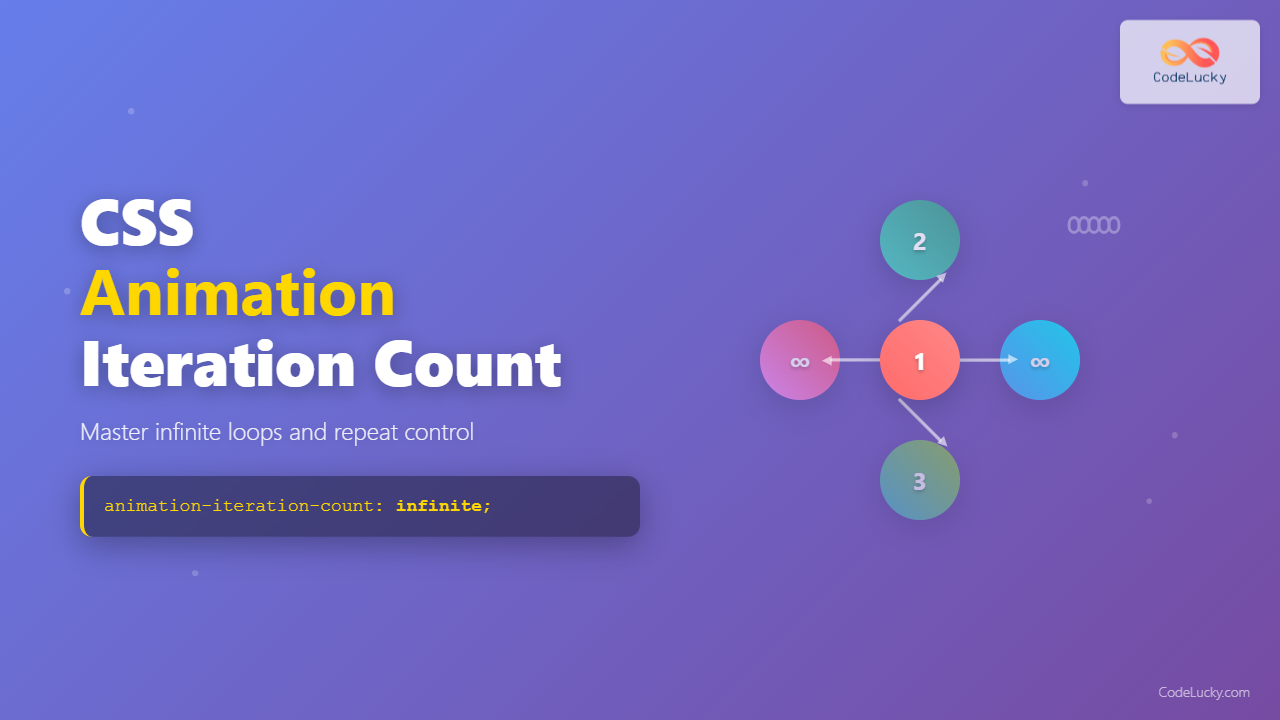
The animation-iteration-count property is a fundamental CSS animation control that determines how many times an animation cycle should repeat. Whether you want a subtle one-time effect or an eye-catching infinite loop, mastering this property gives you precise control over your animation’s lifecycle.
Understanding Animation-Iteration-Count Syntax
The animation-iteration-count property accepts several types of values, each serving different animation needs:
/* Examples */
animation-iteration-count: 1; /* Runs once (default) */
animation-iteration-count: 3; /* Runs exactly 3 times */
animation-iteration-count: 2.5; /* Runs 2.5 times */
animation-iteration-count: infinite; /* Runs continuously */
Basic Implementation Examples
Single Iteration (Default Behavior)
Runs once: animation-iteration-count: 1
animation-iteration-count: 1;
animation-name: bounce;
animation-duration: 1s;
animation-timing-function: ease-in-out;
}
@keyframes bounce {
0%, 100% { transform: translateY(0); }
50% { transform: translateY(-30px); }
}
Multiple Finite Iterations
Runs 3 times: animation-iteration-count: 3
animation-iteration-count: 3;
animation-name: bounce;
animation-duration: 1s;
animation-timing-function: ease-in-out;
}
Infinite Iterations
Runs continuously: animation-iteration-count: infinite
animation-iteration-count: infinite;
animation-name: bounce;
animation-duration: 1s;
animation-timing-function: ease-in-out;
}
Advanced Techniques and Decimal Values
CSS allows decimal values for animation-iteration-count, enabling partial animation cycles that can create unique effects:
Runs 2.5 times: animation-iteration-count: 2.5
animation-iteration-count: 2.5;
animation-name: pulse;
animation-duration: 1.5s;
animation-timing-function: ease-in-out;
}
@keyframes pulse {
0%, 100% { transform: scale(1); }
50% { transform: scale(1.2); }
}
Interactive Animation Control Demo
Dynamic Animation-Iteration-Count Control
Current: animation-iteration-count: 1
function applyIterationCount() {
const value = document.getElementById(‘iterationInput’).value;
const box = document.getElementById(‘dynamicBox’);
box.style.animationIterationCount = value;
box.style.animationName = ‘rotate’;
box.style.animationDuration = ‘2s’;
box.style.animationTimingFunction = ‘linear’;
}
Animation-Iteration-Count vs Other Properties
| Property | Purpose | Common Values | Interaction with Iteration-Count |
|---|---|---|---|
animation-duration |
Controls single cycle length | 1s, 500ms, 2.5s | Total animation time = duration × iteration-count |
animation-direction |
Controls play direction | normal, reverse, alternate | Each iteration follows the specified direction |
animation-fill-mode |
Controls pre/post animation state | forwards, backwards, both | Applied after all iterations complete |
animation-play-state |
Controls animation execution | running, paused | Affects all iterations collectively |
Real-World Use Cases and Best Practices
Loading Spinners (Infinite)
Perfect for loading indicators that need continuous motion
width: 40px;
height: 40px;
border: 4px solid #f3f3f3;
border-top: 4px solid #3498db;
border-radius: 50%;
animation-iteration-count: infinite;
animation-name: rotate;
animation-duration: 1s;
animation-timing-function: linear;
}
Attention-Grabbing Effects (Finite)
Draws attention without being overwhelming
animation-iteration-count: 2;
animation-name: fadeInOut;
animation-duration: 2s;
animation-timing-function: ease-in-out;
}
@keyframes fadeInOut {
0%, 100% { opacity: 1; }
50% { opacity: 0.2; }
}
Performance Considerations
will-change property and limiting the number of simultaneously running infinite animations.
.optimized-animation {
animation-iteration-count: infinite;
animation-name: slideIn;
animation-duration: 3s;
will-change: transform; /* Optimizes for animation */
transform: translateZ(0); /* Creates layer for GPU acceleration */
}
Browser Compatibility and Fallbacks
The animation-iteration-count property enjoys excellent browser support across modern browsers. However, for older browser compatibility, consider providing fallbacks:
.animated-element {
/* Fallback for older browsers */
-webkit-animation-iteration-count: 3;
-moz-animation-iteration-count: 3;
-o-animation-iteration-count: 3;
animation-iteration-count: 3;
}
/* Feature detection with CSS */
@supports (animation-iteration-count: 1) {
.modern-animation {
animation-iteration-count: infinite;
}
}
Common Pitfalls and Solutions
animation-iteration-count: 0 prevents the animation from running entirely. Use animation-play-state: paused instead if you want to temporarily disable animation.
Debugging Animation Iterations
.debug-animation {
–iteration-count: 3;
animation-iteration-count: var(–iteration-count);
animation-name: debugBounce;
animation-duration: 1s;
}
/* JavaScript debugging */
element.addEventListener(‘animationiteration’, (e) => {
console.log(`Iteration ${e.elapsedTime / parseFloat(getComputedStyle(e.target).animationDuration)} completed`);
});
Advanced Animation Patterns
Staggered Animations with Different Iteration Counts
.cascade-item:nth-child(1) { animation-iteration-count: 1; }
.cascade-item:nth-child(2) { animation-iteration-count: 2; }
.cascade-item:nth-child(3) { animation-iteration-count: 3; }
.cascade-item:nth-child(4) { animation-iteration-count: infinite; }
Conditional Iteration Counts with CSS Custom Properties
–base-iterations: 1;
–is-hovered: 0;
animation-iteration-count: calc(var(–base-iterations) + var(–is-hovered) * 2);
}
.adaptive-animation:hover {
–is-hovered: 1;
}
Conclusion
The animation-iteration-count property is essential for creating sophisticated web animations. From simple one-time effects to complex infinite loops, understanding how to control animation repetition gives you the power to create engaging user experiences. Remember to balance visual impact with performance, especially when using infinite animations, and always test across different devices to ensure smooth performance.
By mastering iteration count alongside other animation properties, you can create animations that not only look great but also serve your user interface goals effectively. Whether you’re building subtle micro-interactions or bold attention-grabbing effects, precise control over animation repetition is key to professional web animation.
Related Posts
CSS Style animationIterationCount Property: CSS Animation Iteration Count
CSS animation-iteration-count Property: Controlling Animation Loops The animation-iteration-count property in CSS specifies the number of times an animation should play....
CSS Style animationDuration Property: CSS Animation Duration
Understanding the animationDuration Property in CSS The animationDuration property in CSS specifies the length of time that an animation should...
CSS Animation-Delay: Master Timing Control for Perfect Web Animations
What is CSS Animation-Delay? The animation-delay property in CSS controls when an animation starts after it's been applied to an...
JavaScript animationiteration Event: Triggered on Animation Iteration
JavaScript animationiteration Event: Triggered on Animation Iteration The animationiteration event in JavaScript is a crucial part of working with CSS...

CSS Style animationDelay Property: CSS Animation Delay
Understanding the CSS animationDelay Property The CSS animationDelay property specifies the amount of time to wait from when the element...
CSS Animation-Duration: Complete Guide to Controlling Animation Timing and Speed
The animation-duration property is a fundamental CSS animation property that controls how long an animation takes to complete one full...
CSS Animation Property: Complete Guide to Keyframe-Based Animations
CSS animations bring life to web pages by allowing elements to transition smoothly between different states over time. The animation...
CSS Style animation Property: CSS Animation
CSS animation Property: A Comprehensive Guide to CSS Animations The animation property in CSS is a shorthand property used to...
CSS Transition-Duration: Complete Guide to Animation Timing Control
What is CSS Transition-Duration? The transition-duration property in CSS defines how long a transition animation should take to complete. It's...
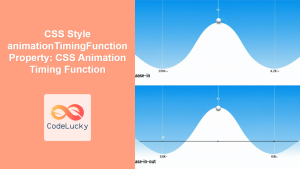
CSS Style animationTimingFunction Property: CSS Animation Timing Function
CSS Style animationTimingFunction Property: A Comprehensive Guide The animation-timing-function property in CSS is a crucial component for controlling the pace...
CSS Animation Timing Function: Complete Guide to Animation Easing Functions
The animation-timing-function property in CSS controls how an animation progresses through its duration, determining the acceleration and deceleration patterns that...
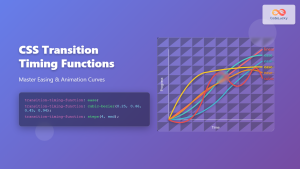
CSS Transition-Timing-Function: Master Easing and Animation Curves for Smooth Web Animations
The transition-timing-function property in CSS is a powerful tool that controls how intermediate values are calculated during a transition. It...





