Your best ideas rarely arrive in neat, linear lists. They explode outward — a launch plan branches into marketing, engineering, and legal, each branch sprouting its own thicket of questions. A blank document can’t keep up with that kind of thinking, which is why the best mind mapping software has quietly become essential gear for product managers, students, researchers, and anyone trying to organize a messy brain.
The category has matured fast. In 2026, the leading tools are no longer just digital whiteboards with curved lines. They embed AI brainstorming partners, sync with project management suites, support real-time multiplayer editing, and export to formats that actually plug into your workflow. This guide breaks down the top contenders, what they’re genuinely good at, and how to pick the one that fits how you think.
What Is Mind Mapping Software, Exactly?
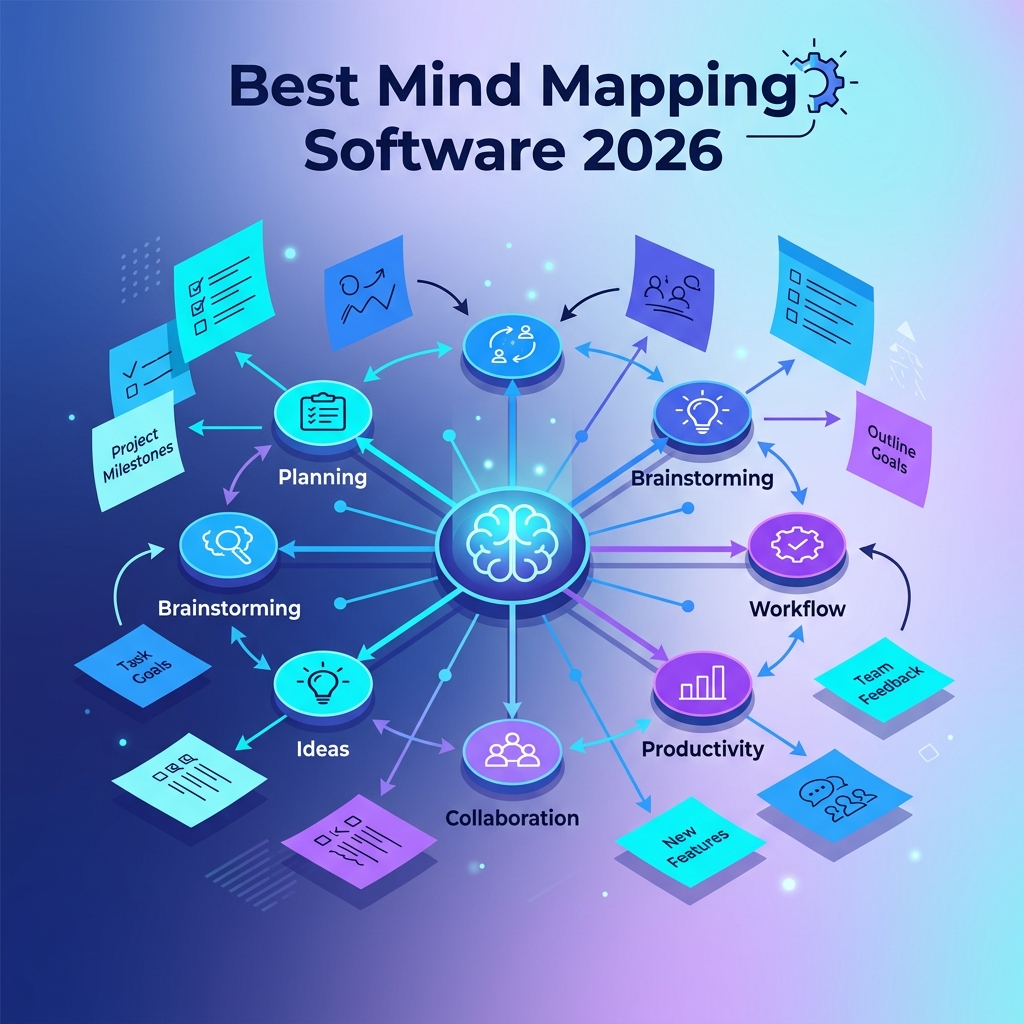
Mind mapping software is a visual thinking tool that lets you capture ideas as nodes connected by branches, radiating from a central topic. Unlike outlines or documents, it preserves the non-linear relationships between concepts, making it easier to brainstorm, plan projects, take notes, and analyze complex problems. Modern apps add real-time collaboration, AI suggestions, templates, and integrations with tools like Notion, Jira, and Google Drive.
The core idea traces back to Tony Buzan’s work in the 1970s, but the digital incarnations have evolved far beyond paper. You can read the foundational concept on Wikipedia’s overview of mind maps if you want the historical context.
How to Choose the Right Mind Mapping Tool
Before scrolling through reviews, get honest about how you actually work. The “best” tool depends less on feature count and more on fit. Ask yourself:
- Solo or team? If you brainstorm alone, you can pick a lightweight desktop app. Cross-functional teams need real-time collaboration and permission controls.
- Structured or free-form? Some tools enforce a strict radial tree. Others give you an infinite canvas where maps mingle with sticky notes, diagrams, and embedded docs.
- Offline access matters? Cloud-first tools shine for collaboration but stall without internet. Local-first apps like Obsidian or XMind keep working on a plane.
- Where does the output go? If your map ends as a Jira backlog or a Notion doc, integrations save hours of manual rebuilding.
- Budget reality. Free tiers are excellent for individuals; paid plans typically start at $5–$15 per user per month and scale up with seats and AI usage.
The Best Mind Mapping Software in 2026 at a Glance
Here’s a quick comparison of the eight tools we’ll cover in depth, so you can spot the right candidate before reading further.
| Tool | Best For | Free Plan | Starts At | AI Features |
|---|---|---|---|---|
| Miro | Cross-functional team workshops | Yes (3 boards) | $8/user/mo | Strong |
| XMind | Structured personal mapping | Yes (limited) | $5/mo | Moderate |
| Lucidchart | Diagram-heavy planning | Yes (3 docs) | $9/user/mo | Moderate |
| MindMeister | Education and remote teams | Yes (3 maps) | $5/user/mo | Strong |
| Obsidian Canvas | Researchers and knowledge work | Yes (full) | Free | Via plugins |
| Whimsical | Designers and product teams | Yes (4 boards) | $10/user/mo | Moderate |
| Coggle | Beginners and quick maps | Yes (3 private) | $5/mo | Limited |
| Scapple | Writers and free-form thinkers | 30-day trial | $18 one-time | None |
Miro: The Heavyweight for Team Brainstorming
Miro has grown from a digital whiteboard into one of the most capable mind mapping platforms for distributed teams. Its 2026 release leans heavily on the Miro AI assistant, which can expand a node into ten sub-ideas, summarize sprawling boards into bullet points, or convert a brainstorm into a structured project brief in seconds.
The real strength is collaboration. You can host live workshops with 100+ participants, run timed voting, and use sticky-note clustering to surface themes. Templates cover everything from SWOT analyses to product roadmaps. The trade-off: the canvas can feel overwhelming if you only need a quick five-node map for personal planning.
If your mind mapping happens in a meeting more often than in solitude, Miro pays for itself in week one.
Where Miro Falls Short
Pricing scales aggressively for larger teams, and the free tier’s three-board limit hits fast. Performance also degrades on very large boards (think 500+ elements), though the 2026 rendering engine is noticeably smoother than previous versions.
XMind: The Most Polished Solo Experience
For individual users who want a beautiful, structured mind map without the overhead of a collaboration platform, XMind remains the gold standard. It supports a dozen layouts — radial, tree, fishbone, org chart, timeline, matrix — and the visual styling (called ZEN Mode) is genuinely a pleasure to look at.
The Pitch Mode is a unique killer feature: it converts your mind map into a slideshow, branch by branch, so you can present ideas without rebuilding them in PowerPoint. Export options include PDF, OPML, Markdown, and even pure SVG — useful for embedding maps into documentation pipelines.
Lucidchart: When Mind Maps Meet Diagrams
Lucidchart is technically a general-purpose diagramming tool, but its mind map templates and shape libraries are strong enough to compete with dedicated apps. The advantage is range: in a single document, you can pivot from a mind map of feature ideas to a flowchart of the user journey to an ER diagram of the database schema.
It integrates deeply with Google Workspace, Atlassian, and Microsoft 365. If your organization already standardizes on Lucidchart for diagrams, adding mind mapping there is a frictionless win. For a deep look at diagram-first workflows, the official Lucidchart mind map documentation covers the canvas mechanics well.
MindMeister: AI-First Brainstorming for Remote Teams
MindMeister was an early mover on AI assistance, and in 2026 the feature set is mature. The MeisterMind AI can generate a full first-draft map from a single prompt, suggest related branches as you type, and translate maps between languages instantly — useful for global teams.
It pairs naturally with MeisterTask (the same company’s project management app), so a brainstorm can flow into actionable tasks without copy-paste. Education plans are generous, which is why it’s popular in universities and bootcamps.
Obsidian Canvas: The Knowledge Worker’s Secret Weapon
If you live inside a personal knowledge base, Obsidian Canvas is the most powerful free option in this list. It’s an infinite spatial canvas where you can drop markdown notes, images, web pages, PDFs, and connect them with arrows — turning your existing vault of notes into a living mind map.
Because Obsidian stores files as plain markdown on your own machine, your maps are portable, version-controllable with Git, and never trapped in a proprietary format. The catch: there’s no real-time collaboration in the core app, and the learning curve is steep if you’re not already invested in markdown.
A Simple Obsidian Canvas File Example
Canvas files are just JSON under the hood, which means you can generate them programmatically. Here’s a minimal example you could save as brainstorm.canvas:
{
  "nodes": [
    {
      "id": "1",
      "type": "text",
      "text": "Product Launch Q3",
      "x": 0,
      "y": 0,
      "width": 200,
      "height": 60
    },
    {
      "id": "2",
      "type": "text",
      "text": "Marketing",
      "x": 300,
      "y": -100,
      "width": 160,
      "height": 60
    },
    {
      "id": "3",
      "type": "text",
      "text": "Engineering",
      "x": 300,
      "y": 100,
      "width": 160,
      "height": 60
    }
  ],
  "edges": [
    { "id": "e1", "fromNode": "1", "toNode": "2" },
    { "id": "e2", "fromNode": "1", "toNode": "3" }
  ]
}
Drop that file into your Obsidian vault and it opens as a fully editable canvas. The format is documented openly, which means automation scripts — say, a Python script that turns meeting transcripts into starter maps — are entirely feasible.
Whimsical, Coggle, and Scapple: Specialist Picks
Whimsical shines for product and design teams that want mind maps alongside wireframes and flowcharts in one tight, fast interface. Its keyboard shortcuts are arguably the best in the category — you can build a hundred-node map without your hand leaving the keys.
Coggle is the simplest entry point for beginners. The interface is forgiving, the maps look clean by default, and the free tier is generous enough for casual use. It’s a great teaching tool because there’s almost nothing to configure.
Scapple, from the makers of Scrivener, is the rebel of the group. It refuses the radial-tree orthodoxy and instead lets you place notes anywhere on an infinite page, drawing connections only where they’re meaningful. Writers and researchers swear by it for early-stage thinking when imposing structure too soon would kill ideas.
AI Features Worth Paying For (and Ones That Aren’t)
Every major tool now ships some flavor of AI. After a year of using them in real work, the features that genuinely save time are narrower than vendors suggest.
- Branch expansion: Given a node, generate 5–10 sub-ideas. This is the single most useful AI feature — it breaks creative blocks fast.
- Summarization: Collapsing a 200-node board into a one-page brief. Great for handing brainstorms off to stakeholders.
- Clustering: Auto-grouping sticky notes by theme. A massive time-saver after a remote workshop.
- Map-from-prompt: Generating a whole starter map from a single sentence. Useful as scaffolding, but the output usually needs heavy editing.
Less useful in practice: AI “presentations” that auto-style your map for stakeholders (the results tend to look generic), and AI chat sidebars that simply replicate ChatGPT inside the canvas without any spatial awareness of your map.
Common Pitfalls When Adopting Mind Mapping Software
Tools don’t fix bad thinking habits — they amplify whatever you bring to them. A few mistakes show up repeatedly with teams new to mind mapping.
- Mapping everything. Not every task benefits from a visual map. Routine standups, simple checklists, and linear processes belong in a list, not on a canvas.
- Skipping the cleanup pass. A brainstorm map is a draft. Without a follow-up step to prune, rank, and convert nodes into action items, you end up with art instead of decisions.
- Tool sprawl. Using Miro for workshops, XMind for personal notes, Whimsical for design, and Obsidian for research can fragment your knowledge. Pick one primary tool and treat others as edge cases.
- Over-styling. Spending an hour color-coding branches feels productive but rarely improves outcomes. Defer styling until the structure is locked.
- Ignoring export formats. If your map can only live inside one app, you’ve built a silo. Always confirm the tool exports to OPML, Markdown, or at least PDF.
A Practical Workflow That Actually Sticks
Across years of watching teams adopt mind mapping software, the workflows that survive past month two share a common shape. Try this sequence:
- Capture wide, fast. Set a 10-minute timer, dump every related thought as a node, ignore structure entirely.
- Cluster. Drag related nodes near each other. Themes emerge organically — this is the magic of spatial thinking.
- Promote and prune. Pick one node from each cluster as the parent, attach the rest as children, and ruthlessly cut anything redundant.
- Convert to action. Export the top three branches to your task system (Jira, Linear, Asana). The map’s job is done — the work lives elsewhere now.
- Archive, don’t curate. Tag the map by project and forget it. The act of building it was the point; you’ll rarely revisit it.
The last step is counterintuitive but freeing. Mind maps are thinking tools, not deliverables. Treating them as disposable scaffolding keeps you coming back to use them.
Frequently Asked Questions
What is the best free mind mapping software in 2026?
For most people, Obsidian Canvas is the most powerful fully-free option because it has no node limits and stores files locally. If you need browser-based collaboration, Coggle’s free tier and MindMeister’s three-map starter plan are the easiest places to begin without a credit card.
Is mind mapping software better than a regular notes app?
For non-linear thinking — brainstorming, project planning, studying complex topics — yes. The spatial layout makes relationships between ideas visible in a way that lists hide. For linear tasks like daily journaling or meeting minutes, a regular notes app like Notion or Apple Notes is faster and lighter.
Can AI replace human mind mapping?
Not really. AI is excellent at expanding a node you’ve already chosen or generating scaffolding for a new map, but the value of mind mapping comes from your sense-making — the small choices about what belongs together, what’s a parent versus a child, what to leave out. AI accelerates the boring parts and frees you to do that judgment work.
Which mind mapping software works best offline?
XMind, Scapple, and Obsidian Canvas are fully offline-capable. Miro and MindMeister have offline modes but with significant limitations. If you travel frequently or work in low-connectivity environments, a local-first app is the safer bet.
How big can a mind map get before it becomes useless?
In practice, around 100–150 nodes is the readability ceiling for a single map. Beyond that, split into linked sub-maps. Most modern tools support nested maps or canvas-to-canvas links, which scale better than one massive sprawling diagram.
Are mind maps useful for software development?
Yes — for architecture planning, debugging complex bugs, designing API surfaces, and onboarding new engineers to a codebase. Many teams use mind maps as the early-stage artifact before formal documents like RFCs or design docs. Pairing one with a structured doc gives you both the visual overview and the implementation detail.
Conclusion
The best mind mapping software in 2026 is the one that matches your actual working style, not the one with the longest feature list. Choose Miro or MindMeister if collaboration is non-negotiable, XMind or Scapple if you do your best thinking alone, Obsidian Canvas if you live in a personal knowledge base, and Lucidchart or Whimsical if mind maps sit alongside diagrams and wireframes in your daily work.
Whatever you pick, treat the tool as a vehicle for thinking rather than a destination. The ideas matter; the canvas is just where they get room to breathe. Start with one project this week — a launch plan, a research synthesis, a personal goal — and let the map do what a blank document never could.