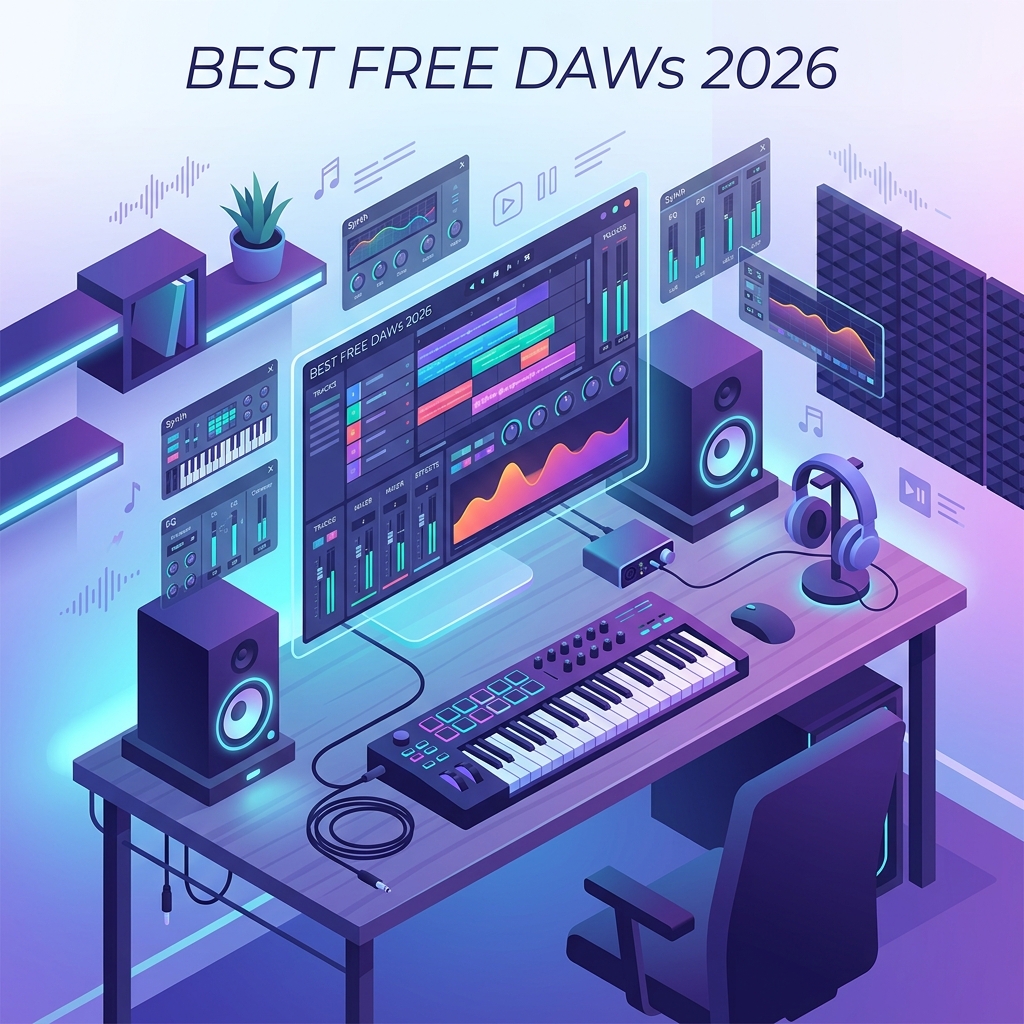
You have a melody stuck in your head, a laptop on your desk, and exactly zero dollars in your music software budget. Good news: in 2026, that is more than enough to start producing professional-sounding tracks. The free music production software ecosystem has matured to the point where some no-cost tools rival their paid counterparts in features, stability, and sound quality.
Choosing the right free DAW (digital audio workstation), however, is not as simple as picking the one with the prettiest interface. Some are fully featured but Windows-only. Others are cross-platform but limit your track count. A few are technically free but lock essential features behind a “pro” upgrade. This guide cuts through the noise so you can pick the best free music production software for your specific setup, genre, and learning style.
What Is a DAW and Why Does the Choice Matter?
A digital audio workstation, or DAW, is the central software you use to record, edit, mix, and produce music on a computer. It hosts virtual instruments, audio effects, MIDI sequencers, and mixers under one interface. Think of it as the modern equivalent of a recording studio’s mixing console, tape machine, and instrument rack combined into a single application.
The DAW you choose shapes your entire workflow. A loop-based interface like BandLab rewards quick experimentation, while a linear arranger like Cakewalk suits songwriters who think in verses and choruses. Switching DAWs later is possible but painful — your project files, key commands, and muscle memory rarely translate. Starting on the right one saves months of friction.
The best free DAW is not the one with the most features. It is the one that matches how your brain organizes sound — and that you will actually finish songs in.
What to Look For in the Best Free Music Production Software
Before comparing specific tools, anchor your decision on these five criteria. They separate genuinely useful free DAWs from crippled trial versions in disguise.
- Unlimited tracks — Some free tiers cap you at 8 or 16 tracks. For most beginners, that is fine for a week, frustrating by month two.
- VST and plugin support — The ability to load third-party instruments and effects (VST, VST3, AU, CLAP) is what lets you expand your sound without paying for premium software.
- MIDI editing depth — Look for a piano roll with quantization, velocity editing, and CC automation. This is where most of modern music is actually written.
- Audio recording quality — 24-bit/96kHz support is the realistic minimum in 2026 if you plan to record vocals or live instruments.
- Export options — A free DAW that cannot export uncompressed WAV or stems is a deal-breaker for anyone serious about releasing music.
Cakewalk by BandLab: The Most Feature-Complete Free DAW
Cakewalk by BandLab is the closest you can get to a fully professional DAW without spending a cent. Originally a paid product called SONAR Platinum that retailed for around $500, it was acquired by BandLab in 2018 and released for free. In 2026, its successor — now branded as Cakewalk Next and the legacy Cakewalk by BandLab — remains the gold standard among free Windows DAWs.
It offers unlimited audio and MIDI tracks, 64-bit mixing, VST3 support, a respectable bundled instrument set, and ProChannel — a per-channel processing strip with EQ, compression, and tube saturation that genuinely sounds professional. The catch: it is Windows only. macOS and Linux users need to look elsewhere.
Strengths
- Unlimited tracks, buses, and plugin instances
- Professional-grade mixing console with surround support
- Full VST2 and VST3 compatibility
- Built-in mastering tools and stem export
Weaknesses
- Windows-only (no Mac or Linux version)
- Steeper learning curve than loop-based DAWs
- Stock instrument library is functional but not flashy
GarageBand: The Best Free DAW for Mac Beginners
If you own a Mac or iPad, GarageBand is already installed and ready. Apple’s free DAW is often dismissed as a toy, but that reputation is years out of date. GarageBand projects open natively in Logic Pro, meaning your beginner work transfers seamlessly if you upgrade later.
For beginners, GarageBand’s intuitive design is its superpower. Drag-and-drop loops, smart instruments that play themselves in key, and a clean piano roll make the first hour productive rather than overwhelming. The bundled Apple Loops library — tens of thousands of royalty-free samples — is a serious creative resource on its own.
Where GarageBand falls short is advanced routing. You cannot send tracks to multiple buses, automation is limited compared to professional DAWs, and there is no native sidechain compression workflow. For learning fundamentals and finishing your first songs, none of that matters.
BandLab: The Best Free Cloud-Based DAW
BandLab runs entirely in your browser and on mobile apps, with unlimited cloud storage for projects. It is the most accessible entry point in 2026 — no installation, no system requirements beyond a modern browser, and your project follows you across devices.
The trade-off is depth. BandLab caps projects at 16 tracks (recently increased from 12), and its mixing tools are simplified compared to desktop DAWs. But for sketching ideas, collaborating with remote musicians via the built-in social features, and producing genres that fit within 16 tracks (lo-fi, hip-hop beats, electronic loops), BandLab is hard to beat.
BandLab is the only free DAW where your phone, tablet, and laptop are all first-class citizens. If you make music in coffee shops and on subways, that matters more than channel count.
LMMS: The Best Free Cross-Platform DAW for Electronic Music
LMMS (Linux MultiMedia Studio, despite the name) is free, open-source, and runs on Windows, macOS, and Linux. It is consciously modeled after the FL Studio workflow — pattern-based composition with a step sequencer, beat/bassline editor, and song editor that arranges patterns into full tracks.
For electronic music producers, this pattern-based approach is faster than the linear timeline used by most traditional DAWs. LMMS also ships with several capable synthesizers — including ZynAddSubFX and a TripleOscillator — that can produce serious sounds with patience and good headphones.
What LMMS Does Well
- Genuinely cross-platform with identical features on each OS
- Open source — no upgrade pressure, no telemetry, no account required
- Pattern-based workflow ideal for EDM, hip-hop, and chiptune
- Imports FL Studio project files (partially)
Where LMMS Struggles
- Audio recording is limited — this is primarily a MIDI/synth DAW
- Interface feels dated compared to commercial competitors
- No native VST3 support (only VST2 via a wrapper)
Audacity: Not a Full DAW, But Essential
Audacity is often listed alongside DAWs, but technically it is a multi-track audio editor rather than a full production environment. There is no MIDI sequencing, no virtual instruments, and no real-time effects chain. What it does offer — and does better than almost any paid tool — is destructive audio editing.
For podcasters, voiceover artists, field recordists, and anyone who needs to clean up, trim, normalize, or restore audio files, Audacity is irreplaceable. Many producers use Audacity alongside their main DAW: record and arrange in Cakewalk or GarageBand, then export to Audacity for surgical cleanup or noise reduction using its excellent official documentation and effect chain.
Comparison Table: Free DAWs at a Glance
| DAW | Platform | Track Limit | VST Support | Best For |
|---|---|---|---|---|
| Cakewalk by BandLab | Windows | Unlimited | VST2 / VST3 | Full production, all genres |
| GarageBand | macOS / iOS | 255 | AU only | Mac beginners, songwriters |
| BandLab | Web / Mobile / Desktop | 16 | Limited | Mobile sketching, collaboration |
| LMMS | Win / Mac / Linux | Unlimited | VST2 | Electronic, beat-making |
| Audacity | Win / Mac / Linux | Unlimited | VST / LV2 | Audio editing, podcasts |
Honorable Mentions Worth Trying
Beyond the headline tools, three more free options deserve attention in 2026.
Reaper is technically not free — it costs $60 for a personal license — but its 60-day evaluation period never expires and the software remains fully functional after it ends. Many professionals run Reaper indefinitely on the trial. It is small (under 20 MB), extremely customizable, and runs on Windows, macOS, and Linux. If you want a “free” DAW with no feature limits and a clear conscience to pay later, this is it.
Waveform Free from Tracktion is a genuinely free professional DAW available on all three major platforms. Unlimited tracks, modern interface, and no aggressive upsells. It is less popular than Cakewalk, which means smaller communities and fewer tutorials, but the software itself is excellent.
Ardour, the open-source DAW available via the Ardour project, is free if you compile it yourself or pay a small one-time fee for pre-built binaries. It is the most professional-grade open-source option, used in commercial post-production studios. The learning curve is steep, but the ceiling is high.
Setting Up Your First Free DAW: Practical Steps
Installing a DAW is only step one. To actually make music, you need to configure your audio engine correctly. Here is the universal setup checklist that applies to almost every free DAW.
- Install an ASIO driver (Windows) or use Core Audio (macOS) — Native Windows audio (WASAPI) has too much latency for real-time recording. Install ASIO4ALL or the driver that ships with your audio interface.
- Set buffer size to 256 samples for recording, 1024 for mixing — Lower buffers reduce latency but increase CPU load. Adjust based on what you are doing.
- Set sample rate to 48 kHz — This is the 2026 industry standard for music and video work. 44.1 kHz is fine if you only release to streaming.
- Create a project template — Pre-load your favorite drum bus, vocal channel strip, and reference tracks once, save as a template, and start every new song from it.
If your DAW supports it, also configure a global key command for “render selection to new track.” This single shortcut becomes the most-used command in any serious workflow because it lets you commit creative decisions and free up CPU.
Common Mistakes Beginners Make With Free DAWs
Free does not mean consequence-free. These are the patterns that derail new producers and slow their progress for months.
- Chasing plugins instead of finishing songs. A new producer with 200 free VSTs and zero finished tracks is a familiar archetype. Master the stock instruments of your DAW first.
- Mixing at high volume. Your ears fatigue and lie to you. Mix at conversational volume — around 70 dB SPL — and reference your track on cheap earbuds before declaring it done.
- Skipping gain staging. If your master bus is clipping red, no amount of mastering will save the track. Aim for individual channels peaking around -12 dBFS.
- Ignoring keyboard shortcuts. The producers who finish music quickly are the ones whose hands never leave the keyboard. Learn five new shortcuts a week.
- Comparing your week-one beats to professional releases. You are not behind. Professional tracks involve mastering engineers, treated rooms, and decades of practice. Compare today’s work to last month’s, not to the Billboard Hot 100.
Frequently Asked Questions About Free Music Production Software
Can I really make professional-sounding music with free DAWs?
Yes — with significant caveats. The DAW itself is rarely the bottleneck for sound quality. What limits free productions more often is the quality of your monitoring (headphones and speakers), your room acoustics, and your skill. Multiple commercially released albums have been produced in free DAWs like Reaper and Cakewalk. The signal path through any modern DAW is mathematically transparent up to 64-bit float.
Do I need to buy plugins to make a free DAW useful?
No, but you will want to eventually. Every free DAW listed here ships with enough instruments and effects to produce complete songs. After six to twelve months, you may want a specific sound — a particular analog synth emulation, a specialist reverb — that justifies a paid plugin. By then you will know exactly what you need rather than buying impulsively.
Which free DAW has the best MIDI editing?
Cakewalk by BandLab has the most sophisticated MIDI editor of the free options, with full CC lane editing, articulation maps, and groove quantization. GarageBand has the most beginner-friendly MIDI editor. LMMS has the fastest MIDI editor for pattern-based electronic music. Match the answer to your workflow.
Can free DAWs handle live recording with multiple microphones?
Yes. Cakewalk, Reaper, Waveform Free, and Ardour all support multi-input recording limited only by your audio interface. A USB interface with eight inputs paired with any of these DAWs can record a full band live. BandLab and GarageBand are more limited for multi-track tracking sessions.
Is it legal to release music made with free DAWs commercially?
Almost always yes. Cakewalk, BandLab, GarageBand, LMMS, Audacity, Reaper, Waveform Free, and Ardour all permit commercial release of music produced with them. Read the bundled sample and loop license terms separately — some bundled content has restrictions on selling unmodified loops, even though the DAW itself is fine. For details, the Wikipedia DAW overview links to vendor licensing pages.
What free DAW should I pick if I have never made music before?
If you own a Mac, start with GarageBand. If you own a Windows PC, start with Cakewalk by BandLab. If you only have a phone or tablet, start with BandLab. These are not the only correct answers, but they are the lowest-friction paths from zero to your first finished song.
Conclusion: Pick One and Start Today
The best free music production software in 2026 is genuinely good — good enough that the DAW is no longer the limiting factor in whether you make music. Cakewalk by BandLab leads for Windows users who want professional depth. GarageBand wins on macOS for ease of entry. BandLab dominates mobile and browser-based workflows. LMMS serves cross-platform electronic producers. Audacity handles the audio editing the others do not.
The actual decision matters less than the decision being made. Pick one today, give it sixty days of focused practice, and finish three songs in it before you even consider switching. That is the workflow that turns free DAWs into finished music — and the workflow that turns beginners into producers.