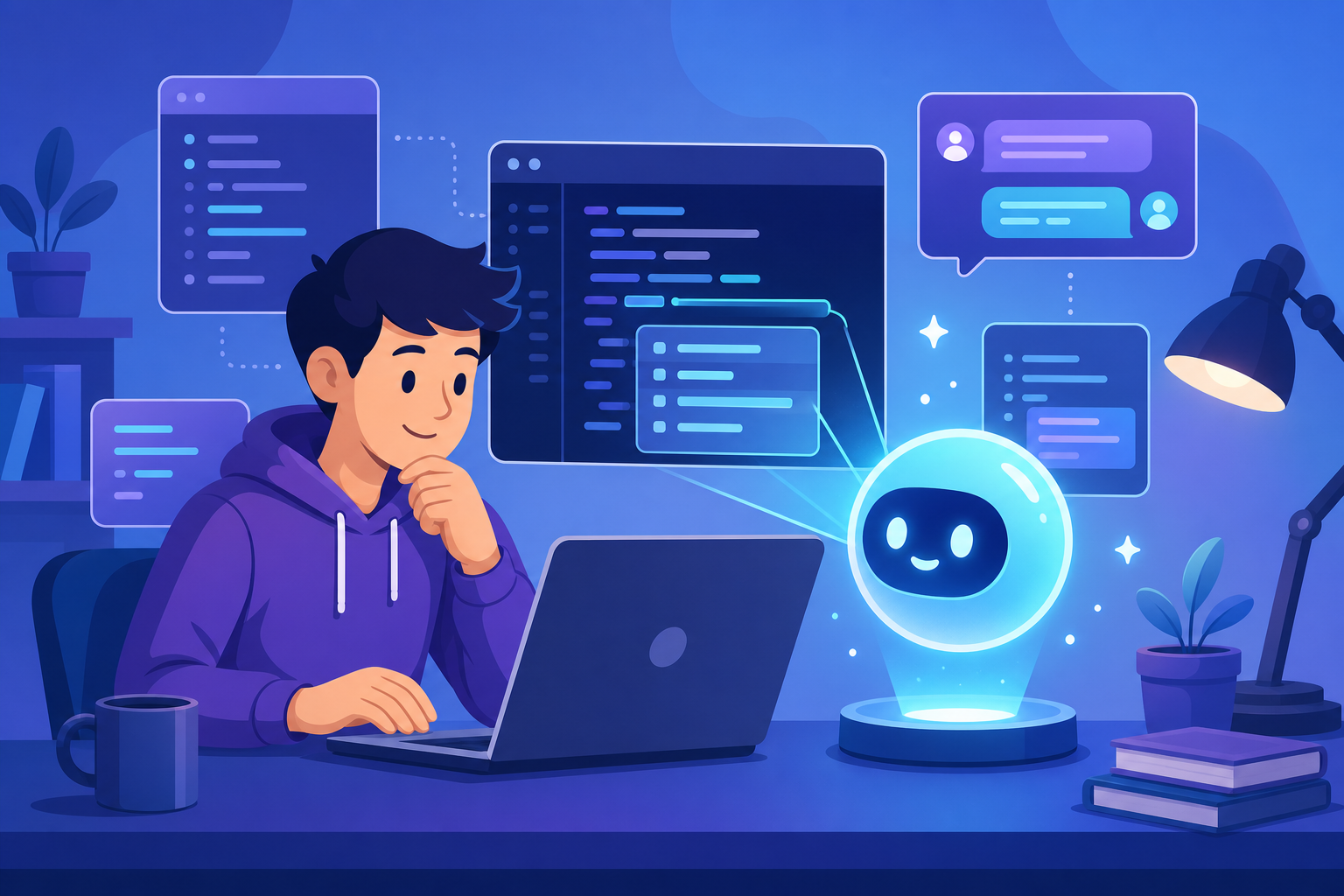
You write three lines of code, hit a wall, and spend the next forty minutes searching Stack Overflow for a fix that turns out to be a missing comma. Every beginner knows this loop. The good news for 2026 is that you no longer have to fight it alone. The best AI coding tools for beginners now act like a patient senior developer sitting beside you, explaining errors in plain English, suggesting the next line, and turning a vague idea into working code.
But the tooling space is crowded, and a lot of the advice online is either outdated or trying to sell you something. This guide cuts through that. You’ll learn what these tools actually do, which ones suit a learner’s budget and workflow, how to use them without sabotaging your own growth, and the mistakes that quietly hold beginners back.
What Are AI Coding Tools?
AI coding tools are software assistants built on large language models that read your code, comments, and questions, then generate suggestions, complete functions, explain errors, or write entire files for you. They live inside your code editor, browser, or terminal and respond to natural language, so you can ask for what you want in ordinary English instead of memorizing exact syntax.
Think of them as autocomplete that understands intent. Where a traditional editor might finish a variable name, an AI assistant can read the comment “sort this list of users by signup date” and produce the full, working function. Some tools go further and edit multiple files, run commands, and fix their own bugs — a workflow people now call agentic coding.
An AI coding tool is a multiplier, not a replacement. It speeds up a developer who understands the fundamentals and quietly confuses one who doesn’t. Your job as a beginner is to stay in the first group.
Why Beginners Benefit (and Where the Risk Hides)
For a newcomer, the steepest part of the learning curve isn’t logic — it’s friction. Forgetting whether Python uses elif or else if, misremembering an array method, or staring at a cryptic stack trace. AI tools flatten that friction, which keeps you in a state of flow instead of rage-quitting.
Here’s where they genuinely help when you’re starting out:
- Instant error explanation. Paste a red error message and get a human-readable cause and fix.
- Learning by example. Ask “show me three ways to read a file in Python” and compare idioms side by side.
- Boilerplate removal. Skip the tedious setup and focus on the part of the problem that teaches you something.
- Confidence. A working first version is far more motivating than a blank file.
The risk is the flip side of the benefit. If you let the tool write code you can’t read, you build a fragile illusion of progress. The fix isn’t to avoid AI — it’s to treat every suggestion as a draft you must understand before you accept it.
How to Choose the Right AI Coding Tool
Before comparing names, get clear on what matters for a beginner specifically. Price and hype are the wrong first filters. Use these instead:
- Editor integration. Does it work inside the editor you already use, or force you to learn a new one?
- Explanation quality. Can it teach, not just generate? A tool that explains its code is worth more to a learner than one that’s marginally faster.
- Free tier. You shouldn’t pay to learn. Most strong tools now offer a generous free plan or a student discount.
- Language coverage. Mainstream languages like Python, JavaScript, and Java are well supported everywhere; niche languages vary.
- Privacy. Check whether your code is used for training, especially if you ever touch private or work repositories.
The Best AI Coding Tools for Beginners in 2026
These are the tools worth your time this year, chosen for a balance of beginner-friendliness, cost, and staying power. Each entry is honest about trade-offs.
1. GitHub Copilot
GitHub Copilot is the most established AI pair programmer, and it remains the safest first choice. It plugs into VS Code, JetBrains IDEs, and others, offering inline autocomplete plus a chat panel for questions. Its free tier covers a meaningful number of completions per month, and verified students get the paid plan at no cost through the GitHub Student Developer Pack.
Best for: Beginners who want a reliable, well-documented tool that works inside the editor most tutorials assume. Watch out for: the free tier’s monthly limits if you code heavily.
2. Cursor
Cursor is a standalone editor (a fork of VS Code) built around AI from the ground up. Its standout feature for learners is the ability to chat with your entire codebase and apply multi-file edits with one click. The interface feels familiar if you’ve seen VS Code, so the switching cost is low.
Best for: Learners ready to lean into AI-first workflows and small projects. Watch out for: it’s easy to over-rely on its agent and accept changes you don’t understand.
3. Claude Code
Claude Code is a terminal-based agent that reads your project, writes and edits files, runs commands, and fixes its own mistakes. It’s more advanced than inline autocomplete, but it shines for beginners who learn by watching a capable agent work through a problem step by step and explain its reasoning when asked.
Best for: Curious learners comfortable with a terminal who want to see end-to-end problem solving. Watch out for: always review what an agent changes before committing.
4. ChatGPT and Gemini (browser assistants)
You don’t need an editor plugin to start. A general chatbot like ChatGPT or Google Gemini is a superb learning companion: paste an error, ask for a concept explained “like I’m new,” or request a code review of something you wrote. The free tiers are strong, and the conversational format is forgiving for absolute beginners.
Best for: Day one. Watch out for: copy-pasting between a browser and editor gets tedious for real projects.
5. Windsurf and Amazon Q Developer
Windsurf (formerly Codeium) offers a polished AI editor with a capable free tier, and Amazon Q Developer brings strong autocomplete with a free individual plan and good AWS integration. Both are solid alternatives if Copilot or Cursor don’t fit your budget or stack.
Quick Comparison of the Best AI Coding Tools
Use this table to match a tool to your situation rather than chasing whichever is trending this week.
| Tool | Type | Free Tier | Best Beginner Use Case |
|---|---|---|---|
| GitHub Copilot | Editor plugin | Yes (limited) + free for students | Reliable inline autocomplete in VS Code |
| Cursor | AI-first editor | Yes (limited) | Chatting with and editing a whole project |
| Claude Code | Terminal agent | Paid (with entry plans) | Watching an agent solve and explain tasks |
| ChatGPT / Gemini | Browser chatbot | Yes (generous) | Explaining errors and concepts on day one |
| Windsurf | AI-first editor | Yes | A free Cursor alternative |
A Practical Example: Learning With an AI Tool
Theory only goes so far. Here’s how a productive beginner session actually looks. Suppose you want a Python function that checks whether a word is a palindrome. Instead of asking the AI to “write a palindrome checker,” ask it to write one and explain each line.
# Ask the AI: "Write a palindrome checker and explain each step."
def is_palindrome(text):
    # Normalize: lowercase and strip non-letters so "A man, a plan" works
    cleaned = "".join(ch.lower() for ch in text if ch.isalnum())
    # Compare the string with its reverse using slice notation
    return cleaned == cleaned[::-1]

# Test it
print(is_palindrome("Racecar"))            # True
print(is_palindrome("A man, a plan!"))     # False
print(is_palindrome("Was it a car or a cat I saw?"))  # True
This code cleans the input so punctuation and capitalization don’t break the check, then compares the cleaned string to its reverse using Python’s [::-1] slice. The real learning happens in the follow-up: ask the tool why [::-1] reverses a string, and whether a two-pointer approach would be faster. Now you’re not just collecting code — you’re building mental models.
The same pattern works in JavaScript. Notice how the AI translates the idea into a language’s native idioms:
// The same logic, expressed the JavaScript way
function isPalindrome(text) {
  // Keep only letters and numbers, then lowercase
  const cleaned = text.toLowerCase().replace(/[^a-z0-9]/g, "");
  // Reverse by splitting into an array, reversing, and rejoining
  return cleaned === cleaned.split("").reverse().join("");
}

console.log(isPalindrome("Racecar")); // true
Comparing the two versions teaches you something no single language can: the problem stays the same while the syntax changes. That’s a concept many beginners take months to internalize, and AI tools let you see it in seconds.
Best Practices to Learn Faster, Not Slower
The difference between a beginner who levels up with AI and one who stalls comes down to habits. Adopt these from the start:
- Read every line before accepting it. If you can’t explain a suggestion to yourself, ask the tool to break it down.
- Write the comment first. Describing what you want in a comment trains both you and the AI to think in clear steps.
- Use AI for review, not just generation. Write code yourself, then ask “what’s wrong with this and how would you improve it?”
- Verify with the official docs. AI can be confidently wrong. Cross-check anything important against sources like the MDN Web Docs or a language’s official documentation.
- Turn off autocomplete occasionally. Practicing without a safety net keeps your raw skills sharp.
Common Pitfalls Beginners Should Avoid
These mistakes are easy to make and easy to fix once you know them.
- Accepting code you don’t understand. This is the cardinal sin. It produces projects that work until they break, and then you’re helpless.
- Trusting AI on security and secrets. Never paste real API keys, passwords, or private data into a chatbot, and don’t assume generated authentication code is safe — verify it.
- Skipping the fundamentals. AI won’t save you from not knowing how a loop or a function works. Learn the basics in parallel.
- Believing hallucinations. Models sometimes invent functions or libraries that don’t exist. If a suggested package looks unfamiliar, confirm it’s real before installing it.
- Prompting vaguely. “Make it work” gets vague answers. “This throws a TypeError on line 4 when the list is empty — why?” gets a precise one.
Frequently Asked Questions
Are AI coding tools good for complete beginners?
Yes, as long as you use them to learn rather than to avoid learning. They’re excellent at explaining errors, showing examples, and reducing frustration. The danger is passively accepting code, so make a habit of understanding every suggestion before you keep it.
Which AI coding tool is best if I’m on a budget?
Start with a free browser chatbot like ChatGPT or Gemini for explanations, and add GitHub Copilot’s free tier — or its free student plan — for in-editor help. Windsurf and Amazon Q Developer also offer capable free plans, so you can learn for months without paying anything.
Will using AI tools stop me from becoming a real programmer?
Only if you let it. AI tools handle syntax recall and boilerplate, freeing you to focus on problem solving, architecture, and debugging — the skills that actually define a programmer. Used deliberately, they accelerate your growth instead of replacing it.
Do I need to know how to code before using these tools?
No, but you should learn alongside them. Begin with a beginner course or the official tutorial for your chosen language, and use AI as a tutor that answers questions in real time. Pairing structured learning with an AI assistant is one of the fastest ways to start in 2026.
Is the code from AI tools always correct?
No. AI can produce code that is buggy, inefficient, or insecure, and it occasionally references libraries that don’t exist. Always test the output, read it critically, and cross-check anything important against official documentation.
Conclusion
The best AI coding tools for beginners in 2026 aren’t a shortcut around learning — they’re a faster road through it. GitHub Copilot gives you dependable in-editor help, Cursor and Windsurf wrap your whole project in AI, Claude Code shows you how an agent reasons through a task, and a free chatbot is the perfect day-one tutor. Pick one that fits your editor and budget, and start small.
What separates learners who thrive is not which tool they choose but how they use it: read every line, ask “why,” verify against the docs, and keep practicing the fundamentals. Treat these AI coding tools as a mentor rather than a crutch, and you’ll write better code — and understand it — far sooner than you expected.