HTML Option Group: The <optgroup> Tag
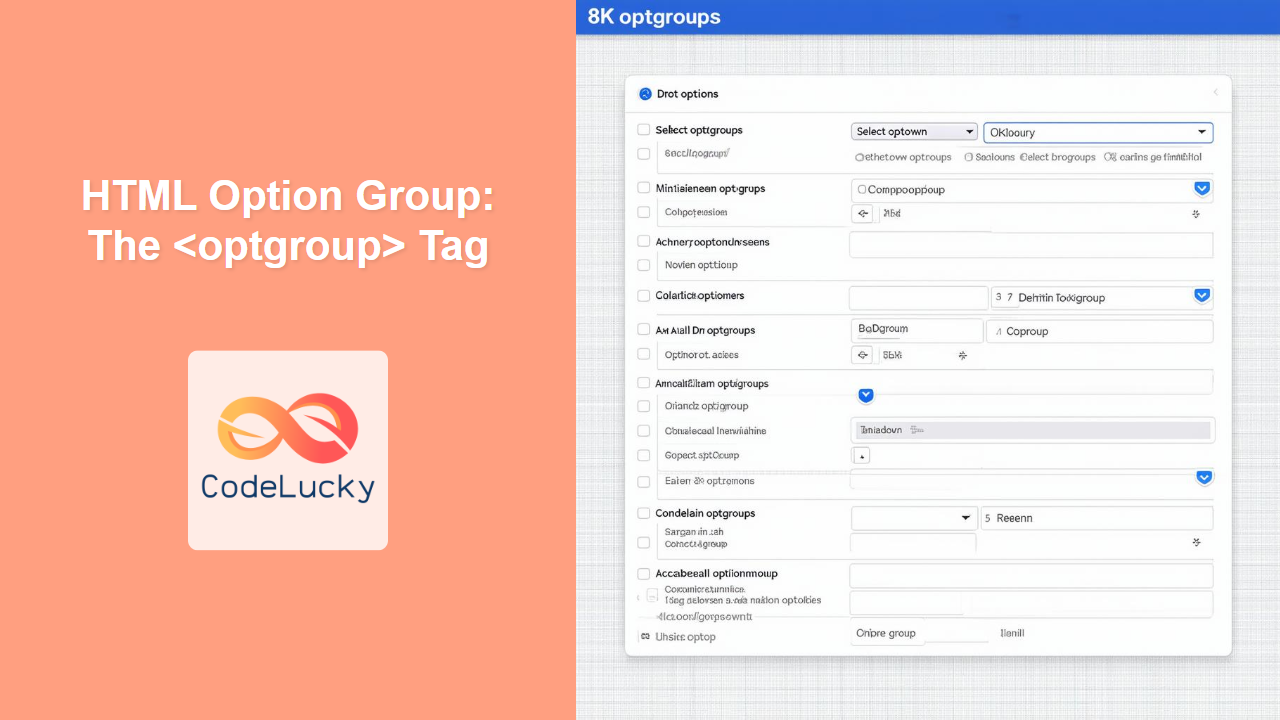
The HTML <optgroup> tag is used to group related options within a dropdown list, improving user experience.

The HTML <optgroup> tag is used to group related options within a dropdown list, improving user experience.
Learn how to create ordered lists in HTML using the `<ol>` tag. Understand its attributes, explore practical examples, and master the art of structuring content logically.
The HTML <object> tag is used to embed external resources such as images, videos, audio, and even other HTML pages into an HTML document.
The HTML <noscript> tag provides alternative content when scripts are disabled or not supported by the user's browser, enhancing accessibility and user experience.
The HTML <noframes> tag provided fallback content for browsers that didn't support frames. It is now obsolete, offering no practical use in modern web development.
The HTML <noembed> tag was used to provide fallback content for browsers that did not support the <embed> tag. It is now deprecated.
The HTML <nobr> tag was used to prevent text from wrapping to a new line, but it's now deprecated. Learn why and what alternatives to use.
The HTML <nav> tag is a semantic element used to define a section of navigation links, crucial for website usability and accessibility.
The HTML <meter> tag displays a scalar measurement within a known range, useful for representing disk usage, relevance of a query, and more.
Learn how to use HTML meta tags to enhance your website's SEO, control browser behavior, and provide essential metadata for search engines and social platforms.