HTML Menuitem Tag: Creating Interactive Menu Commands
The HTML <menuitem> tag defines a command that a user can invoke from a menu. Learn about its attributes and usage with practical examples.

The HTML <menuitem> tag defines a command that a user can invoke from a menu. Learn about its attributes and usage with practical examples.
The HTML <menu> tag is used to create interactive command lists or menus, often used for context menus or toolbars.
Learn about the HTML <marquee> tag, used for creating scrolling text. Note that this tag is deprecated and should be avoided in modern web development.
Learn how to use the HTML <mark> tag to highlight text within your web content. See practical examples and browser support details.
The HTML `<map>` tag defines an image map, allowing you to create clickable areas on an image. Learn how to use it effectively with examples.
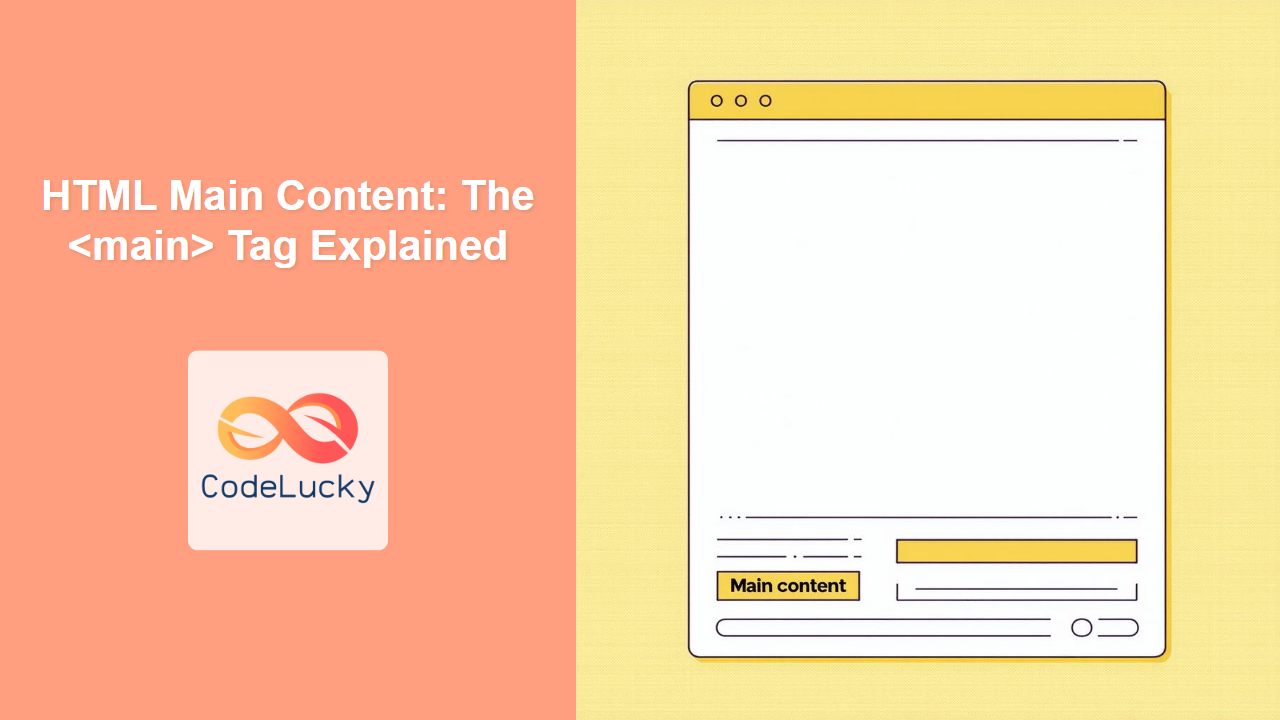
Learn how to use the HTML <main> tag to define the primary content of your web page, improving SEO and accessibility.
The HTML <link> tag defines the relationship between the current document and an external resource, most commonly used to link stylesheets.
The HTML <li> tag defines a list item within ordered (<ol>), unordered (<ul>), or menu lists. Learn how to use it effectively with examples and browser support.
The HTML <legend> tag defines a caption for the <fieldset> element, improving form structure and accessibility. Learn how to use it effectively with examples.
The HTML <label> tag is crucial for creating accessible and user-friendly forms by associating labels with form controls. Learn how to use it effectively.