HTML Quotation: The q Tag for Short Inline Quotes
Learn how to use the HTML <q> tag to mark short, inline quotations within your web content, enhancing semantic clarity and accessibility.

Learn how to use the HTML <q> tag to mark short, inline quotations within your web content, enhancing semantic clarity and accessibility.
Learn how to use the HTML <progress> tag to display the progress of a task, enhancing user experience with visual feedback.
The HTML <pre> tag defines preformatted text, preserving both spaces and line breaks, making it ideal for code snippets or ASCII art.
Explore the HTML <portal> tag, enabling seamless page transitions and enhanced user experience by previewing other web pages.
The HTML <plaintext> tag was used to display preformatted text, treating all content as literal text. This tag is now deprecated and should not be used in modern web development.
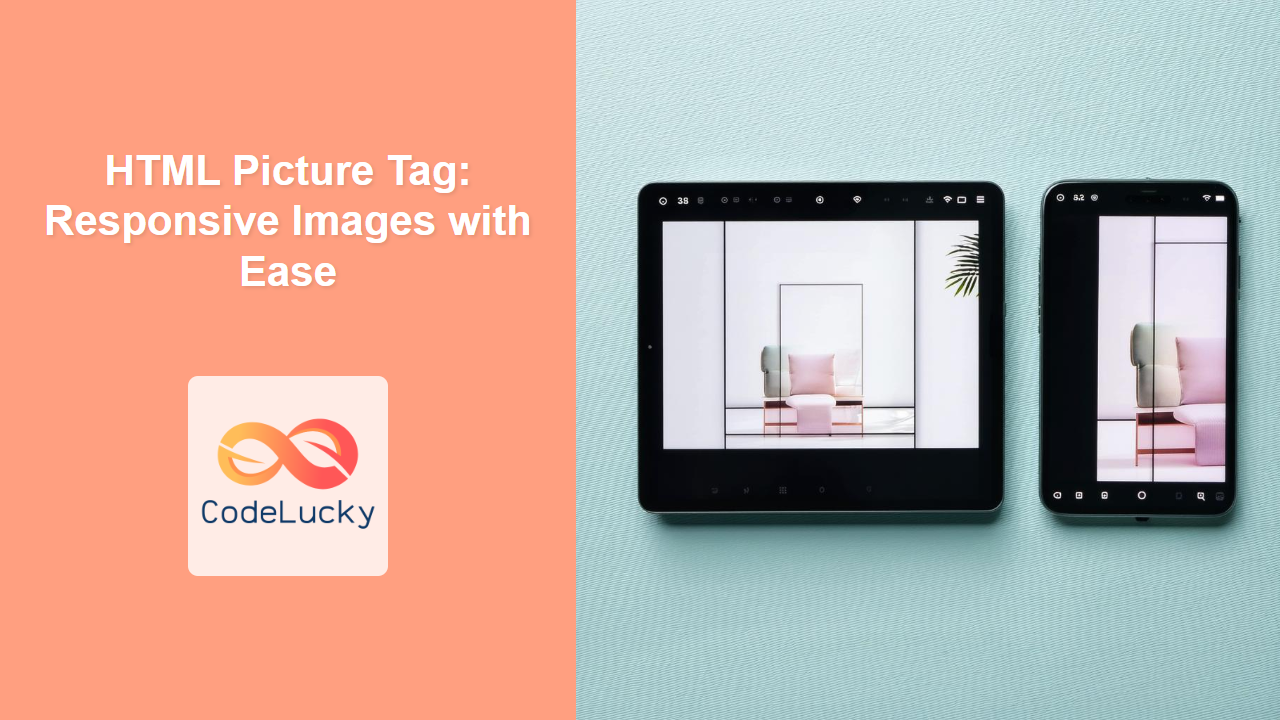
The HTML <picture> tag provides a container for multiple image sources, allowing the browser to choose the most appropriate image based on screen size, resolution, and other factors. Learn how to use it for responsive images!
The HTML <param> tag defines parameters for embedded objects like <object>, allowing you to configure how these objects behave.
Learn how to use the HTML <p> tag to create well-structured paragraphs, format text, and improve readability on your website.
Learn how to use the HTML <output> tag to display the results of calculations or user actions within a form or web page.
The HTML <option> tag defines an option in a select list, dropdown, or combo box. Learn how to use it effectively with examples, attributes, and browser support.