HTML Title Tag: Defining Your Document’s Identity
Learn how to use the HTML <title> tag to define the title of your web page, crucial for SEO, user experience, and browser tabs.

Learn how to use the HTML <title> tag to define the title of your web page, crucial for SEO, user experience, and browser tabs.
The HTML <time> tag represents a specific period in time. It can encode both dates and times, making it easier for machines to process and understand. This tag is useful for event calendars and scheduling applications.
The HTML <thead> tag defines the header content in an HTML table. Learn how to structure your tables correctly using the <thead> element with examples and browser support.
The HTML <th> tag defines a header cell in an HTML table. Learn about its attributes, usage, and best practices for creating accessible and well-structured tables.
The HTML <textarea> tag defines a multi-line text input control, allowing users to enter extended text within a web form. Learn how to use it with examples and attributes.
The HTML <template> tag defines a reusable content block that is not rendered when the page loads. Learn how to use it for dynamic content generation.
Learn how to use the HTML <td> tag to define table data cells within HTML tables. Understand its attributes, and see practical examples for effective web design.
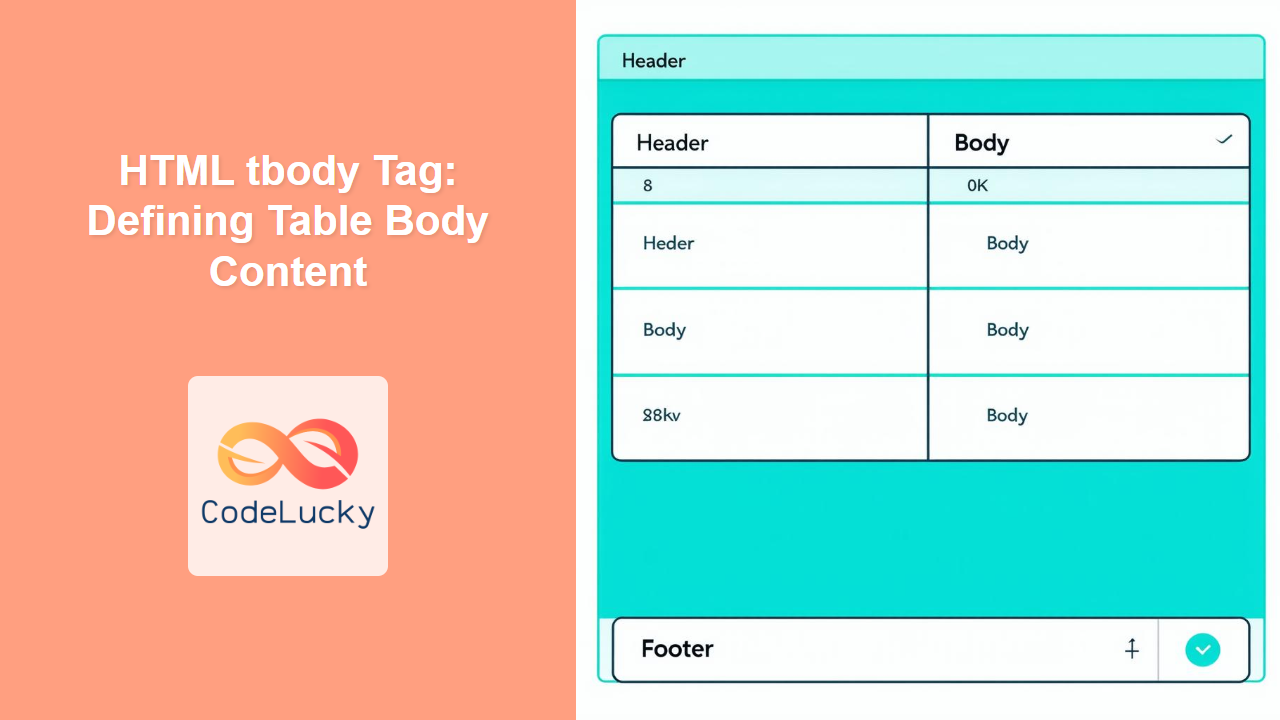
The HTML <tbody> tag defines the main body content of an HTML table, grouping rows and separating them from header and footer rows.
The HTML <table> tag is used to create data tables on a webpage. Learn how to structure tabular data effectively with rows, columns, headers, and more.
The HTML <svg> tag is a container for Scalable Vector Graphics. Learn how to use it to embed vector images directly into your HTML.