HTML Superscript: The <sup> Tag Explained
Learn how to use the HTML <sup> tag to display superscript text, commonly used for footnotes, mathematical equations, and ordinal numbers.

Learn how to use the HTML <sup> tag to display superscript text, commonly used for footnotes, mathematical equations, and ordinal numbers.
The HTML <span> tag is a generic inline container used to group inline elements and apply styles or scripts.
The HTML <summary> tag specifies a visible heading for a <details> element. Clicking the summary reveals or hides the details. Learn with examples, browser support, and best practices.
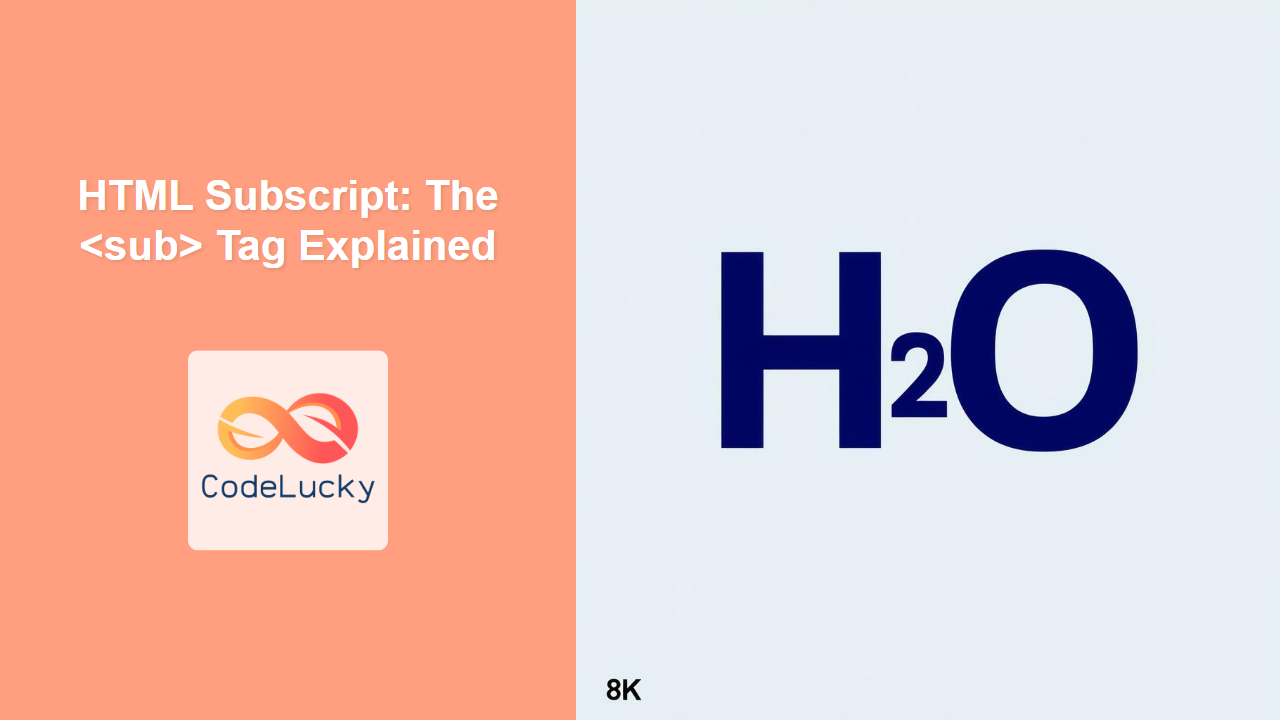
The HTML <sub> tag defines subscript text, which appears half a character below the normal line. Learn how to use it with practical examples.
The HTML <style> tag is used to embed CSS within an HTML document, allowing you to style your web pages directly in the HTML file.
Learn how to use the HTML <strong> tag to highlight text with strong importance, improving both accessibility and SEO.
The HTML <strike> tag was used to render text with a strikethrough effect. While deprecated, understanding its usage helps in dealing with legacy code.
The HTML `<small>` tag is used to make text smaller, often for side comments, disclaimers, or legal text. Learn its syntax, attributes, and best practices.
The HTML <slot> tag is a placeholder inside a web component that allows developers to insert content into a custom element's shadow DOM.
The HTML <select> tag creates a dropdown list for users to select options from. Learn its attributes and usage with examples.