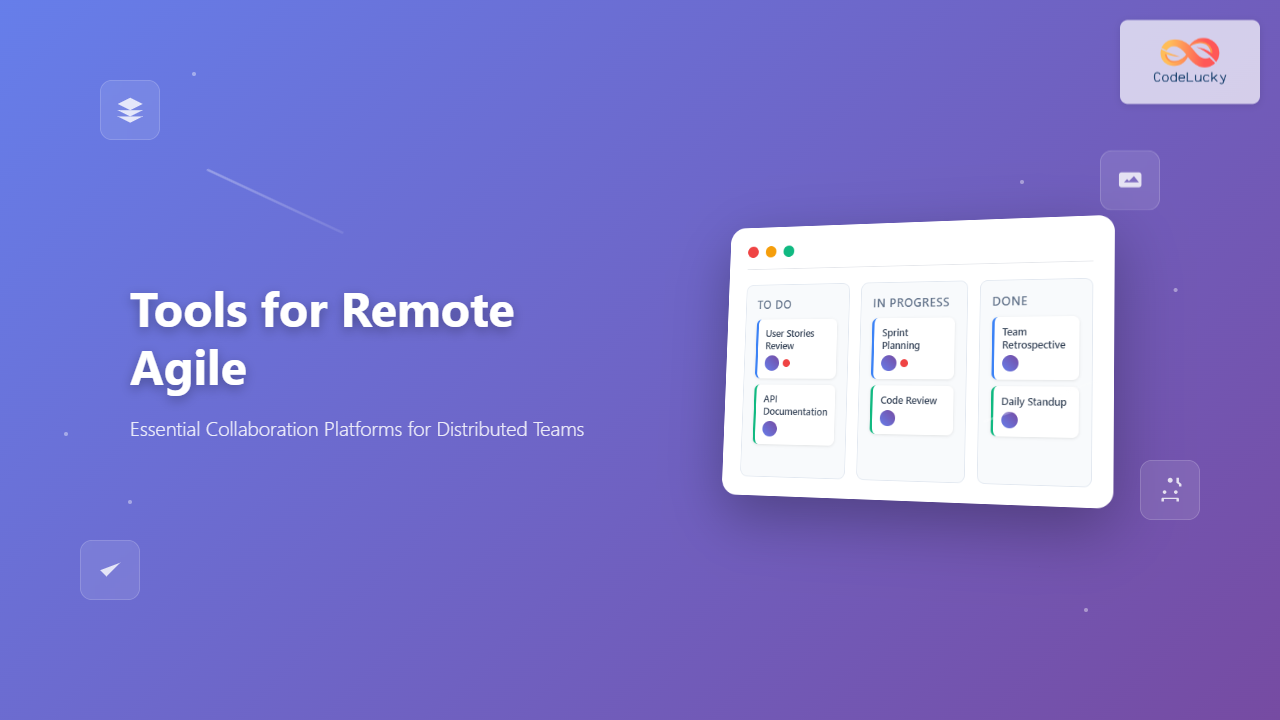
Remote Agile development has become the norm for countless software teams worldwide. The success of distributed Agile teams heavily depends on selecting the right collaboration platforms that facilitate seamless communication, transparent project tracking, and efficient workflow management. This comprehensive guide explores the essential tools that enable remote Agile teams to maintain productivity and deliver exceptional results.
The Foundation of Remote Agile Success
Traditional Agile methodologies were designed with co-located teams in mind, emphasizing face-to-face communication and physical boards. However, remote work has fundamentally changed how Agile teams operate. The key to successful remote Agile lies in choosing collaboration platforms that replicate and enhance the core principles of Agile methodology in a digital environment.
Effective remote Agile tools must support real-time collaboration, provide transparency across all team activities, enable quick decision-making, and maintain the iterative nature of Agile development. The right platform becomes the digital equivalent of your team’s physical workspace, fostering the same level of engagement and productivity.
Essential Categories of Remote Agile Tools
Project Management and Sprint Planning Platforms
Jira remains the gold standard for Agile project management. Its robust feature set includes customizable workflows, detailed reporting, and seamless integration with development tools. Jira’s strength lies in its ability to handle complex project hierarchies and provide granular control over user permissions and project visibility.
Azure DevOps offers a comprehensive suite that combines project management with development tools. Its integration with Microsoft’s ecosystem makes it particularly attractive for teams already using Visual Studio and other Microsoft technologies. The platform excels in providing end-to-end traceability from requirements to deployment.
Linear has emerged as a modern alternative, focusing on speed and simplicity. Its clean interface and keyboard-driven workflow appeal to development teams who prioritize efficiency over extensive customization options. Linear’s real-time synchronization ensures all team members see updates instantly.
Communication and Video Conferencing Solutions
Communication forms the backbone of remote Agile teams. Slack has become synonymous with team communication, offering organized channels, direct messaging, and extensive third-party integrations. Its threading feature helps maintain context in discussions, while custom workflows automate routine notifications and updates.
Microsoft Teams provides a unified communication hub that integrates seamlessly with Office 365 applications. Its strength lies in document collaboration and the ability to transition smoothly between chat, video calls, and shared workspaces within a single platform.
For video conferencing, Zoom leads in reliability and ease of use, making it ideal for daily standups, sprint reviews, and retrospectives. Its breakout room feature facilitates smaller group discussions during larger meetings, mimicking the informal conversations that happen naturally in physical offices.
Digital Whiteboarding and Collaboration Spaces
Miro transforms the traditional whiteboard experience into a digital canvas that supports real-time collaboration. Its extensive template library includes pre-built Agile frameworks for sprint planning, retrospectives, and user story mapping. The platform’s infinite canvas allows teams to organize complex information visually without space constraints.
Mural focuses on structured collaboration with guided templates and facilitation features. Its strength lies in workshop facilitation, making it excellent for sprint planning sessions and team retrospectives. The platform’s voting and timer features help maintain meeting momentum and ensure all voices are heard.
Figma extends beyond design to serve as a collaborative workspace for user experience planning and interface discussions. Its real-time collaboration features allow multiple team members to contribute simultaneously, making it valuable for product planning and design reviews.
Specialized Tools for Agile Ceremonies
Sprint Planning and Estimation
Planning Poker Online digitalizes the story point estimation process, allowing distributed teams to participate in planning poker sessions. These tools maintain the collaborative aspect of estimation while providing features like anonymous voting and automatic result compilation.
Scrum Poker Online offers similar functionality with additional features like custom card decks and session history tracking. These platforms ensure that estimation sessions remain engaging and productive regardless of team distribution.
Retrospective Facilitation
RetroTool and Parabol specialize in facilitating remote retrospectives with structured formats and anonymous feedback collection. These tools help maintain the psychological safety necessary for honest retrospective discussions while providing data insights to track team improvement over time.
The key to effective retrospective tools lies in their ability to encourage participation from all team members, including those who might be hesitant to speak up in traditional meetings. Features like anonymous submissions and voting help ensure all perspectives are considered.
Integration and Workflow Automation
The power of remote Agile tools multiplies when they work together seamlessly. Zapier and Microsoft Power Automate enable teams to create automated workflows that connect different platforms, reducing manual work and ensuring information consistency across tools.
For example, teams can set up automations that create Slack notifications when sprint tasks are completed, update project dashboards when code is deployed, or generate reports when sprints conclude. These integrations eliminate the overhead of manual status updates and keep all stakeholders informed automatically.
Development Tool Integration
Connecting project management tools with development environments creates a seamless workflow from planning to deployment. Integration between Jira and GitHub, for instance, allows automatic issue transitions when code is committed, providing real-time visibility into development progress.
GitLab and GitHub themselves offer built-in project management features that integrate directly with code repositories, providing a unified experience for development teams who prefer to manage everything within their development environment.
Measuring Success with Analytics and Reporting
Remote Agile teams need robust analytics to understand their performance and identify improvement opportunities. Most modern Agile platforms include built-in reporting features, but specialized tools like Actionable Agile and SwiftKanban provide deeper insights into team metrics and flow efficiency.
Key metrics for remote teams include cycle time, lead time, throughput, and work-in-progress limits. These metrics become particularly important for distributed teams as they provide objective measures of productivity and help identify bottlenecks that might not be immediately visible in remote settings.
Dashboard and Visualization Tools
Tableau and Power BI can aggregate data from multiple Agile tools to create comprehensive dashboards that provide stakeholders with real-time project visibility. These dashboards become the central hub for project status communication, replacing the need for status meetings and email updates.
The key is creating dashboards that tell a story about project progress rather than simply displaying raw data. Effective dashboards highlight trends, identify risks early, and provide actionable insights that help teams make informed decisions.
Security and Compliance Considerations
Remote Agile tools handle sensitive project information and must meet enterprise security standards. When evaluating platforms, consider features like single sign-on (SSO), two-factor authentication, data encryption, and compliance certifications such as SOC 2 and GDPR.
Atlassian Cloud and Microsoft 365 provide enterprise-grade security features and compliance certifications that meet most organizational requirements. However, teams working with highly sensitive data might need to consider on-premises or private cloud deployments.
Regular security audits and user access reviews become even more critical for remote teams, as the distributed nature of work increases the potential attack surface. Implementing proper access controls and monitoring tools helps maintain security without hindering productivity.
Implementation Best Practices
Successfully implementing remote Agile tools requires more than simply purchasing software licenses. Teams need to establish clear guidelines for tool usage, communication protocols, and workflow standards. Start with a pilot program using a core set of tools before expanding to the full toolkit.
Training and onboarding become critical success factors for remote tool adoption. Create comprehensive documentation, video tutorials, and hands-on training sessions to ensure all team members can effectively use the chosen platforms. Regular check-ins during the initial implementation phase help identify and resolve adoption challenges quickly.
Avoiding Tool Sprawl
While numerous excellent tools are available, using too many platforms can create confusion and reduce productivity. Focus on selecting a core set of integrated tools that cover all essential functions rather than trying to find the “perfect” tool for every specific need.
Establish clear criteria for evaluating new tools, including integration capabilities, user adoption requirements, and total cost of ownership. Regular tool audits help identify redundancies and opportunities for consolidation.
Future Trends in Remote Agile Collaboration
The remote Agile tools landscape continues evolving rapidly. Artificial intelligence integration is becoming more prevalent, with features like automated sprint planning suggestions, predictive analytics, and intelligent workload distribution. These AI-powered features help teams make data-driven decisions and optimize their workflows automatically.
Virtual and augmented reality technologies are beginning to appear in collaboration platforms, promising to bridge the gap between physical and digital team interactions. While still emerging, these technologies could revolutionize how remote teams conduct collaborative sessions and maintain team cohesion.
The trend toward low-code and no-code platforms is also impacting Agile tools, allowing teams to customize workflows and create integrations without extensive technical expertise. This democratization of tool customization enables teams to adapt their platforms to their specific needs more effectively.
Conclusion
The success of remote Agile teams depends significantly on selecting and implementing the right collaboration platforms. The tools discussed in this guide represent the current state of the art in remote Agile collaboration, each offering unique strengths that cater to different team needs and preferences.
The key to success lies not in using every available tool, but in thoughtfully selecting a coherent set of platforms that integrate well together and support your team’s specific workflow requirements. Regular evaluation and optimization of your tool stack ensures that your remote Agile practice continues to evolve and improve over time.
As remote work becomes increasingly permanent for many organizations, investing in robust Agile collaboration platforms becomes a strategic necessity rather than a temporary accommodation. The teams that master these tools today will have a significant competitive advantage in delivering high-quality software efficiently and consistently.
Related Posts
Remote Agile Teams: Complete Guide to Distributed Development Success
Remote Agile teams have become the backbone of modern software development, enabling organizations to tap into global talent while maintaining...
DevOps and Agile: Extending Agility to Operations – Complete Guide for Modern Software Delivery
The evolution of software development has witnessed remarkable transformations, from traditional waterfall methodologies to Agile practices, and now to the...
Agile vs DevOps: Understanding the Relationship Between Two Powerful Software Development Methodologies
In today's fast-paced software development landscape, organizations are constantly seeking methodologies that can accelerate delivery while maintaining quality. Two prominent...

Miro for Agile: Complete Guide to Visual Collaboration and Team Productivity
Visual collaboration has become the cornerstone of successful Agile teams, especially in today's distributed work environment. Miro stands out as...
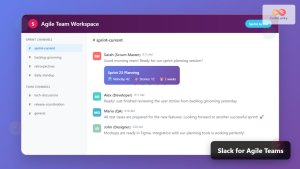
Slack for Agile Teams: Essential Communication Integration Strategies
Effective communication forms the backbone of successful Agile teams, and Slack has emerged as the premier platform for facilitating seamless...

Offshore Agile: Managing Distributed Development Teams Across Time Zones
Understanding Offshore Agile Development Offshore Agile development combines the flexibility of Agile methodologies with the cost-effectiveness and talent diversity of...

Virtual Scrum Events: Complete Guide to Remote Agile Ceremonies
The shift to remote work has fundamentally transformed how Scrum teams conduct their ceremonies. Virtual Scrum events have become the...
Agile in Non-Software: Complete Guide to Implementation Beyond IT Applications
Introduction to Agile Beyond Software Development While Agile methodologies originated in software development, their core principles of flexibility, collaboration, and...
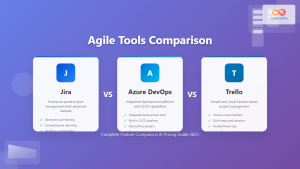
Agile Tools: Complete Jira vs Azure DevOps vs Trello Comparison Guide 2025
Choosing the right Agile tool can make or break your team's productivity and project success. With countless options available, three...

Agile Philosophy: Understanding Core Principles and Values for Modern Software Development
Introduction to Agile Philosophy Agile philosophy represents a fundamental shift in how software development teams approach project management, collaboration, and...
Agile Project Management Tools: Complete Feature Comparison Guide 2025
Selecting the right Agile project management tool can make or break your team's productivity and project success. With dozens of...

Scrum of Scrums: Complete Guide to Coordinating Multiple Agile Teams
When organizations scale their Agile practices beyond a single team, coordinating multiple Scrum teams becomes a critical challenge. Scrum of...