
Regular expressions (regex) are powerful tools for pattern matching and text manipulation used by programmers across many languages. However, understanding regex syntax intricacies is key to using them effectively. Two crucial components that often confuse learners are square brackets [] and parentheses (). This article explores the fundamental differences between these two constructs in regex, complete with examples, visual aids, and practical tips to master them confidently.
What Are Square Brackets [] in Regex?
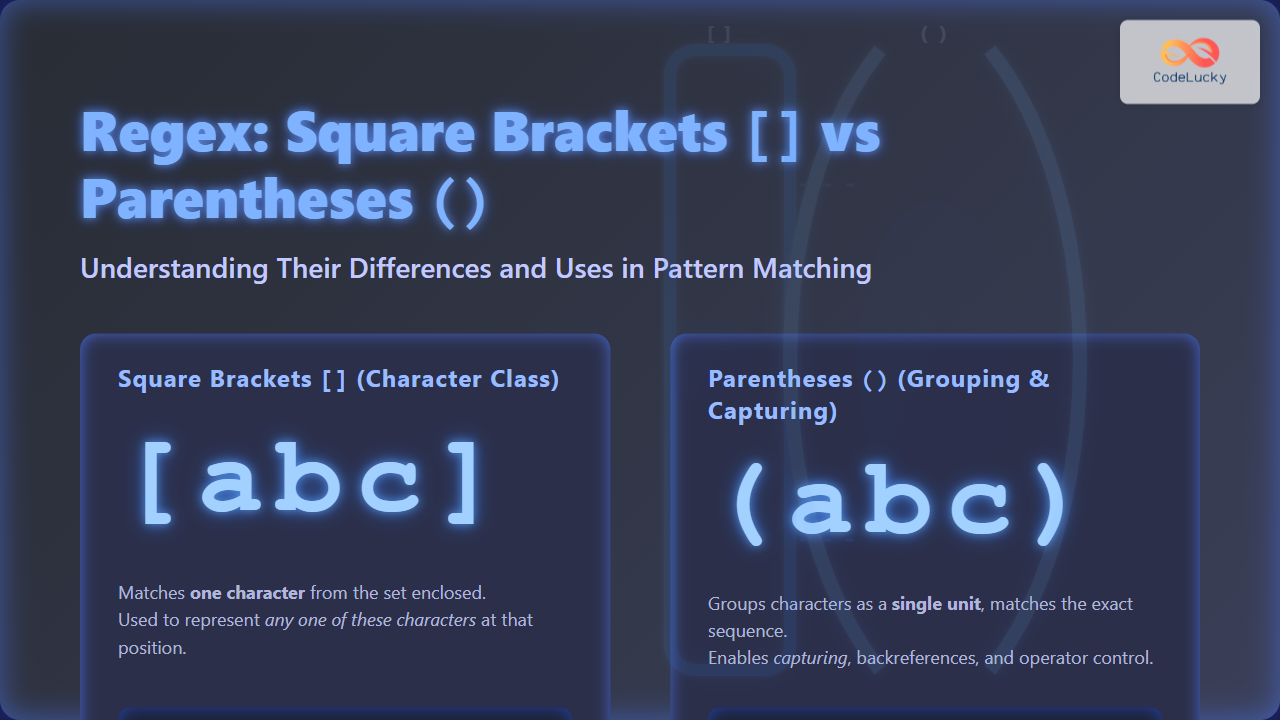
Square brackets define a character class or character set. They match any single character from the set of characters enclosed within them. Regex inside square brackets forms a list of allowed characters for that one position in the string.
How Square Brackets Work: Examples
[abc]matches either ‘a’, ‘b’, or ‘c’ at that position.[0-9]matches any digit from 0 to 9.[a-zA-Z]matches any lowercase or uppercase letter.[^aeiou]matches any character except vowels (the caret^inside square brackets negates the set).
They do not group sequences or affect order but just select one character out of the given options, making square brackets perfect for flexible, position-specific options.
What Are Parentheses () in Regex?
Parentheses serve as grouping constructs in regex, allowing several characters or sub-patterns to be treated as a single unit. They are essential for capturing groups, controlling operator precedence, and enabling backreferences.
How Parentheses Work: Examples
(abc)matches the sequence ‘abc’ literally as a group.A(bc)dmatches ‘Abcd’, grouping ‘bc’ for potential backreference or repetition.(a|b)represents alternation between ‘a’ or ‘b’ inside the group.(\d{3})captures a 3-digit number as a group.
Unlike square brackets, parentheses affect structural logic, determining which part of the pattern is repeated, referenced, or extracted. They can also capture matched text internally for use elsewhere.
Key Differences Between Square Brackets and Parentheses in Regex
| Aspect | Square Brackets [] |
Parentheses () |
|---|---|---|
| Function | Define Character Class (match any one character from set) | Group patterns and capture matches (affects pattern structure) |
| Matching Behavior | Matches exactly one character inside the set | Matches entire enclosed sequence as a unit |
| Capturing | No capturing, only selects characters | Captures matched text for backreference/use |
| Operator Precedence | No effect on precedence | Controls precedence and grouping for operators |
| Typical Use Case | Allow flexible character matches at one position | Group sub-patterns for repetition, alternation, or extraction |
Visualizing a Regex Example with Both
Consider the regex: (b[aeiou]g)
bmatches the character ‘b’.[aeiou]matches any vowel (a, e, i, o, u) — one character.gmatches the character ‘g’.- Parentheses group the whole pattern
b[aeiou]gtogether as a single capturing group.
This matches words like bag, beg, big, bog, or bug and captures the entire matched sequence for extraction.
Interactive Example: Matching Words with Regex
Try this simple regex testing snippet in your favorite regex tester or browser console:
const regex = /(b[aeiou]g)/g;
const testString = "bag beg big bog bug bogey";
const matches = testString.match(regex);
console.log(matches); // Output: ["bag", "beg", "big", "bog", "bug", "bog"]
Summary
To summarize:
- Square brackets [] create a set of characters to match one single character from that set.
- Parentheses () group one or more characters or sub-patterns together, enabling sequence matching, capturing, backreferences, and operator control.
Understanding these distinctions helps create accurate, efficient regex patterns and avoid common pitfalls like confusing character classes with groupings.
Master these concepts to harness full regex power in programming and text processing!





