
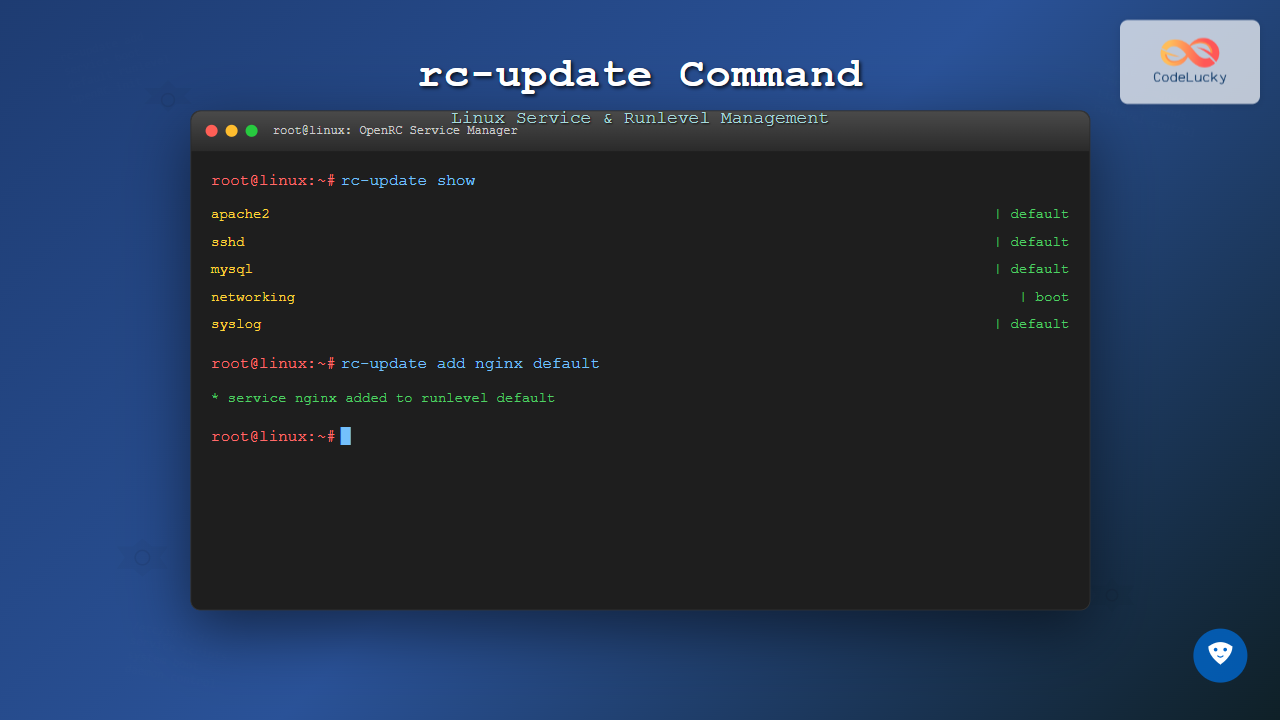
The rc-update command is a powerful utility in Linux systems that use OpenRC as their init system, primarily found in distributions like Alpine Linux, Gentoo, and some embedded systems. This command allows system administrators to manage services across different runlevels, controlling which services start automatically during system boot and shutdown.
What is rc-update Command?
The rc-update command is the primary tool for managing OpenRC services and runlevels. It enables you to add services to specific runlevels, remove them, and view the current configuration. Unlike systemd-based systems that use systemctl, OpenRC systems rely on rc-update for service management.
Understanding OpenRC Runlevels
Before diving into the command usage, it’s essential to understand OpenRC runlevels:
- boot: Services that start during early boot process
- default: Services that start during normal system operation
- shutdown: Services that handle system shutdown
- sysinit: System initialization services
- nonetwork: Services that don’t require network connectivity
Basic Syntax
The basic syntax of the rc-update command follows this pattern:
rc-update [action] [service] [runlevel]Common rc-update Commands
1. Adding Services to Runlevels
To add a service to a specific runlevel, use the add action:
rc-update add [service-name] [runlevel]Example: Adding SSH Service
$ sudo rc-update add sshd default
 * service sshd added to runlevel default
This command adds the SSH daemon to the default runlevel, ensuring it starts automatically during normal system boot.
Example: Adding Multiple Services
$ sudo rc-update add apache2 default
 * service apache2 added to runlevel default

$ sudo rc-update add mysql default
 * service mysql added to runlevel default

$ sudo rc-update add nginx default
 * service nginx added to runlevel default
2. Removing Services from Runlevels
To remove a service from a runlevel, use the del action:
rc-update del [service-name] [runlevel]Example: Removing a Service
$ sudo rc-update del apache2 default
 * service apache2 removed from runlevel default
3. Viewing Current Configuration
The show command displays all services and their associated runlevels:
$ rc-update show
             acpid | default
            apache2 | default
         avahi-daemon | default
              chronyd | default
            crond | default
             dbus | default
           local | default nonetwork
            mysql | default
         networking | boot
             sshd | default
             syslog | default
Show Specific Runlevel
$ rc-update show default
             acpid | default
            apache2 | default
         avahi-daemon | default
              chronyd | default
            crond | default
             dbus | default
           local | default
            mysql | default
             sshd | default
             syslog | default
Advanced rc-update Operations
Batch Operations
You can add multiple services to the same runlevel in a single operation:
$ sudo rc-update add sshd default
$ sudo rc-update add apache2 default
$ sudo rc-update add mysql default
Working with Custom Runlevels
OpenRC allows creating custom runlevels for specific scenarios:
$ sudo rc-update add nginx webserver
 * service nginx added to runlevel webserver
Practical Examples and Use Cases
Setting Up a Web Server
Here’s how to configure services for a typical web server setup:
# Add essential services
$ sudo rc-update add networking boot
$ sudo rc-update add syslog default
$ sudo rc-update add crond default

# Add web server components
$ sudo rc-update add apache2 default
$ sudo rc-update add mysql default
$ sudo rc-update add php-fpm default

# Verify configuration
$ rc-update show default
Expected output:
            apache2 | default
              crond | default
              mysql | default
           php-fpm | default
             syslog | default
Removing Unnecessary Services
To optimize system resources, you might want to remove unused services:
$ sudo rc-update del bluetooth default
 * service bluetooth removed from runlevel default

$ sudo rc-update del cups default
 * service cups removed from runlevel default
Troubleshooting Common Issues
Service Not Found Error
If you encounter a “service not found” error:
$ sudo rc-update add nonexistent default
 * rc-update: service `nonexistent' does not exist
Verify that the service exists in /etc/init.d/:
$ ls /etc/init.d/ | grep servicenamePermission Denied
Always use sudo when modifying runlevels:
$ rc-update add sshd default
 * rc-update: must be root to modify runlevels
Correct usage:
$ sudo rc-update add sshd default
 * service sshd added to runlevel default
Best Practices
1. Always Verify Changes
After making changes, always verify the configuration:
$ sudo rc-update add nginx default
$ rc-update show | grep nginx
             nginx | default
2. Use Appropriate Runlevels
- Add network-dependent services to
default - Add system-critical services to
boot - Use
nonetworkfor services that don’t need network
3. Document Your Changes
Keep a record of service modifications for system maintenance:
# Create a backup of current configuration
$ rc-update show > /root/rc-update-backup-$(date +%Y%m%d).txt
Interactive Service Management Script
Here’s a simple bash script to interactively manage services:
#!/bin/bash
# Interactive rc-update manager

echo "OpenRC Service Manager"
echo "1. Show all services"
echo "2. Add service to runlevel"
echo "3. Remove service from runlevel"
echo "4. Exit"

read -p "Choose option (1-4): " choice

case $choice in
    1)
        echo "Current services:"
        rc-update show
        ;;
    2)
        read -p "Enter service name: " service
        read -p "Enter runlevel (default/boot): " runlevel
        sudo rc-update add $service $runlevel
        ;;
    3)
        read -p "Enter service name: " service
        read -p "Enter runlevel: " runlevel
        sudo rc-update del $service $runlevel
        ;;
    4)
        exit 0
        ;;
    *)
        echo "Invalid option"
        ;;
esac
Comparison with Other Init Systems
| Action | OpenRC (rc-update) | Systemd (systemctl) |
|---|---|---|
| Enable service | rc-update add service default |
systemctl enable service |
| Disable service | rc-update del service default |
systemctl disable service |
| List services | rc-update show |
systemctl list-unit-files |
Security Considerations
When using rc-update, consider these security aspects:
- Principle of Least Privilege: Only enable necessary services
- Regular Auditing: Periodically review enabled services
- Service Dependencies: Understand service interdependencies
Conclusion
The rc-update command is an essential tool for managing OpenRC services in Linux systems. Whether you’re setting up a server, optimizing system resources, or troubleshooting service issues, mastering this command will significantly improve your system administration capabilities. Remember to always verify your changes and follow best practices to maintain a secure and efficient system.
By understanding the various actions available with rc-update, you can effectively control which services run at different system states, ensuring your Linux system operates exactly as intended. Regular practice with these commands will make service management second nature in your OpenRC-based Linux environment.
Related Posts

update-rc.d Command Linux: Complete Guide to Managing System Services and Run Levels
The update-rc.d command is a powerful utility in Debian-based Linux distributions that manages the symbolic links for System V init...
openrc Linux: Complete Guide to Dependency-based Init System Management
OpenRC is a lightweight, dependency-based init system that serves as an alternative to systemd and SysV init. Originally developed for...
service Command Linux: Complete Guide to Managing System Services
The service command is a fundamental tool in Linux system administration that allows you to manage system services and daemons...
runlevel Command Linux: Complete Guide to Display Current and Previous System States
The runlevel command is a fundamental system administration tool in Linux that displays the current and previous system runlevels. Understanding...

init Command Linux: Complete Guide to Process Control and System Initialization
The init command in Linux serves as the cornerstone of system initialization and process control. As the first process started...

sv Command Linux: Master Runit Service Control and Management
The sv command is a powerful utility in Linux systems that serves as the primary interface for controlling services managed...
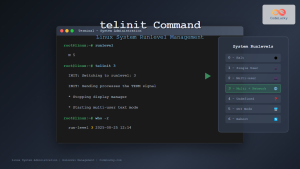
telinit Command Linux: Complete Guide to System Runlevel Management
The telinit command is a powerful Linux utility that allows system administrators to change the current runlevel of a Linux...

launchd Linux: Understanding the Service Management Framework for System Administrators
The launchd service management framework has become an essential tool for Linux system administrators who need robust process and service...
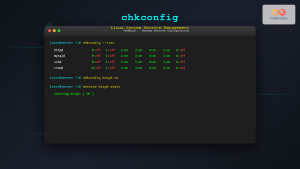
chkconfig Command Linux: Complete Guide to System Service Management
The chkconfig command is a powerful system administration tool in Red Hat-based Linux distributions that allows you to configure system...
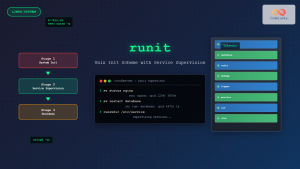
runit Linux: Complete Guide to Unix Init Scheme with Service Supervision
runit is a lightweight, cross-platform Unix init scheme with service supervision that provides a reliable alternative to traditional init systems....
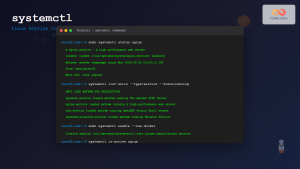
systemctl Command Linux: Complete Guide to Control Systemd Services
The systemctl command is the primary tool for controlling systemd services in modern Linux distributions. As the central management utility...

systemd Linux: Complete Guide to System and Service Manager
systemd is a powerful system and service manager that has become the default init system for most modern Linux distributions....





