
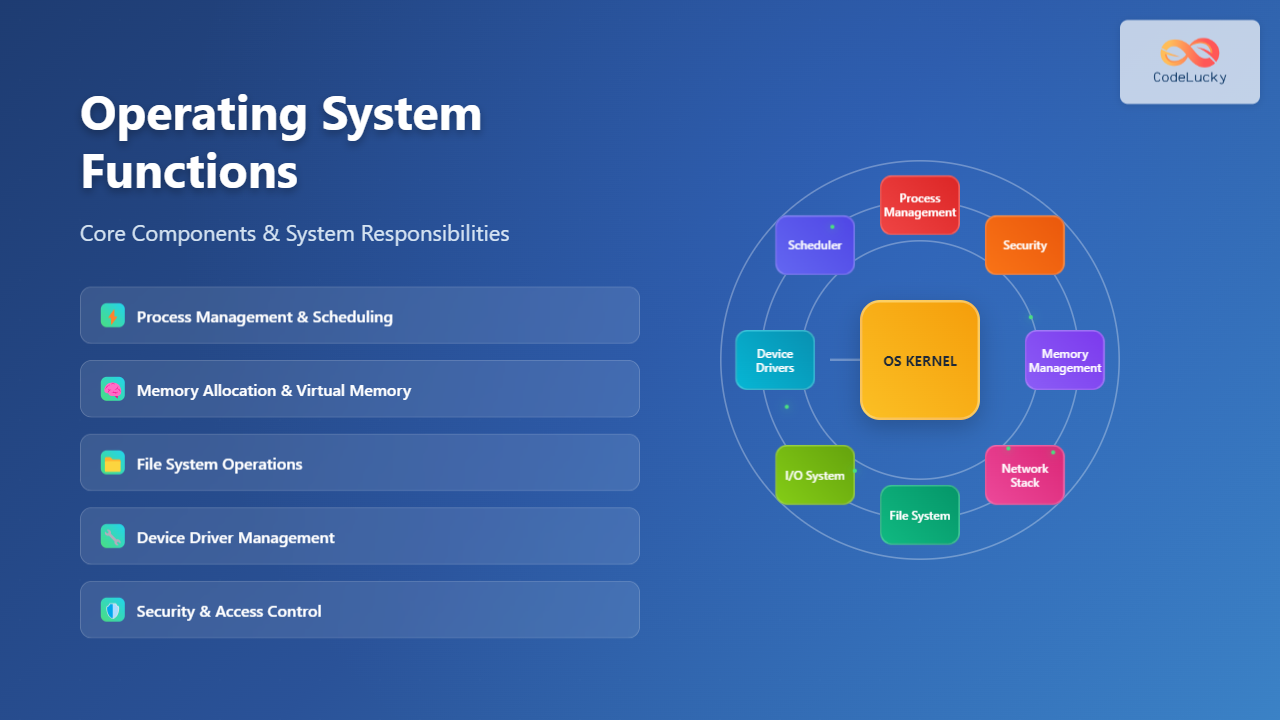
An operating system (OS) serves as the fundamental software layer that manages computer hardware resources and provides essential services to application programs. Understanding OS functions is crucial for system administrators, developers, and IT professionals who work with computer systems daily.
What is an Operating System?
An operating system acts as an intermediary between computer hardware and user applications. It abstracts complex hardware operations into simple, standardized interfaces that programs can use efficiently. The OS ensures optimal resource utilization while maintaining system stability and security.

Core Operating System Functions
1. Process Management
Process management represents one of the most critical OS functions. The operating system creates, schedules, and terminates processes while managing their execution states and resource allocation.
Process States
Every process in an operating system transitions through various states during its lifecycle:
- New: Process is being created
- Ready: Process is waiting for CPU assignment
- Running: Process is currently executing
- Waiting/Blocked: Process is waiting for I/O completion
- Terminated: Process has finished execution

Process Scheduling Algorithms
Operating systems implement various scheduling algorithms to optimize CPU utilization:
- First Come First Serve (FCFS): Processes execute in arrival order
- Shortest Job First (SJF): Shortest processes execute first
- Round Robin: Each process gets equal CPU time slices
- Priority Scheduling: Higher priority processes execute first
Example: Linux Process Management
# View running processes
ps aux

# Monitor real-time process activity
top

# Kill a specific process
kill -9 1234

# View process tree
pstree

# Check process resource usage
pidstat -p 1234 1
2. Memory Management
Memory management ensures efficient allocation and deallocation of system memory among competing processes. The OS manages both physical RAM and virtual memory systems.
Memory Allocation Strategies
- Contiguous Allocation: Processes occupy continuous memory blocks
- Paging: Memory divided into fixed-size pages
- Segmentation: Memory divided into variable-size segments
- Virtual Memory: Uses secondary storage as extended memory
Virtual Memory System
Virtual memory allows the OS to use secondary storage as an extension of physical RAM, enabling larger programs to run on systems with limited memory.

Example: Memory Monitoring Commands
# Display memory usage
free -h

# Show virtual memory statistics
vmstat 1

# Monitor memory usage by process
ps aux --sort=-%mem | head

# Display swap usage
swapon --show

# Check memory mapping for a process
pmap 1234
3. File System Management
File system management provides organized storage and retrieval of data on storage devices. The OS manages file creation, deletion, reading, writing, and access permissions.
File System Operations
- File Creation: Allocating space and creating file metadata
- File Access: Reading and writing file contents
- Directory Management: Organizing files hierarchically
- Access Control: Managing file permissions and security
File System Types
Different file systems offer various features and performance characteristics:
- ext4: Linux default with journaling and large file support
- NTFS: Windows file system with advanced features
- APFS: Apple’s modern file system with encryption
- ZFS: Advanced file system with data integrity features
Example: File System Operations
# List file systems
df -h

# Show file system type
blkid

# Mount a file system
mount /dev/sdb1 /mnt/storage

# Check file system for errors
fsck /dev/sdb1

# Display inode usage
df -i

# Show file access permissions
ls -la /path/to/files
4. Device Management
Device management enables the OS to control and communicate with hardware devices through device drivers. This function abstracts hardware complexity from applications.
Device Driver Architecture
Device drivers act as translators between the OS and hardware devices:
- Kernel Mode Drivers: Execute with full system privileges
- User Mode Drivers: Execute with limited privileges for safety
- Plug and Play: Automatic device detection and configuration
- Hot Swapping: Adding/removing devices without system restart

Example: Device Management Commands
# List all devices
lsblk

# Show USB devices
lsusb

# Display PCI devices
lspci

# View device information
udevadm info --query=all --name=/dev/sda

# Monitor device events
udevadm monitor

# Load a kernel module
modprobe driver_name
5. Security and Access Control
Security functions protect system resources from unauthorized access and ensure data integrity. The OS implements authentication, authorization, and auditing mechanisms.
Security Mechanisms
- User Authentication: Verifying user identity
- Access Control Lists (ACLs): Fine-grained permission management
- Encryption: Protecting data confidentiality
- Audit Logging: Recording security events
Example: Security Commands
# Change file permissions
chmod 755 /path/to/file

# Modify file ownership
chown user:group /path/to/file

# View user information
id username

# Check login history
last

# Display security logs
journalctl -u ssh

# Set password policy
passwd -x 90 username
System Resources Coordination
Interrupt Handling
The OS manages hardware and software interrupts to ensure responsive system behavior. When devices need attention or errors occur, interrupts provide immediate notification to the OS.
Interrupt Types
- Hardware Interrupts: Generated by devices (keyboard, mouse, network)
- Software Interrupts: Generated by programs (system calls)
- Timer Interrupts: Used for process scheduling
- Exception Handling: Managing program errors and faults
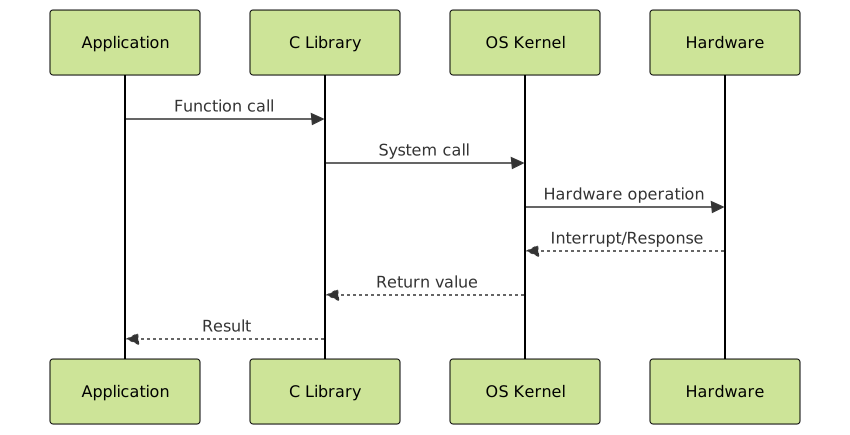
System Calls Interface
System calls provide the primary interface between user applications and OS services. Applications use system calls to request OS functions like file operations, process creation, and network communication.
Common System Call Categories
- Process Control: fork(), exec(), wait(), exit()
- File Management: open(), read(), write(), close()
- Device Management: ioctl(), read(), write()
- Information Maintenance: getpid(), alarm(), sleep()
Performance Optimization
Resource Allocation Strategies
Operating systems implement various strategies to optimize resource utilization and system performance:
- Load Balancing: Distributing workload across multiple processors
- Cache Management: Optimizing data access patterns
- Buffer Management: Reducing I/O bottlenecks
- Deadlock Prevention: Avoiding resource conflicts
System Monitoring
Effective OS management requires continuous monitoring of system resources and performance metrics:
# System resource usage
htop

# I/O statistics
iostat 1

# Network usage
iftop

# CPU performance
mpstat 1

# Overall system performance
sar -u 1 10

# Memory usage over time
vmstat 1 10
Modern Operating System Trends
Containerization Support
Modern operating systems provide native support for containerization technologies like Docker and Kubernetes, enabling efficient application deployment and resource isolation.
Cloud Integration
Operating systems increasingly integrate with cloud services, providing seamless hybrid computing environments and automated scaling capabilities.
Real-time Processing
Real-time OS capabilities ensure deterministic response times for time-critical applications in industrial control, automotive, and aerospace systems.
Best Practices for OS Management
Regular Maintenance
- Security Updates: Apply patches promptly
- Performance Monitoring: Track resource usage trends
- Backup Management: Ensure data protection
- Log Analysis: Monitor system health indicators
Resource Optimization
- Memory Tuning: Optimize virtual memory settings
- Process Prioritization: Adjust scheduling priorities
- I/O Optimization: Configure storage subsystems
- Network Tuning: Optimize network stack parameters
Conclusion
Operating system functions form the foundation of modern computing environments. From process management and memory allocation to device control and security enforcement, the OS coordinates all system activities to provide stable, efficient, and secure computing platforms. Understanding these core functions enables IT professionals to optimize system performance, troubleshoot issues effectively, and design robust computing solutions.
As technology continues evolving, operating systems adapt to support new paradigms like containerization, cloud computing, and edge processing while maintaining their fundamental responsibilities of resource management and system coordination.
Related Posts
Operating System Basics: Complete Guide to What is an OS and How it Works
An operating system (OS) is the fundamental software that manages computer hardware and software resources, acting as an intermediary between...
Process in Operating System: Complete Guide to Definition, States and Lifecycle
What is a Process in Operating System? A process is a program in execution that consists of the program code...
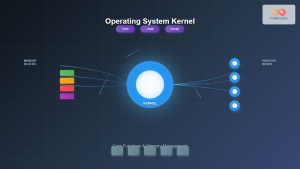
Kernel in Operating System: Core Functions and Memory Management
The kernel stands as the fundamental cornerstone of any operating system, serving as the critical bridge between hardware components and...
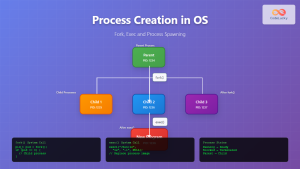
Process Creation in OS: Fork, Exec and Process Spawning Complete Guide
Introduction to Process Creation in Operating Systems Process creation is one of the fundamental concepts in operating systems that enables...
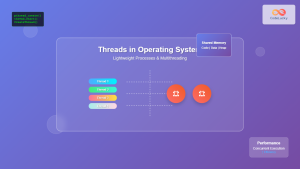
Thread in Operating System: Lightweight Processes and Multithreading Explained
What are Threads in Operating Systems? A thread is the smallest unit of execution within a process that can be...
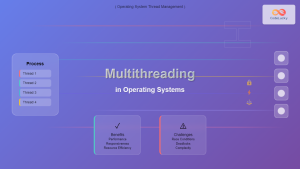
Multithreading in Operating Systems: Benefits, Challenges, and Implementation Guide
What is Multithreading in Operating Systems? Multithreading is a fundamental concept in modern operating systems that allows a single process...
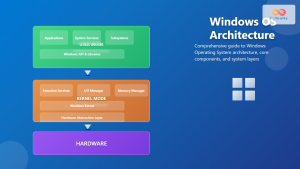
Windows Operating System: Complete Guide to Architecture and Core Components
The Windows Operating System stands as one of the most widely used operating systems globally, powering billions of devices from...
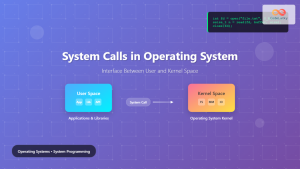
System Calls in Operating System: Complete Guide to User-Kernel Interface
System calls serve as the fundamental bridge between user applications and the operating system kernel, enabling programs to request services...
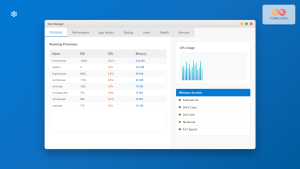
Windows Process Management: Complete Guide to Task Manager and Services
Windows process management is a fundamental aspect of system administration that every IT professional and power user should master. At...
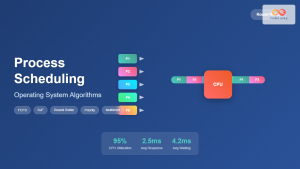
Process Scheduling in Operating System: Algorithms, Types & Implementation Guide
Process scheduling is one of the most critical components of an operating system that determines how the CPU time is...
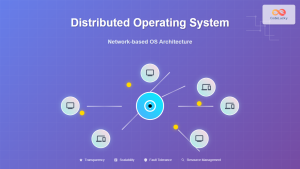
Distributed Operating System: Complete Guide to Network-based OS Architecture
What is a Distributed Operating System? A distributed operating system is a sophisticated software system that manages and coordinates multiple...
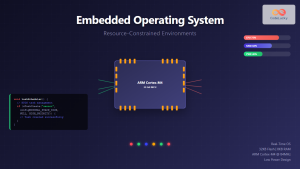
Embedded Operating System: Complete Guide to Resource-Constrained Environments
Embedded operating systems form the backbone of countless devices we interact with daily, from smart home appliances to automotive control...





