
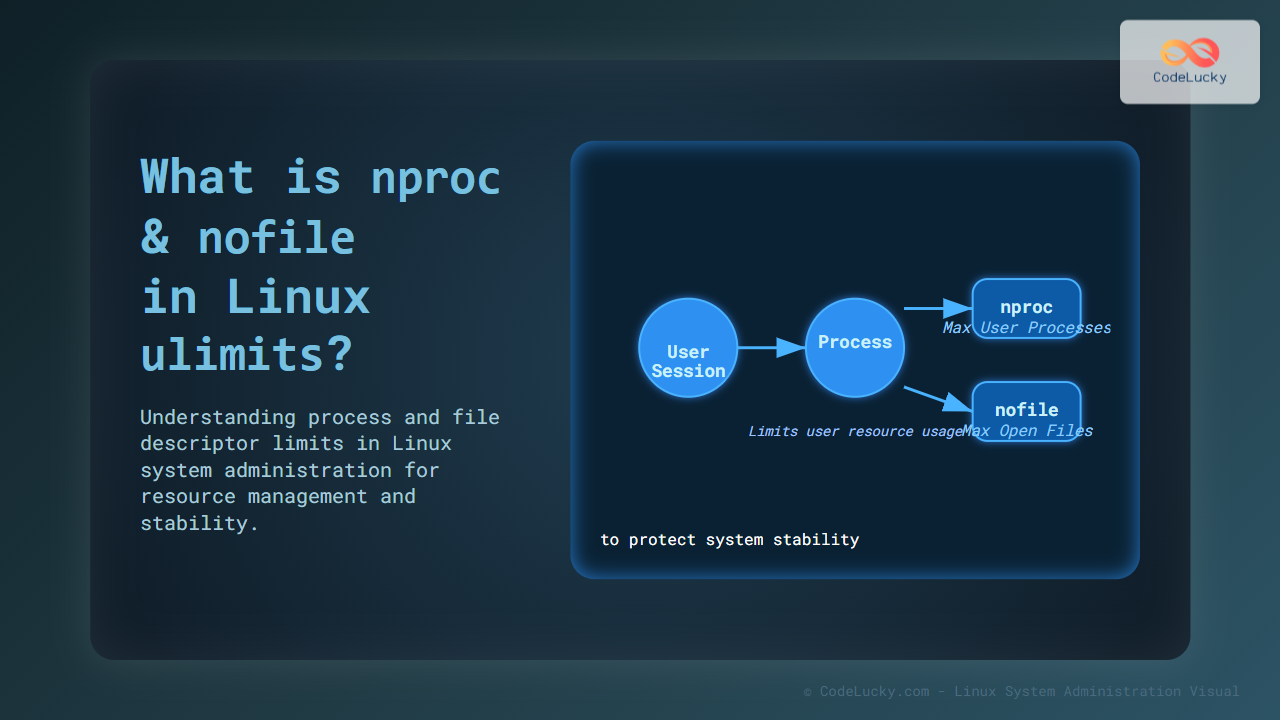
Understanding Linux system limits is essential for robust system administration and performance tuning. Two commonly encountered limits within the Linux ulimit framework are nproc and nofile. This article dives deep into what these terms mean, why they matter, and how to configure them effectively on your Linux systems.
What Are ulimits in Linux?
The term ulimit stands for “user limits” and is a mechanism in Linux that controls the resource limits available to the shell and processes started by it. It restricts the amount of resources a user or process can consume to prevent system overuse or crashes. These limits help maintain system stability and security by capping resources like CPU time, file size, open files, and the number of processes.
Defining nproc and nofile
Among the many ulimit parameters, nproc and nofile are critically important for managing processes and file descriptors respectively.
- nproc: Limits the number of processes a user can create. This prevents a single user from forking too many processes and exhausting system resources.
- nofile: Limits the number of open file descriptors per process. Each file, socket, or other input/output resource (like pipes) uses a file descriptor. This limit protects the system from reaching file descriptor exhaustion.
Why Are These Limits Important?
Without control, a runaway script or a compromised user could create thousands of processes or open too many files, causing system instability or denial of service for other users. Setting these limits balances resource accessibility and system reliability.

Checking Current nproc and nofile Limits
You can check the current limits for your session with the following commands:
# Check nproc limit (max user processes)
ulimit -u

# Check nofile limit (max open files per process)
ulimit -n
Example output:
$ ulimit -u
4096

$ ulimit -n
1024
Configuring nproc and nofile
Limits can be set temporarily or permanently.
Temporary Limit Change
Change limits for the current shell session:
ulimit -u 2048   # set max processes to 2048
ulimit -n 8192   # set max open files to 8192
These limits persist only for the duration of this shell session.
Permanent Limit Configuration
For long-term changes, edit limits configuration files:
/etc/security/limits.conf– to set limits per user or group/etc/security/limits.d/*.conf– for modular config files/etc/systemd/system.confand/etc/systemd/user.conf– for systemd-managed limits
Example entries in /etc/security/limits.conf:
# username or group | type | item       | value
johndoe            soft   nproc       2000
johndoe            hard   nproc       2500
johndoe            soft   nofile      4096
johndoe            hard   nofile      65535
Soft vs Hard Limits Explained
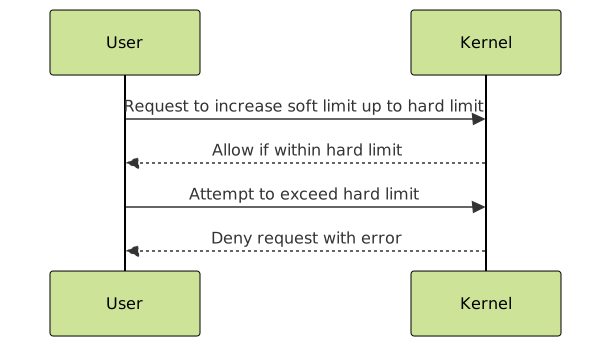
Soft limits are the currently enforced limits for the user, which can be increased up to the hard limits by the user (unless limited by the system). Hard limits are the maximum allowed, typically set by the system administrator.
Practical Examples with Visual Output
Example 1: Checking and Increasing nofile Limit
$ ulimit -n
1024

$ ulimit -n 4096
$ ulimit -n
4096
The open file limit was successfully increased from 1024 to 4096 for this session.
Example 2: Reaching nproc Limit
If a user hits the process limit, new processes fail to launch. Check current limit:
$ ulimit -u
50
Try to fork more than 50 processes (example with a script or loop).
The system will deny additional process creation, protecting resources.
How to Diagnose ulimit-Related Issues?
Problems with limits show as errors like fork: Resource temporarily unavailable (for nproc) or too many open files (for nofile). Use commands like ulimit -a to view all limits and cat /proc/$$/limits to check process-specific limits.
Tweaking Limits for Production Servers
For servers running heavy services (databases, web servers), tuning nofile is important to allow many simultaneous connections, and nproc needs tuning to support expected parallel workloads. Monitoring with tools like lsof, ps, and system logs helps assess correct thresholds.

Summary
The Linux ulimit system protects system resources by setting limits per user or process. nproc limits the number of processes per user, and nofile limits the number of open files per process. Proper understanding and configuration of these limits ensures system stability and prevents resource exhaustion. Adjust soft and hard limits based on application needs and monitor usage carefully.
By mastering these limits, system administrators can better manage resources, prevent outages, and maintain smooth server operations.





