
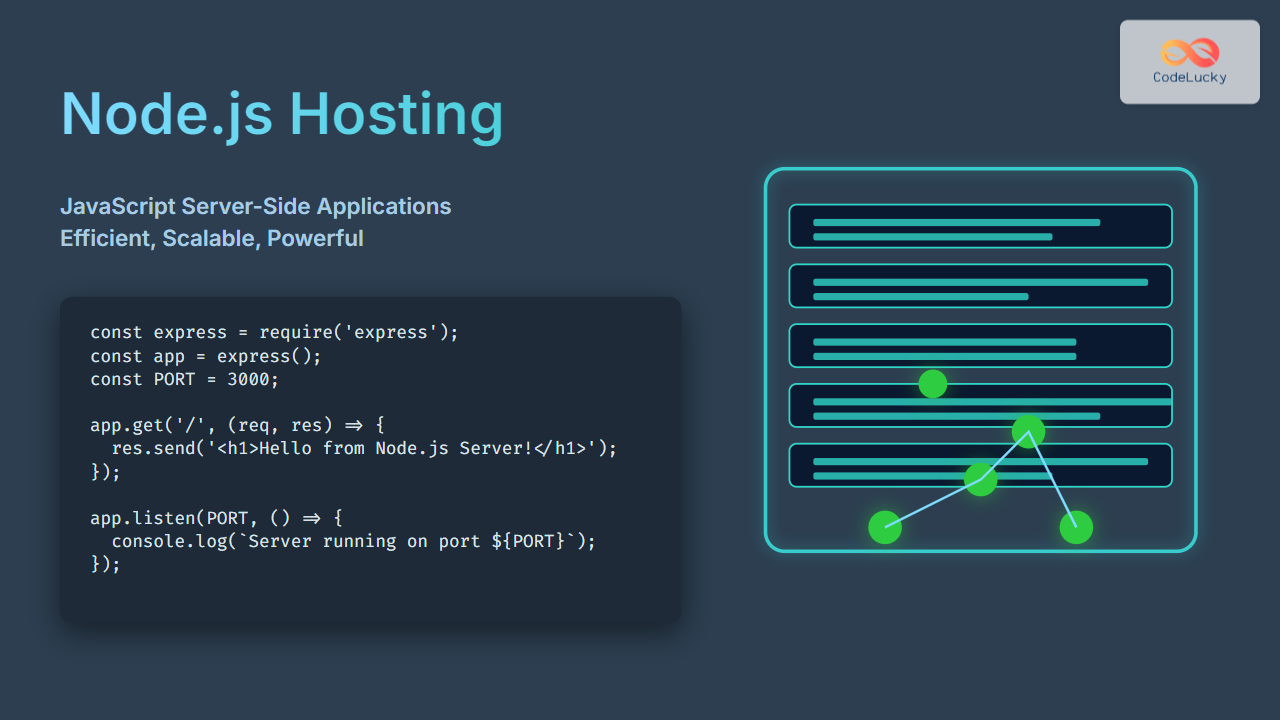
Node.js has revolutionized server-side development by allowing JavaScript — historically a client-side language — to power scalable, fast web applications on the server. Hosting Node.js applications properly is essential to leverage its event-driven, non-blocking I/O model for high performance. This article dives deep into Node.js hosting, covering key concepts, hosting options, practical examples, deployment tips, and visual architecture diagrams to help developers confidently deploy and maintain their JavaScript server-side apps.
Understanding Node.js Hosting
Node.js hosting refers to the provisioning of infrastructure and environment to run Node.js applications online. Unlike traditional static websites, Node.js apps usually run continuously as servers, handling HTTP requests dynamically.
Efficient hosting ensures:
- Optimal resource utilization (CPU/memory)
- Scalability to handle growing traffic
- Reliable uptime and error recovery
- Secure environments managing dependencies and data
Common Hosting Environments for Node.js
There are several Node.js hosting approaches:
- Shared Hosting: Limited support, often unsuitable due to persistent server nature of Node.js.
- Virtual Private Servers (VPS): Allows custom Node.js setup and server management.
- Platform as a Service (PaaS): Providers like Heroku, Vercel, and DigitalOcean App Platform abstract server management.
- Dedicated Servers and Cloud Instances: AWS EC2, Google Cloud Compute Engine for full control and scaling features.
Deploying a Simple Node.js Application Example
Here’s a basic Express-based Node.js server example to demonstrate key hosting concepts.
// app.js
const express = require('express');
const app = express();
const PORT = process.env.PORT || 3000;
app.get('/', (req, res) => {
res.send('Welcome to Node.js Hosting with Express!
');
});
app.listen(PORT, () => {
console.log(`Server is running on http://localhost:${PORT}`);
});
When deployed, this server dynamically serves content at the root URL. A hosting service or VPS runs this code continuously, routing incoming requests efficiently.
Visual: Node.js Host Server Request Flow

Choosing the Right Hosting for Node.js
The choice depends on:
- Project Size and Traffic: Small projects can use PaaS, while enterprise may need cloud infrastructure.
- Technical Skills: VPS/dedicated servers require server admin skills.
- Budget: Shared hosts are cheap but limited; cloud services offer pay-as-you-go models.
Popular Node.js Hosting Providers Overview
| Provider | Type | Auto-Scaling | Ease of Use | Use Case |
|---|---|---|---|---|
| Heroku | PaaS | Yes | Very Easy | Rapid prototyping, small to medium apps |
| DigitalOcean App Platform | PaaS & Cloud | Yes | Moderate | Scalable production apps |
| AWS EC2 | Cloud Infrastructure | Manual/Custom | Advanced | Enterprise-grade, full control |
| Vercel | Specialized PaaS | Automatic | Very Easy | Frontend with serverless backend |
Setting Up a Basic Node.js App on VPS
Steps to deploy Node.js on a server (e.g., Ubuntu VPS):
- Install Node.js and npm:
sudo apt install nodejs npm - Transfer application files via SCP or Git clone into server directory.
- Install dependencies:
npm install - Start app using
node app.jsor use a process manager like PM2. - Configure firewall and reverse proxy (e.g., Nginx) to forward HTTP/S traffic.
Process Management and Reliability
For production, use process managers like PM2 to ensure uptime and automatic restarts:
npm install -g pm2
pm2 start app.js
pm2 startup
pm2 save
Visual: Node.js Deployment Architecture with Reverse Proxy
Interactive Example: Live Updating Server Message
This snippet shows an interactive Node.js Express server sending current server time to clients when they hit the endpoint /time:
// app.js
const express = require('express');
const app = express();
const PORT = 3000;
app.get('/time', (req, res) => {
const currentTime = new Date().toLocaleTimeString();
res.send(`Server Time is: ${currentTime}
`);
});
app.listen(PORT, () => {
console.log(`Server running on port ${PORT}`);
});
When you visit http://localhost:3000/time, the server responds with the real-time updated time each request, demonstrating how Node.js responds dynamically on the server side.
Security Best Practices for Node.js Hosting
- Keep Node.js and dependencies up to date to patch vulnerabilities.
- Use environment variables for sensitive credentials, not hard-coded values.
- Limit server permissions and use firewalls to restrict access.
- Enable HTTPS to encrypt traffic between clients and server.
- Use tools like Helmet.js to set HTTP headers for security hardening.
Conclusion: Unlocking Node.js Hosting Excellence
Node.js hosting is a crucial part of modern JavaScript development, enabling performant, scalable server-side applications. By selecting the right hosting provider, setting up your environment correctly, and managing deployments with reliability and security in mind, developers can unlock the full potential of Node.js on the server.
The examples and architectures shared provide a solid foundation to start, while advanced setups can be tailored as projects scale and evolve.





