
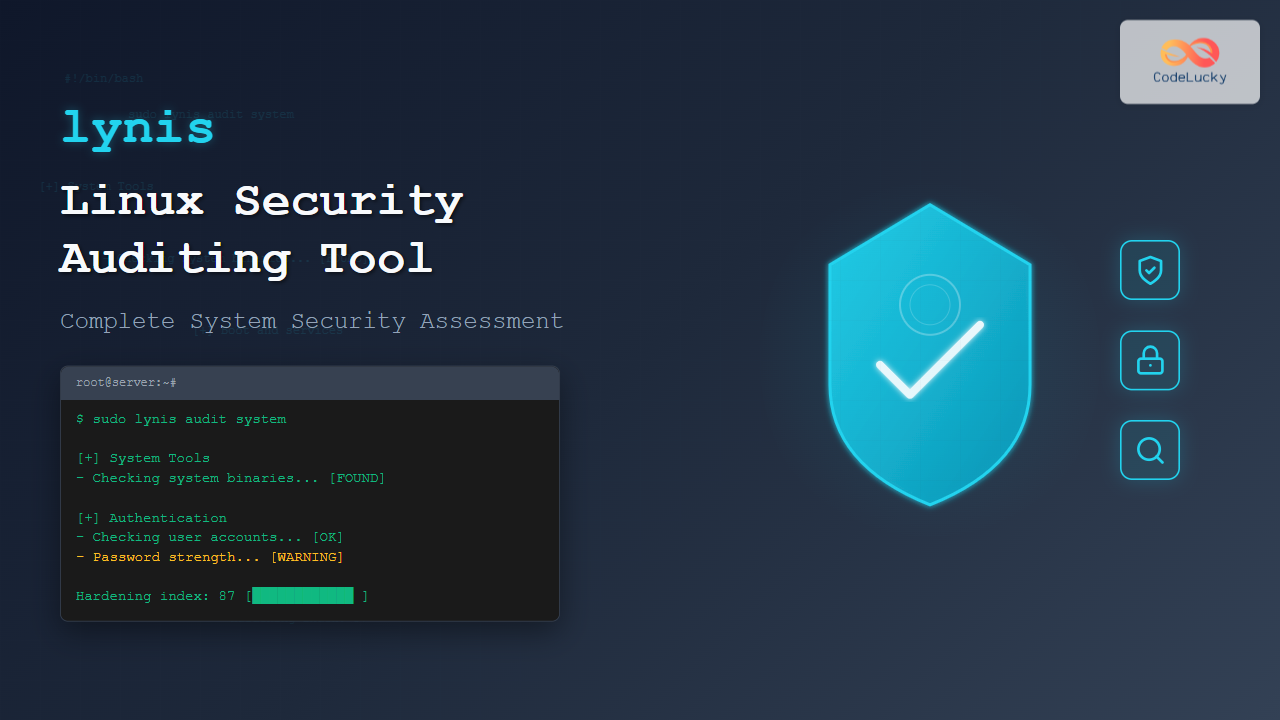
The lynis command is a powerful, open-source security auditing tool designed specifically for Unix-based systems including Linux, macOS, and BSD. This comprehensive security scanner helps system administrators identify vulnerabilities, misconfigurations, and compliance issues within their systems.
What is Lynis?
Lynis performs over 250 security tests to assess your system’s security posture. It examines various aspects of your system including:
- System configuration and hardening
- Network security settings
- File permissions and access controls
- Running services and processes
- Installed software and updates
- Compliance with security standards
Installing Lynis on Linux
Ubuntu/Debian Installation
# Update package list
sudo apt update

# Install lynis
sudo apt install lynis

# Verify installation
lynis --version
CentOS/RHEL/Fedora Installation
# For CentOS/RHEL (enable EPEL repository first)
sudo yum install epel-release
sudo yum install lynis

# For Fedora
sudo dnf install lynis
Installing from Source
# Download latest version
wget https://downloads.cisofy.com/lynis/lynis-3.0.8.tar.gz

# Extract archive
tar -xzf lynis-3.0.8.tar.gz

# Navigate to directory
cd lynis

# Run lynis directly
sudo ./lynis audit system
Basic Lynis Commands and Usage
System Audit
The most common use case is performing a complete system audit:
sudo lynis audit systemSample Output:
[ Lynis 3.0.8 ]

################################################################################
  Lynis comes with ABSOLUTELY NO WARRANTY. This is free software, and you are
  welcome to redistribute it under the terms of the GNU General Public License.
  See the LICENSE file for details about using this software.

  2025 Copyright, CISOfy - https://cisofy.com/lynis/
  Enterprise support available (compliance, plugins, interface and tools)
################################################################################

[+] Initializing program
------------------------------------
  - Detecting OS...                                           [ DONE ]
  - Checking profiles...                                      [ DONE ]

  ---------------------------------------------------
  Program version:           3.0.8
  Operating system:          Linux
  Operating system name:     Ubuntu Linux
  Operating system version:  22.04
  Kernel version:            5.15.0
  Hardware platform:         x86_64
  Hostname:                  ubuntu-server
  ---------------------------------------------------
Quick Audit
For a faster scan with essential checks only:
sudo lynis audit system --quickSpecific Category Audits
Target specific areas of your system:
# Audit only authentication
sudo lynis audit system --tests-from-group authentication

# Audit only networking
sudo lynis audit system --tests-from-group networking

# Audit only file systems
sudo lynis audit system --tests-from-group filesystems
Understanding Lynis Output
Test Results Format
Lynis displays results with clear indicators:
[+] Boot and services
------------------------------------
  - Service Manager                                           [ systemd ]
  - Checking UEFI boot                                        [ DISABLED ]
  - Checking presence GRUB2                                   [ FOUND ]
  - Checking presence GRUB2 password                          [ WARNING ]
  - Check running services (systemctl)                        [ DONE ]
      Result: found 23 running services
  - Check enabled services at boot (systemctl)               [ DONE ]
      Result: found 34 enabled services
Status Indicators
- [OK] – Test passed successfully
- [DONE] – Test completed
- [WARNING] – Potential security issue found
- [SUGGESTION] – Improvement recommendation
- [SKIPPED] – Test not applicable
Advanced Lynis Features
Custom Profiles
Create custom audit profiles for specific requirements:
# Create custom profile
sudo nano /etc/lynis/custom.prf

# Example profile content:
# Skip certain tests
skip-test=BOOT-5122
skip-test=NETW-3001

# Enable specific plugins
plugin=compliance
plugin=forensics

# Set compliance standards
compliance-standards=cis,pci-dss
Use the custom profile:
sudo lynis audit system --profile /etc/lynis/custom.prfGenerating Reports
Create detailed reports in various formats:
# Generate report with specific name
sudo lynis audit system --report-file /tmp/security-audit-$(date +%Y%m%d)

# View the generated report
cat /var/log/lynis-report.dat
Compliance Checking
Check compliance with security standards:
# Check CIS compliance
sudo lynis audit system --compliance cis

# Check PCI-DSS compliance
sudo lynis audit system --compliance pci-dss

# Multiple standards
sudo lynis audit system --compliance "cis,pci-dss,iso27001"
Interpreting Security Findings
Common Warning Examples
SSH Configuration Warning:
[+] SSH Support
------------------------------------
  - Checking running SSH daemon                               [ FOUND ]
  - Checking SSH configuration                                [ FOUND ]
  - SSH option: AllowTcpForwarding                            [ WARNING ]
  - SSH option: ClientAliveCountMax                           [ OK ]
  - SSH option: Compression                                   [ WARNING ]
  - SSH option: FingerprintHash                               [ OK ]
  - SSH option: GatewayPorts                                  [ OK ]
  - SSH option: IgnoreRhosts                                  [ OK ]
File Permissions Warning:
[+] File systems
------------------------------------
  - Checking mount points                                     [ DONE ]
  - Query system volume group (LVM)                          [ FOUND ]
  - Checking LVM volume groups                                [ FOUND ]
  - Checking Locate database                                  [ FOUND ]
  - Checking /tmp, /var/tmp, and /dev/shm                     [ WARNING ]
      - /tmp is not mounted with noexec option
Addressing Findings
For each warning, Lynis provides suggestions. Example fixes:
# Fix SSH AllowTcpForwarding
sudo nano /etc/ssh/sshd_config
# Add: AllowTcpForwarding no
sudo systemctl restart sshd

# Fix /tmp mount with noexec
sudo mount -o remount,noexec /tmp

# Make permanent in /etc/fstab
# Add noexec to /tmp mount options
Automated Security Monitoring
Scheduling Regular Audits
Set up automated security scans using cron:
# Edit crontab
sudo crontab -e

# Add weekly security audit (every Sunday at 2 AM)
0 2 * * 0 /usr/bin/lynis audit system --cronjob --quiet --report-file /var/log/lynis/weekly-audit-$(date +\%Y\%m\%d) 2>&1

# Add monthly compliance check
0 3 1 * * /usr/bin/lynis audit system --cronjob --compliance cis --report-file /var/log/lynis/monthly-compliance-$(date +\%Y\%m\%d) 2>&1
Email Notifications
Create a script to send audit results via email:
#!/bin/bash
# lynis-audit-notify.sh

REPORT_FILE="/var/log/lynis-report-$(date +%Y%m%d).dat"
EMAIL="[email protected]"

# Run lynis audit
/usr/bin/lynis audit system --report-file "$REPORT_FILE" --quiet

# Extract summary
WARNINGS=$(grep "warnings\[\]=" "$REPORT_FILE" | wc -l)
SUGGESTIONS=$(grep "suggestion\[\]=" "$REPORT_FILE" | wc -l)

# Send email notification
echo "Lynis Security Audit Summary
Date: $(date)
Warnings Found: $WARNINGS
Suggestions: $SUGGESTIONS

Full report available at: $REPORT_FILE" | mail -s "Security Audit Report - $(hostname)" "$EMAIL"
Lynis Configuration Files
Main Configuration
The primary configuration file location:
# System-wide configuration
/etc/lynis/default.prf

# View current configuration
sudo lynis show settings
Custom Settings Example
# Custom Lynis configuration
# File: /etc/lynis/custom.prf

# Skip specific tests that don't apply
skip-test=FIRE-4508
skip-test=MAIL-8818

# Set custom log directory
logdir=/var/log/lynis/

# Enable specific plugins
plugin=malware
plugin=compliance

# Set warning level
warning-level=3

# Define custom checks
custom-url-1=http://example.com/custom-rules.dat
Integration with Other Tools
SIEM Integration
Parse Lynis output for SIEM systems:
# Export findings in structured format
sudo lynis audit system --no-colors --quiet | grep -E "(WARNING|SUGGESTION)" > /tmp/lynis-findings.txt

# Convert to JSON format
awk -F'[][]' '{print "{\"timestamp\":\"" strftime("%Y-%m-%d %H:%M:%S") "\",\"level\":\"" $2 "\",\"message\":\"" $0 "\"}"}' /tmp/lynis-findings.txt
Ansible Playbook Integration
---
- name: Run Lynis Security Audit
  hosts: all
  become: yes
  tasks:
    - name: Install Lynis
      package:
        name: lynis
        state: present

    - name: Run Lynis audit
      command: lynis audit system --cronjob --quiet
      register: lynis_result

    - name: Create audit report directory
      file:
        path: /var/log/lynis-reports
        state: directory
        mode: '0755'

    - name: Copy Lynis report
      copy:
        src: /var/log/lynis-report.dat
        dest: "/var/log/lynis-reports/{{ inventory_hostname }}-{{ ansible_date_time.date }}.dat"
        remote_src: yes
Troubleshooting Common Issues
Permission Errors
Always run Lynis with appropriate permissions:
# Incorrect - limited access
lynis audit system

# Correct - full system access
sudo lynis audit system
Incomplete Scans
If scans terminate unexpectedly:
# Check system resources
df -h
free -m

# Run with debug mode
sudo lynis audit system --debug

# Check for conflicting processes
ps aux | grep lynis
Plugin Issues
Troubleshoot plugin problems:
# List available plugins
lynis show plugins

# Test specific plugin
sudo lynis audit system --plugin malware --debug

# Check plugin directory
ls -la /usr/share/lynis/plugins/
Best Practices for Using Lynis
Regular Audit Schedule
- Daily: Quick scans on critical systems
- Weekly: Full system audits
- Monthly: Comprehensive compliance checks
- Quarterly: Review and update custom profiles
Results Management
# Organize reports by date
mkdir -p /var/log/lynis/{daily,weekly,monthly}

# Archive old reports
find /var/log/lynis/ -name "*.dat" -mtime +90 -exec gzip {} \;
Security Considerations
- Store audit reports securely with restricted permissions
- Regularly update Lynis to the latest version
- Review and validate all findings before implementing fixes
- Document remediation actions for audit trails
Conclusion
The lynis command is an invaluable tool for Linux system administrators seeking to maintain robust security postures. By implementing regular security audits with Lynis, you can proactively identify vulnerabilities, ensure compliance with security standards, and maintain hardened systems.
Remember that Lynis is a diagnostic tool – it identifies potential issues but requires human judgment to determine appropriate remediation actions. Always test security changes in non-production environments before applying them to critical systems.
Start with basic system audits, gradually implement automated scanning schedules, and customize profiles to match your specific security requirements. This systematic approach will help you build a comprehensive security monitoring strategy using Lynis.
Related Posts
chkrootkit Command Linux: Complete Guide to Rootkit Detection and System Security
System security is paramount in Linux administration, and rootkits pose one of the most serious threats to system integrity. The...
tiger Command Linux: Complete Security Audit and Intrusion Detection Guide
The tiger command is a powerful security auditing tool designed specifically for Unix-like systems, including Linux distributions. This comprehensive security...
aide Command Linux: Complete Guide to Advanced Intrusion Detection Environment
The AIDE (Advanced Intrusion Detection Environment) command is a powerful security tool for Linux systems that monitors file and directory...
samhain Linux: Complete Guide to Host-based Intrusion Detection System
Samhain is a powerful host-based intrusion detection system (HIDS) designed specifically for Linux and Unix-like systems. This comprehensive security tool...
rkhunter Command Linux: Complete Guide to Rootkit Detection and System Security
The rkhunter (Rootkit Hunter) is a powerful Unix-based security scanner designed to detect rootkits, backdoors, and local exploits on Linux...
tripwire Linux: Complete Guide to File Integrity Monitoring and Security
Tripwire is a powerful file integrity monitoring (FIM) tool that helps system administrators detect unauthorized changes to critical system files,...
OSSEC Linux: Complete Guide to Host-based Intrusion Detection System for Enterprise Security
What is OSSEC Linux? OSSEC (Open Source Security Event Correlator) is a powerful, open-source Host-based Intrusion Detection System (HIDS) that...
Intrusion Detection System: Complete Guide to OS-Level Security Monitoring
Understanding Intrusion Detection Systems An Intrusion Detection System (IDS) is a critical security tool that monitors network traffic and system...
lsof Command Linux: Complete Guide to List Open Files and Running Processes
The lsof command (List Open Files) is one of the most powerful and versatile utilities in Linux systems. It provides...
strace Advanced Linux: Complete Guide to System Call Tracing and Debugging
strace is one of the most powerful debugging and diagnostic tools available in Linux systems. It allows you to trace...
chrony Linux: Complete Guide to NTP Client and Server Configuration
Network Time Protocol (NTP) synchronization is crucial for maintaining accurate time across Linux systems. chrony is a modern, versatile NTP...
last Command Linux: Display Login History and System Boot Records
The last command is an essential Linux utility that displays a chronological list of user logins, system boots, and shutdowns...





