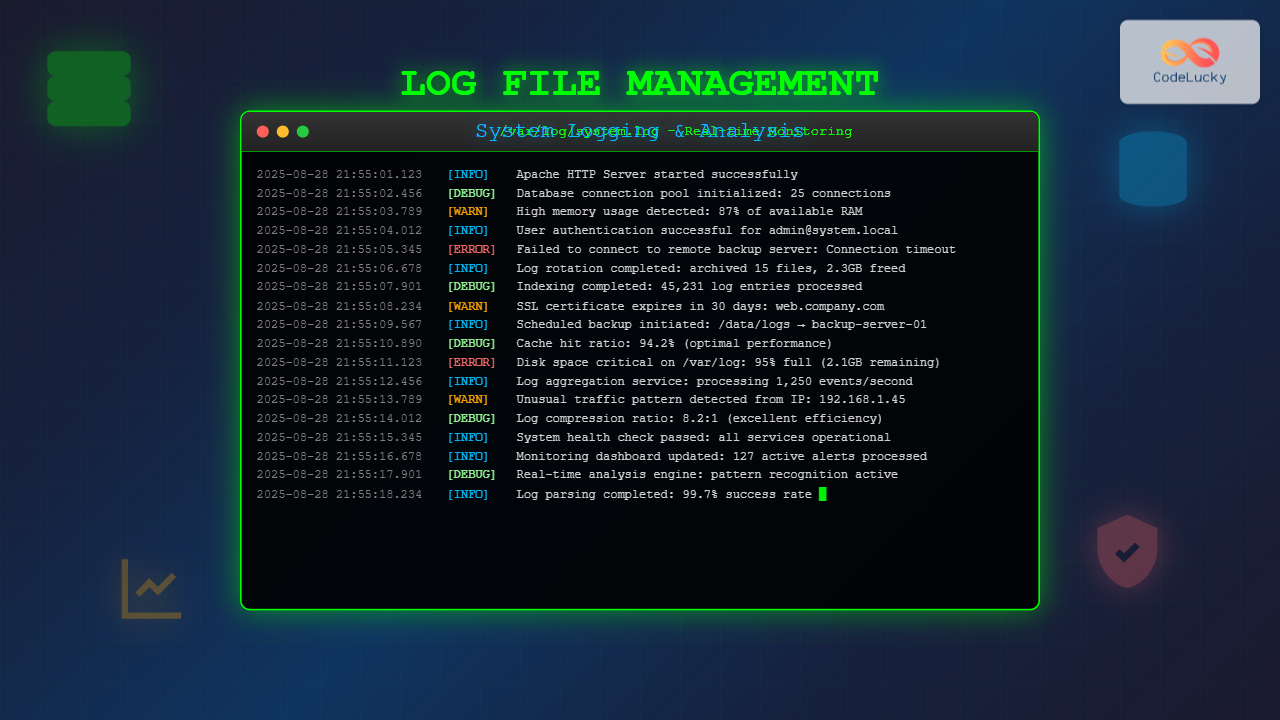
Log file management is a critical aspect of system administration that involves collecting, storing, analyzing, and maintaining log files generated by operating systems, applications, and services. Effective log management ensures system reliability, security, and performance optimization while providing valuable insights for troubleshooting and compliance requirements.
Modern systems generate enormous amounts of log data daily, making proper management essential for maintaining system health and operational efficiency. This comprehensive guide explores the fundamental concepts, tools, and best practices for effective log file management.
Understanding System Logging Architecture
System logging follows a structured architecture that defines how log messages are generated, processed, and stored. The logging system typically consists of several key components working together to ensure comprehensive log coverage.
Core Logging Components
Log Generators: Applications, services, and system components that produce log messages containing information about events, errors, and activities.
Logging Daemon: System service responsible for receiving log messages from various sources and routing them to appropriate destinations based on configuration rules.
Log Files: Structured text files containing timestamped entries that record system events, errors, warnings, and informational messages.
Log Rotation: Automated process that manages log file sizes by archiving old logs and creating new ones to prevent disk space exhaustion.
Common Log File Types and Locations
Different operating systems maintain various types of log files in specific locations. Understanding these locations is crucial for effective log management and troubleshooting.
Linux/Unix Log Files
Linux systems typically store log files in the /var/log/ directory with specific files serving different purposes:
/var/log/syslog: General system messages and events
/var/log/auth.log: Authentication and authorization events
/var/log/kern.log: Kernel messages and hardware-related events
/var/log/apache2/: Web server access and error logs
/var/log/mysql/: Database server logs
/var/log/mail.log: Mail server activities
Windows Log Files
Windows systems use the Event Log service with logs accessible through Event Viewer:
System Log: Operating system events and driver messages
Application Log: Application-specific events and errors
Security Log: Audit events and security-related activities
Setup Log: Installation and update events
Application-Specific Logs
Applications often maintain their own log files in various formats:
Log messages are classified by severity levels to help administrators prioritize and filter events. The standard syslog severity levels provide a consistent framework for log classification.
Severity Level Descriptions
Emergency (0): System is unusable, requiring immediate action
Alert (1): Action must be taken immediately
Critical (2): Critical conditions affecting system functionality
Error (3): Error conditions that don’t stop functionality
Warning (4): Warning conditions that may cause issues
Notice (5): Normal but significant conditions
Info (6): Informational messages
Debug (7): Debug-level messages for troubleshooting
System Logging Configuration
Proper logging configuration ensures comprehensive coverage while maintaining system performance. Modern logging systems provide flexible configuration options for customizing log behavior.
Rsyslog Configuration
Rsyslog is the default logging daemon on most Linux distributions. Configuration is managed through /etc/rsyslog.conf and files in /etc/rsyslog.d/:
# Basic rsyslog.conf example
# Log all kernel messages to the console
kern.*                                                 /dev/console

# Log anything (except mail) of level info or higher
*.info;mail.none;authpriv.none;cron.none                /var/log/messages

# The authpriv file has restricted access
authpriv.*                                              /var/log/secure

# Log all the mail messages in one place
mail.*                                                  /var/log/maillog

# Log cron stuff
cron.*                                                  /var/log/cron

# Save news errors of level crit and higher in a special file
uucp,news.crit                                          /var/log/spooler

# Save boot messages also to boot.log
local7.*                                                /var/log/boot.log
Syslog-ng Configuration
Syslog-ng provides advanced filtering and routing capabilities:
Effective log analysis requires both manual techniques and automated tools to extract meaningful insights from log data. Understanding various analysis methods helps identify patterns, troubleshoot issues, and monitor system health.
Command-Line Log Analysis
Linux provides powerful command-line tools for log analysis:
# View last 50 lines of syslog
tail -n 50 /var/log/syslog

# Follow log file in real-time
tail -f /var/log/apache2/access.log

# Search for specific patterns
grep "ERROR" /var/log/application.log

# Count occurrences of error patterns
grep -c "Failed login" /var/log/auth.log

# Extract and sort unique IP addresses from access logs
awk '{print $1}' /var/log/apache2/access.log | sort | uniq -c | sort -nr

# Analyze log entries by date range
sed -n '/Aug 28 14:00/,/Aug 28 15:00/p' /var/log/syslog

# Filter logs by multiple criteria
awk '$4 >= "14:00" && $4 <= "15:00" {print}' /var/log/messages
Advanced Analysis with Regular Expressions
Regular expressions enable sophisticated pattern matching for complex log analysis:
# Extract failed SSH login attempts with IP addresses
grep -E "Failed password.*from ([0-9]{1,3}\.){3}[0-9]{1,3}" /var/log/auth.log

# Find HTTP 5xx errors in Apache logs
grep -E "HTTP/1\.[01]\" [5][0-9]{2}" /var/log/apache2/access.log

# Extract timestamps and error codes
grep -oE "[0-9]{4}-[0-9]{2}-[0-9]{2} [0-9]{2}:[0-9]{2}:[0-9]{2}.*ERROR.*[0-9]{3}" /var/log/app.log
Log Rotation and Archival Strategies
Log rotation prevents log files from consuming excessive disk space while maintaining historical data for analysis and compliance. Proper rotation strategies balance storage costs with data retention requirements.
Logrotate Configuration
The logrotate utility manages log rotation automatically based on configuration rules:
delaycompress: Delay compression until next rotation
copytruncate: Copy and truncate original file
create: Create new log file with specified permissions
missingok: Continue if log file is missing
notifempty: Don’t rotate empty files
Centralized Logging Solutions
Centralized logging aggregates log data from multiple systems into a single location, enabling comprehensive analysis and monitoring across distributed environments.
ELK Stack Implementation
The ELK stack (Elasticsearch, Logstash, Kibana) provides a popular centralized logging solution:
# Logstash configuration example
input {
  beats {
    port => 5044
  }
  syslog {
    port => 514
  }
}

filter {
  if [type] == "apache-access" {
    grok {
      match => { "message" => "%{COMBINEDAPACHELOG}" }
    }
    date {
      match => [ "timestamp", "dd/MMM/yyyy:HH:mm:ss Z" ]
    }
    mutate {
      convert => { "response" => "integer" }
      convert => { "bytes" => "integer" }
    }
  }
}

output {
  elasticsearch {
    hosts => ["localhost:9200"]
    index => "logs-%{+YYYY.MM.dd}"
  }
}
Fluentd Configuration
Fluentd offers flexible log collection and forwarding capabilities:
# fluentd.conf example

  @type tail
  path /var/log/apache2/access.log
  pos_file /var/log/fluentd/apache2.access.log.pos
  tag apache.access
  format apache2


  @type syslog
  port 5140
  bind 0.0.0.0
  tag system.syslog


  @type record_transformer

    hostname ${hostname}
    timestamp ${time}


  @type elasticsearch
  host localhost
  port 9200
  index_name apache-logs
  type_name access
Log Monitoring and Alerting
Proactive log monitoring identifies critical issues before they impact system operations. Effective alerting systems notify administrators of important events while minimizing false positives.
Real-time Monitoring Techniques
Implement real-time monitoring for critical log patterns:
# Monitor for critical errors in real-time
tail -f /var/log/syslog | grep --line-buffered "CRITICAL\|EMERGENCY" | \
while read line; do
    echo "ALERT: $line" | mail -s "Critical System Event" [email protected]
done

# Monitor failed login attempts
tail -f /var/log/auth.log | grep --line-buffered "Failed password" | \
awk '{
    ip = $(NF-3)
    count[ip]++
    if (count[ip] > 5) {
        print "ALERT: Multiple failed logins from " ip
        system("echo \"Blocking IP " ip "\" | wall")
        system("iptables -A INPUT -s " ip " -j DROP")
    }
}'

# Custom log monitoring script
#!/bin/bash
LOG_FILE="/var/log/application.log"
THRESHOLD=10
INTERVAL=300

while true; do
    ERROR_COUNT=$(tail -n 1000 "$LOG_FILE" | grep -c "ERROR")
    if [ "$ERROR_COUNT" -gt "$THRESHOLD" ]; then
        echo "High error rate detected: $ERROR_COUNT errors in last 1000 lines"
        # Send notification
    fi
    sleep $INTERVAL
done
Log Security and Compliance
Log security ensures the integrity and confidentiality of log data while meeting regulatory compliance requirements. Proper security measures protect against tampering and unauthorized access.
Log File Security Measures
File Permissions: Restrict log file access to authorized users only
Encryption: Encrypt sensitive log data both in transit and at rest
Digital Signatures: Implement log signing to detect tampering
Secure Transmission: Use encrypted protocols for remote logging
Access Control: Implement role-based access to log analysis tools
Systematic log analysis provides the foundation for effective troubleshooting. Understanding log patterns and correlation techniques accelerates problem resolution.
Implementing best practices ensures reliable, secure, and efficient log management across all systems and applications.
Configuration Best Practices
Standardize Formats: Use consistent log formats across applications
Include Context: Log sufficient context information for troubleshooting
Timestamp Synchronization: Ensure accurate timestamps across all systems
Regular Review: Periodically review and update logging configurations
Documentation: Maintain clear documentation of logging policies and procedures
Operational Best Practices
Automated Monitoring: Implement automated log monitoring and alerting
Regular Backups: Backup critical log data regularly
Capacity Planning: Monitor disk usage and plan for growth
Testing: Regularly test log rotation and archival procedures
Training: Provide adequate training for staff on log analysis techniques
Conclusion
Effective log file management is essential for maintaining system reliability, security, and performance. By implementing proper logging configurations, utilizing appropriate analysis tools, and following established best practices, administrators can leverage log data to proactively identify issues, troubleshoot problems, and optimize system operations.
The key to successful log management lies in balancing comprehensive coverage with practical considerations such as storage costs, performance impact, and analysis complexity. Regular review and optimization of logging strategies ensure that log management systems continue to provide value as environments evolve and grow.
As systems become increasingly complex and distributed, centralized logging solutions and automated analysis tools become more critical for maintaining operational visibility and control. Investing in robust log management capabilities pays dividends in reduced downtime, faster problem resolution, and improved overall system reliability.