Searching algorithms form the foundation of computer science, enabling efficient data retrieval from a collection of elements. One of the simplest and most straightforward search methods is the Linear Search Algorithm. Though not always the most efficient, it is widely used due to its simplicity and ease of implementation. This article walks you through Linear Search, its implementation in Python, step-by-step examples, and a detailed analysis of its time complexity.
What is Linear Search?
Linear Search is a searching technique that checks every element of a list sequentially until the desired element is found or the end of the list is reached. It does not require the dataset to be sorted, making it a versatile yet brute-force approach.
Key Characteristics of Linear Search:
- Works on both sorted and unsorted data.
- Simple to implement with minimal overhead.
- Can be used on arrays, lists, and linked data structures.
- Time complexity depends directly on the number of elements.
How Linear Search Works
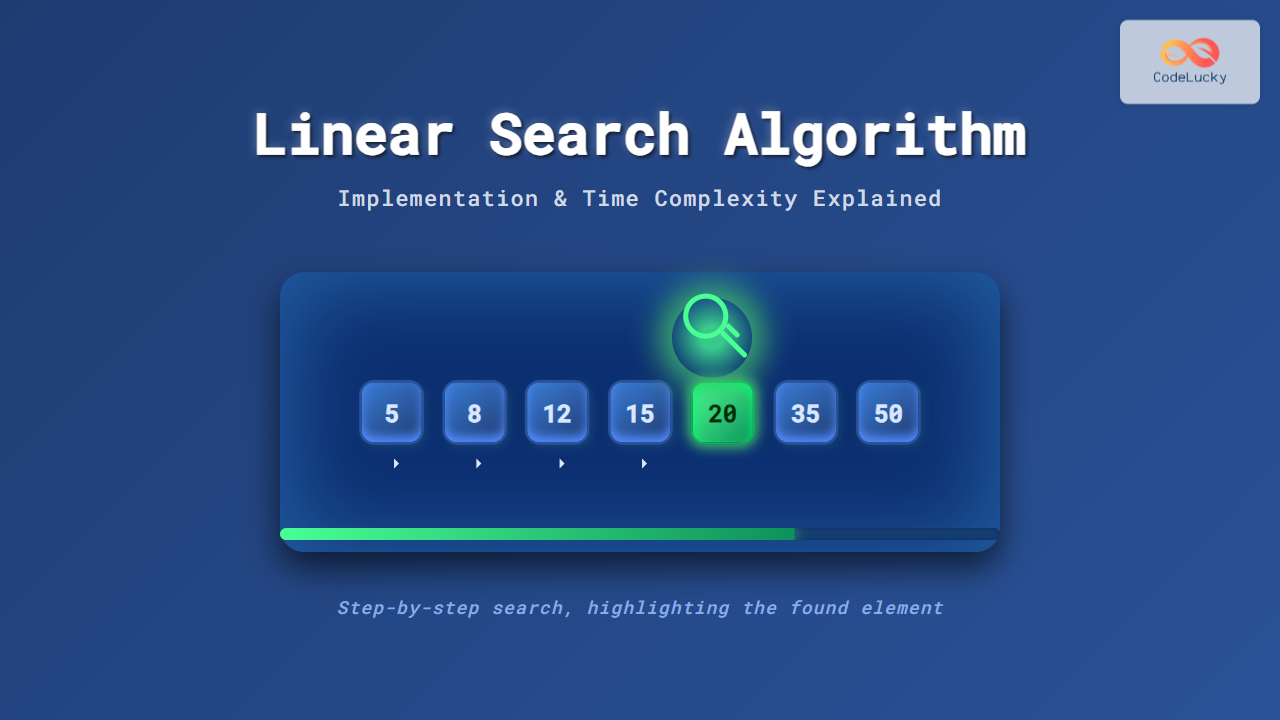
The process can be visualized step by step. Imagine scanning through each item in a list one by one until you either find the target or reach the end without finding it.

Python Implementation of Linear Search
Let’s implement linear search in Python for better clarity:
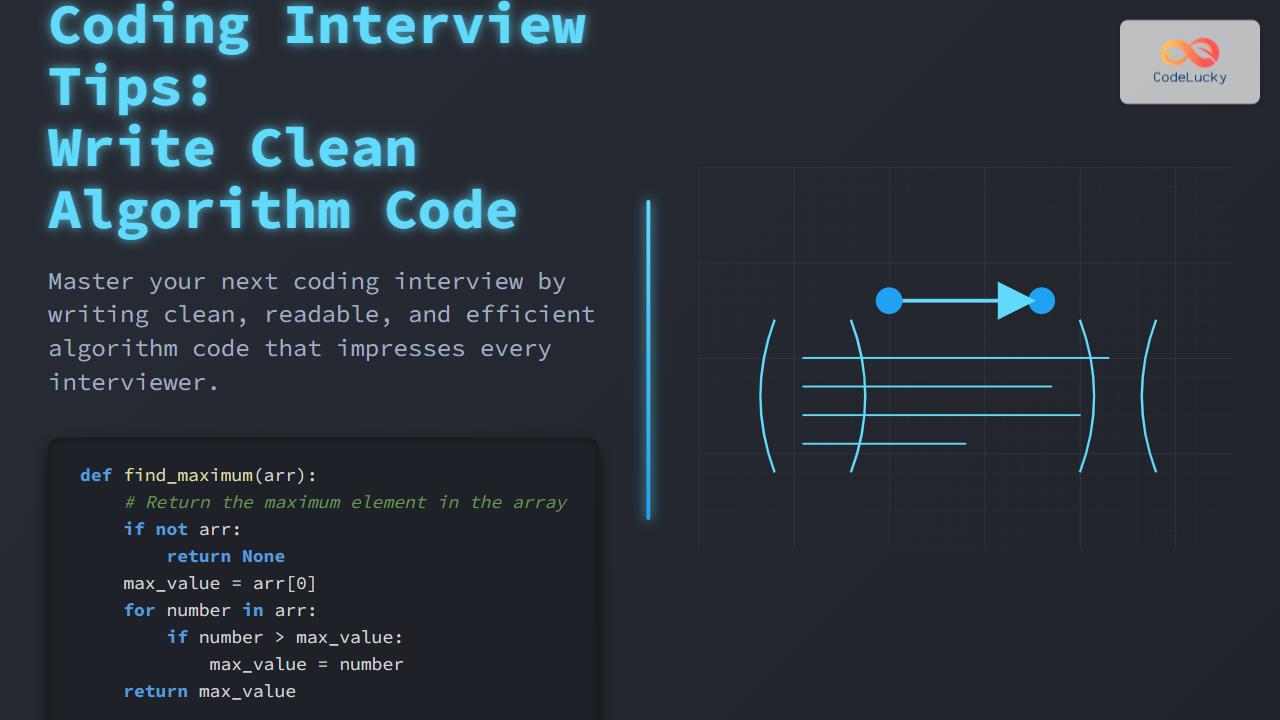
def linear_search(arr, target):
    for index, element in enumerate(arr):
        if element == target:
            return index  # Return position if found
    return -1  # Return -1 if not found

# Example usage
data = [5, 8, 12, 15, 20, 35, 50]
target = 15
result = linear_search(data, target)

if result != -1:
    print(f"Target {target} found at index {result}")
else:
    print(f"Target {target} not found")
Expected Output:
Target 15 found at index 3
Step-by-Step Example Explanation
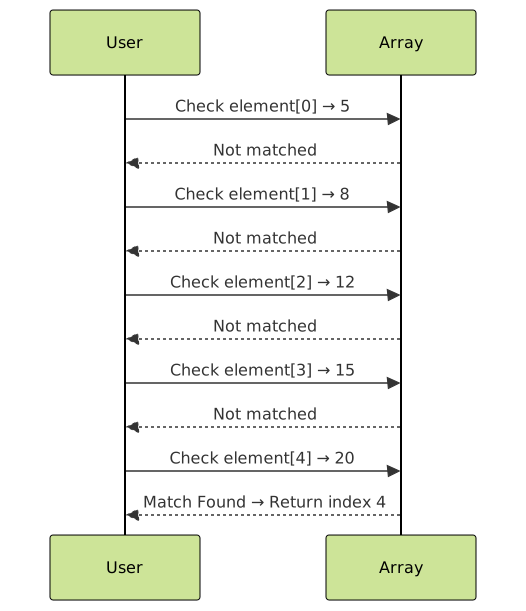
Suppose we want to find 20 in the list [5, 8, 12, 15, 20, 35, 50]. Here’s how Linear Search progresses:
5 == 20?→ No8 == 20?→ No12 == 20?→ No15 == 20?→ No20 == 20?→ Yes → Found at index 4
Interactive Linear Search Demonstration
For better understanding, here’s a simple interactive version using Python. Copy and run it in your IDE:
def interactive_linear_search():
    arr = input("Enter a list of numbers separated by space: ").split()
    arr = list(map(int, arr))
    target = int(input("Enter number to search: "))

    found = False
    for index, val in enumerate(arr):
        print(f"Step {index+1}: Checking {val}")
        if val == target:
            print(f"✅ Found {target} at index {index}")
            found = True
            break
    if not found:
        print(f"❌ {target} not found in the list.")

# Try running
interactive_linear_search()
Best Case, Worst Case, and Average Case Time Complexity
Let’s analyze the efficiency of Linear Search.
| Case | Description | Time Complexity |
|---|---|---|
| Best Case | Target element is the first item in the list | O(1) |
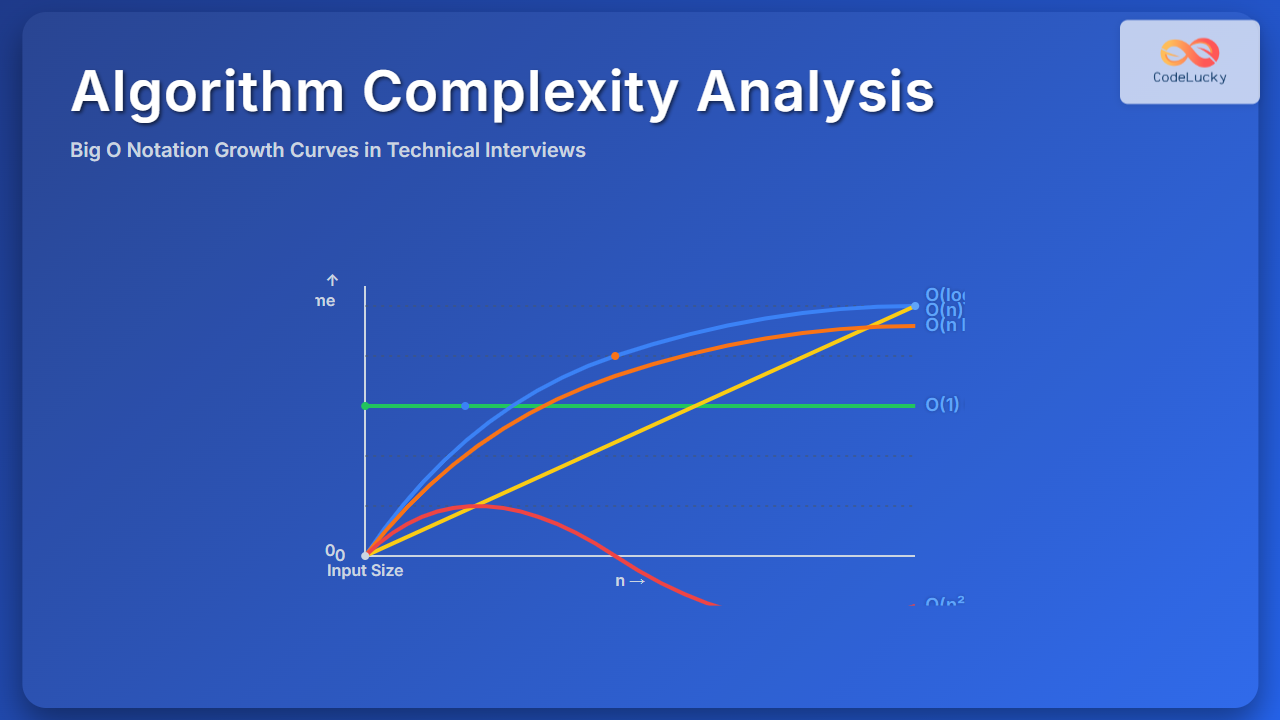
| Worst Case | Target element is the last item or not found at all | O(n) |
| Average Case | Target element is somewhere in the middle | O(n) |
Space Complexity of Linear Search
Since Linear Search only uses a few variables (like index tracking), the space complexity remains O(1), which is constant.
Advantages and Disadvantages
Advantages:
- Works for unsorted datasets.
- Simple and easy to understand.
- No need for additional memory space.
Disadvantages:
- Inefficient for very large datasets.
- Performance degrades linearly with dataset size.
- Slower compared to Binary Search for sorted data.
When to Use Linear Search?
- When working with small datasets where performance isn’t a critical factor.
- When data is unsorted, and sorting is impractical.
- For quick implementations or proof-of-concept programs.
Conclusion
The Linear Search Algorithm serves as the foundation of search methods in computer science. Although not the most efficient, its simplicity makes it a great starting point for beginners exploring algorithms. For very large datasets, however, optimized approaches like Binary Search or hashing are preferred.
By now, you have learned how Linear Search works, implemented it in Python, walked through examples visually, and analyzed its time complexity. Keep experimenting with variations and compare its performance with other searching algorithms to solidify your understanding.