
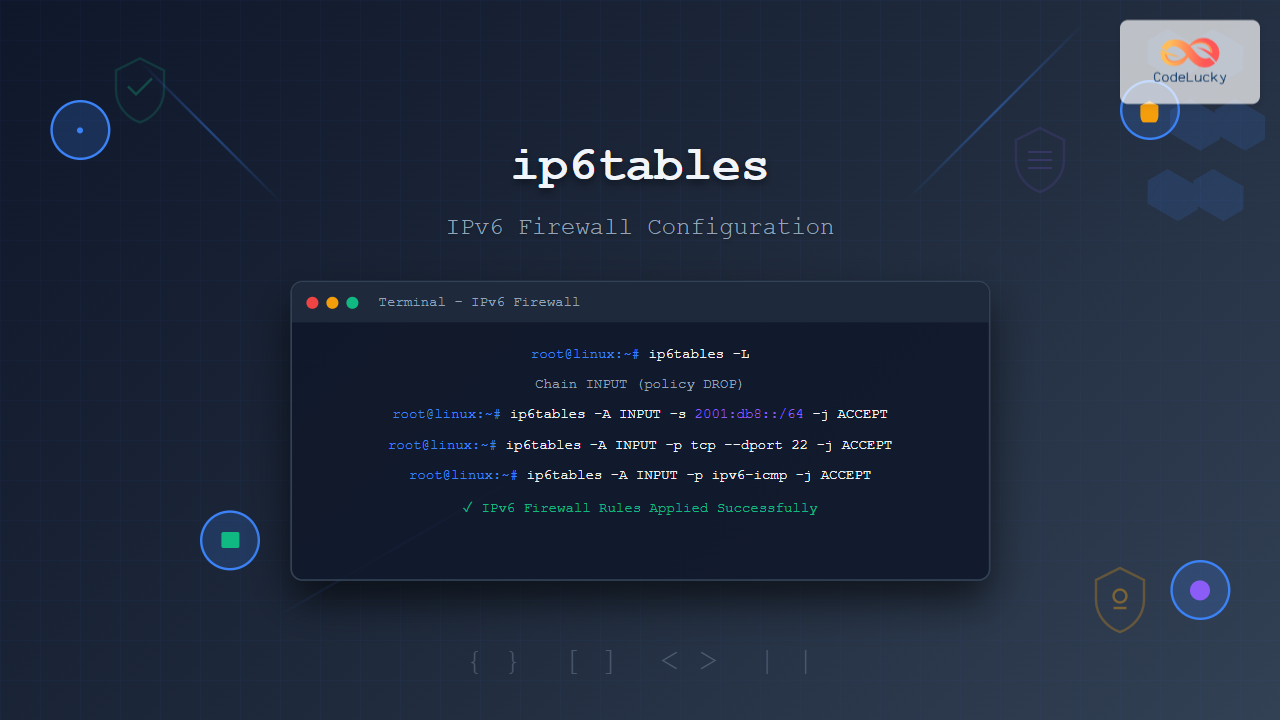
The ip6tables command is the IPv6 counterpart to the popular iptables firewall utility in Linux. As IPv6 adoption continues to grow, understanding how to configure and manage IPv6 firewalls becomes crucial for system administrators and security professionals. This comprehensive guide covers everything you need to know about using ip6tables effectively.
What is ip6tables?
ip6tables is a command-line firewall utility that allows administrators to configure IPv6 packet filtering rules in the Linux kernel’s netfilter framework. It provides the same functionality as iptables but specifically for IPv6 traffic, enabling you to control incoming, outgoing, and forwarded packets based on various criteria.
Key Features of ip6tables
- Stateful packet filtering for IPv6 traffic
- Network Address Translation (NAT) support
- Port forwarding and redirection
- Connection tracking and logging
- Rule-based packet manipulation
- Integration with Linux netfilter framework
Basic ip6tables Syntax
The general syntax for ip6tables follows this pattern:
ip6tables [options] [chain] [rule-specification] [target]Common Options
| Option | Description |
|---|---|
-A |
Append rule to chain |
-D |
Delete rule from chain |
-I |
Insert rule at specific position |
-L |
List rules in chain |
-F |
Flush (delete all rules) |
-P |
Set default policy |
Understanding ip6tables Chains
ip6tables organizes rules into three main built-in chains:
INPUT Chain
Handles packets destined for the local system. Rules in this chain determine which incoming connections are allowed or blocked.
OUTPUT Chain
Controls packets originating from the local system. This chain manages outgoing connections and can restrict which services can communicate externally.
FORWARD Chain
Processes packets being routed through the system. Essential for systems acting as routers or gateways.
Basic ip6tables Commands
Viewing Current Rules
To display all current ip6tables rules:
sudo ip6tables -L -n -vExpected Output:
Chain INPUT (policy ACCEPT 0 packets, 0 bytes)
 pkts bytes target     prot opt in     out     source               destination

Chain FORWARD (policy ACCEPT 0 packets, 0 bytes)
 pkts bytes target     prot opt in     out     source               destination

Chain OUTPUT (policy ACCEPT 0 packets, 0 bytes)
 pkts bytes target     prot opt in     out     source               destination
Setting Default Policies
Set restrictive default policies for enhanced security:
sudo ip6tables -P INPUT DROP
sudo ip6tables -P FORWARD DROP
sudo ip6tables -P OUTPUT ACCEPT
Allowing Loopback Traffic
Always allow loopback traffic for system functionality:
sudo ip6tables -A INPUT -i lo -j ACCEPT
sudo ip6tables -A OUTPUT -o lo -j ACCEPT
Common ip6tables Rule Examples
Allow SSH Access
Allow incoming SSH connections on port 22:
sudo ip6tables -A INPUT -p tcp --dport 22 -m conntrack --ctstate NEW,ESTABLISHED -j ACCEPT
sudo ip6tables -A OUTPUT -p tcp --sport 22 -m conntrack --ctstate ESTABLISHED -j ACCEPT
Allow HTTP and HTTPS Traffic
Enable web server traffic:
sudo ip6tables -A INPUT -p tcp --dport 80 -j ACCEPT
sudo ip6tables -A INPUT -p tcp --dport 443 -j ACCEPT
Allow Established Connections
Allow return traffic for established connections:
sudo ip6tables -A INPUT -m conntrack --ctstate ESTABLISHED,RELATED -j ACCEPTBlock Specific IPv6 Address
Block traffic from a specific IPv6 address:
sudo ip6tables -A INPUT -s 2001:db8::1 -j DROPAdvanced ip6tables Configuration
Rate Limiting
Implement rate limiting to prevent DoS attacks:
sudo ip6tables -A INPUT -p tcp --dport 22 -m limit --limit 3/minute --limit-burst 3 -j ACCEPTLogging Dropped Packets
Log dropped packets for monitoring:
sudo ip6tables -A INPUT -m limit --limit 5/min -j LOG --log-prefix "ip6tables-dropped: " --log-level 4
sudo ip6tables -A INPUT -j DROP
ICMPv6 Configuration
Allow essential ICMPv6 messages:
sudo ip6tables -A INPUT -p icmpv6 --icmpv6-type destination-unreachable -j ACCEPT
sudo ip6tables -A INPUT -p icmpv6 --icmpv6-type packet-too-big -j ACCEPT
sudo ip6tables -A INPUT -p icmpv6 --icmpv6-type time-exceeded -j ACCEPT
sudo ip6tables -A INPUT -p icmpv6 --icmpv6-type parameter-problem -j ACCEPT
Managing ip6tables Rules
Inserting Rules at Specific Positions
Insert a rule at the beginning of the INPUT chain:
sudo ip6tables -I INPUT 1 -s 2001:db8::/32 -j ACCEPTDeleting Specific Rules
Delete a rule by specification:
sudo ip6tables -D INPUT -p tcp --dport 80 -j ACCEPTOr delete by line number:
sudo ip6tables -D INPUT 3Flushing Rules
Clear all rules from a specific chain:
sudo ip6tables -F INPUTClear all rules from all chains:
sudo ip6tables -FSaving and Restoring ip6tables Rules
Saving Rules
On Debian/Ubuntu systems:
sudo ip6tables-save > /etc/ip6tables/rules.v6On Red Hat/CentOS systems:
sudo service ip6tables saveRestoring Rules
Restore from saved file:
sudo ip6tables-restore < /etc/ip6tables/rules.v6Best Practices for ip6tables
Security Guidelines
- Default Deny Policy: Set default policies to DROP for maximum security
- Whitelist Approach: Only allow necessary traffic explicitly
- Regular Audits: Review rules periodically for unnecessary entries
- Backup Rules: Always backup working configurations before changes
- Test Changes: Test rules in a safe environment first
Performance Optimization
- Place frequently matched rules at the top
- Use specific match criteria to reduce processing
- Combine related rules using multiport matching
- Remove unnecessary logging to reduce overhead
Troubleshooting ip6tables Issues
Common Problems and Solutions
Rules Not Working
Check if IPv6 forwarding is enabled:
cat /proc/sys/net/ipv6/conf/all/forwardingEnable if needed:
echo 1 > /proc/sys/net/ipv6/conf/all/forwardingService Connectivity Issues
Verify rule order and ensure ACCEPT rules come before DROP rules:
sudo ip6tables -L INPUT --line-numbersTesting Rule Effectiveness
Use packet counters to verify rule matching:
sudo ip6tables -L -v -nIntegration with System Services
Systemd Integration
Create a systemd service for ip6tables:
# /etc/systemd/system/ip6tables-persistent.service
[Unit]
Description=IPv6 firewall rules
Before=network-online.target
Wants=network-online.target

[Service]
Type=oneshot
ExecStart=/sbin/ip6tables-restore /etc/ip6tables/rules.v6
ExecReload=/sbin/ip6tables-restore /etc/ip6tables/rules.v6
RemainAfterExit=yes

[Install]
WantedBy=multi-user.target
Monitoring and Logging
Viewing Logs
Monitor ip6tables logs:
sudo tail -f /var/log/kern.log | grep ip6tablesStatistics and Counters
View detailed statistics:
sudo ip6tables -L -v -n -xConclusion
The ip6tables command is an essential tool for managing IPv6 firewall security in Linux environments. By understanding its syntax, chains, and rule management capabilities, you can effectively protect your systems from IPv6-based threats while maintaining necessary network connectivity.
Remember to always test your firewall rules thoroughly, maintain proper backups, and follow security best practices. As IPv6 adoption continues to grow, mastering ip6tables becomes increasingly important for maintaining robust network security.
Start with basic rules and gradually build complexity as needed. Regular monitoring and maintenance of your ip6tables configuration will ensure optimal security and performance for your IPv6 network infrastructure.
Related Posts

iptables Command Linux: Complete Guide to Configure Firewall Rules
The iptables command is one of the most powerful and essential tools for managing firewall rules in Linux systems. As...
iptables Advanced Linux: Complete Guide to Advanced Firewall Rules and Security Configuration
iptables is the most powerful and flexible firewall solution available for Linux systems, offering granular control over network traffic through...
firewalld Linux: Complete Dynamic Firewall Management Guide
firewalld is a powerful, dynamic firewall management tool for Linux systems that provides a flexible and user-friendly interface for managing...
ufw Command Linux: Complete Guide to Uncomplicated Firewall Management
The Uncomplicated Firewall (ufw) is a user-friendly frontend for managing iptables firewall rules in Linux systems. Designed to simplify firewall...
UFW Advanced Linux: Complete Guide to Advanced Firewall Configuration and Security Management
UFW (Uncomplicated Firewall) serves as Ubuntu's default firewall configuration tool, providing a user-friendly interface to manage iptables rules. While UFW...
ip Command Linux: Complete Guide to Advanced Network Configuration and Management
The ip command is one of the most powerful and versatile networking tools in Linux, serving as the modern replacement...
nftables Command Linux: Complete Guide to Next Generation Firewall Framework
nftables is a modern Linux kernel subsystem that provides packet classification and filtering capabilities, serving as the next-generation replacement for...
tcpdump Command Linux: Complete Guide to Network Packet Capture and Analysis
The tcpdump command is one of the most powerful network analysis tools available in Linux systems. It allows system administrators...
nmap Command Linux: Complete Guide to Network Mapping and Port Scanning
The nmap (Network Mapper) command is one of the most powerful and versatile network discovery and security auditing tools available...
route Command Linux: Configure Network Routing Tables (Deprecated Guide)
The route command in Linux has been a fundamental tool for network administrators to view and manipulate the kernel's IP...
Wireshark Command Linux: Complete Network Protocol Analyzer Guide
Wireshark is the world's most popular network protocol analyzer, providing deep visibility into network traffic and communication protocols. While most...
packetbeat Linux: Complete Network Packet Analysis Tool Guide
Network packet analysis is crucial for system administrators, security professionals, and developers who need to monitor, troubleshoot, and secure network...





