
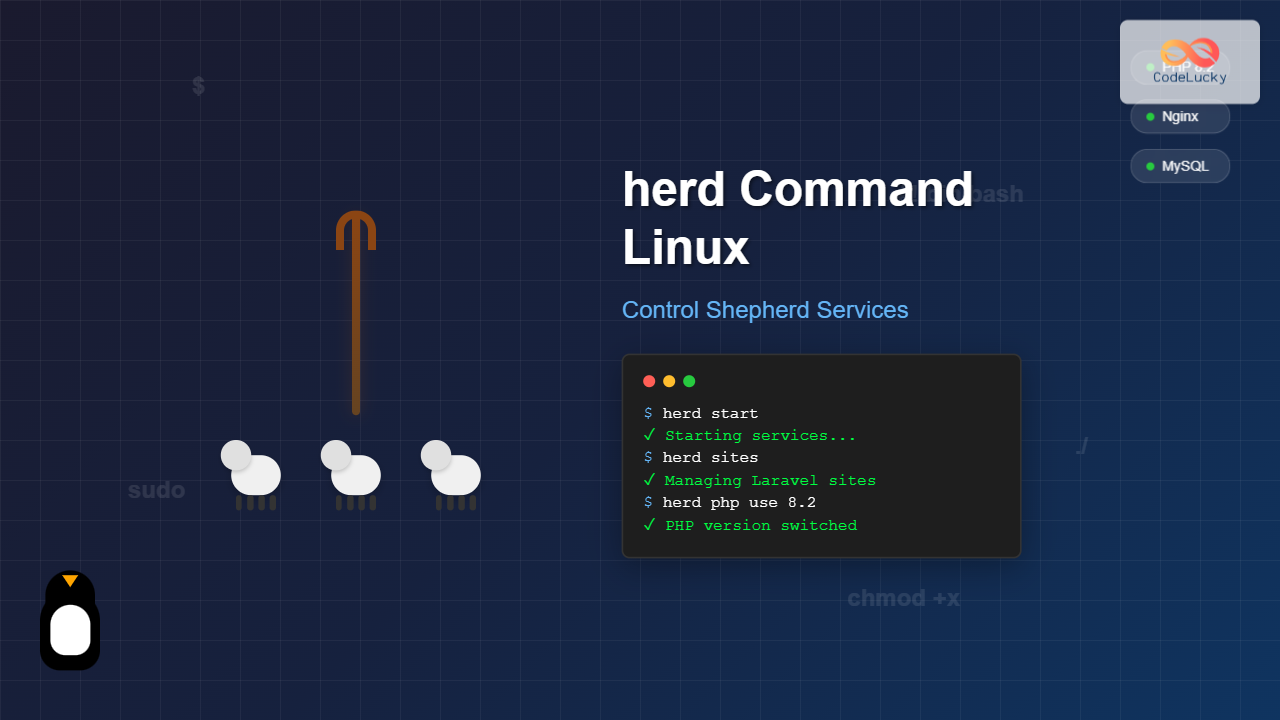
The herd command in Linux is a powerful utility designed for managing Shepherd services, particularly in the context of Laravel development environments. This command provides developers and system administrators with comprehensive control over local development services, making it an essential tool for modern PHP development workflows.
What is the herd Command?
The herd command is part of Laravel Herd, a native macOS and Linux application that provides a minimal, fast Laravel development environment. It acts as a service manager that can start, stop, and manage various development services like PHP, databases, and web servers with simple command-line operations.
Key Features of herd Command
- Service Management: Control PHP versions, databases, and web servers
- Environment Switching: Switch between different PHP versions seamlessly
- Site Management: Link and unlink local directories to domains
- SSL Support: Generate and manage SSL certificates for local development
- Database Integration: Manage MySQL and other database services
Installation and Setup
Before using the herd command, you need to install Laravel Herd on your Linux system:
# Download and install Herd for Linux
curl -s https://herd.laravel.com/install | bash

# Verify installation
herd --version
Expected Output:
Laravel Herd 1.5.2Basic Syntax and Options
The general syntax for the herd command follows this pattern:
herd [command] [options] [arguments]Common Options
| Option | Description |
|---|---|
-h, --help |
Display help information |
-v, --version |
Show version information |
--verbose |
Enable verbose output |
--quiet |
Suppress output messages |
Essential herd Commands
1. Service Management Commands
Starting Services
# Start all Herd services
herd start

# Start specific service
herd start nginx
herd start mysql
Example Output:
✓ Starting Nginx...
✓ Starting PHP 8.2...
✓ Starting MySQL...
✓ All services started successfully
Stopping Services
# Stop all services
herd stop

# Stop specific service
herd stop mysql
Example Output:
✓ Stopping MySQL...
✓ Stopping PHP 8.2...
✓ Stopping Nginx...
✓ All services stopped
Restarting Services
# Restart all services
herd restart

# Restart specific service
herd restart php
2. PHP Version Management
Listing Available PHP Versions
herd php --listExample Output:
Available PHP versions:
• 7.4.33
• 8.0.30
• 8.1.27
• 8.2.15 (current)
• 8.3.2
Switching PHP Versions
# Switch to PHP 8.3
herd php use 8.3

# Switch PHP version for specific site
herd php use 8.1 --site=myproject.test
Example Output:
✓ Switched to PHP 8.3.2
✓ Restarting PHP-FPM...
✓ PHP version updated successfully
3. Site Management
Linking a Site
# Link current directory to a domain
cd /path/to/your/project
herd link myproject

# Link with custom domain
herd link myproject --domain=custom.test
Example Output:
✓ Linked myproject to http://myproject.test
✓ Site is now accessible at http://myproject.test
Unlinking a Site
# Unlink current directory
herd unlink

# Unlink specific site
herd unlink myproject
Listing Linked Sites
herd sitesExample Output:
Linked Sites:
┌─────────────────┬─────────────────────────┬─────────────┐
│ Site            │ Path                    │ PHP Version │
├─────────────────┼─────────────────────────┼─────────────┤
│ myproject.test  │ /home/user/myproject    │ 8.2         │
│ api.test        │ /home/user/api          │ 8.3         │
│ blog.test       │ /home/user/blog         │ 8.1         │
└─────────────────┴─────────────────────────┴─────────────┘
4. SSL Certificate Management
Securing a Site with SSL
# Secure current linked site
herd secure

# Secure specific site
herd secure myproject
Example Output:
✓ Generating SSL certificate for myproject.test...
✓ Installing certificate in system keychain...
✓ Site secured: https://myproject.test
Removing SSL from a Site
# Remove SSL from current site
herd unsecure

# Remove SSL from specific site
herd unsecure myproject
5. Database Management
Managing MySQL Service
# Start MySQL service
herd mysql start

# Stop MySQL service
herd mysql stop

# Restart MySQL service
herd mysql restart
Creating and Managing Databases
# Create a new database
herd mysql create-db myproject_db

# Drop a database
herd mysql drop-db myproject_db

# List databases
herd mysql list-dbs
Example Output:
Databases:
• information_schema
• mysql
• myproject_db
• performance_schema
• sys
• test_database
Advanced herd Usage
Environment Configuration
Viewing Current Configuration
herd configExample Output:
Herd Configuration:
┌─────────────────┬─────────────────────────┐
│ Setting         │ Value                   │
├─────────────────┼─────────────────────────┤
│ PHP Version     │ 8.2.15                  │
│ Nginx Status    │ Running                 │
│ MySQL Status    │ Running                 │
│ Sites Directory │ ~/.config/herd/sites    │
│ Logs Directory  │ ~/.config/herd/logs     │
└─────────────────┴─────────────────────────┘
Log Management
Viewing Service Logs
# View all logs
herd logs

# View specific service logs
herd logs nginx
herd logs php
herd logs mysql

# Follow logs in real-time
herd logs --follow
Service Status Monitoring
# Check status of all services
herd status

# Check specific service status
herd status mysql
Example Output:
Service Status:
┌─────────┬─────────┬──────────┬─────────────────┐
│ Service │ Status  │ PID      │ Port            │
├─────────┼─────────┼──────────┼─────────────────┤
│ Nginx   │ Running │ 12345    │ 80, 443         │
│ PHP 8.2 │ Running │ 12346    │ 9000            │
│ MySQL   │ Running │ 12347    │ 3306            │
└─────────┴─────────┴──────────┴─────────────────┘
Practical Examples and Use Cases
Example 1: Setting Up a New Laravel Project
# Create new Laravel project
composer create-project laravel/laravel my-awesome-app
cd my-awesome-app

# Link to Herd
herd link awesome-app

# Secure with SSL
herd secure awesome-app

# Set PHP version to 8.3
herd php use 8.3 --site=awesome-app.test

# Create database
herd mysql create-db awesome_app_db
Expected Workflow Output:
✓ Laravel project created successfully
✓ Linked awesome-app to http://awesome-app.test
✓ SSL certificate generated for awesome-app.test
✓ PHP version set to 8.3 for awesome-app.test
✓ Database 'awesome_app_db' created successfully
✓ Project accessible at: https://awesome-app.test
Example 2: Managing Multiple Projects
# Switch between projects with different PHP versions
cd ~/projects/legacy-app
herd link legacy --domain=legacy.test
herd php use 7.4 --site=legacy.test

cd ~/projects/modern-app
herd link modern --domain=modern.test
herd php use 8.3 --site=modern.test

# Check all sites
herd sites
Troubleshooting Common Issues
Service Not Starting
If services fail to start, check the logs and service status:
# Check service status
herd status

# View error logs
herd logs --follow

# Restart problematic service
herd restart mysql
Port Conflicts
When ports are already in use:
# Check which process is using port 3306
sudo lsof -i :3306

# Stop conflicting services and restart Herd
sudo service mysql stop
herd restart mysql
SSL Certificate Issues
# Regenerate SSL certificates
herd unsecure mysite
herd secure mysite

# Trust certificates manually if needed
herd trust-ca
Performance Optimization
Monitoring Resource Usage
# Check Herd processes
herd status --detailed

# Monitor system resources
top -p $(pgrep -f herd)
Optimizing PHP Configuration
# View current PHP configuration
herd php config

# Edit PHP settings for specific version
herd php edit-config 8.2
Security Considerations
When using the herd command in development environments:
- Local Development Only: Herd is designed for local development, not production
- SSL Certificates: Use self-signed certificates only for development
- Database Security: Ensure development databases don’t contain sensitive production data
- Service Exposure: Services should only be accessible locally
Integration with Development Workflows
Docker Integration
# Use Herd alongside Docker for specific services
herd stop mysql
docker run -d -p 3306:3306 --name dev-mysql mysql:8.0

# Continue using Herd for other services
herd start nginx php
CI/CD Integration
# Automated testing setup
herd start
herd mysql create-db test_database
php artisan test
herd stop
Best Practices
- Version Management: Use specific PHP versions for different projects to avoid compatibility issues
- Regular Updates: Keep Herd updated to the latest version
- Resource Monitoring: Regularly check service status and logs
- Backup Configurations: Document your Herd setup for team consistency
- Clean Environments: Periodically clean up unused sites and databases
Conclusion
The herd command provides a comprehensive solution for managing development services in Linux environments. Its intuitive interface, powerful service management capabilities, and seamless integration with Laravel development workflows make it an invaluable tool for modern PHP developers. By mastering these commands and following best practices, you can significantly streamline your development environment setup and management processes.
Whether you’re working on a single Laravel project or managing multiple applications with different PHP versions, the herd command offers the flexibility and control needed to maintain efficient development workflows. Regular practice with these commands will help you become more proficient in managing your local development environment effectively.
Related Posts
PHP Microservices: Building Distributed Systems
In today's rapidly evolving tech landscape, microservices architecture has become a cornerstone of modern application development. PHP, with its versatility...
service Command Linux: Complete Guide to Managing System Services
The service command is a fundamental tool in Linux system administration that allows you to manage system services and daemons...

Zookeeper Linux: Complete Guide to Centralized Service Configuration Management
Apache Zookeeper is a centralized service for maintaining configuration information, naming, providing distributed synchronization, and providing group services in distributed...
Puppet Linux: Complete Configuration Management Guide for System Administrators
Puppet is a powerful configuration management tool that revolutionizes how system administrators manage Linux infrastructure. By automating system configuration, software...

kubectl Command Linux: Kubernetes Management Made Simple
The kubectl command is the primary command-line interface for interacting with Kubernetes clusters. This powerful tool allows administrators and developers...

launchd Linux: Understanding the Service Management Framework for System Administrators
The launchd service management framework has become an essential tool for Linux system administrators who need robust process and service...
Vagrant Linux: Complete Guide to Development Environment Management
Vagrant revolutionizes development environment management by providing a consistent, reproducible way to create and manage virtual development environments. This comprehensive...
PHP Serverless: Deploying PHP Functions to Cloud Platforms
In the ever-evolving landscape of web development, serverless architecture has emerged as a game-changing paradigm. PHP, a language traditionally associated...

sv Command Linux: Master Runit Service Control and Management
The sv command is a powerful utility in Linux systems that serves as the primary interface for controlling services managed...
nomad Linux: Complete Guide to HashiCorp’s Workload Orchestrator
What is HashiCorp Nomad? HashiCorp Nomad is a simple yet powerful workload orchestrator that enables organizations to deploy and manage...

podman Command Linux: Complete Container Management Guide
Podman (Pod Manager) is a powerful, daemonless container engine that provides a Docker-compatible command-line interface for managing containers and pods...
PHP Frameworks: Introduction to Laravel, Symfony, and CodeIgniter
In the world of PHP development, frameworks have become indispensable tools for building robust, scalable, and maintainable web applications. They...





