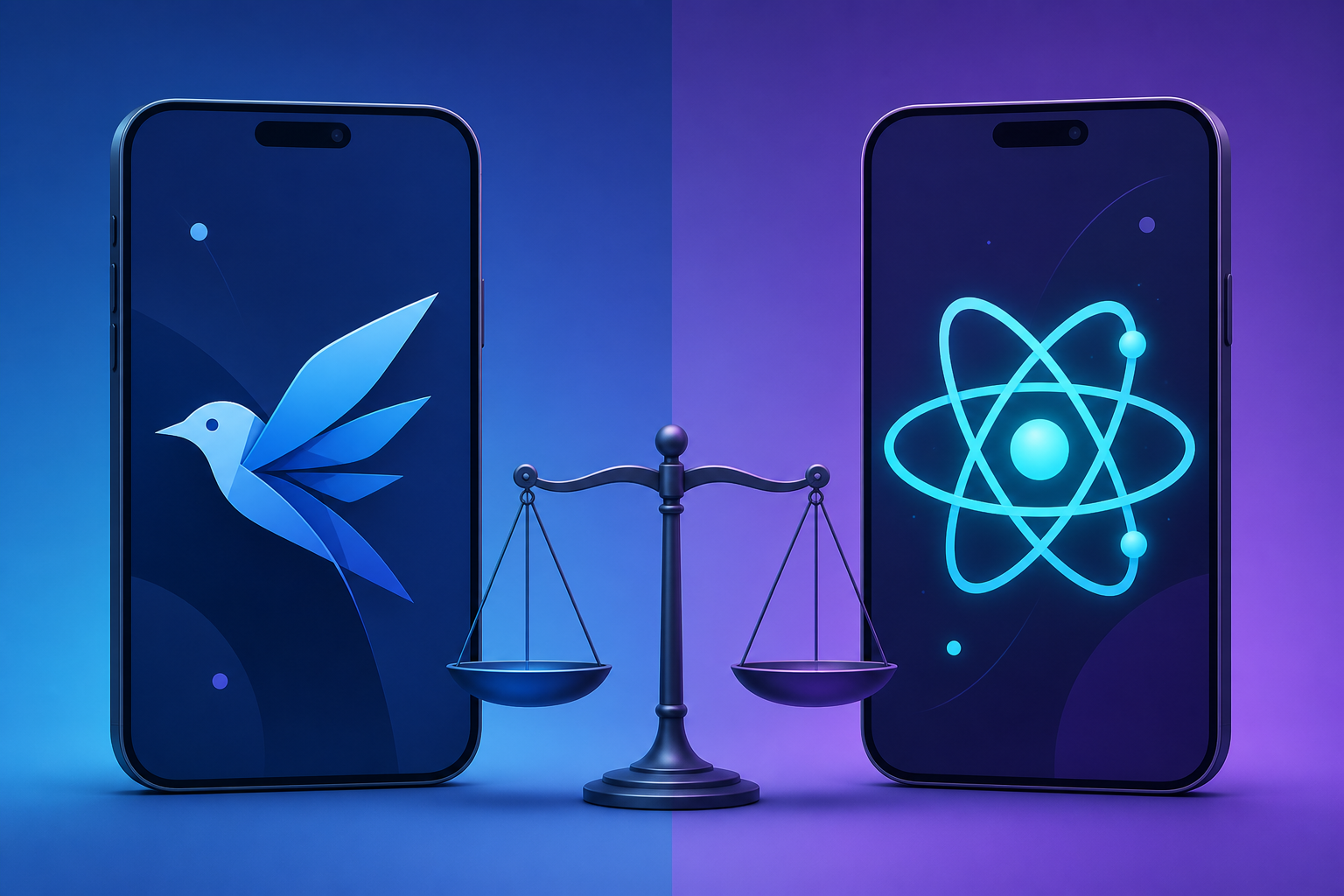
You have an app idea, a deadline, and a budget that does not stretch to building the same product twice. So you reach the question that has split mobile teams for years: should you build with Flutter or React Native? Both let you ship to iOS and Android from one codebase, both are mature, and both have passionate communities ready to tell you the other one is a mistake.
The honest answer in 2026 is that neither framework is universally “better.” The Flutter vs React Native decision depends on your team’s existing skills, the kind of app you are building, and how much you care about pixel-perfect control versus reusing web knowledge. This guide walks through the real differences — architecture, performance, developer experience, and cost — with code you can actually read, so you can choose with confidence instead of guessing.
What Are Flutter and React Native?
Flutter is an open-source UI toolkit from Google that uses the Dart language to compile to native ARM code and draws every pixel on screen with its own rendering engine. React Native is a framework from Meta that lets you build mobile apps with JavaScript and React, mapping your components to real native platform widgets. Both produce genuine mobile apps from a single shared codebase.
That single distinction — Flutter paints its own UI while React Native commands the platform’s native UI — drives almost every trade-off you will read about below. Keep it in mind, because it explains the performance numbers, the look-and-feel debates, and even the hiring math.
How Flutter vs React Native Differ Under the Hood
Understanding the architecture is the fastest way to predict how each framework will behave in your project. They take opposite paths to the same goal.
Flutter’s rendering-first approach
Flutter ships its own rendering engine (Impeller, which replaced Skia as the default on iOS and Android). Instead of asking the operating system to draw a button, Flutter draws the button itself, frame by frame. Your Dart code is compiled ahead-of-time to native machine code, so there is no JavaScript bridge sitting between your logic and the screen.
The benefit is consistency: a Flutter app looks identical on an old Android phone and a new iPhone because Flutter, not the OS, controls every pixel. The cost is that you are responsible for matching platform conventions yourself when you want them.
React Native’s bridge and the new architecture
React Native historically ran your JavaScript in a separate thread and communicated with native components over an asynchronous “bridge.” That bridge was the source of most old performance complaints. The modern architecture — JSI (JavaScript Interface), the Fabric renderer, and TurboModules — largely removes that bottleneck by letting JavaScript hold direct references to native objects.
Because React Native renders actual native widgets, your app inherits the platform’s look, accessibility behavior, and updates automatically. The trade-off is that subtle differences between iOS and Android can leak into your UI, which you then have to smooth over.
Rule of thumb: Flutter gives you control by owning the canvas; React Native gives you native fidelity by borrowing the platform’s widgets. Most disagreements about the two come back to this single choice.
Performance: Flutter vs React Native Compared
Performance is where the Flutter vs React Native debate gets heated, so let’s separate marketing from measurable reality.
For the vast majority of apps — feeds, forms, dashboards, e-commerce, messaging — both frameworks deliver smooth 60fps experiences that users cannot distinguish. The differences only become visible at the edges.
- Animation-heavy and graphics-intensive UIs: Flutter usually has the advantage because it compiles to native code and controls rendering directly, avoiding any JavaScript thread contention.
- Startup time and app size: React Native apps can start slightly faster and ship smaller because they reuse native components, though Flutter has narrowed this gap considerably.
- Heavy computation on the UI thread: React Native runs your logic in JavaScript, so CPU-bound work can cause jank unless you move it off the main thread; Flutter’s isolates handle this cleanly.
The key insight: choose based on your specific performance profile, not benchmark headlines. A custom data-visualization app stresses rendering very differently than a CRUD app that mostly displays lists.
Developer Experience and the Learning Curve
The framework you can ship fastest is often the one your team already half-knows. This is where React Native and Flutter diverge sharply.
React Native uses JavaScript and React. If your team builds for the web, they already understand components, props, state, and hooks. The mental model transfers almost directly, which shortens onboarding dramatically.
Flutter uses Dart, a language most developers learn specifically for Flutter. Dart is approachable and well-documented, but it is an upfront investment. In return you get a widget system that is remarkably consistent and a famously productive hot-reload workflow.
Here is a simple counter in each framework so you can feel the difference. First, React Native with hooks:
import React, { useState } from 'react';
import { View, Text, Button } from 'react-native';

// A minimal stateful counter component
export default function Counter() {
  const [count, setCount] = useState(0); // local state via hook

  return (
    <View>
      <Text>You tapped {count} times</Text>
      <Button title="Tap me" onPress={() => setCount(count + 1)} />
    </View>
  );
}
This will look instantly familiar to any React developer: a function component, a useState hook for the count, and JSX that describes the UI. The onPress handler updates state, and React Native re-renders the affected native views.
Now the same counter in Flutter with Dart:
import 'package:flutter/material.dart';

// A minimal stateful counter widget
class Counter extends StatefulWidget {
  const Counter({super.key});
  @override
  State<Counter> createState() => _CounterState();
}

class _CounterState extends State<Counter> {
  int count = 0; // local state held in the State object

  @override
  Widget build(BuildContext context) {
    return Column(
      children: [
        Text('You tapped $count times'),
        ElevatedButton(
          onPressed: () => setState(() => count++), // triggers rebuild
          child: const Text('Tap me'),
        ),
      ],
    );
  }
}
The Flutter version is more verbose because everything is a widget — even layout primitives like Column. The setState call tells Flutter to rebuild the widget tree. Once the “everything is a widget” idea clicks, the structure becomes predictable, but you can see why the initial learning curve is steeper than React Native’s.
UI, Design, and Customization Power
Because Flutter draws its own widgets, it excels at custom, brand-driven designs where you want the app to look exactly the same everywhere. Its built-in Material Design and Cupertino widget sets give you polished components out of the box, and customizing them deeply is straightforward.
React Native leans on native components, so by default your app feels native on each platform with less effort. For heavy customization you often reach for libraries or write native modules, which adds dependencies. If your design goal is “looks at home on iOS and Android,” React Native gets there naturally; if it is “looks exactly like our brand on every device,” Flutter has the edge.
Ecosystem, Community, and the 2026 Job Market
A framework is only as strong as the packages, tooling, and talent around it. Both ecosystems are large and healthy in 2026.
React Native benefits from the enormous JavaScript and npm ecosystem, plus Expo, which has become the recommended way to start a project — handling builds, updates, and native APIs with far less configuration than before. Hiring is generally easier because the JavaScript talent pool is huge.
Flutter’s package repository, pub.dev, is mature and curated, with first-party support for state management, navigation, and platform integration. Its tooling is consistent across editors, and Google’s continued investment keeps it moving fast. Flutter developers are slightly rarer, but the community is dedicated and growing.
When to Choose Flutter vs React Native
Here is a side-by-side summary to help you match each framework to your situation.
| Factor | Flutter | React Native |
|---|---|---|
| Language | Dart (new to most teams) | JavaScript / TypeScript (widely known) |
| Rendering | Own engine, pixel-perfect | Native platform widgets |
| Custom UI & animation | Excellent | Good, often needs libraries |
| Native look by default | Manual matching needed | Built in |
| Team has web/React skills | Retraining required | Reuse existing knowledge |
| Ecosystem | pub.dev, Google-backed | npm + Expo, Meta-backed |
To make it concrete:
- Choose Flutter if you want a highly branded, animation-rich UI, a consistent look across platforms, and you are starting fresh without a JavaScript team to leverage.
- Choose React Native if your team already writes React or JavaScript, you want native platform feel by default, or you plan to share logic with a web app.
Both can scale to large, production apps used by millions, so you are not choosing between “serious” and “toy” tools — you are choosing which set of strengths fits your project.
Common Pitfalls to Avoid
Whichever side of the Flutter vs React Native decision you land on, these mistakes trip up teams most often.
- Picking based on benchmarks alone. Synthetic performance tests rarely match your real workload. Prototype the hardest screen in your app before committing.
- Ignoring your team’s existing skills. The “best” framework you cannot staff is worse than the “good enough” one your developers already know.
- Underestimating native code. Both frameworks eventually require platform-specific code for deep device features. Budget time for it rather than assuming pure cross-platform.
- Skipping platform testing. “Write once” does not mean “test once.” Always validate on real iOS and Android devices, especially for React Native’s native-component differences.
- Neglecting app size and startup on low-end devices. Test on cheaper hardware your real users may carry, not just the latest flagship.
Frequently Asked Questions
Is Flutter or React Native better for beginners?
If you already know JavaScript or React, React Native is gentler because the concepts transfer directly. If you are learning mobile development from scratch with no web background, many find Flutter’s single consistent widget system easier to reason about despite learning Dart.
Which framework is faster, Flutter or React Native?
Flutter generally edges ahead in animation-heavy and graphics-intensive scenarios because it compiles to native code and controls rendering. For typical business apps, React Native’s modern architecture performs comparably, and users rarely notice a difference.
Can I build the same app for the web with either one?
Yes. Flutter supports web and desktop targets from the same codebase, and React Native pairs with React Native Web to share components with browser apps. Web output from both still benefits from platform-specific tuning, so treat it as a strong start rather than a free deliverable.
Do big companies actually use Flutter and React Native?
Both power well-known production apps at scale. The frameworks are mature and trusted for apps serving millions of users, so neither choice is a risky bet on stability or longevity in 2026.
Is it hard to switch from React Native to Flutter later?
The UI and language differ enough that switching means rewriting the front end, though your business logic, API design, and data models often transfer. Because a migration is costly, it is worth prototyping both before you commit rather than planning to switch mid-project.
Conclusion
The Flutter vs React Native question has no single winner because the frameworks optimize for different things. Flutter owns the rendering canvas, giving you pixel-perfect, consistent, animation-rich UIs at the cost of learning Dart. React Native borrows the platform’s native widgets and runs on JavaScript, letting web-savvy teams move fast with a familiar mental model.
Anchor your decision in three questions: What does my team already know? How custom and animation-heavy is my UI? And which ecosystem fits my long-term plans? Answer those honestly and the right choice usually becomes obvious. Better still, build the hardest screen of your app as a quick prototype in each — a day of real code will tell you more than any comparison chart, including this one. Whichever you pick, both Flutter and React Native are capable enough in 2026 to take your idea from prototype to a production app users love.