
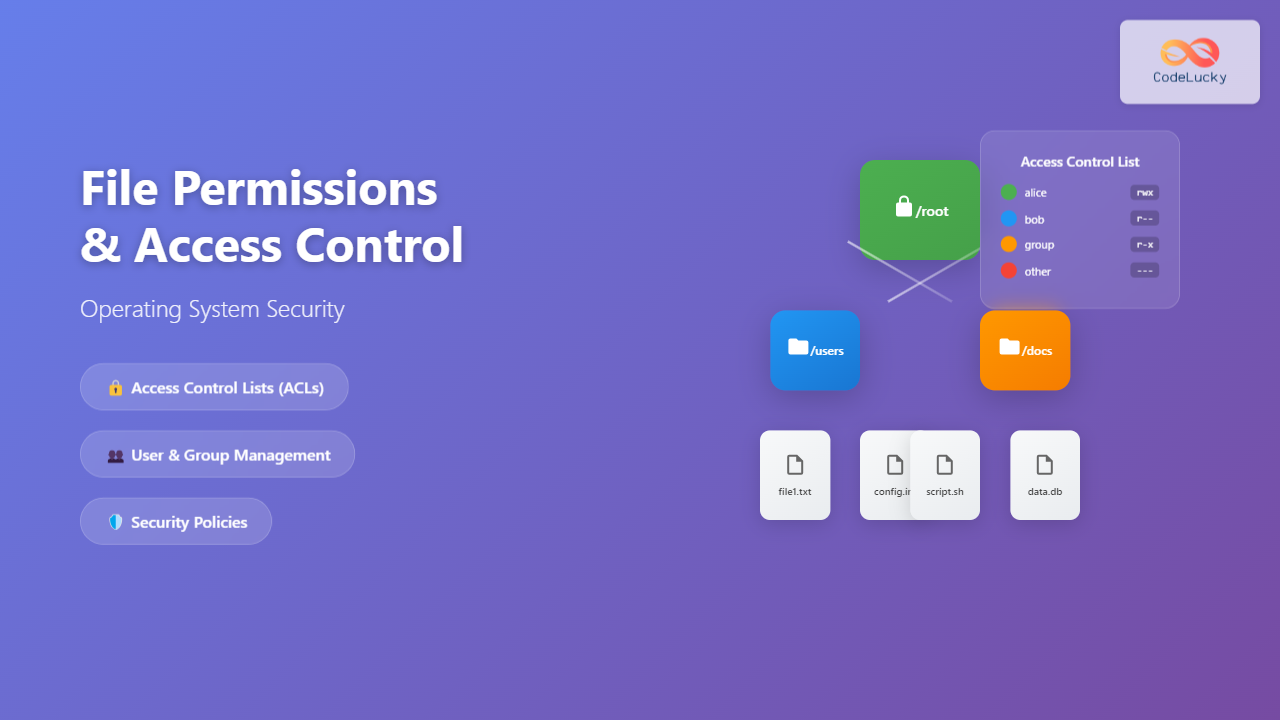
Introduction to File Permissions and Access Control
File permissions form the backbone of operating system security, controlling who can access, modify, or execute files and directories. While traditional Unix-style permissions provide basic access control, Access Control Lists (ACLs) offer a more granular and flexible approach to managing file security in modern operating systems.
Understanding file permissions is crucial for system administrators, developers, and security professionals who need to maintain secure and properly functioning systems. This comprehensive guide explores both traditional permission models and advanced ACL implementations across different operating systems.
Understanding Traditional File Permissions
The Unix Permission Model
Traditional Unix-style permissions operate on a simple yet effective model based on three entities and three permission types:
- User (Owner): The file or directory owner
- Group: Members of the file’s assigned group
- Others: All other users on the system
Each entity can have three types of permissions:
- Read (r): View file contents or list directory contents
- Write (w): Modify file contents or create/delete files in directory
- Execute (x): Run file as program or access directory
Numeric Representation
Permissions are often represented numerically using octal notation:
- Read = 4
- Write = 2
- Execute = 1
Common permission combinations include:
- 755: Owner: read/write/execute, Group/Others: read/execute
- 644: Owner: read/write, Group/Others: read only
- 600: Owner: read/write, Group/Others: no access
Practical Example: Linux File Permissions
# Create a test file
touch example.txt

# Set permissions: owner read/write, group read, others no access
chmod 640 example.txt

# View permissions
ls -l example.txt
# Output: -rw-r----- 1 user group 0 Aug 28 11:26 example.txt

# Change ownership
chown newuser:newgroup example.txt

Limitations of Traditional Permissions
While traditional permissions work well for basic scenarios, they have several limitations:
- Limited granularity: Only three permission levels (user, group, others)
- Single group membership: Files can only belong to one group
- Binary permissions: Users either have full permission or none
- No inheritance control: Limited control over permission inheritance
- Audit limitations: Minimal logging and auditing capabilities
Introduction to Access Control Lists (ACLs)
Access Control Lists (ACLs) extend traditional permission systems by providing fine-grained access control. ACLs allow administrators to specify permissions for multiple users and groups on a single file or directory, overcoming the limitations of traditional permission models.
Key ACL Concepts
- Access Control Entries (ACEs): Individual permission entries in an ACL
- Security Principal: User, group, or computer account receiving permissions
- Permission Types: Specific actions allowed or denied
- Inheritance: How permissions flow to child objects

ACL Implementation in Linux
Setting Up POSIX ACLs
Linux systems support POSIX ACLs, which extend traditional permissions. First, ensure ACL support is enabled:
# Check if filesystem supports ACLs
mount | grep acl

# Install ACL utilities (Ubuntu/Debian)
sudo apt-get install acl

# Install ACL utilities (CentOS/RHEL)
sudo yum install acl
Working with Linux ACLs
# Create test directory and file
mkdir /tmp/acl-test
touch /tmp/acl-test/document.txt

# Set ACL for specific user
setfacl -m u:alice:rw /tmp/acl-test/document.txt

# Set ACL for specific group
setfacl -m g:developers:r /tmp/acl-test/document.txt

# View ACLs
getfacl /tmp/acl-test/document.txt

# Output:
# file: document.txt
# owner: user
# group: group
# user::rw-
# user:alice:rw-
# group::r--
# group:developers:r--
# mask::rw-
# other::---

# Set default ACLs for directory (inherited by new files)
setfacl -m d:u:alice:rw /tmp/acl-test

# Remove specific ACL entry
setfacl -x u:alice /tmp/acl-test/document.txt

# Remove all ACLs
setfacl -b /tmp/acl-test/document.txt
Linux ACL Mask
The ACL mask defines the maximum permissions that can be granted to named users, named groups, and the owning group. It acts as a filter for these permissions:
# Set restrictive mask
setfacl -m m::r /tmp/acl-test/document.txt

# Even if a user has write permission, the mask limits them to read-only
# Effective permissions = ACL permissions ∩ Mask permissions
ACL Implementation in Windows
Windows NTFS ACLs
Windows uses a more sophisticated ACL system with detailed permission types and inheritance models. Windows ACLs support both Allow and Deny permissions.
Standard Windows Permissions
- Full Control: Complete access to the object
- Modify: Read, write, execute, and delete
- Read & Execute: View and run files
- Read: View file contents only
- Write: Create and modify files
Managing Windows ACLs via Command Line
# View ACLs using icacls
icacls C:\TestFolder

# Grant permissions to specific user
icacls C:\TestFolder /grant Alice:F

# Grant read permissions to group
icacls C:\TestFolder /grant "Domain Users":R

# Remove user permissions
icacls C:\TestFolder /remove Alice

# Set inheritance for subdirectories
icacls C:\TestFolder /grant Alice:(OI)(CI)F

# Deny permissions (takes precedence over allow)
icacls C:\TestFolder /deny Bob:W
Windows ACL Inheritance Flags
- (OI) Object Inherit: Applied to files
- (CI) Container Inherit: Applied to folders
- (IO) Inherit Only: Not applied to current object
- (NP) No Propagate: Don’t inherit to grandchildren

Advanced ACL Features
Conditional Access Control
Modern ACL systems support conditional access based on various factors:
- Time-based access: Permissions valid during specific hours
- Location-based access: Different permissions based on network location
- Device-based access: Permissions tied to specific devices
- Attribute-based access: Permissions based on user or resource attributes
ACL Auditing and Logging
ACLs provide extensive auditing capabilities to track access attempts:
# Linux: Enable audit for file access
auditctl -w /sensitive/file -p rwxa -k file_access

# View audit logs
ausearch -k file_access

# Windows: Enable auditing via Group Policy or command line
auditpol /set /subcategory:"File System" /success:enable /failure:enable

# View Windows security logs
Get-WinEvent -LogName Security | Where-Object {$_.Id -eq 4663}
Best Practices for ACL Management
Design Principles
- Principle of Least Privilege: Grant minimum necessary permissions
- Role-based Access: Use groups rather than individual user permissions
- Regular Reviews: Periodically audit and clean up permissions
- Documentation: Maintain clear records of permission assignments
- Inheritance Planning: Design directory structures with inheritance in mind
Common Pitfalls to Avoid
- Permission Creep: Gradually accumulating excessive permissions
- Conflicting Permissions: Overlapping Allow/Deny rules causing confusion
- Orphaned Permissions: Permissions for deleted users or groups
- Inheritance Breaks: Unintentional disruption of permission inheritance
Troubleshooting ACL Issues
Common Problems and Solutions

Diagnostic Commands
# Linux: Debug permission issues
# Check effective permissions for user
sudo -u alice ls -la /path/to/file

# Check SELinux context (if applicable)
ls -Z /path/to/file

# Windows: Check effective permissions
icacls C:\path\to\file /t /c

# PowerShell: Get detailed ACL information
Get-Acl C:\path\to\file | Format-List

# Check effective access for specific user
Get-Acl C:\path\to\file | Select-Object -ExpandProperty Access |
Where-Object {$_.IdentityReference -like "*username*"}
Performance Considerations
ACL Performance Impact
While ACLs provide enhanced security, they can impact system performance:
- Access Check Overhead: More complex permission calculations
- Storage Requirements: Additional metadata storage needs
- Inheritance Processing: Time needed to calculate inherited permissions
- Backup Complexity: ACL information must be preserved during backups
Optimization Strategies
- Minimize ACL Entries: Use groups instead of individual user permissions
- Strategic Inheritance: Set permissions high in directory hierarchy
- Regular Cleanup: Remove unused ACL entries
- Monitor Performance: Track system performance metrics
Integration with Modern Security Frameworks
Zero Trust Architecture
ACLs play a crucial role in Zero Trust security models by enabling:
- Microsegmentation: Granular access control at the file level
- Context-aware Access: Dynamic permissions based on multiple factors
- Continuous Verification: Regular re-evaluation of access rights
- Audit Trails: Comprehensive logging for security analysis
Cloud Integration
Modern cloud platforms extend ACL concepts:
- AWS IAM Policies: JSON-based access control for cloud resources
- Azure RBAC: Role-based access control with fine-grained permissions
- Google Cloud IAM: Identity and access management with conditional access
Future of Access Control
Emerging Trends
- AI-Driven Access Control: Machine learning for anomaly detection
- Blockchain-Based Permissions: Immutable access control records
- Biometric Integration: Advanced authentication methods
- IoT Security: Access control for connected devices
Conclusion
File permissions and Access Control Lists represent a critical evolution in operating system security, providing the flexibility and granularity needed for modern computing environments. While traditional Unix permissions serve basic needs effectively, ACLs enable sophisticated access control scenarios required by enterprise environments.
Success with ACL implementation requires understanding both the technical mechanisms and the organizational policies they support. By following best practices, regularly auditing permissions, and staying current with security trends, administrators can leverage ACLs to create robust, secure, and maintainable access control systems.
As computing continues to evolve toward cloud-native and Zero Trust architectures, the principles learned from file system ACLs remain fundamental to understanding and implementing comprehensive security strategies across all types of systems and platforms.
Related Posts
setfacl Command Linux: Complete Guide to File Access Control Lists Management
The setfacl command is a powerful Linux utility that allows you to set and modify File Access Control Lists (ACLs)...
getfacl Command Linux: Complete Guide to File Access Control Lists Management
The getfacl command in Linux is a powerful utility that allows system administrators and users to view Access Control Lists...
Access Control Matrix: Comprehensive Guide to Permission Management Systems
Introduction to Access Control Matrix An Access Control Matrix (ACM) is a fundamental security model used in operating systems to...
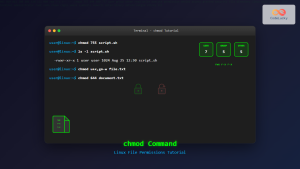
chmod Command in Linux: Complete File Permissions Tutorial with Examples
The chmod command is one of the most essential Linux commands for managing file and directory permissions. Whether you're a...
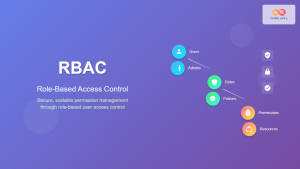
Role-based Access Control: Complete Implementation Guide for Modern Systems
Introduction to Role-based Access Control (RBAC) Role-based Access Control (RBAC) is a security paradigm that restricts system access based on...
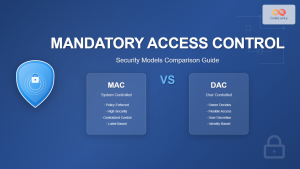
Mandatory Access Control: Complete Guide to MAC vs DAC Security Models
Introduction to Access Control Models Access control is the cornerstone of computer security, determining who can access what resources and...
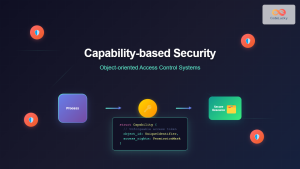
Capability-based Security: Modern Object-oriented Access Control Systems
Capability-based security represents a revolutionary approach to access control in modern operating systems, moving beyond traditional user-based permissions to implement...
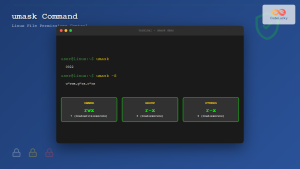
umask Command Linux: Set Default File Permissions with Examples
The umask command is a fundamental Linux utility that controls the default permissions assigned to newly created files and directories....
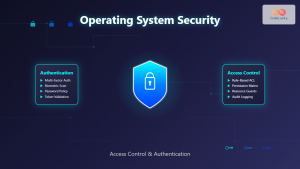
Security in Operating System: Complete Guide to Access Control and Authentication
Introduction to Operating System Security Operating system security forms the foundation of computer security, protecting system resources and user data...
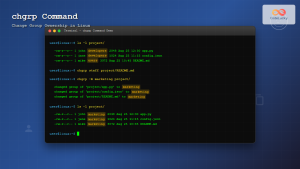
chgrp Command in Linux: Complete Guide to Change Group Ownership
The chgrp command is an essential Linux utility that allows you to change the group ownership of files and directories....

File System in Operating System: Complete Guide to Structure and Organization
Introduction to File Systems A file system is a fundamental component of any operating system that provides a structured way...
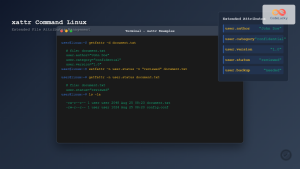
xattr Command Linux: Complete Guide to Extended File Attributes Management
Extended file attributes in Linux provide a powerful mechanism to store additional metadata beyond traditional file permissions and ownership. The...





