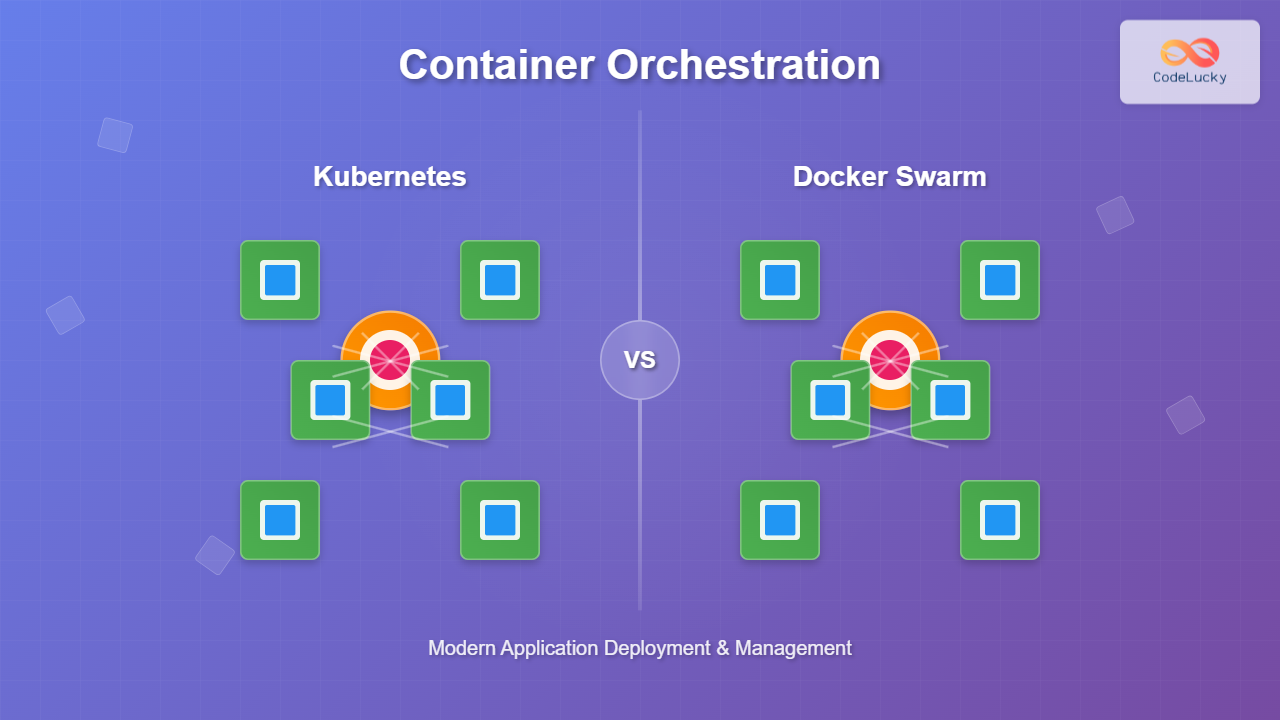
Container orchestration has revolutionized how we deploy, manage, and scale applications in modern cloud environments. As containerized applications become the norm, understanding orchestration platforms like Kubernetes and Docker Swarm is crucial for developers and DevOps engineers.
What is Container Orchestration?
Container orchestration automates the deployment, management, scaling, and networking of containers across a cluster of machines. It solves critical challenges in containerized environments:
- Service Discovery: Automatically finding and connecting services
- Load Balancing: Distributing traffic across container instances
- Auto-scaling: Adjusting resources based on demand
- Health Monitoring: Detecting and replacing failed containers
- Rolling Updates: Deploying new versions without downtime

Kubernetes: The Container Orchestration Leader
Kubernetes (K8s) is an open-source orchestration platform originally developed by Google. It provides a robust framework for running distributed systems resiliently.
Kubernetes Architecture
Kubernetes follows a master-worker architecture with several key components:

Key Kubernetes Concepts
Pods
The smallest deployable unit in Kubernetes, containing one or more containers that share storage and network.
apiVersion: v1
kind: Pod
metadata:
  name: nginx-pod
spec:
  containers:
  - name: nginx
    image: nginx:1.21
    ports:
    - containerPort: 80
Deployments
Manage replica sets and provide declarative updates to applications.
apiVersion: apps/v1
kind: Deployment
metadata:
  name: nginx-deployment
spec:
  replicas: 3
  selector:
    matchLabels:
      app: nginx
  template:
    metadata:
      labels:
        app: nginx
    spec:
      containers:
      - name: nginx
        image: nginx:1.21
        ports:
        - containerPort: 80
Services
Expose applications running on pods to the network.
apiVersion: v1
kind: Service
metadata:
  name: nginx-service
spec:
  selector:
    app: nginx
  ports:
  - port: 80
    targetPort: 80
  type: LoadBalancer
Kubernetes Deployment Example
Let’s deploy a complete application stack:
# Create the deployment
kubectl apply -f nginx-deployment.yaml

# Check deployment status
kubectl get deployments
NAME               READY   UP-TO-DATE   AVAILABLE   AGE
nginx-deployment   3/3     3            3           2m

# View pods
kubectl get pods
NAME                                READY   STATUS    RESTARTS   AGE
nginx-deployment-7d8c4c8c4f-abc123  1/1     Running   0          2m
nginx-deployment-7d8c4c8c4f-def456  1/1     Running   0          2m
nginx-deployment-7d8c4c8c4f-ghi789  1/1     Running   0          2m

# Expose the service
kubectl apply -f nginx-service.yaml

# Check service
kubectl get services
NAME            TYPE           CLUSTER-IP      EXTERNAL-IP     PORT(S)        AGE
nginx-service   LoadBalancer   10.96.123.45    192.168.1.100   80:30080/TCP   1m
Docker Swarm: Native Docker Orchestration
Docker Swarm is Docker’s native orchestration solution, built into Docker Engine. It transforms a pool of Docker hosts into a single virtual Docker host.
Docker Swarm Architecture

Docker Swarm Setup
Initialize a Docker Swarm cluster:
# Initialize swarm on manager node
docker swarm init --advertise-addr 192.168.1.10

Swarm initialized: current node (abc123def456) is now a manager.

To add a worker to this swarm, run the following command:
    docker swarm join --token SWMTKN-1-xyz789... 192.168.1.10:2377

To add a manager to this swarm, run 'docker swarm join-token manager'
Docker Swarm Services
Deploy and manage services in Docker Swarm:
# Create a service
docker service create \
  --name web-service \
  --replicas 3 \
  --publish 80:80 \
  nginx:1.21

# List services
docker service ls
ID             NAME          MODE         REPLICAS   IMAGE       PORTS
abc123def456   web-service   replicated   3/3        nginx:1.21  *:80->80/tcp

# Scale service
docker service scale web-service=5

# Check service tasks
docker service ps web-service
ID             NAME            IMAGE       NODE      DESIRED STATE   CURRENT STATE
abc123def456   web-service.1   nginx:1.21  worker1   Running         Running 2 minutes
def456ghi789   web-service.2   nginx:1.21  worker2   Running         Running 2 minutes
ghi789jkl012   web-service.3   nginx:1.21  manager1  Running         Running 2 minutes
Docker Stack Deployment
Use Docker Compose files for complex deployments:
# docker-stack.yml
version: '3.8'
services:
  web:
    image: nginx:1.21
    ports:
      - "80:80"
    deploy:
      replicas: 3
      update_config:
        parallelism: 1
        delay: 10s
      restart_policy:
        condition: on-failure
        delay: 5s
        max_attempts: 3
    networks:
      - webnet

  redis:
    image: redis:alpine
    deploy:
      replicas: 1
      placement:
        constraints: [node.role == manager]
    networks:
      - webnet

networks:
  webnet:
    driver: overlay
# Deploy the stack
docker stack deploy -c docker-stack.yml webapp

# List stacks
docker stack ls
NAME     SERVICES   ORCHESTRATOR
webapp   2          Swarm

# List stack services
docker stack services webapp
ID             NAME           MODE         REPLICAS   IMAGE
abc123def456   webapp_web     replicated   3/3        nginx:1.21
def456ghi789   webapp_redis   replicated   1/1        redis:alpine
Kubernetes vs Docker Swarm: Detailed Comparison

| Feature | Kubernetes | Docker Swarm |
|---|---|---|
| Installation | Complex, multiple components | Simple, built into Docker |
| Learning Curve | Steep, requires extensive knowledge | Moderate, familiar Docker syntax |
| Scalability | Excellent, supports 1000+ nodes | Good, supports up to 1000 nodes |
| Load Balancing | Advanced options available | Built-in round-robin |
| Storage | Persistent volumes, multiple backends | Volume plugins, limited options |
| Networking | Advanced networking policies | Overlay networks, simpler model |
| Ecosystem | Vast ecosystem, CNCF projects | Limited, mainly Docker tools |
| Enterprise Features | Rich feature set, extensive APIs | Basic features, simple API |
Container Orchestration Best Practices
1. Resource Management
Always define resource limits and requests:
# Kubernetes resource limits
resources:
  limits:
    cpu: "500m"
    memory: "512Mi"
  requests:
    cpu: "250m"
    memory: "256Mi"
# Docker Swarm resource constraints
docker service create \
  --limit-cpu 0.5 \
  --limit-memory 512M \
  --reserve-cpu 0.25 \
  --reserve-memory 256M \
  nginx:1.21
2. Health Checks
Implement proper health checking mechanisms:
# Kubernetes health checks
livenessProbe:
  httpGet:
    path: /health
    port: 8080
  initialDelaySeconds: 30
  periodSeconds: 10

readinessProbe:
  httpGet:
    path: /ready
    port: 8080
  initialDelaySeconds: 5
  periodSeconds: 5
# Docker Swarm health check
docker service create \
  --health-cmd "curl -f http://localhost/ || exit 1" \
  --health-interval 30s \
  --health-timeout 10s \
  --health-retries 3 \
  nginx:1.21
3. Security Considerations
- Network Policies: Implement micro-segmentation
- RBAC: Use role-based access control
- Secrets Management: Never store secrets in images
- Image Security: Use trusted registries and scan images
- Pod Security: Configure security contexts properly
Monitoring and Troubleshooting
Kubernetes Monitoring
# View cluster information
kubectl cluster-info

# Check node status
kubectl get nodes

# Describe problematic pods
kubectl describe pod

# View logs
kubectl logs

# Get events
kubectl get events --sort-by=.metadata.creationTimestamp
Docker Swarm Monitoring
# Check cluster status
docker node ls

# View service logs
docker service logs

# Inspect service details
docker service inspect

# Monitor service tasks
docker service ps

# Check node information
docker node inspect
When to Choose Kubernetes vs Docker Swarm
Choose Kubernetes When:
- Building complex, enterprise-grade applications
- Requiring advanced networking and storage features
- Planning significant growth and scale
- Need extensive ecosystem integration
- Have dedicated DevOps expertise
- Implementing microservices architecture
Choose Docker Swarm When:
- Getting started with container orchestration
<li