You finished a tutorial, nodded along to every line, and felt unstoppable. Then you opened a blank editor to build something yourself and froze. That gap between watching code and writing code is where most beginners quietly give up — and the only way to close it is repetition on real problems. The good news? You do not need an expensive bootcamp or a paid subscription. The best websites to practice coding for free in 2026 give you thousands of exercises, instant feedback, and structured paths that take you from your first loop to your first job offer.
This guide breaks down where to practice, what each platform is actually good at, and how to build a routine that turns scattered effort into measurable progress. Whether you want to land an interview, switch careers, or just stop feeling stuck, there is a free platform here built for exactly that.
What Does It Mean to Practice Coding Effectively?
Practicing coding means repeatedly solving small, self-contained programming problems and building projects so that writing code becomes automatic rather than effortful. Effective practice is active — you type, run, fail, and fix — instead of passive watching. It combines fundamentals (loops, data structures, algorithms) with applied work (real projects), and it relies on fast feedback so you correct mistakes before they become habits.
The distinction matters because the brain learns programming the way it learns a spoken language: through production, not just exposure. Reading about list comprehensions teaches you they exist. Writing fifty of them under slightly different constraints teaches you to reach for them without thinking. That fluency is the real goal, and free practice websites are purpose-built to deliver it at volume.
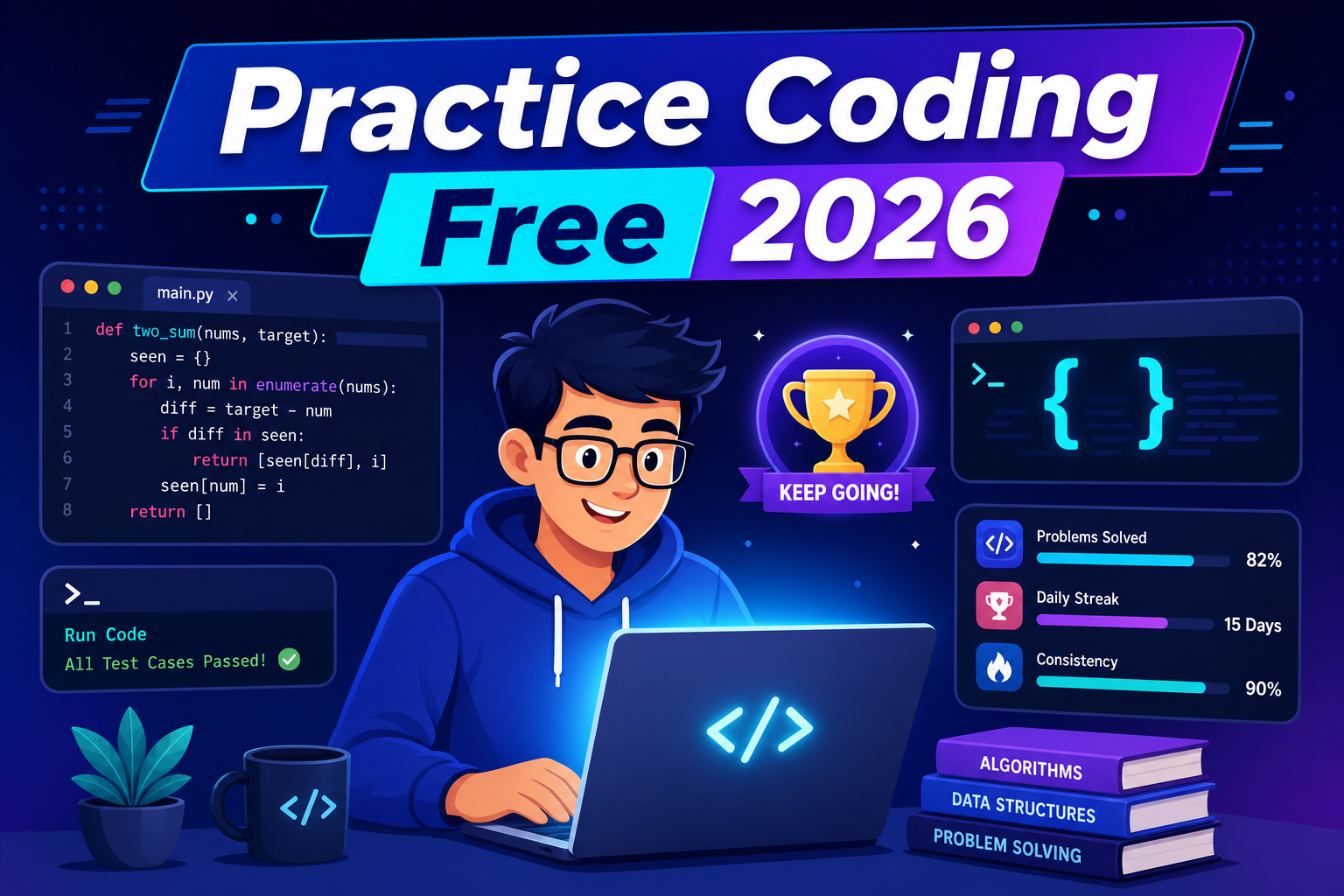
The single biggest predictor of progress is not which platform you choose — it is how many days in a row you actually open one. Consistency beats intensity every time.
The Best Free Websites to Practice Coding in 2026
No single site does everything well. Some excel at structured curricula, others at competitive puzzles, and a few at interview drilling. Below is an honest comparison of the platforms worth your time this year, followed by deeper breakdowns of who each one suits.
| Platform | Best For | Skill Level | Free Tier Quality |
|---|---|---|---|
| freeCodeCamp | Full curriculum + projects | Beginner to Intermediate | Fully free |
| The Odin Project | Web development path | Beginner to Intermediate | Fully free |
| Exercism | Language mastery + mentorship | All levels | Fully free |
| LeetCode | Interview preparation | Intermediate to Advanced | Generous free tier |
| Codewars | Gamified daily practice | All levels | Fully free |
| Codeforces | Competitive programming | Intermediate to Advanced | Fully free |
freeCodeCamp — The Best All-Round Free Starting Point
freeCodeCamp remains the gold standard for learning to code without spending a cent. It offers thousands of interactive lessons plus certification projects in web development, data analysis, machine learning, and more. The browser-based editor means you can practice on a school laptop or a phone without installing anything.
What sets it apart is the project-based certifications. After drilling fundamentals, you build a portfolio piece — a survey form, a calculator, a data visualization — that proves you can ship working software. That portfolio matters far more to employers than a list of completed tutorials.
The Odin Project — Practice by Building Real Web Apps
If your goal is front-end or full-stack web development, The Odin Project takes a different approach: it teaches you to set up a real local environment with Git, your own editor, and Node.js, then guides you through building genuine applications. It feels closer to a real developer workflow than sandboxed lessons, which makes the transition to your own projects far smoother.
Exercism — Solve, Then Get Human Feedback
Exercism offers hundreds of small exercises across more than sixty programming languages, all free. Its standout feature is mentorship: volunteer mentors review your solutions and suggest idiomatic improvements. That feedback loop is rare in free tools and teaches you not just to make code work, but to make it clean.
Here is a typical Exercism-style exercise solved in Python — reversing a string and checking whether it is a palindrome:
# Check whether a word reads the same forwards and backwards
def is_palindrome(word):
    # Normalize: lowercase and strip spaces so "Race car" still works
    cleaned = word.lower().replace(" ", "")
    # Slicing with [::-1] reverses the string
    return cleaned == cleaned[::-1]

print(is_palindrome("Race car"))  # True
print(is_palindrome("hello"))     # False
This example shows why small exercises are powerful: in eight lines you practice string methods, slicing, normalization logic, and a boolean return — concepts you will reuse constantly. A mentor might point out that cleaned[::-1] creates a full copy and suggest a two-pointer approach for large inputs, deepening your understanding beyond the obvious solution.
LeetCode — Train for Technical Interviews
When you are ready to job-hunt, LeetCode is where you sharpen the data structure and algorithm skills that technical interviews test. Its free tier includes hundreds of problems, company-tagged questions, and a built-in code runner across many languages. You will not need a paid plan to make serious progress.
A classic warm-up is the “Two Sum” problem: find two numbers in a list that add up to a target. Here is an efficient solution in JavaScript using a hash map:
// Return indices of the two numbers that add up to target
function twoSum(nums, target) {
  const seen = new Map(); // value -> index
  for (let i = 0; i < nums.length; i++) {
    const complement = target - nums[i];
    // If we already saw the number we need, we're done
    if (seen.has(complement)) {
      return [seen.get(complement), i];
    }
    seen.set(nums[i], i);
  }
  return []; // no valid pair found
}

console.log(twoSum([2, 7, 11, 15], 9)); // [0, 1]
This solution runs in O(n) time because the hash map lets you check for a complement in constant time, instead of using nested loops that would be O(n²). Recognizing when a hash map turns a slow brute-force solution into a fast one is exactly the pattern-spotting skill interviews reward.
Codewars — Make Daily Practice Addictive
Codewars gamifies practice with “kata” — bite-sized challenges ranked by difficulty. You earn honor points and rank up as you solve them, which makes building a daily streak genuinely fun. After submitting, you can view other developers’ solutions, which is one of the fastest ways to discover cleaner techniques than your own.
Codeforces and Project Euler — For the Competitive and Curious
If puzzles excite you, Codeforces runs regular timed contests that push your speed and problem-solving under pressure. For a more mathematical flavor, Project Euler offers problems that blend programming with number theory. Neither is essential for getting hired, but both build a depth of algorithmic intuition that pays off for years.
How to Choose the Right Platform to Practice Coding for Free
The “best” site depends entirely on your goal. Picking the wrong one is a common reason people stall — a beginner grinding LeetCode hard problems will burn out, and a job-seeker doing endless intro tutorials will never feel interview-ready. Match the tool to your stage:
- Total beginner: Start with freeCodeCamp or The Odin Project for structure and momentum.
- Learning a specific language: Use Exercism for focused, idiomatic practice with feedback.
- Preparing for interviews: Commit to LeetCode, organized by topic and difficulty.
- Staying sharp daily: Use Codewars or a “problem of the day” habit.
- Loving the challenge itself: Explore Codeforces and Project Euler.
A practical routine for most learners: spend 70% of your time building projects and following a curriculum, and 30% on isolated problems. Projects teach you to integrate skills; problems teach you to sharpen individual techniques. You need both.
Common Mistakes to Avoid When Practicing Coding
Free platforms remove the cost barrier, but they cannot fix a flawed approach. These are the traps that quietly waste months of effort.
- Tutorial hell: Endlessly consuming lessons without writing original code. If you have not built something unguided, you have not practiced — you have watched.
- Copy-paste solving: Pasting answers when stuck. You learn nothing from code you did not struggle to produce. Give every problem a genuine attempt first.
- Skipping the read-back: After solving, always read top-rated solutions. The gap between your working code and elegant code is where real growth lives.
- Difficulty whiplash: Jumping to hard problems too early. Progress in small steps so each win builds confidence instead of dread.
- No spaced repetition: Solving a problem once and never revisiting it. Re-solve tricky problems a week later to lock in the pattern.
The thread connecting all five mistakes is passivity. Every fix pushes you toward active, effortful, slightly uncomfortable work — which is precisely the state in which learning happens.
Building a Sustainable Free Coding Practice Routine
Motivation fades; systems endure. Instead of relying on willpower, design a routine you can repeat on a bad day. A realistic weekly structure looks like this:
- Monday to Friday: One small problem each morning (15–20 minutes) on Codewars or LeetCode to warm up.
- Three evenings a week: Forty-five minutes advancing a real project on freeCodeCamp or The Odin Project.
- Weekend: One longer session reviewing the week’s solutions and re-attempting anything you found hard.
Track your streak somewhere visible. Use version control from day one — push your practice solutions to a free GitHub repository so your progress is documented and, conveniently, becomes a portfolio recruiters can see. Here is the entire workflow to save a solution:
# Initialize a repo for your practice solutions (run once)
git init coding-practice
cd coding-practice

# After solving a problem, save your work
git add two_sum.js
git commit -m "Solve Two Sum with hash map approach"

# Push to GitHub so your streak is backed up and public
git push origin main
This habit does double duty: it reinforces Git fundamentals you will need professionally, and it builds a visible record of consistent effort. Six months of green commit squares tells an employer more than any certificate.
Frequently Asked Questions
Can I really learn to code for free in 2026?
Yes. Every fundamental skill — programming logic, web development, data structures, algorithms, and Git — is covered by high-quality free platforms like freeCodeCamp, The Odin Project, and Exercism. Paid courses can add convenience and structure, but they are not required to become job-ready. Thousands of self-taught developers prove this every year.
Which website is best for absolute beginners?
freeCodeCamp is the strongest starting point because it requires no setup, gives instant feedback, and guides you through a complete curriculum with projects. If you specifically want web development and prefer working in a real local environment, The Odin Project is an excellent alternative.
How long should I practice coding each day?
Consistency matters more than duration. Thirty to sixty focused minutes daily will take you further than a single five-hour weekend marathon. The goal is to make coding a habit, so even fifteen genuine minutes on a busy day keeps your momentum and skills warm.
Is LeetCode necessary to get a programming job?
It depends on the role. For companies that run algorithm-heavy technical interviews, LeetCode-style practice is extremely valuable. For many web development, freelance, or startup roles, a strong project portfolio matters more. Most candidates benefit from doing both: build projects to prove you can ship, and practice problems to pass interviews.
What programming language should I practice first?
Python is the most beginner-friendly choice thanks to its readable syntax and broad use in web development, data science, and automation. JavaScript is the best pick if you are drawn to building websites and interactive apps. Pick one, get comfortable, and resist switching languages every week.
Are free coding platforms enough to land a job?
For many people, yes — provided you pair them with real projects and a public portfolio. Free practice builds the skills; shipped projects and a clean GitHub profile prove them. The combination is what convinces employers, and none of it requires a paid subscription.
Conclusion
The barrier to learning has never been money — it has been knowing where to focus and showing up consistently. The best websites to practice coding for free in 2026 give you everything a paid bootcamp does: structured curricula, real projects, instant feedback, and interview-grade problem sets. freeCodeCamp and The Odin Project build your foundation, Exercism refines your craft with mentorship, and LeetCode and Codewars prepare you for the job market and keep your skills sharp.
Your next move is simple: pick the one platform that matches your current goal, open it today, and solve a single problem or write a single feature. Then do it again tomorrow. The developers who succeed are not the ones with the most expensive resources — they are the ones who practice coding a little, almost every day, for free. Start your streak now, and let consistency do the rest.