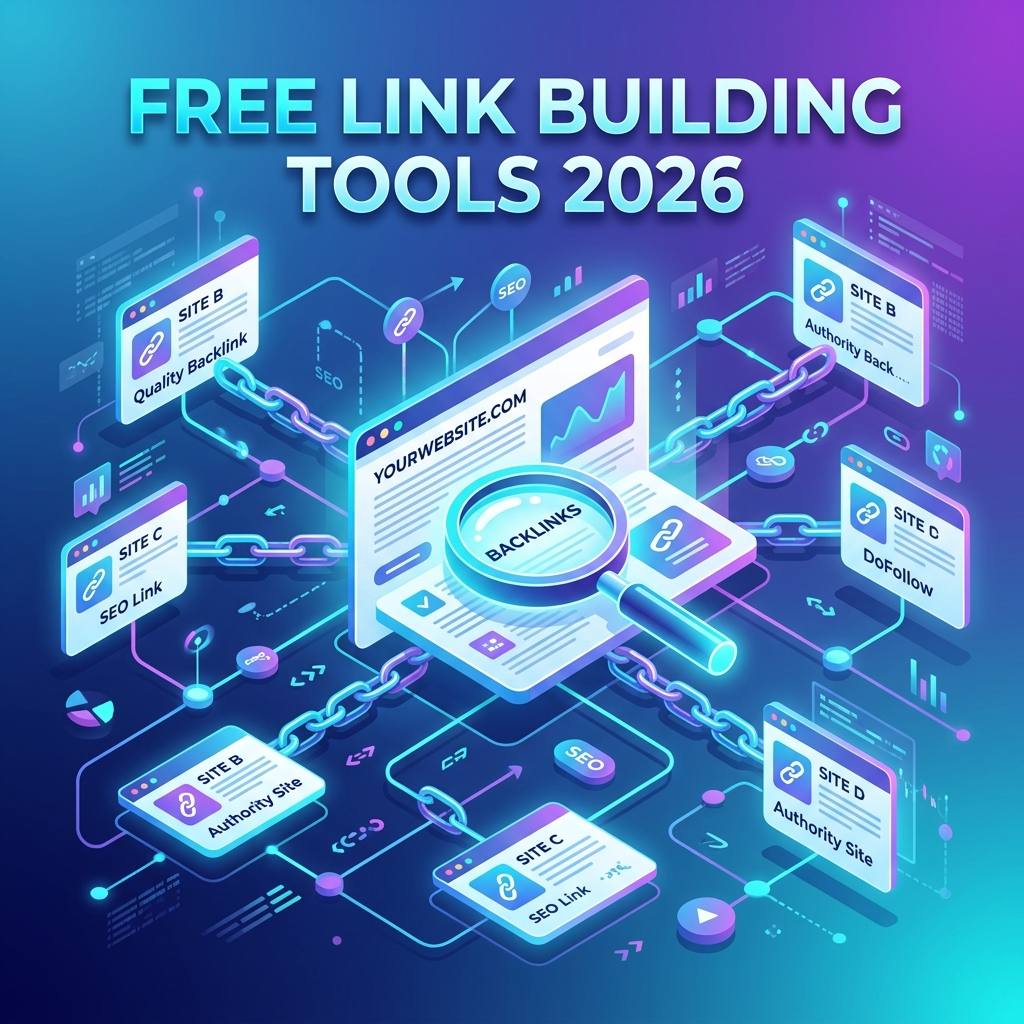
Paid SEO suites can cost more than a junior developer’s monthly coffee budget, and yet a surprising amount of serious backlink work still happens on a $0 stack. If you are running a side project, freelancing, or just tired of watching Ahrefs eat your card every month, the good news is that the best free link building tools for SEO in 2026 are genuinely capable — not crippled trial versions, but real workflows you can build a campaign around.
This guide walks through the tools worth keeping in your browser bookmarks, the exact job each one does, and how to chain them together so you are not just collecting tabs — you are actually shipping links.
What Link Building Actually Means in 2026
Link building is the practice of earning hyperlinks from other websites to your own so that search engines treat your pages as more trustworthy and relevant. In 2026, with AI-generated content saturating the open web, Google’s link signals lean heavier than ever on topical authority, editorial intent, and the freshness of the linking page — not just raw domain rating.
That shift matters when picking tools. A free tool that surfaces contextual, recent, and topically aligned link opportunities is worth more than a paid index that brags about size but ships you stale directory pages from 2019.
How to Evaluate Free Link Building Tools
Before listing the tools, agree on what “good” looks like. A free tool earns a spot in your stack if it does at least one of these jobs well:
- Prospecting — finds sites that could realistically link to you.
- Qualification — tells you whether a prospect is worth pursuing (authority, traffic, spam risk).
- Outreach — helps you find a real human and contact them without sounding like a bot.
- Monitoring — tracks which links you have, lose, or get mentioned in.
If a tool does none of the above and just shows you a vanity score, skip it. Your time is the real cost.
Google Search Console: The Free Tool People Underuse
It is almost embarrassing how many SEOs pay for premium backlink data while ignoring the one source Google itself hands them. Google Search Console exposes the Links report, which shows your top linking sites, top linked pages, and top anchor text — straight from Google’s index.
Use it for three jobs:
- Audit what you already rank for and which pages already attract links — these are your link magnets, and they deserve more internal links and updates.
- Spot disavow candidates by sorting linking domains and scanning for spammy patterns.
- Export your link profile monthly to track lost links over time without paying for an alerts product.
If you only adopt one tool from this list, make it Search Console. Every other free tool below is a complement to it, not a replacement.
Bing Webmaster Tools for Bonus Backlink Data
Bing Webmaster Tools ships a surprisingly generous backlink explorer — and unlike Google’s, it lets you peek at competitor backlinks. You can plug in any domain (not just your own) and pull thousands of referring URLs for free.
It is not as deep as a paid index, but for a quick competitor breakdown before pitching a guest post or comparing two prospects, it is fast and accurate enough. Pair it with Search Console and you have two independent free link datasets cross-checking each other.
Ahrefs Free Tools and Webmaster Tools
Ahrefs offers a tier called Ahrefs Webmaster Tools (AWT) that is free if you verify ownership of your site. You get a limited slice of their full backlink index — enough to audit a small site’s profile and spot toxic links.
Their public free utilities (Backlink Checker, Broken Link Checker, Website Authority Checker) cap results, but they are perfect for one-off prospect qualification. Drop a domain into the Authority Checker before you waste an hour writing outreach to a site with DR 3 and zero traffic.
Building a Broken Link Building Workflow for Free
Broken link building is the technique where you find a dead link on someone else’s site, create or surface a working replacement on yours, and politely email them about it. It works because you are doing the site owner a favor, not begging.
You can run the entire workflow on free tools. The script below uses the open-source requests library to check whether a list of candidate URLs is dead — a cheap way to validate prospects before you commit to outreach.
# broken_link_check.py
# Quickly classify a list of URLs as alive, dead, or redirected.
import csv
import requests
from urllib.parse import urlparse

CANDIDATES = "candidates.txt"   # one URL per line
OUTPUT = "results.csv"
TIMEOUT = 10

def check(url):
    try:
        # HEAD is lighter than GET but some servers block it, so we fall back.
        r = requests.head(url, allow_redirects=True, timeout=TIMEOUT)
        if r.status_code >= 400:
            r = requests.get(url, allow_redirects=True, timeout=TIMEOUT)
        return r.status_code, r.url
    except requests.RequestException as e:
        return 0, str(e)

with open(CANDIDATES) as f, open(OUTPUT, "w", newline="") as out:
    writer = csv.writer(out)
    writer.writerow(["url", "status", "final_url", "domain"])
    for line in f:
        url = line.strip()
        if not url:
            continue
        status, final = check(url)
        writer.writerow([url, status, final, urlparse(url).netloc])
        print(f"{status}\t{url}")
Feed it a list of URLs you scraped from a resource page or a Wikipedia article, and it labels each one as live, redirected, or dead. The rows where status is 404 or 0 are your broken-link candidates — each one is a potential email to a real editor.
Where to Find Broken Link Candidates
Use Google search operators directly — still free, still effective in 2026:
# Resource pages in your niche, where dead links cluster
site:.edu "your topic" inurl:resources
intitle:"useful links" "your topic"
intitle:"recommended reading" "your topic"

# Wikipedia citations are gold for broken link building
site:wikipedia.org "your topic"
Wikipedia is especially good because dead citations get tagged with [dead link] markers you can grep for. Combine the operators above with the Python checker and you have a repeatable pipeline that costs nothing.
HARO Alternatives and Free Journalist Outreach
HARO famously changed hands and got rebranded, and the free tier shrank in the process. The good news: a wave of free or freemium replacements stepped in, and most accept pitches from regular subject-matter experts, not just PR agencies.
Use them to earn editorial links from real publications — the kind that move rankings far more than a directory submission ever will:
- Qwoted — free pitches with a daily cap, good UI.
- Featured.com — formerly Terkel, free expert profile, you answer questions and get quoted.
- SourceBottle — strong in AU/UK markets, fully free.
- X (Twitter) #JournoRequest — still the fastest way to find live journalist queries.
A single accepted pitch can land a link from a publication that would otherwise ignore cold outreach for a year. Set aside 20 minutes a day and treat it like a habit, not a campaign.
Free Prospect Qualification: Comparing the Top Picks
Once you have a list of prospects, you need to qualify them quickly. Here is how the major free tools stack up on the questions that matter:
| Tool | Best For | Daily Free Limit | Login Required |
|---|---|---|---|
| Google Search Console | Your own backlinks & lost links | Unlimited | Yes (site owner) |
| Bing Webmaster Tools | Competitor backlinks | Generous, undisclosed | Yes |
| Ahrefs Free Backlink Checker | Top 100 backlinks per domain | A handful per day | No |
| Moz Link Explorer (free tier) | Domain Authority lookups | 10 queries/month | Yes |
| Ubersuggest | Quick prospect overview | 3 searches/day | Optional |
| Hunter.io | Finding contact emails | 25 searches/month | Yes |
No single one is enough alone, but rotating between two or three covers the same ground a $99/month plan would.
Finding Contact Details Without Paying
Even the prettiest prospect list is useless if your email lands in a generic info@ inbox. A few free tactics in 2026 still work reliably:
- Hunter.io free tier — 25 searches a month is plenty for a focused campaign.
- LinkedIn Sales Navigator free trial — burn the trial deliberately during a big outreach week.
- Manual recon — author bylines,
/aboutpages, and the site’s contact form. Surprisingly, contact forms still convert. - X DMs — for tech blogs especially, a friendly DM with a one-line context often beats a polished email.
The pattern that wins in 2026 is personalization at small scale: 20 carefully researched emails will out-earn 500 templated ones, and you can absolutely do 20 a day on a free stack.
Free Backlink Monitoring and Alerts
You worked hard for those links — make sure you notice when one disappears or gets quietly nofollowed. Free options:
- Google Alerts — set alerts for your brand, your authors’ names, and unlinked mentions. Each alert is a potential reclaim email.
- Search Console’s Links report — diff this month’s export against last month’s to spot losses.
- Visualping or Distill.io free tier — monitor specific guest post URLs in case an editor removes your byline link.
You can even automate the diff with a few lines of Python — your CSV exports from Search Console go in, a list of lost referring domains comes out. That alone replaces a feature people pay $79/month for.
Common Pitfalls to Avoid
Free does not mean risk-free. The biggest mistakes new link builders make in 2026:
- Chasing DR/DA instead of relevance. A DR 30 link from a tightly relevant blog beats a DR 70 link from a general news aggregator, every time.
- Mass directory submissions. They are not 2012 anymore — Google ignores or penalizes most of them.
- Buying “guest post packages.” If a single email can get you a link, so can it get a thousand other people. Footprints get caught.
- Ignoring nofollow and UGC links. These still drive referral traffic and Google has confirmed they may be used as hints. Take them when offered.
- Forgetting to ask. Unlinked brand mentions are the cheapest links you will ever earn. A polite email asking for a hyperlink wins about a third of the time.
A Realistic 30-Day Free Link Building Plan
Knowing the tools is half the battle. Here is how to actually use them across a month:
- Days 1–3 — Set up Search Console and Bing Webmaster Tools. Export your current backlinks as a baseline.
- Days 4–7 — Identify your three best-performing pages. These are your link assets. Build a short list of 50 prospects who link to similar pages.
- Days 8–14 — Run the broken link Python script on resource pages in your niche. Add survivors to your outreach list.
- Days 15–21 — Pitch on Qwoted, Featured.com, and #JournoRequest daily. Target three pitches a day, minimum.
- Days 22–28 — Send 10 personalized emails a day from your qualified prospect list.
- Days 29–30 — Diff your Search Console export. Reclaim any lost links and unlinked mentions caught by Google Alerts.
A consistent month on this rhythm typically yields between five and fifteen earned links for a niche site, with zero tool spend.
Frequently Asked Questions
Are free link building tools good enough for serious SEO?
Yes, for most small and mid-sized sites. The free stack covers prospecting, qualification, outreach, and monitoring well enough to run real campaigns. Paid tools mostly add convenience, larger indexes, and bulk automation — useful at scale, but not required to earn quality links.
What is the single best free link building tool in 2026?
Google Search Console, without question. It is the only tool that shows you what Google itself sees in your link profile, and it costs nothing beyond verifying your domain. Every other free tool plays a supporting role.
Are nofollow links worth pursuing?
Often, yes. Google has stated that nofollow is now a hint, not a directive, and high-quality nofollow links from publications still send referral traffic and contribute to brand signals. Take them when they appear, but do not build entire campaigns around them.
How many backlinks do I need to rank in 2026?
There is no universal number. Topical authority, content depth, and on-page SEO matter more than raw count. For most informational queries, ten genuinely editorial links from relevant sites outperform a hundred low-quality ones. Focus on quality and topical fit.
Can I automate outreach for free?
Partially. Free tiers of tools like Mailshake or Lemlist trials handle small batches, and Gmail mail merge add-ons cover basic personalization. That said, the most successful outreach in 2026 is hand-written and small-volume. Automate the research, not the personalization.
How do I avoid Google penalties when link building?
Stick to earning links rather than buying or trading them, avoid private blog networks, keep anchor text varied and natural, and never participate in obvious link schemes. If you would be embarrassed to show a link to a Google search quality rater, do not pursue it.
Conclusion
The myth that you need a four-figure annual SEO subscription to earn backlinks died years ago. The best free link building tools for SEO in 2026 — Search Console, Bing Webmaster Tools, Ahrefs’ free utilities, HARO-style platforms, Google Alerts, and a few lines of your own Python — cover the entire campaign lifecycle from prospect discovery to lost-link reclamation.
What separates link builders who win on a free stack from those who do not is not the tools at all. It is the discipline to qualify prospects honestly, write outreach a human would actually answer, and ship a few quality emails every working day. Bookmark this guide, pick three tools to start with this week, and run the 30-day plan above. Your first earned link is closer than you think.