Your support inbox just hit 4,000 unread tickets, your team is burning out on password resets, and your CEO wants response times under 60 seconds. Sound familiar? This is exactly the wall most support teams hit in 2026 — and it’s the reason the best AI chatbots for customer support have moved from “nice-to-have” to mission-critical infrastructure.
The good news: chatbots in 2026 are not the rigid, scripted bots of 2020. They run on agentic large language models, can resolve refunds end-to-end, escalate intelligently to humans, and learn from your help center automatically. The bad news: the market is crowded, pricing is opaque, and the wrong choice can cost you six figures and customer trust.
This guide compares the top tools head-to-head, breaks down what actually matters when you evaluate them, and walks you through the decision framework support leaders use today.
What Counts as an AI Chatbot for Customer Support in 2026?
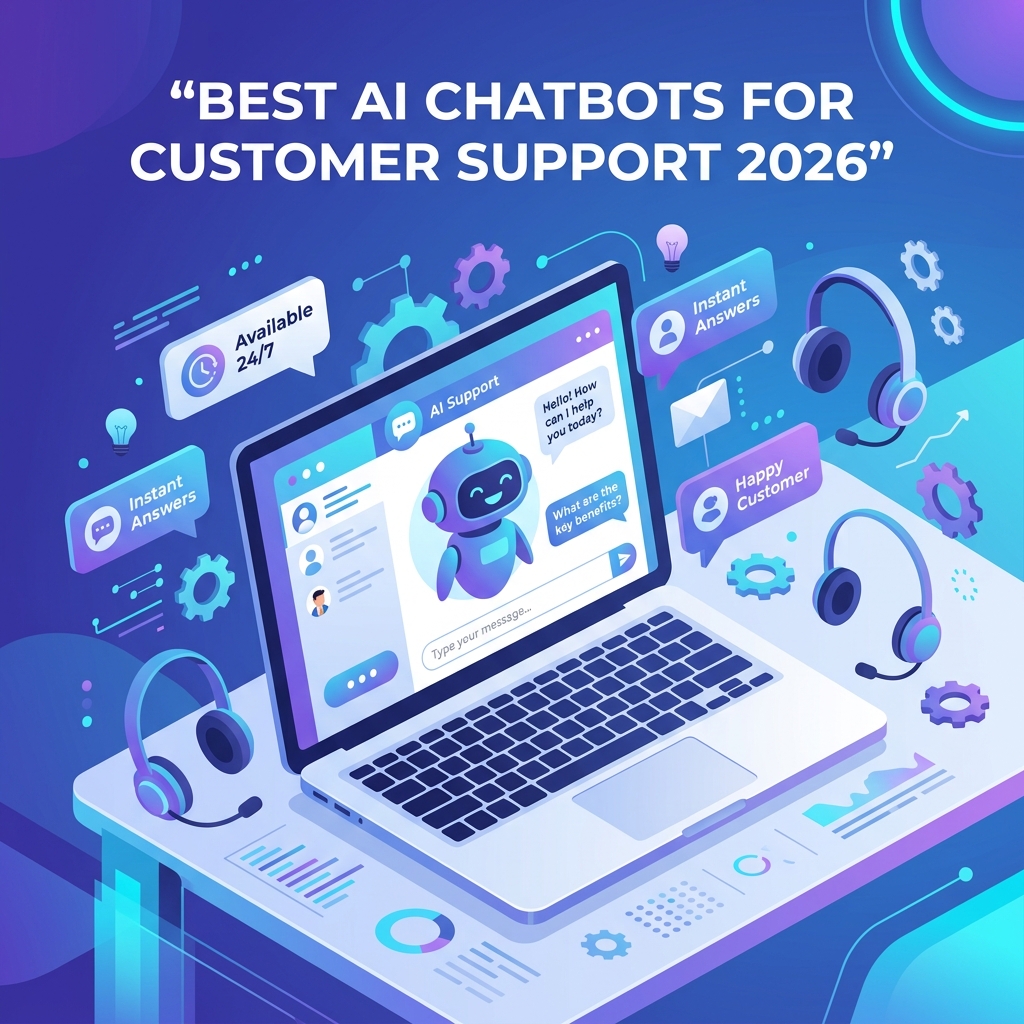
An AI chatbot for customer support is a software agent that uses natural language processing and large language models to converse with customers, resolve issues autonomously, and route complex cases to human agents. Unlike legacy rule-based bots, modern AI chatbots understand intent, retain conversation context, take actions through APIs, and learn continuously from approved knowledge sources.
The shift in 2026 is that these tools are no longer pure deflection engines. They are agentic systems — meaning they can read your CRM, trigger a refund in Stripe, update a shipping address in Shopify, and confirm the resolution back to the customer, all inside a single conversation.
The Criteria That Actually Matter When Comparing Chatbots
Before you compare vendors, agree internally on what you are optimizing for. Most teams weight these five factors:
- Resolution rate — the percentage of conversations the bot closes without a human. Top tools claim 50–75%; verify with a pilot, not a sales deck.
- Integration depth — does it natively connect to your help desk (Zendesk, Intercom, Salesforce), your data warehouse, and your business systems?
- Customization & guardrails — can you control tone, restrict topics, and prevent hallucinated answers?
- Pricing model — per resolution, per conversation, per seat, or per message. This matters enormously at scale.
- Time to value — how long from contract signature to a production bot answering real tickets?
A 70% resolution rate at $0.99 per resolution beats a 90% rate at $2.50 if your average ticket margin is thin. Always model unit economics before signing.
Top AI Chatbots for Customer Support in 2026: At-a-Glance Comparison
Here is the head-to-head table support teams keep asking us for. Pricing reflects publicly listed rates as of Q2 2026 and is normalized for mid-market deployments.
| Tool | Best For | Pricing Model | Native Integrations | Claimed Resolution Rate |
|---|---|---|---|---|
| Intercom Fin 3 | SaaS & product-led teams | Per resolution ($0.99) | Intercom suite, Salesforce, Jira | ~65% |
| Zendesk AI Agents | Enterprise contact centers | Per resolution + seat | Zendesk, Slack, MS Teams | ~60% |
| Ada | Multilingual global brands | Custom (volume-based) | Shopify, Stripe, Oracle | ~70% |
| Forethought Solve | Mid-market with strong KB | Per ticket | Zendesk, Kustomer, Salesforce | ~55% |
| Sierra | Voice + chat hybrid | Outcome-based | Twilio, Genesys, custom APIs | ~68% |
| HubSpot Breeze | SMBs already on HubSpot | Bundled with Service Hub | HubSpot CRM, Gmail | ~50% |
Detailed Reviews of the Best AI Chatbots for Customer Support
1. Intercom Fin 3 — Best Overall for SaaS
Fin 3 runs on a tuned mixture of frontier models and Intercom’s proprietary reasoning layer. It pulls answers from your help center, macros, and internal documents, then resolves cases by taking real actions through Intercom’s workflow engine.
Strengths: the cleanest agent inbox in the industry, transparent per-resolution pricing, and native handoff to human agents with full context preserved. Fin’s “Tasks” feature lets it execute multi-step jobs like rescheduling subscriptions.
Trade-offs: you are locked into Intercom as your help desk. If you use Zendesk or Salesforce as your system of record, the integration is shallower than you would expect.
2. Zendesk AI Agents — Best for Large Contact Centers
Built on Zendesk’s acquisition of Ultimate.ai, Zendesk AI Agents shine when you need omnichannel coverage across email, chat, voice, and social. It plays well with existing Zendesk workflows and offers granular control over confidence thresholds.
Strengths: excellent analytics, mature QA tooling, and battle-tested at Fortune 500 scale.
Trade-offs: setup is slower (4–8 weeks is typical), and the pricing combines seat fees with per-resolution charges, which can balloon unexpectedly.
3. Ada — Best for Multilingual and Global Operations
Ada supports more than 50 languages out of the box and has the strongest tooling for non-English markets. Its “Reasoning Engine” lets you build guardrails declaratively without code, which non-technical CX leaders love.
Strengths: top resolution rates in independent benchmarks, strong PII redaction, and SOC 2 + ISO 27001 + HIPAA coverage.
Trade-offs: custom pricing means you will negotiate hard, and smaller teams may find the platform overbuilt for their needs.
4. Sierra — Best for Voice-First Support
Founded by former Salesforce and Google leadership, Sierra has quickly become the default choice for brands that want their AI to handle phone calls as well as chat. It uses outcome-based pricing — you only pay when it successfully resolves a defined goal.
Strengths: remarkably natural voice quality, deep customization through “Agent OS”, and aligned incentives via outcome pricing.
Trade-offs: implementation requires engineering involvement, and outcome pricing is hard to forecast in the first quarter.
5. HubSpot Breeze — Best for SMBs
If you already run HubSpot Service Hub, Breeze is the path of least resistance. It is bundled with most paid plans, so there is no separate procurement cycle.
Strengths: zero integration friction with HubSpot CRM, simple setup, and predictable cost.
Trade-offs: lower resolution rates than specialist tools, and limited extensibility outside the HubSpot ecosystem.
How to Run a Realistic Chatbot Pilot
Sales demos are theater. A real pilot is the only way to validate vendor claims. Here is the four-week template support leaders use:
- Week 1 — Data prep. Export the last 90 days of resolved tickets, anonymize them, and tag the top 25 intents. This is your evaluation set.
- Week 2 — Configuration. Connect the bot to a staging knowledge base and your sandbox CRM. Define escalation rules before going live.
- Week 3 — Shadow mode. Let the bot draft responses without sending them. Your agents grade each draft on accuracy and tone.
- Week 4 — Live A/B test. Route 10% of traffic to the bot. Compare CSAT, resolution time, and cost per ticket against your control group.
If you want a structured framework for evaluating AI vendor claims, the NIST AI Risk Management Framework is the industry-standard reference for risk and governance considerations during pilots.
A Quick Technical Example: Wiring a Chatbot to Your Backend
Most enterprise-grade AI chatbots expose a webhook or “tool” interface so they can call your APIs mid-conversation. Here is a minimal Node.js endpoint the bot might invoke to look up an order status. This is illustrative — your actual contract will be defined by the vendor’s tool schema.
// order-status.js — webhook the chatbot calls to fetch live order data
import express from "express";
import { getOrderById } from "./services/orders.js";

const app = express();
app.use(express.json());

app.post("/webhooks/order-status", async (req, res) => {
  // The chatbot passes the customer's verified ID + the order number
  const { customerId, orderNumber } = req.body;

  if (!customerId || !orderNumber) {
    return res.status(400).json({ error: "Missing required fields" });
  }

  try {
    const order = await getOrderById(customerId, orderNumber);

    // Return a structured payload the bot can paraphrase to the user
    return res.json({
      status: order.status,
      eta: order.estimatedDelivery,
      trackingUrl: order.trackingUrl,
    });
  } catch (err) {
    // Always return a safe, customer-facing error message
    return res.status(500).json({
      error: "We could not fetch that order right now.",
    });
  }
});

app.listen(3000);
The chatbot receives the structured JSON, then generates a natural-language reply such as: “Your order shipped yesterday and arrives Friday — here’s the tracking link.” The key design principle is that the bot owns the conversation, while your backend owns the truth. Never let the model invent order data; always force it through a tool call.
Common Pitfalls When Deploying AI Chatbots
After watching dozens of rollouts, the same mistakes show up repeatedly. Avoid these and you will skip months of pain.
- Skipping the knowledge audit. Garbage in, garbage out. If your help center is contradictory or outdated, the bot will confidently repeat the contradictions.
- No escalation guardrails. Bots should know when not to answer. Billing disputes, account closures, and legal questions almost always belong with a human.
- Measuring deflection instead of resolution. A “deflected” ticket that returns 24 hours later is a worse outcome than a clean handoff.
- Ignoring localization. A bot tuned on American English will mishandle UK, Australian, and Indian phrasings. Test with native speakers per region.
- Treating it as fire-and-forget. Production bots need weekly QA reviews. Plan for one part-time conversation designer per 50,000 monthly conversations.
Security, Privacy, and Compliance Considerations
Customer conversations contain regulated data. Before you sign with any vendor, demand clear answers on five points:
- Data residency — where are conversations stored, and can you pin them to a region?
- Training opt-out — confirm in writing that your data is not used to train shared base models.
- PII redaction — does the bot automatically scrub credit cards, social security numbers, and health data before logging?
- Audit logs — can you replay any conversation and see exactly which tools were called and what answers were generated?
- Model transparency — which underlying models are used, and what happens if the provider deprecates one?
For a deeper read on regulatory expectations, the official GDPR portal remains the clearest reference for EU customers, and the California Attorney General’s CCPA page is the canonical US source.
How to Choose: A Decision Framework
You do not need to pick the “best” tool — you need the right tool for your stack and your customers. Use this lightweight decision tree:
- If you already run Intercom and want fastest time to value → Intercom Fin 3.
- If you are an enterprise with omnichannel volume → Zendesk AI Agents.
- If you operate in 5+ languages → Ada.
- If voice is half your volume → Sierra.
- If you are a small team on HubSpot → HubSpot Breeze.
- If you have strong knowledge ops and want flexibility → Forethought Solve.
Frequently Asked Questions About AI Chatbots for Customer Support
How much do AI chatbots for customer support cost in 2026?
Pricing has largely moved to per-resolution models, ranging from roughly $0.75 to $2.50 per successful resolution. Enterprise deals with platform commitments often blend a base fee with usage. Expect total cost of ownership to be 20–40% of what a human-only operation would cost at the same volume.
Can an AI chatbot fully replace human support agents?
No, and you should not aim for that. The mature pattern is a tiered model: the bot handles repetitive, low-risk queries, while humans focus on complex cases, retention conversations, and quality reviews. Teams that try full replacement usually see CSAT drop and churn rise within a quarter.
How accurate are modern AI chatbots?
When grounded properly in your knowledge base with retrieval-augmented generation, leading bots score above 90% factual accuracy on in-scope questions. Out-of-scope or ambiguous questions are where errors cluster, which is why strong escalation rules matter more than raw model quality.
How long does it take to deploy an AI chatbot?
For SMBs on bundled platforms like HubSpot, you can be live in a week. Mid-market deployments typically take 4–6 weeks. Enterprise rollouts with custom integrations, voice, and multilingual coverage run 8–16 weeks. Add another month if you require security review by your IT team.
What is the difference between a chatbot and an AI agent?
A chatbot answers questions. An AI agent answers questions and takes actions on the customer’s behalf — issuing refunds, updating accounts, scheduling appointments. Most 2026 tools market themselves as agents, but verify their action capabilities in your pilot rather than trusting the label.
Do I need engineers to set up an AI chatbot?
For basic Q&A bots tied to your help center, no — modern platforms ship with no-code builders. For action-taking agents that integrate with your CRM, billing, and shipping systems, you will need at least part-time engineering support. Plan for it from day one rather than discovering it mid-pilot.
Conclusion
The best AI chatbots for customer support in 2026 are no longer measured by how many tickets they deflect — they are measured by how cleanly they resolve real customer problems while preserving trust. Intercom Fin 3, Zendesk AI Agents, Ada, Sierra, Forethought, and HubSpot Breeze each win in different contexts; there is no universal champion.
The tools matter less than the process around them. Audit your knowledge base, run a structured four-week pilot, model unit economics on real resolution rates, and put strong escalation guardrails in place before you scale traffic to the bot. Treat your chatbot like a new team member: train it, review it weekly, and give it room to grow into harder work over time.
Start with the use case that hurts most — password resets, order tracking, refund requests — and expand from there. Done right, an AI chatbot for customer support becomes the most consistent, patient, and scalable member of your team, freeing your humans to do the work only humans can do.