HTML File Paths: Mastering Relative and Absolute Paths
Learn how to use HTML file paths correctly, including relative and absolute paths, to link local and external resources in your web projects.

Learn how to use HTML file paths correctly, including relative and absolute paths, to link local and external resources in your web projects.
Learn how to use HTML iframes to embed external content like web pages, videos, and maps. Understand security considerations and the sandbox attribute for safe embedding.
Learn how to use HTML classes to style multiple elements efficiently using CSS. Understand naming conventions and best practices for maintainable code.
Explore the power of the HTML `<div>` tag for grouping content and creating structured web layouts. Learn how to use `<div>` effectively with practical examples and best practices.
Explore the fundamental differences between HTML block and inline elements. Learn how they behave by default and how to control them with CSS's display property.
Learn to use HTML lists effectively: unordered (bullets), ordered (numbered), and description lists. Includes practical examples, best practices, and styling tips.
Learn how to create and structure HTML tables effectively using elements like <table>, <tr>, <th>, <td>, and more. Understand best practices for accessibility and semantic markup.
Learn how to add favicons to your website using the HTML <link> tag, understand different icon sizes, and enhance your site's user experience.
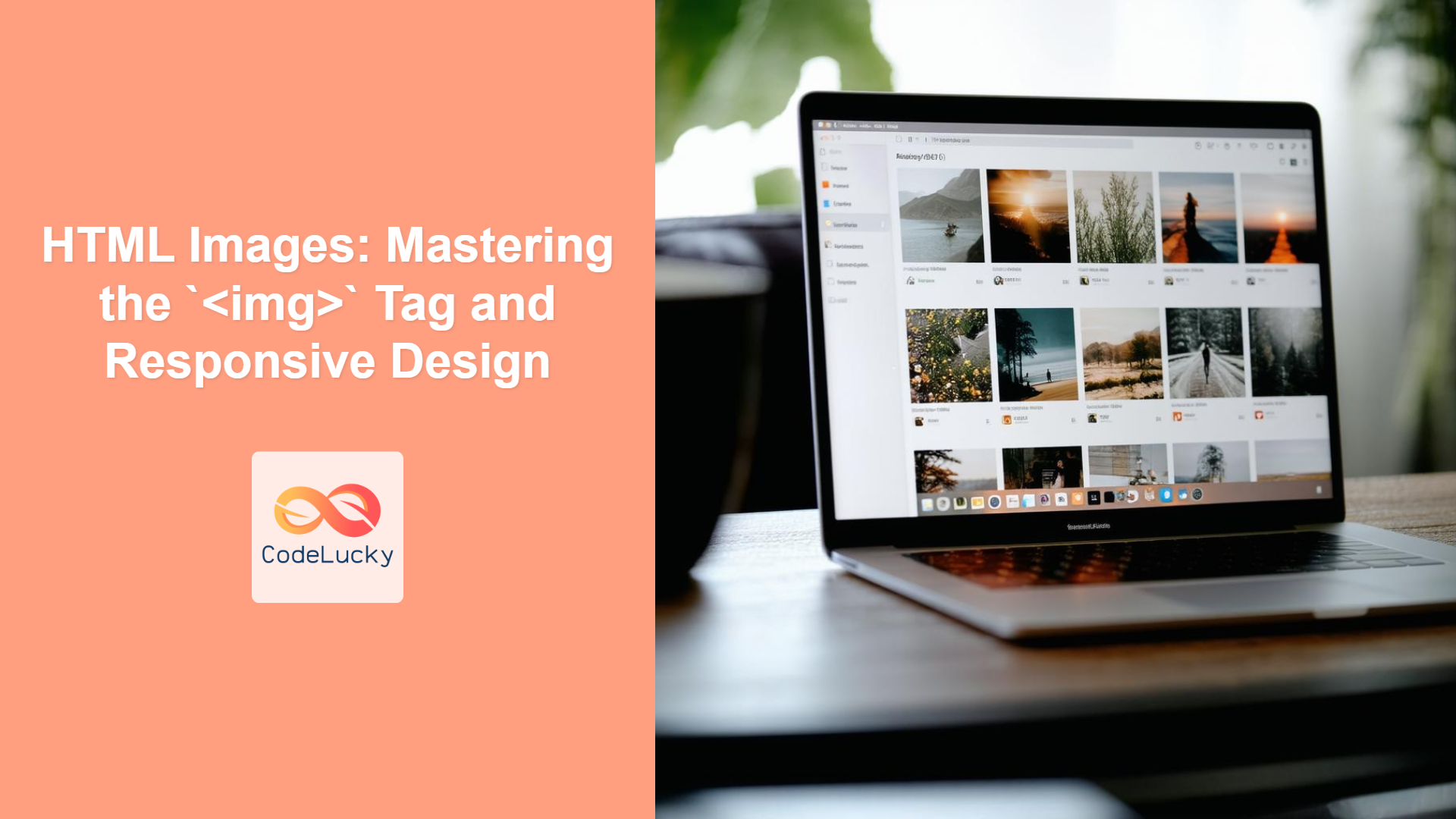
Learn to use the HTML `<img>` tag, handle image formats, create responsive images with `<picture>`, `srcset`, and `sizes`, and optimize images for web performance.
Explore fundamental HTML layout techniques using divs, float, position, flexbox, and grid. Learn their advantages, disadvantages, and real-world applications for effective web design.