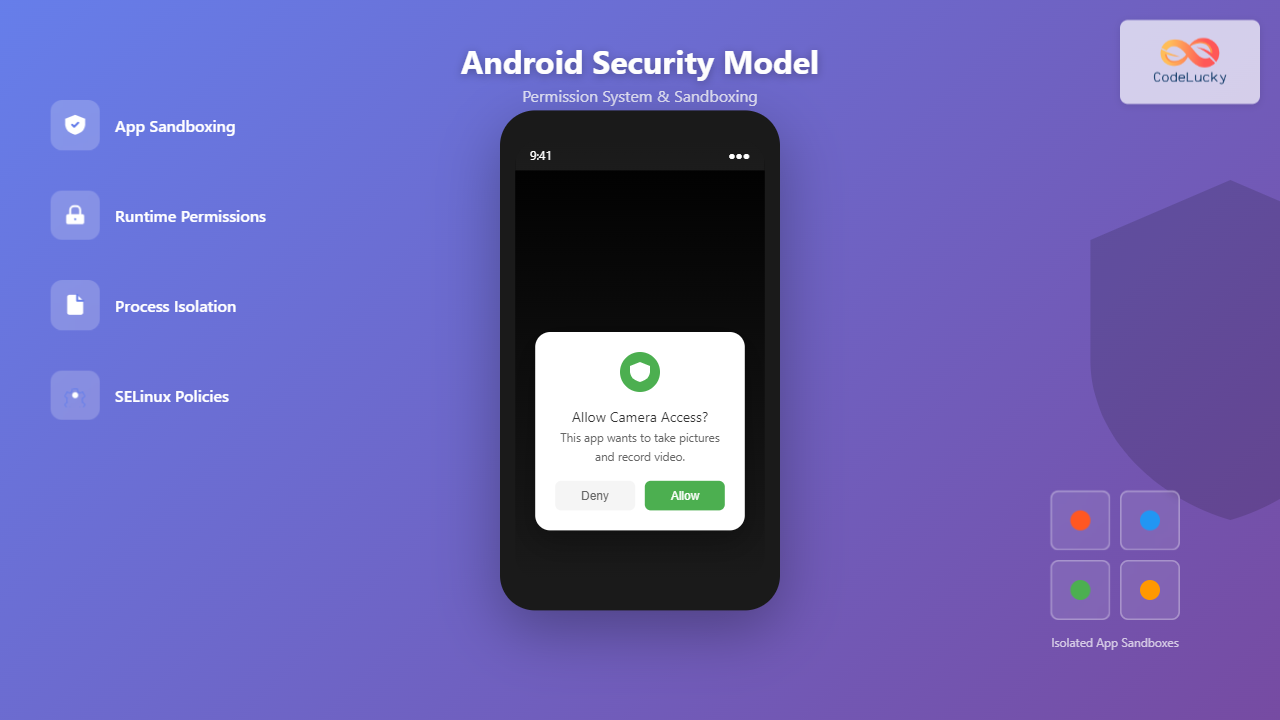
Android’s security model represents one of the most sophisticated mobile operating system security architectures ever developed. Built on the Linux kernel foundation, Android implements multiple layers of security including application sandboxing, a comprehensive permission system, and process isolation to protect user data and maintain system integrity.
Understanding Android’s Security Architecture
Android’s security model operates on the principle of defense in depth, implementing multiple security layers that work together to protect the system and user data. This multi-layered approach ensures that if one security mechanism is compromised, others continue to provide protection.

The security architecture consists of six primary layers, each serving specific security functions and contributing to the overall system security posture.
Application Sandboxing in Android
Android’s application sandbox is the cornerstone of its security model. Each Android application runs in its own isolated environment, preventing malicious apps from accessing other applications’ data or system resources without explicit permission.
How Android Sandboxing Works
When an Android application is installed, the system assigns it a unique User ID (UID) and Group ID (GID). This creates an isolated environment where:
- Process Isolation: Each app runs in its own Linux process with a unique UID
- File System Isolation: Apps can only access their own data directory by default
- Memory Protection: Applications cannot access other apps’ memory spaces
- Resource Limitations: System resources are allocated and controlled per application

Sandbox Enforcement Mechanisms
Android implements several mechanisms to enforce sandbox boundaries:
SELinux (Security-Enhanced Linux)
Android uses SELinux in enforcing mode to implement Mandatory Access Control (MAC). This provides an additional layer of security beyond traditional Unix permissions by defining policies that govern how processes and files interact.
# Example SELinux policy for app domain
allow untrusted_app app_data_file:file { read write };
neverallow untrusted_app system_data_file:file write;
Application Signing
All Android applications must be digitally signed before installation. The signature serves multiple security purposes:
- Verifies application authenticity and integrity
- Enables shared UID for apps from the same developer
- Allows application updates from the same developer
- Prevents unauthorized modification of app code
Android Permission System Deep Dive
The Android permission system controls access to sensitive APIs and system resources. This system has evolved significantly over Android versions, becoming more user-centric and privacy-focused.
Types of Permissions
Android categorizes permissions into several types based on their security implications:
1. Normal Permissions
These permissions are automatically granted at install time and pose minimal risk to user privacy or device operation:
<!-- Examples of normal permissions in AndroidManifest.xml -->
<uses-permission android:name="android.permission.INTERNET" />
<uses-permission android:name="android.permission.ACCESS_NETWORK_STATE" />
<uses-permission android:name="android.permission.WAKE_LOCK" />
<uses-permission android:name="android.permission.VIBRATE" />
2. Dangerous Permissions
These permissions require explicit user consent as they can access sensitive user data or device capabilities:
<!-- Examples of dangerous permissions -->
<uses-permission android:name="android.permission.CAMERA" />
<uses-permission android:name="android.permission.READ_CONTACTS" />
<uses-permission android:name="android.permission.ACCESS_FINE_LOCATION" />
<uses-permission android:name="android.permission.RECORD_AUDIO" />
3. Signature Permissions
Only granted to apps signed with the same certificate as the app that declared the permission. Primarily used for system apps and platform components.
4. Special Permissions
High-risk permissions requiring special handling, such as device admin capabilities or system-level access.

Runtime Permission Model
Starting with Android 6.0 (API level 23), Android introduced the runtime permission model for dangerous permissions. This model allows users to grant or deny permissions when the app actually needs them, rather than at installation time.
Implementing Runtime Permissions
// Example: Requesting camera permission at runtime
if (ContextCompat.checkSelfPermission(this, Manifest.permission.CAMERA)
    != PackageManager.PERMISSION_GRANTED) {

    if (ActivityCompat.shouldShowRequestPermissionRationale(this,
            Manifest.permission.CAMERA)) {
        // Show explanation to user
        showPermissionExplanation();
    } else {
        // Request permission
        ActivityCompat.requestPermissions(this,
                new String[]{Manifest.permission.CAMERA},
                CAMERA_PERMISSION_REQUEST_CODE);
    }
} else {
    // Permission already granted, proceed with camera operations
    openCamera();
}

@Override
public void onRequestPermissionsResult(int requestCode, String[] permissions,
                                     int[] grantResults) {
    if (requestCode == CAMERA_PERMISSION_REQUEST_CODE) {
        if (grantResults.length > 0 &&
            grantResults[0] == PackageManager.PERMISSION_GRANTED) {
            openCamera();
        } else {
            showPermissionDeniedMessage();
        }
    }
}
Permission Groups and Granular Control
Android organizes related permissions into permission groups to simplify the user experience. When a user grants one permission in a group, other permissions in the same group are automatically granted.
| Permission Group | Included Permissions | Access Level |
|---|---|---|
| LOCATION | ACCESS_FINE_LOCATION, ACCESS_COARSE_LOCATION | Device location data |
| CAMERA | CAMERA | Camera hardware access |
| CONTACTS | READ_CONTACTS, WRITE_CONTACTS | Contact database access |
| STORAGE | READ_EXTERNAL_STORAGE, WRITE_EXTERNAL_STORAGE | File system access |
| MICROPHONE | RECORD_AUDIO | Audio recording capabilities |
Advanced Security Features
Scoped Storage
Android 10 introduced scoped storage, significantly changing how apps access external storage. This feature enhances user privacy by limiting apps’ access to the shared storage space.
Key Scoped Storage Principles:
- App-specific directories: Apps have full access to their own external storage directory
- Media collections: Apps can access media files through MediaStore API
- Storage Access Framework: User-initiated file access through system picker
- Legacy app compatibility: Gradual migration path for existing applications
// Example: Accessing media files with scoped storage
private void queryImages() {
    String[] projection = {
        MediaStore.Images.Media._ID,
        MediaStore.Images.Media.DISPLAY_NAME,
        MediaStore.Images.Media.DATE_ADDED
    };

    String selection = MediaStore.Images.Media.DATE_ADDED + " >= ?";
    String[] selectionArgs = new String[]{
        String.valueOf(System.currentTimeMillis() / 1000 - 86400)
    };

    try (Cursor cursor = getContentResolver().query(
            MediaStore.Images.Media.EXTERNAL_CONTENT_URI,
            projection, selection, selectionArgs, null)) {

        while (cursor != null && cursor.moveToNext()) {
            long id = cursor.getLong(cursor.getColumnIndexOrThrow(
                MediaStore.Images.Media._ID));
            String name = cursor.getString(cursor.getColumnIndexOrThrow(
                MediaStore.Images.Media.DISPLAY_NAME));

            // Process image data
        }
    }
}
App Components Security
Android’s four main app components each have specific security considerations:

Activity Security
<!-- Secure activity declaration -->
<activity
    android:name=".SecureActivity"
    android:exported="false"
    android:permission="com.myapp.CUSTOM_PERMISSION">
    <intent-filter>
        <action android:name="com.myapp.SECURE_ACTION" />
    </intent-filter>
</activity>
Service Security
<!-- Secure service with permission requirement -->
<service
    android:name=".SecureService"
    android:exported="true"
    android:permission="com.myapp.ACCESS_SERVICE"
    android:isolatedProcess="true" />
Security Best Practices for Developers
Principle of Least Privilege
Applications should request only the minimum permissions necessary for their functionality. This reduces the attack surface and improves user trust.
Permission Justification
<!-- Document permission usage -->
<uses-permission android:name="android.permission.ACCESS_FINE_LOCATION" />
<uses-permission-sdk-23 android:name="android.permission.ACCESS_FINE_LOCATION" />

<!-- Provide clear rationale in app -->
<string name="location_permission_rationale">
    This app needs location access to provide personalized weather updates
    and find nearby restaurants.
</string>
Secure Communication
// Example: Secure HTTPS communication
private void secureNetworkCall() {
    OkHttpClient client = new OkHttpClient.Builder()
        .addInterceptor(new CertificatePinningInterceptor())
        .build();

    Request request = new Request.Builder()
        .url("https://secure-api.example.com/data")
        .addHeader("Authorization", "Bearer " + getAuthToken())
        .build();

    client.newCall(request).enqueue(new Callback() {
        @Override
        public void onResponse(Call call, Response response) {
            // Handle secure response
        }

        @Override
        public void onFailure(Call call, IOException e) {
            // Handle connection failure
        }
    });
}
Evolution of Android Security
Android’s security model has evolved significantly since its inception, with each version introducing new security enhancements:
| Android Version | Security Features Introduced | Impact |
|---|---|---|
| Android 4.3 | SELinux in enforcing mode | Mandatory access controls |
| Android 6.0 | Runtime permissions | User control over dangerous permissions |
| Android 8.0 | Background execution limits | Reduced resource abuse |
| Android 10 | Scoped storage | Enhanced file access privacy |
| Android 11 | Package visibility restrictions | Limited app enumeration capabilities |
| Android 12 | Privacy Dashboard | Transparent permission usage tracking |
Common Security Vulnerabilities and Mitigations
Intent-Based Attacks
Vulnerability: Malicious apps can send crafted intents to exploit vulnerable components.
Mitigation: Validate all intent data and use explicit intents when possible.
// Secure intent handling
@Override
protected void onNewIntent(Intent intent) {
    super.onNewIntent(intent);

    // Validate intent source and data
    if (intent != null && isIntentSafe(intent)) {
        String data = intent.getStringExtra("data");
        if (isValidData(data)) {
            processSecureData(data);
        }
    }
}

private boolean isIntentSafe(Intent intent) {
    // Implement intent validation logic
    String action = intent.getAction();
    return action != null &&
           action.startsWith("com.myapp.") &&
           intent.getComponent() != null;
}
Data Leakage Prevention
// Secure data storage
private void storeSecureData(String sensitiveData) {
    SharedPreferences prefs = getSharedPreferences("secure_prefs", MODE_PRIVATE);
    SharedPreferences.Editor editor = prefs.edit();

    // Encrypt sensitive data before storing
    String encryptedData = encryptData(sensitiveData);
    editor.putString("secure_key", encryptedData);
    editor.apply();
}

private String encryptData(String plaintext) {
    // Implement AES encryption with Android Keystore
    try {
        KeyGenerator keyGenerator = KeyGenerator.getInstance(
            KeyProperties.KEY_ALGORITHM_AES, "AndroidKeyStore");
        KeyGenParameterSpec keyGenParameterSpec = new KeyGenParameterSpec.Builder(
            "MySecretKey", KeyProperties.PURPOSE_ENCRYPT | KeyProperties.PURPOSE_DECRYPT)
            .setBlockModes(KeyProperties.BLOCK_MODE_GCM)
            .setEncryptionPaddings(KeyProperties.ENCRYPTION_PADDING_NONE)
            .build();

        keyGenerator.init(keyGenParameterSpec);
        keyGenerator.generateKey();

        // Encryption implementation
        return performEncryption(plaintext);
    } catch (Exception e) {
        Log.e("Security", "Encryption failed", e);
        return null;
    }
}
Testing Android Security
Security Testing Approaches
- Static Analysis: Code review and automated scanning tools
- Dynamic Analysis: Runtime testing and penetration testing
- Permission Testing: Verify proper permission handling
- Network Security Testing: SSL/TLS validation and API security
Security Testing Tools
# Example: Using Android Debug Bridge for security testing
# Check app permissions
adb shell dumpsys package com.example.app | grep permission

# Monitor app behavior
adb shell am monitor

# Check for debug flags
adb shell getprop | grep debug
Future of Android Security
Android security continues to evolve with emerging threats and privacy requirements. Key trends include:
- Zero-trust architecture: Assuming no component is inherently trusted
- Hardware-backed security: Leveraging secure elements and TEE
- Privacy-first design: Minimizing data collection and processing
- Machine learning security: AI-powered threat detection and prevention
- Cross-platform security: Consistent security across device ecosystems
title Android Security Evolution
2008 : Android 1.0 : Basic Linux security
2011 : Android 4.0 : Application sandboxing improvements
2013 : Android 4.3 : SELinux enforcement