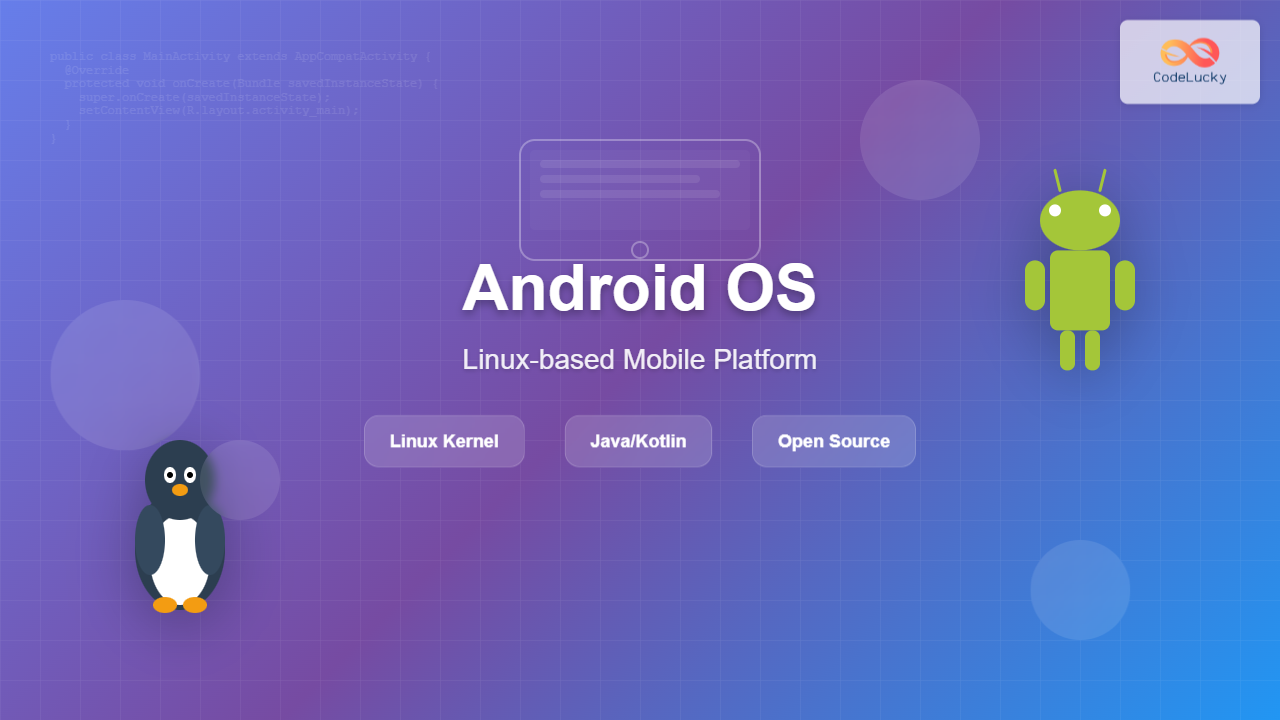
Android Operating System stands as the world’s most widely adopted mobile platform, powering billions of devices globally. Built on the Linux kernel, Android represents a revolutionary approach to mobile computing that transformed how we interact with smartphones and tablets. This comprehensive guide explores Android’s architecture, components, development ecosystem, and its significance in modern technology.
What is Android Operating System?
Android is an open-source, Linux-based operating system designed primarily for touchscreen mobile devices such as smartphones and tablets. Developed by Android Inc. and later acquired by Google in 2005, Android provides a rich application framework that allows developers to build innovative applications in a Java/Kotlin language environment.

Android Architecture Overview
Android’s architecture follows a layered approach, with each layer providing specific functionality and services to the layers above it. Understanding this architecture is crucial for developers and system administrators working with Android platforms.
1. Linux Kernel Layer
At the foundation of Android lies the Linux kernel, which provides:
- Hardware Abstraction: Interface between hardware and software components
- Process Management: Handling multiple processes and thread scheduling
- Memory Management: Efficient allocation and deallocation of system memory
- Device Drivers: Communication with hardware components like camera, GPS, WiFi
- Security: File permissions, user isolation, and system security
# Example: Viewing Android kernel information
adb shell cat /proc/version
# Output: Linux version 4.14.190+ (build-user@build-host)
#         (gcc version 4.9.x) #1 SMP PREEMPT Wed Mar 18 17:45:12 UTC 2020
2. Hardware Abstraction Layer (HAL)
The HAL provides standard interfaces that expose device hardware capabilities to the higher-level Java API framework. It consists of library modules that implement interfaces for specific hardware components.
3. Android Runtime (ART)
ART is the managed runtime used by applications and some system services on Android. Key features include:
- Ahead-of-Time (AOT) Compilation: Apps are compiled during installation
- Improved Garbage Collection: Better memory management
- Better Debugging: Enhanced debugging and profiling capabilities
4. Native C/C++ Libraries
Android includes a set of C/C++ libraries used by various components of the Android system, including:
- Surface Manager: Managing access to the display subsystem
- Media Framework: Supporting playback and recording of audio and video
- WebKit: Web browser engine supporting web content
- OpenGL ES: 3D graphics rendering
Android Application Framework
The Application Framework provides high-level services to applications in the form of Java classes. This framework enables component reuse and provides a rich set of APIs.

Core Framework Components
Activity Manager
Manages the lifecycle of applications and provides navigation back stack functionality.
// Example: Activity lifecycle implementation
public class MainActivity extends AppCompatActivity {
    @Override
    protected void onCreate(Bundle savedInstanceState) {
        super.onCreate(savedInstanceState);
        setContentView(R.layout.activity_main);
        Log.d("Lifecycle", "Activity Created");
    }

    @Override
    protected void onStart() {
        super.onStart();
        Log.d("Lifecycle", "Activity Started");
    }

    @Override
    protected void onResume() {
        super.onResume();
        Log.d("Lifecycle", "Activity Resumed");
    }
}
Content Providers
Enable applications to access data from other applications and share their own data.
// Example: Accessing contacts using Content Provider
public void getContacts() {
    ContentResolver cr = getContentResolver();
    Cursor cursor = cr.query(
        ContactsContract.Contacts.CONTENT_URI,
        null, null, null, null
    );

    if (cursor != null && cursor.getCount() > 0) {
        while (cursor.moveToNext()) {
            String id = cursor.getString(
                cursor.getColumnIndex(ContactsContract.Contacts._ID)
            );
            String name = cursor.getString(
                cursor.getColumnIndex(ContactsContract.Contacts.DISPLAY_NAME)
            );
            Log.d("Contacts", "ID: " + id + ", Name: " + name);
        }
        cursor.close();
    }
}
Android Development Environment
Developing for Android requires understanding the development tools and environment setup.
Android Studio
Android Studio is the official Integrated Development Environment (IDE) for Android development, providing:
- Code Editor: Intelligent code completion and refactoring
- Visual Layout Editor: Drag-and-drop UI design
- APK Analyzer: Analyzing app size and content
- Fast Emulator: Testing apps on virtual devices
- Real-time Profilers: CPU, memory, and network usage analysis
Android Development Kit (SDK)
The Android SDK provides the API libraries and developer tools necessary to build, test, and debug apps for Android.
# Example: SDK Manager commands
# List installed packages
sdkmanager --list

# Install platform tools
sdkmanager "platform-tools" "platforms;android-30"

# Update all packages
sdkmanager --update
Android Application Components

Activities
An Activity represents a single screen with a user interface. Applications typically consist of multiple activities working together.
// Example: Kotlin Activity with Intent
class MainActivity : AppCompatActivity() {
    override fun onCreate(savedInstanceState: Bundle?) {
        super.onCreate(savedInstanceState)
        setContentView(R.layout.activity_main)

        val button = findViewById<Button>(R.id.button)
        button.setOnClickListener {
            val intent = Intent(this, SecondActivity::class.java)
            intent.putExtra("message", "Hello from MainActivity")
            startActivity(intent)
        }
    }
}
Services
Services perform long-running operations in the background without providing a user interface.
// Example: Background service
public class MusicService extends Service {
    private MediaPlayer mediaPlayer;

    @Override
    public int onStartCommand(Intent intent, int flags, int startId) {
        // Start playing music in background
        mediaPlayer = MediaPlayer.create(this, R.raw.background_music);
        mediaPlayer.setLooping(true);
        mediaPlayer.start();

        return START_STICKY; // Restart if killed by system
    }

    @Override
    public void onDestroy() {
        if (mediaPlayer != null) {
            mediaPlayer.stop();
            mediaPlayer.release();
        }
        super.onDestroy();
    }

    @Override
    public IBinder onBind(Intent intent) {
        return null;
    }
}
Android Security Model
Android implements a multi-layered security model to protect user data and system integrity.

Application Sandbox
Each Android application runs in its own security sandbox with:
- Unique User ID: Each app gets a unique Linux user ID
- Process Isolation: Apps run in separate processes
- File System Permissions: Apps can only access their own files
Permission System
Android uses a permission-based security model where apps must declare and request permissions to access sensitive resources.
<!-- Example: Manifest permissions -->
<manifest xmlns:android="http://schemas.android.com/apk/res/android">
    <uses-permission android:name="android.permission.CAMERA" />
    <uses-permission android:name="android.permission.ACCESS_FINE_LOCATION" />
    <uses-permission android:name="android.permission.READ_EXTERNAL_STORAGE" />

    <application>
        <activity android:name=".MainActivity">
            <intent-filter>
                <action android:name="android.intent.action.MAIN" />
                <category android:name="android.intent.category.LAUNCHER" />
            </intent-filter>
        </activity>
    </application>
</manifest>
Android Versions and Evolution
Android has evolved significantly since its initial release, with each version introducing new features and improvements:
- Android 1.0 (2008): Initial release with basic smartphone features
- Android 4.0 Ice Cream Sandwich: Unified phone and tablet UI
- Android 5.0 Lollipop: Material Design and ART runtime
- Android 6.0 Marshmallow: Runtime permissions and Doze mode
- Android 8.0 Oreo: Background execution limits and notification channels
- Android 10: Gesture navigation and scoped storage
- Android 12: Material You design and privacy dashboard
- Android 14: Enhanced privacy controls and AI integration
Android Performance Optimization
Optimizing Android applications involves understanding system constraints and implementing best practices.
Memory Management
// Example: Memory-efficient image loading
public class ImageUtils {
    public static Bitmap decodeSampledBitmapFromResource(
        Resources res, int resId, int reqWidth, int reqHeight) {

        // First decode with inJustDecodeBounds=true to check dimensions
        final BitmapFactory.Options options = new BitmapFactory.Options();
        options.inJustDecodeBounds = true;
        BitmapFactory.decodeResource(res, resId, options);

        // Calculate inSampleSize
        options.inSampleSize = calculateInSampleSize(options, reqWidth, reqHeight);

        // Decode bitmap with inSampleSize set
        options.inJustDecodeBounds = false;
        return BitmapFactory.decodeResource(res, resId, options);
    }

    public static int calculateInSampleSize(
        BitmapFactory.Options options, int reqWidth, int reqHeight) {
        // Raw height and width of image
        final int height = options.outHeight;
        final int width = options.outWidth;
        int inSampleSize = 1;

        if (height > reqHeight || width > reqWidth) {
            final int halfHeight = height / 2;
            final int halfWidth = width / 2;

            while ((halfHeight / inSampleSize) >= reqHeight
                    && (halfWidth / inSampleSize) >= reqWidth) {
                inSampleSize *= 2;
            }
        }
        return inSampleSize;
    }
}
Battery Optimization
Android provides several mechanisms to optimize battery usage:
- Doze Mode: Reduces background activity when device is stationary
- App Standby: Defers background network activity for unused apps
- Background Execution Limits: Restricts background services and broadcasts
Android Testing Strategies
Comprehensive testing ensures application quality and reliability across different devices and Android versions.

Unit Testing Example
// Example: Unit test with JUnit and Mockito
class UserRepositoryTest {
    @Mock
    private lateinit var apiService: ApiService

    @Mock
    private lateinit var database: UserDatabase

    private lateinit var repository: UserRepository

    @Before
    fun setup() {
        MockitoAnnotations.initMocks(this)
        repository = UserRepository(apiService, database)
    }

    @Test
    fun `getUserById should return user from database when available`() {
        // Given
        val userId = "123"
        val expectedUser = User(userId, "John Doe", "[email protected]")
        `when`(database.getUserById(userId)).thenReturn(expectedUser)

        // When
        val result = repository.getUserById(userId)

        // Then
        assertEquals(expectedUser, result)
        verify(database).getUserById(userId)
    }
}
Android and Enterprise Applications
Android provides robust support for enterprise applications through Android for Work and various management APIs.
Device Management
- Mobile Device Management (MDM): Centralized device configuration and policy enforcement
- App Wrapping: Adding security policies to existing applications
- Work Profiles: Separating personal and work data on the same device
Future of Android Operating System
Android continues to evolve with emerging technologies and changing user expectations:
- Artificial Intelligence: Enhanced on-device AI capabilities
- Foldable Displays: Adaptive UI for flexible screen formats
- 5G Integration: Optimized for next-generation network speeds
- IoT Expansion: Android Things for Internet of Things devices
- Privacy Enhancements: Stronger user privacy controls and data protection
Conclusion
Android Operating System has revolutionized mobile computing by providing an open, flexible, and powerful platform for developers and users alike. Built on the solid foundation of the Linux kernel, Android offers a comprehensive development environment, robust security model, and extensive ecosystem of applications and services.
Understanding Android’s architecture, from the Linux kernel to the application framework, is essential for developers, system administrators, and technology professionals. As Android continues to evolve with new features, enhanced security, and improved performance, it remains at the forefront of mobile innovation.
Whether you’re developing your first Android application or architecting enterprise mobile solutions, mastering Android’s core concepts and best practices will ensure success in the ever-expanding world of mobile technology. The platform’s commitment to openness, combined with Google’s continuous innovation, positions Android as a leading force in shaping the future of computing across various device categories.