
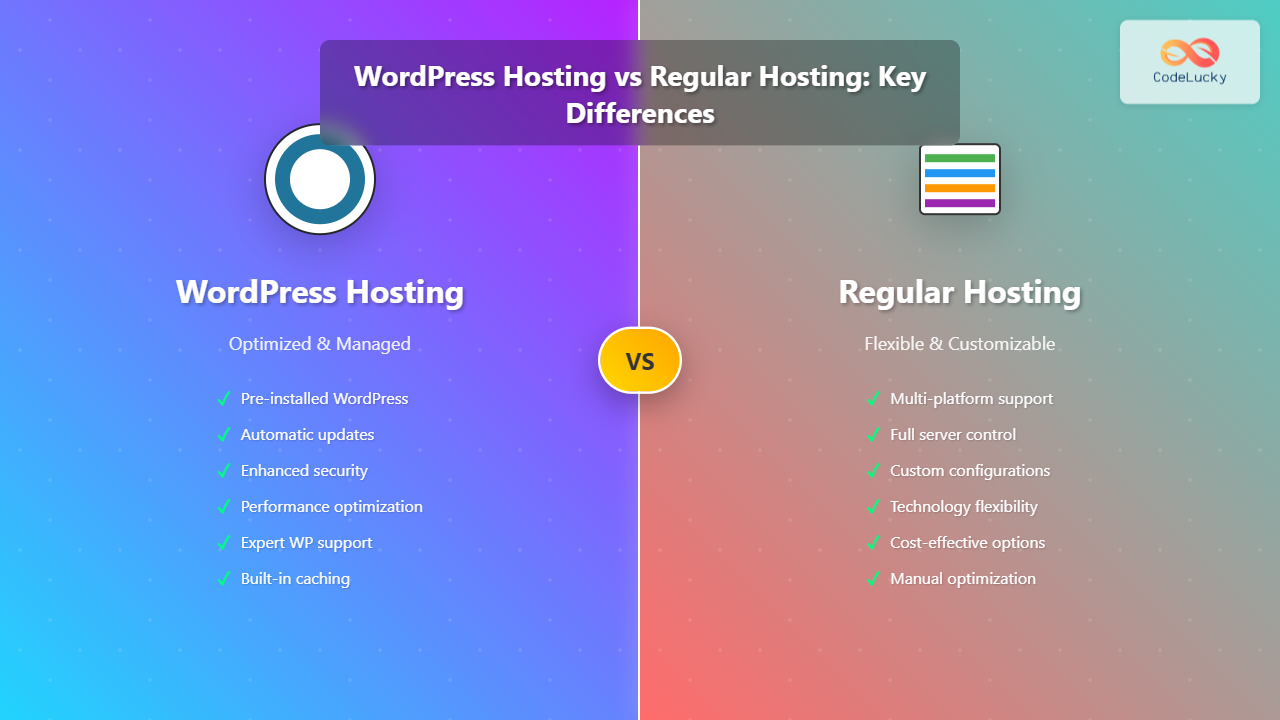
Choosing the right hosting solution is crucial for your website’s success. With numerous options available, the decision between WordPress hosting and regular hosting can significantly impact your site’s performance, security, and maintenance requirements. This comprehensive guide breaks down everything you need to know to make an informed decision.
Understanding Regular Hosting (Traditional Web Hosting)
Regular hosting, also known as traditional web hosting, provides a basic server environment where you can host any type of website or web application. These hosting solutions offer raw server resources without optimization for specific platforms.
Types of Regular Hosting
- Shared Hosting: Multiple websites share server resources
- VPS Hosting: Virtual private servers with dedicated resources
- Dedicated Hosting: Entire physical servers for single users
- Cloud Hosting: Distributed resources across multiple servers

Key Features of Regular Hosting
| Feature | Description | Benefit |
|---|---|---|
| Platform Flexibility | Support for multiple CMSs and frameworks | Can host any type of website |
| Custom Configuration | Full control over server settings | Tailored environment setup |
| Technology Stack Freedom | Choice of programming languages and databases | No platform restrictions |
| Root Access (VPS/Dedicated) | Complete server administration rights | Maximum customization potential |
Understanding WordPress Hosting
WordPress hosting is specifically optimized for WordPress websites, offering pre-configured environments, enhanced security measures, and performance optimizations tailored to the WordPress platform.
Types of WordPress Hosting
- Shared WordPress Hosting: WordPress-optimized shared environment
- Managed WordPress Hosting: Fully managed WordPress-specific services
- WordPress VPS: Virtual private servers with WordPress optimization
- Enterprise WordPress Hosting: High-performance solutions for large sites

Key Features of WordPress Hosting
| Feature | Description | Benefit |
|---|---|---|
| Pre-installed WordPress | WordPress comes ready to use | Quick setup and deployment |
| Automatic Updates | Core, theme, and plugin updates handled automatically | Enhanced security and maintenance |
| WordPress-specific Caching | Optimized caching mechanisms for WordPress | Improved loading speeds |
| Specialized Support | Support team trained in WordPress | Expert assistance for WordPress issues |
| Enhanced Security | WordPress-focused security measures | Protection against common WP vulnerabilities |
Detailed Comparison: WordPress Hosting vs Regular Hosting
Performance and Speed
WordPress Hosting typically offers superior performance for WordPress sites through:
- Server-level caching (Redis, Memcached)
- Content Delivery Network (CDN) integration
- PHP 8+ optimization
- Database query optimization
- Image compression and optimization
Regular Hosting performance depends on:
- Your technical expertise in optimization
- Manual caching setup and configuration
- Server resource allocation
- Custom performance tweaks

Security Considerations
WordPress Hosting Security Features:
- WordPress-specific malware scanning
- Automatic security patches
- DDoS protection
- SSL certificates included
- Firewall rules optimized for WordPress
- Brute force attack protection
- Daily security monitoring
Regular Hosting Security:
- Basic server security measures
- SSL certificates (may require separate purchase)
- Generic firewall protection
- Manual security configuration required
- Self-managed security updates
Ease of Use and Management
WordPress Hosting simplifies management through:
- One-click WordPress installation
- Automatic core updates
- Plugin and theme management tools
- Staging environments
- WordPress-specific backup solutions
- User-friendly control panels
Regular Hosting requires more technical involvement:
- Manual WordPress installation and setup
- Self-managed updates and maintenance
- Custom backup configurations
- Technical knowledge for optimization
- Generic control panels
Cost Analysis
| Hosting Type | Entry Level | Mid-Range | Premium | Hidden Costs |
|---|---|---|---|---|
| WordPress Hosting | $10-25/month | $25-50/month | $50-200/month | Minimal (most features included) |
| Regular Hosting | $5-15/month | $20-40/month | $50-150/month | SSL, CDN, backup services, security tools |
When to Choose WordPress Hosting
WordPress hosting is ideal when you:
- Run exclusively WordPress sites – No need for other platforms
- Prefer managed solutions – Want hosting provider to handle technical aspects
- Value performance optimization – Need fast loading times without manual tuning
- Require expert support – Benefit from WordPress-specialized assistance
- Want enhanced security – Need WordPress-specific protection
- Have limited technical knowledge – Prefer automated maintenance
- Run high-traffic websites – Need enterprise-grade WordPress performance
WordPress Hosting Use Cases
- Business websites and corporate blogs
- E-commerce sites using WooCommerce
- News and magazine websites
- Portfolio and creative websites
- Membership and community sites
- Educational and nonprofit organizations
When to Choose Regular Hosting
Regular hosting is better when you:
- Use multiple platforms – Host different types of websites and applications
- Need full control – Require custom server configurations
- Have technical expertise – Can handle server management and optimization
- Want cost flexibility – Prefer to pay only for services you use
- Run custom applications – Host non-WordPress web applications
- Require specific software – Need particular server software or configurations
- Manage multiple domains – Host various websites on different platforms
Regular Hosting Use Cases
- Web development agencies managing multiple client sites
- Custom web applications and SaaS platforms
- Mixed-platform environments (WordPress, Drupal, custom apps)
- Development and testing environments
- E-commerce platforms other than WooCommerce
- Enterprise applications requiring specific configurations
Migration Considerations

Migration Process
From Regular to WordPress Hosting:
- Backup your current WordPress site
- Choose a reputable WordPress hosting provider
- Use migration tools or services (often free with WordPress hosts)
- Update DNS settings
- Test the migrated site thoroughly
- Monitor performance improvements
From WordPress to Regular Hosting:
- Assess technical requirements and expertise
- Choose appropriate regular hosting plan
- Set up server environment manually
- Migrate files and databases
- Configure security and performance settings
- Implement backup and monitoring solutions
Making the Right Choice: Decision Framework
Use this framework to determine the best hosting solution for your needs:
| Factor | WordPress Hosting | Regular Hosting | Weight |
|---|---|---|---|
| WordPress-only sites | ✅ Excellent | ⚠️ Good | High |
| Multiple platforms | ❌ Limited | ✅ Excellent | High |
| Technical expertise | ⚠️ Not required | ✅ Required/Beneficial | Medium |
| Performance optimization | ✅ Built-in | ⚠️ Manual setup | High |
| Cost considerations | ⚠️ Higher initial cost | ✅ Lower base cost | Medium |
| Support quality | ✅ Specialized | ⚠️ Generic | Medium |
| Security management | ✅ Automated | ⚠️ Self-managed | High |
Expert Recommendations
For Beginners and Small Businesses
Choose WordPress Hosting if:
- You’re new to website management
- You run a single WordPress site
- You value convenience over cost savings
- You need reliable performance without technical setup
For Developers and Agencies
Choose Regular Hosting if:
- You manage multiple client sites on different platforms
- You need custom server configurations
- You have the technical expertise for optimization
- You want maximum flexibility and control
For Growing Businesses
Consider Managed WordPress Hosting for:
- High-traffic WordPress sites
- E-commerce businesses using WooCommerce
- Sites requiring maximum uptime and performance
- Businesses without dedicated IT staff
Future-Proofing Your Choice
Consider these factors when planning for future growth:
- Scalability needs – How will your hosting requirements change?
- Traffic projections – Plan for expected growth patterns
- Feature requirements – Consider future functionality needs
- Budget evolution – Factor in changing cost considerations
- Technical capability growth – Your team’s evolving expertise
Conclusion
The choice between WordPress hosting and regular hosting ultimately depends on your specific needs, technical expertise, and long-term goals. WordPress hosting excels in providing optimized, managed solutions for WordPress-focused websites, offering superior performance, security, and ease of use. Regular hosting provides flexibility and control for diverse hosting needs, making it ideal for developers, agencies, and users requiring custom configurations.
For most WordPress site owners, especially beginners and small businesses, managed WordPress hosting offers the best balance of performance, security, and convenience. However, experienced developers and users with diverse hosting needs may find regular hosting more cost-effective and flexible.
Consider your current needs, technical capabilities, and future growth plans when making your decision. Remember that hosting migration is always possible as your requirements evolve, so don’t let the fear of making the “wrong” choice prevent you from starting with the option that best fits your current situation.





