
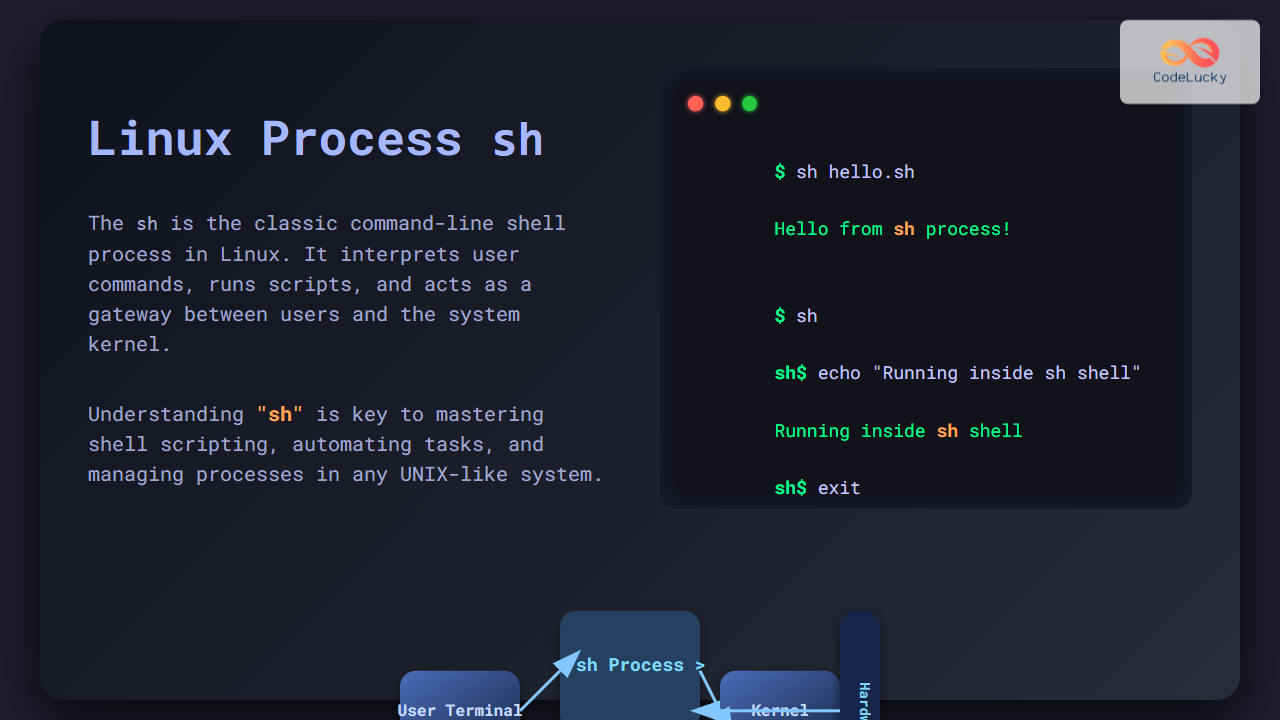
In Linux and UNIX-like operating systems, the process named sh plays a crucial role as the traditional command interpreter or shell. This article dives deep into what the sh process is, how it operates within the system, its historical significance, and practical usage along with clear examples. Whether you’re a beginner or an expert programmer, this detailed guide will enhance your understanding of sh – making it easier to troubleshoot, automate tasks, or write shell scripts efficiently.
What is the process named sh in Linux?
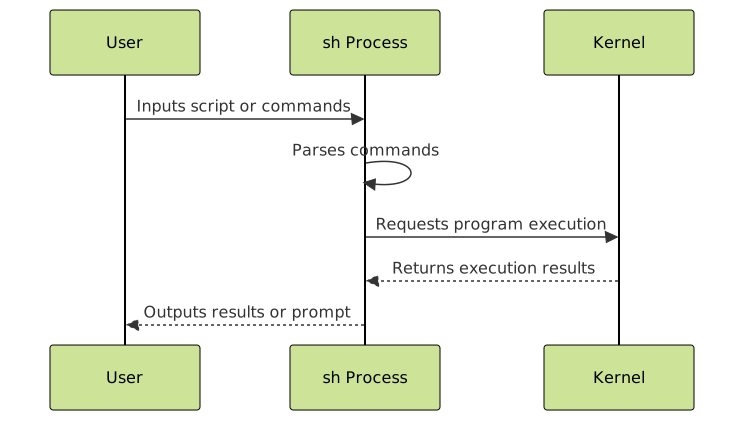
The process sh refers to the shell process, specifically the Bourne shell or its compatible implementations running on a Linux or Unix-like system. The shell is the command-line interpreter that processes commands entered by the user or commands run inside scripts. It acts as a bridge between the user and the kernel by accepting text input, executing programs, and returning output.
Traditionally, sh is the name of the original Bourne shell created by Stephen Bourne. Modern Linux systems often link sh to other shells like bash (Bourne Again Shell) or dash (Debian Almquist shell), depending on the system’s configuration.
How the sh process works
When a Linux system boots or when a user opens a terminal or shell script, an instance of the sh process launches. This interactive or non-interactive shell waits for commands to execute. It interprets each command line by parsing syntax, executing commands, and controlling input/output. The lifecycle of the sh process includes reading commands, expanding variables, and managing processes.

Common roles and usage of sh
- Interactive shell: When you open a terminal and see a prompt like
$, often an instance ofshor a compatible shell is running, accepting commands. - Shell scripts execution: Scripts with the shebang line
#!/bin/shspecifically request the system to run the script using theshinterpreter process. - System startup and cron jobs: System initialization scripts and scheduled tasks often run under the
shshell.
Example: Running a simple shell script using sh
Create a file named hello.sh with the following content:
#!/bin/sh
echo "Hello from sh process!"
To run this script using the sh process explicitly:
$ sh hello.sh
Hello from sh process!
This invocation does not require execute permissions on the script file; it simply runs the commands inside sh.
Example: Using sh to execute commands interactively
Start an interactive sh session by typing:
$ sh
sh$ echo "Interactive sh shell"
Interactive sh shell
sh$ exit
Common sh command behaviors and features
- Variable assignment and usage:
sh$ name="CodeLucky", thenecho $nameoutputsCodeLucky. - Control flow: Use
if,for,whileconstructs for scripting logic. - Command substitution: Use
$(command)or backticks\`command\`to embed command output. - Input/output redirection: Redirect output with
>, append with>>, and take input from files with<.
Mermaid diagram: Typical shell script execution flow
Why does the sh process matter?
The sh process embodies the traditional Unix philosophy of simplicity and versatility. By understanding sh, programmers can:
- Write portable shell scripts that run on most Unix/Linux systems.
- Automate routine tasks efficiently.
- Debug system-level issues related to scripts or environment.
- Understand system startup and cron job behavior more clearly.
Interactivity with sh: Practical example with output
Example: List directories and examine environment variables step-by-step.
$ sh
sh$ ls -l /tmp
total 0
sh$ echo $HOME
/home/username
sh$ exit
Mermaid diagram: Relationship between sh, other shells, and system
Summary
The sh process is the foundational Linux command interpreter with a legacy stretching back to early Unix systems. It serves as a shell for executing commands and scripts. Mastery over sh enriches both system administration and programming skills. Thanks to its enduring presence, understanding sh unlocks the door to shell scripting, system automation, and insightful command line proficiency.
By incorporating examples and diagrams, this guide provided a comprehensive look at sh—helping both beginners and seasoned developers leverage its power confidently.





