Every time you check the weather on your phone, log in with your Google account, or watch a price update on a stock app, something invisible is doing the heavy lifting behind the scenes. That something is an API. You have used dozens of them today without writing a single line of code or even knowing they existed.
So what is an API, really, and why does almost every modern app depend on them? In this guide you will learn exactly how APIs work, see real-world examples you already rely on, and even call a live one with a few lines of code. By the end you will understand the concept well enough to start building with APIs yourself.
What Is an API? A Simple Definition
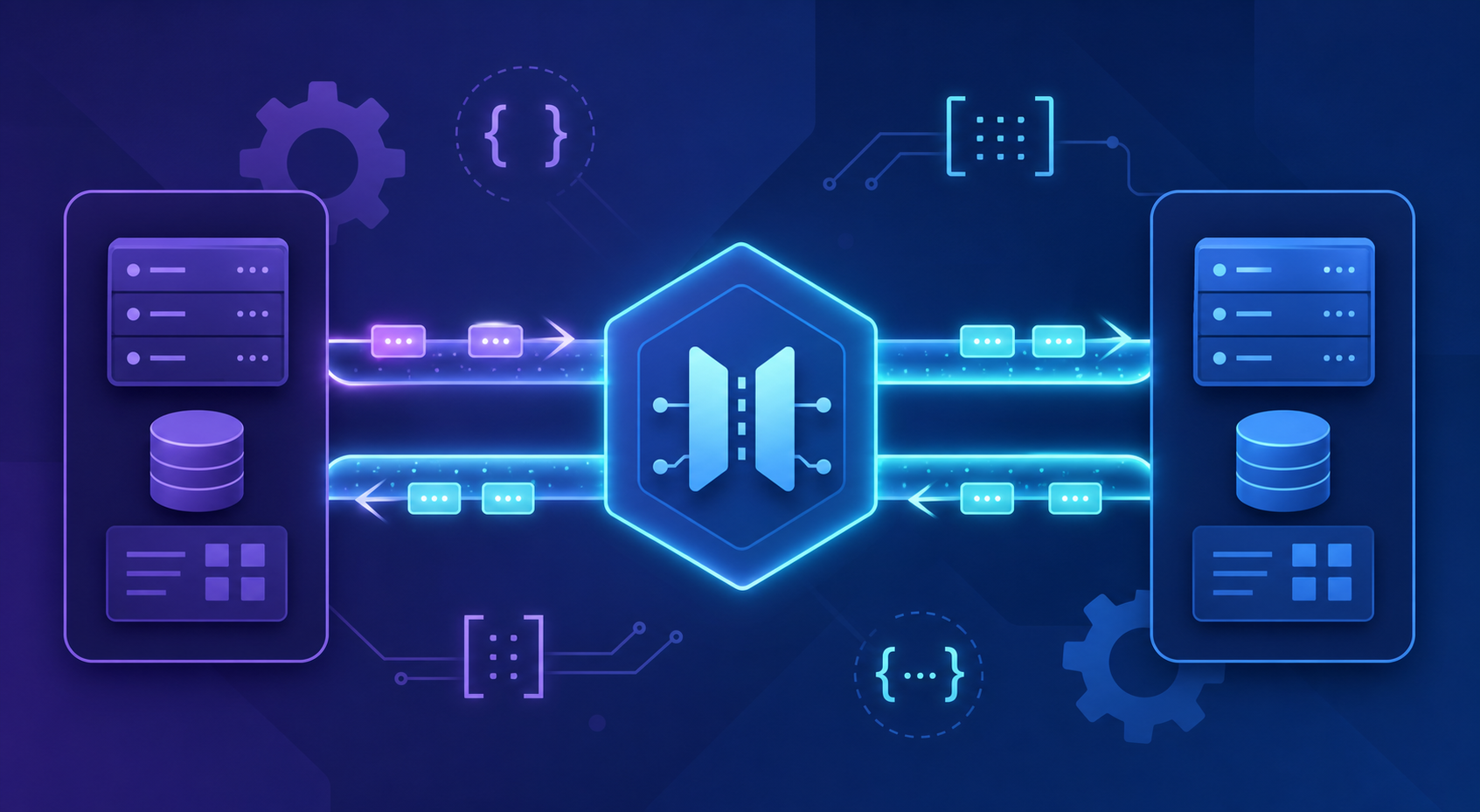
An API (Application Programming Interface) is a set of rules that lets two software programs talk to each other. It defines how one program can request data or services from another, and what format the answer will come back in. Think of it as a contract: follow the rules, and you get a predictable response.
The keyword here is interface. You do not need to know how the other program works internally. You only need to know how to ask. This separation is what makes APIs so powerful, and it is the reason the entire web is held together by them.
An API is to software what a power socket is to electronics. You do not rewire your house to charge a phone; you plug into a standard interface and it just works.
The Restaurant Analogy: How an API Works
Imagine you are sitting in a restaurant. You (the customer) want food, and the kitchen (the system) can make it. But you do not walk into the kitchen and cook. Instead, a waiter takes your order, delivers it to the kitchen, and brings back your meal.
In this analogy, the waiter is the API. You send a structured request (your order from the menu), the waiter carries it to the system that does the work, and then returns a response (your food). You never see the kitchen, and you do not need to.
This pattern is called the request-response model, and it is at the heart of almost every API interaction:
- Request — the client asks for something, often with extra details (like a search term or a user ID).
- Processing — the server receives the request, validates it, and does the work.
- Response — the server sends back data, usually in a format called
JSON, plus a status code telling you whether it succeeded.
What Does an API Request Actually Look Like?
Most APIs you will meet today are web APIs that run over HTTP, the same protocol your browser uses to load pages. A web API request has a few key parts. Understanding them removes most of the mystery.
- Endpoint — the URL you send the request to, such as
https://api.example.com/users/42. - Method — the action you want:
GETto read data,POSTto create,PUTorPATCHto update,DELETEto remove. - Headers — extra metadata, like an authentication key or the format you expect.
- Body — the data you send (used mostly with
POSTandPUT).
When the server replies, it includes an HTTP status code. You will run into these constantly, so they are worth memorizing:
| Status Code | Meaning | What It Tells You |
|---|---|---|
200 OK |
Success | Your request worked and data is returned. |
201 Created |
Success | A new resource was created (common after POST). |
400 Bad Request |
Client error | Your request was malformed; check your data. |
401 Unauthorized |
Client error | You are missing or using an invalid API key. |
404 Not Found |
Client error | The resource you asked for does not exist. |
500 Internal Server Error |
Server error | Something broke on their end, not yours. |
A quick rule of thumb: codes in the 2xx range mean success, 4xx means you made a mistake, and 5xx means the server did. You can read the full list on the MDN HTTP status code reference.
Real-World Examples of APIs You Use Every Day
The best way to understand what an API does is to look at the ones already woven into your daily life. You interact with these constantly, often several times per minute.
- Weather apps — your phone calls a weather API to fetch the forecast for your location instead of running its own weather stations.
- “Log in with Google” — instead of building a password system, an app uses Google’s authentication API to verify who you are.
- Online payments — checkout pages call payment APIs like Stripe or PayPal so they never have to store your card number directly.
- Maps and ride-hailing — apps embed mapping APIs to show routes, calculate distance, and place pins on a map.
- Travel sites — a flight comparison site queries dozens of airline APIs at once to show you prices in a single list.
Notice the common thread: in every case, one application is reusing the capabilities of another instead of rebuilding them from scratch. That reuse is the entire economic argument for APIs.
A Hands-On Example: Calling a Real API
Theory only goes so far. Let’s call a live, free, public API that needs no sign-up. We will use the JSONPlaceholder service, a fake REST API built for testing and learning.
Here is how you fetch a single user in JavaScript using the built-in fetch function, which runs in modern browsers and in Node.js:
// Ask the API for the user with ID 1
fetch("https://jsonplaceholder.typicode.com/users/1")
  .then((response) => {
    // Throw an error if the status code is not in the 2xx range
    if (!response.ok) {
      throw new Error(`Request failed: ${response.status}`);
    }
    return response.json(); // Parse the JSON body into an object
  })
  .then((user) => {
    // Use the data the API sent back
    console.log(user.name);  // "Leanne Graham"
    console.log(user.email); // "[email protected]"
  })
  .catch((error) => {
    console.error("Something went wrong:", error.message);
  });
This code sends a GET request to the user endpoint, checks whether the response was successful, converts the JSON text into a usable JavaScript object, and then reads two fields from it. The .catch() block handles network failures or bad status codes gracefully so your app does not crash.
The same idea in Python looks remarkably similar. Here we use the popular requests library:
import requests

# Send a GET request to the API endpoint
response = requests.get("https://jsonplaceholder.typicode.com/users/1")

# Check the status code before trusting the data
if response.status_code == 200:
    user = response.json()  # Convert the JSON response into a dictionary
    print(user["name"])     # Leanne Graham
    print(user["email"])    # [email protected]
else:
    print(f"Request failed with status {response.status_code}")
Both snippets do the same three things: send a request, confirm it succeeded, and read the returned data. Once you see this pattern, you will recognize it in nearly every API you ever use, regardless of language.
The data that comes back is usually JSON, a lightweight, human-readable format. The response above looks roughly like this:
{
  "id": 1,
  "name": "Leanne Graham",
  "username": "Bret",
  "email": "[email protected]",
  "address": {
    "city": "Gwenborough",
    "zipcode": "92998-3874"
  }
}
Because JSON maps cleanly onto objects and dictionaries in most programming languages, parsing it is trivial. That convenience is a big reason JSON became the default language of APIs.
Common Types of APIs You Should Know
Not all APIs work the same way. As you go deeper into software development, you will run into a few major styles. Here is how the most common ones compare.
| API Style | Best For | Key Trait |
|---|---|---|
| REST | Most web and mobile apps | Uses standard HTTP methods and URLs; simple and widely supported. |
| GraphQL | Apps needing flexible, precise data | Lets the client ask for exactly the fields it wants in one request. |
| SOAP | Enterprise and legacy systems | Strict XML-based protocol with built-in standards for security. |
| WebSocket | Real-time apps (chat, live data) | Keeps a connection open for two-way streaming. |
For beginners, REST is the one to focus on first. It powers the majority of public APIs, follows intuitive conventions, and the skills transfer directly to almost everything else. You can read more about its principles in the MDN glossary entry on REST.
Why APIs Matter for Developers and Businesses
Understanding what an API is also means understanding why they have reshaped how software gets built. The benefits go well beyond convenience.
- Faster development — why build a mapping engine or payment processor when you can call one in an afternoon?
- Specialization — each team or company can focus on what it does best and expose the rest through an API.
- Scalability — services can grow and change internally without breaking the apps that depend on them, as long as the interface stays stable.
- New business models — entire companies exist purely to sell access to their APIs, from SMS delivery to AI models.
- Security — APIs let you share specific capabilities without exposing your database or internal systems directly.
This is why APIs are often described as the connective tissue of the internet. They turn isolated programs into a network of reusable building blocks, and that compounding effect is what makes modern software possible.
Common Pitfalls to Avoid When Working with APIs
Once you start calling APIs in real projects, a handful of mistakes trip up nearly every beginner. Knowing them in advance will save you hours of frustration.
- Ignoring error handling — never assume a request will succeed. Networks fail and servers go down. Always check the status code and handle failures.
- Hardcoding API keys — never paste secret keys directly into your code or commit them to GitHub. Store them in environment variables instead.
- Ignoring rate limits — most APIs cap how many requests you can make per minute. Exceed it and you get blocked, often with a
429 Too Many Requestsresponse. - Not reading the documentation — every API is different. The docs tell you the endpoints, required parameters, and authentication method. Skipping them guarantees confusion.
- Trusting unvalidated data — always check that the response contains what you expect before using it, especially nested fields that might be missing.
Treat the API documentation as your single source of truth. A well-written doc page will answer ninety percent of the questions you are about to ask.
Frequently Asked Questions About APIs
What is an API in simple terms?
An API is a messenger that lets two pieces of software talk to each other using an agreed set of rules. You send a request in a specific format, and the other system sends back a response, without you ever needing to know how it works inside.
What is the difference between an API and a website?
A website returns HTML designed for humans to read in a browser. An API usually returns structured data like JSON designed for other programs to process. Both can live at a URL, but one is built for people and the other for machines.
Do I need to know how to code to use an API?
To build with an API, basic programming knowledge in a language like Python or JavaScript helps a lot. However, tools like Postman let you test and explore APIs through a graphical interface without writing any code, which is a great way to learn.
Are APIs free to use?
Many public APIs offer a free tier, and some are completely free. Others charge based on usage, especially commercial services like payment processors or AI providers. Always check the pricing and rate limits in the documentation before building on one.
What is a REST API?
A REST API is the most common style of web API. It uses standard HTTP methods such as GET and POST along with clear URL paths to read and modify data. Its simplicity and consistency are why it powers most of the web.
How do APIs keep data secure?
APIs typically require an API key or token to identify who is calling, use HTTPS to encrypt data in transit, and enforce permissions so each caller can only access what they are allowed to. This lets a service share capabilities without exposing everything.
Conclusion: Your First Step into the API World
You now know what an API is, how the request-response model works, and why these interfaces quietly run almost everything you do online. More importantly, you have seen real code that calls a live API and turns its response into usable data, which is the exact skill professional developers use every day.
The best next move is to practice. Pick a free public API, read its documentation, and try fetching some data with the patterns you saw here. Start with simple GET requests, add error handling, and then experiment with sending data. Once calling an API feels routine, an enormous toolbox of services becomes available to whatever you want to build.
APIs are not magic, and they are not just for experts. They are a learnable, practical skill, and you just took your first real step toward mastering them.