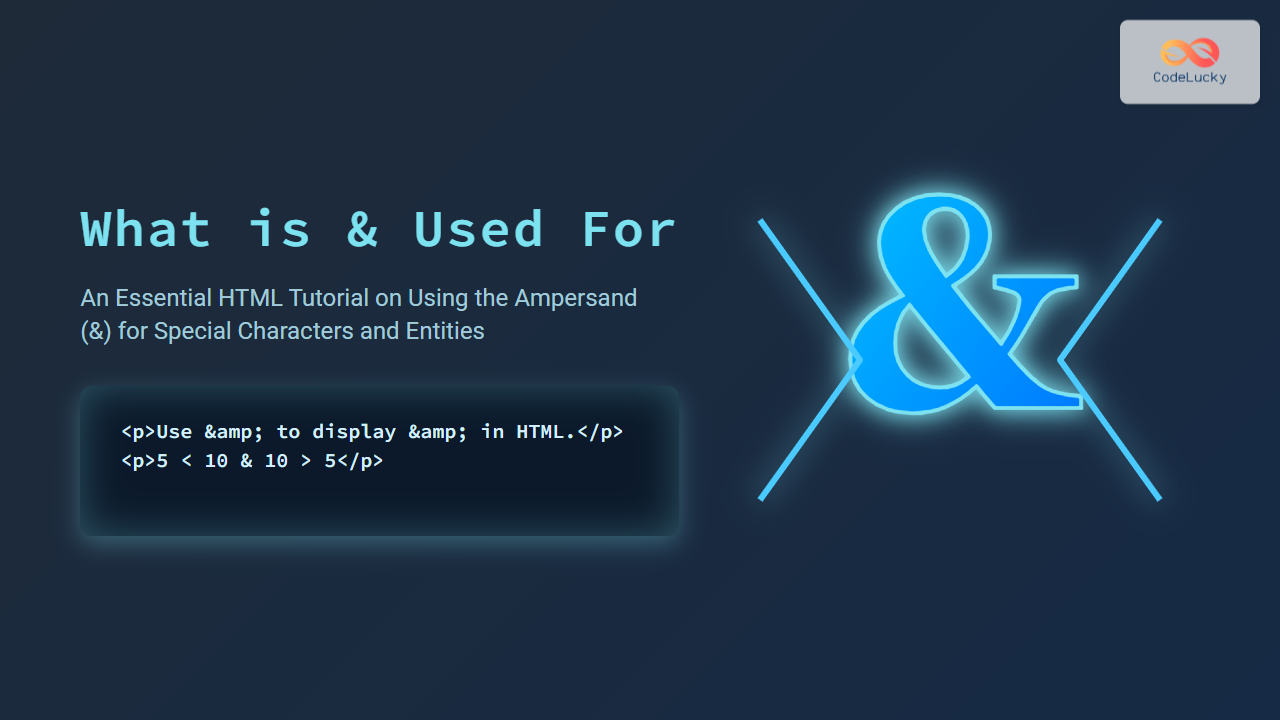
In HTML programming, the & symbol plays a crucial role as part of HTML entities. This article will explore what & is used for, why it’s important, and how it facilitates proper display of special characters in web pages. Beginners and experienced developers alike will find detailed explanations, code examples, and visual diagrams to strengthen their understanding of HTML character encoding.
Understanding the & Symbol in HTML
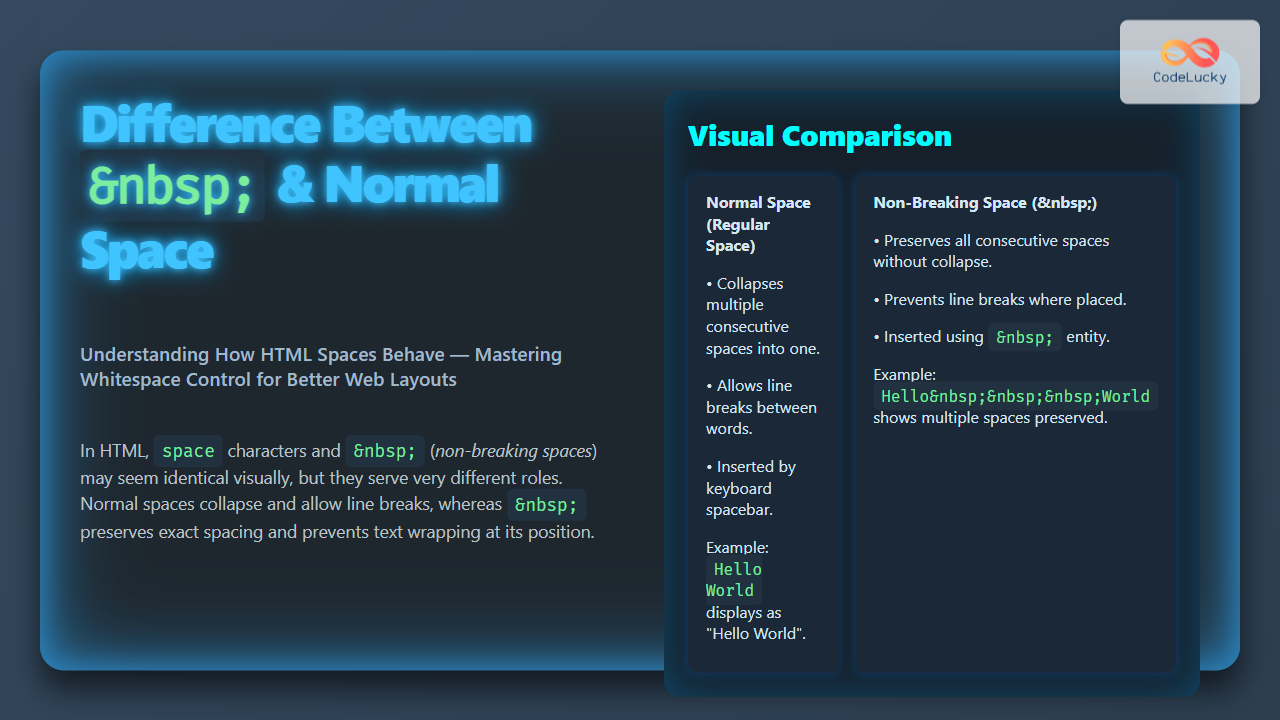
The symbol & is the start delimiter for HTML entities. HTML entities are special codes used to represent reserved characters or characters that cannot be easily typed in HTML directly, such as symbols, accented letters, or invisible characters. The ampersand itself is encoded as & to avoid confusion between actual characters and entity codes.
Why Use & in HTML?
- Reserved Characters: Characters like
<(<),>(>), and&(&) have special meanings in HTML syntax. To display these on a webpage, they must be encoded as HTML entities. - Prevent Parsing Errors: Using & ensures browsers correctly interpret text as characters rather than code.
- Support for Special Characters: Many languages have characters not directly supported by keyboards. Entities allow these to be included safely in HTML.
Examples of Common HTML Entities Using &
Each entity begins with & and ends with a semicolon ;. Here are some examples:
| Entity | Character | Description |
|---|---|---|
& |
& | Ampersand symbol |
< |
< | Less-than symbol |
> |
> | Greater-than symbol |
" |
“ | Double quotation mark |
' |
‘ | Apostrophe (single quote) |
Using & in HTML Code Examples
Below are examples showing & used in HTML to display reserved characters correctly.
Example 1: Displaying < > and & Symbols
<p>Use & to display an ampersand (&) in HTML.</p>
<p>Mathematics: 5 < 10 & 10 > 5.</p>
Visual Output:
Use & to display an ampersand (&) in HTML.
Mathematics: 5 < 10 & 10 > 5.
Example 2: Displaying Quotes Using Entities
<p>He said, "Hello World!"</p>
Visual Output:
He said, “Hello World!”
How HTML Entity Encoding Works
HTML interprets anything starting with & and ending with a semicolon ; as a character entity reference. This tells the browser to replace the entity with the corresponding character.

When to Use & for Ampersands
If an ampersand appears in text content or URLs, it must be written as & to avoid HTML parsing errors. For example:
<a href="example.com?search=rock&roll">Link</a>
This ensures the URL parameter separator is correctly recognized.
Additional Tips for Using & in HTML
- Always end entities with a semicolon
;for browser compatibility. - Use a comprehensive list of entities for special characters, e.g. accented letters.
- Validate your HTML to avoid unescaped ampersands causing errors.
Summary
The & symbol is fundamental in HTML for encoding special characters and reserved symbols. Proper use of & ensures web pages display text correctly and avoid parsing errors. Mastering HTML entities is essential for robust web development.