
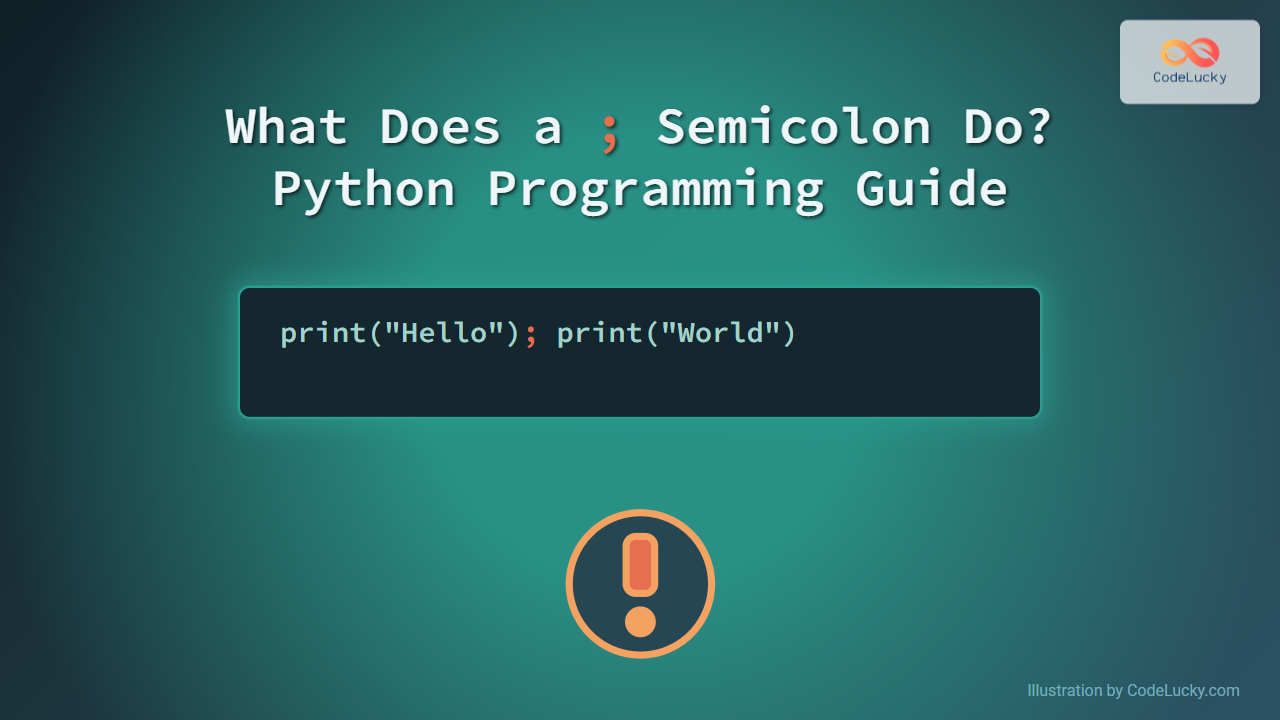
In Python programming, the semicolon (;) is a lesser-known but occasionally useful character. Unlike languages like C, Java, or JavaScript where semicolons denote the end of statements, Python uses line breaks primarily. This article dives deep into what a semicolon does in Python, accompanied by illustrative examples and clear visual aids to clarify its function and use cases.
Understanding the Semicolon in Python
Python’s syntax is designed to be clean and readable. Statements usually end at the line break, so you typically don’t need a semicolon to mark the end of a statement. However, semicolons can be used in Python — but mainly for separating multiple statements on a single line.
Key Point:
- A semicolon
;is used to place multiple statements on the same line, making code more compact but often less readable. - It does not act as a mandatory statement terminator as in some other languages.
Example: Multiple Statements on a Single Line
Placing more than one statement on a single line separated by semicolons:
print("Hello"); print("World")Output:
Hello
World
This is exactly equivalent to writing:
print("Hello")
print("World")
When Should You Use Semicolons in Python?
- Compact code snippets: To save vertical space or write condensed code, such as in interactive shells or quick scripts.
- One-liners for simple tasks: When it’s more convenient to keep related simple statements in one line.
- However, using semicolons can reduce readability and goes against Python’s style guide recommendations (PEP 8).
Example: Without and With Semicolons
# Without semicolon
x = 10
y = 20
print(x + y)

# With semicolon
x = 10; y = 20; print(x + y)
Both produce the same result:
30Visualizing Semicolon Use in Python Code Flow

Common Myths About Semicolons in Python
- Myth: Semicolons are required to end statements.
Reality: Python uses newline characters to end statements. - Myth: Semicolons improve performance.
Reality: Semicolons have no effect on the speed or performance of Python code.
When Not to Use Semicolons
The Python community prefers code clarity and readability as emphasized by PEP 8 – Python’s style guide. Overusing semicolons to cramp code on fewer lines can make code harder to maintain and understand, which is discouraged in production-level projects.
Interactive Code Example
Try this Python snippet that demonstrates semicolon usage:
def demo():
    x = 5; y = 10; z = x + y
    print("Sum:", z)

demo()
Expected output:
Sum: 15Distinct Cases Where Semicolons Are Not Allowed
- Semicolons cannot be used inside triple-quoted strings or comments.
- Semicolon usage does not influence Python’s block structure—indentation rules still apply.
Summary Diagram: Semicolon Role in Python Statements

Conclusion
In summary, a semicolon in Python is optional and used primarily for separating multiple statements on a single line. It does not terminate statements but can compact code at the cost of readability. For clear, maintainable Python code, it’s best to rely on newlines to end statements and use semicolons sparingly if at all.
Explore Python with clarity: use semicolons when necessary but embrace Python’s philosophy of readable and simple code!





