
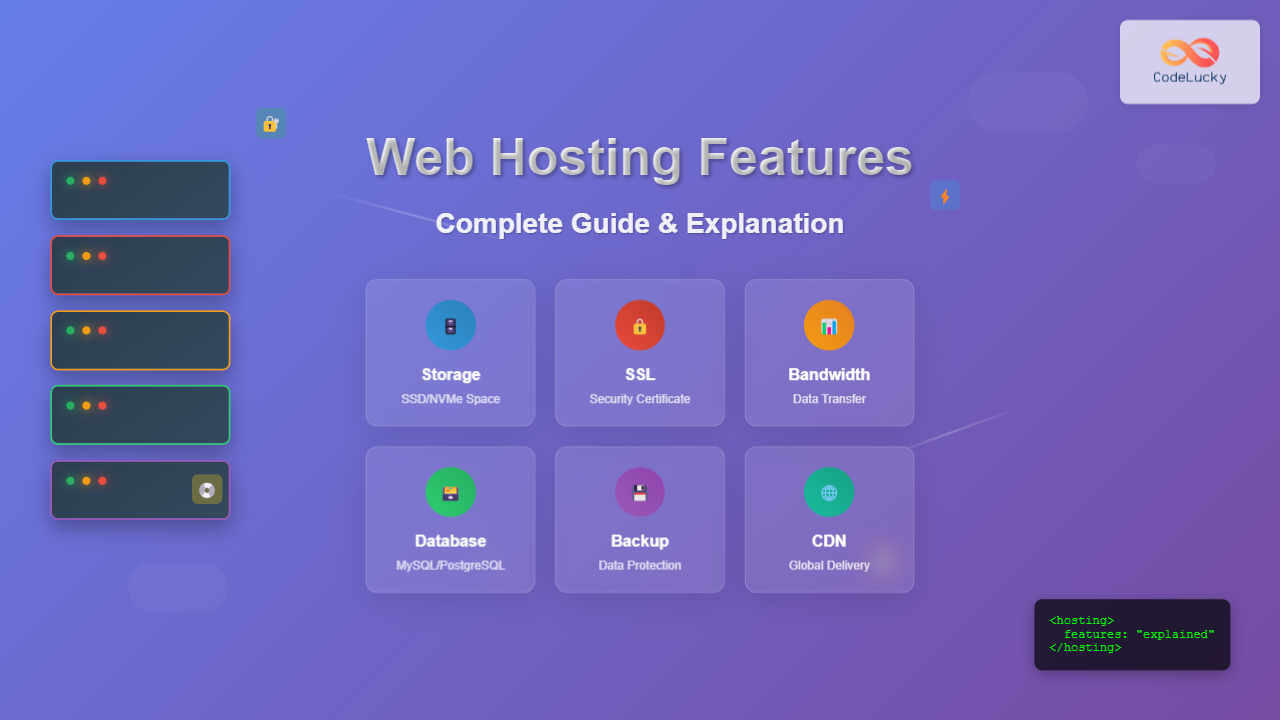
Choosing the right web hosting service can feel overwhelming with the numerous features and technical specifications offered by hosting providers. Understanding what each feature does and how it impacts your website is crucial for making an informed decision. This comprehensive guide breaks down every essential web hosting feature, explaining their purpose, benefits, and real-world applications.
Storage and Disk Space
Disk space refers to the amount of storage allocated for your website files, databases, emails, and other data on the hosting server. Think of it as the digital equivalent of a hard drive for your website.
Types of Storage
- HDD (Hard Disk Drive): Traditional spinning disk storage, slower but more affordable
- SSD (Solid State Drive): Faster, more reliable storage with no moving parts
- NVMe SSD: Ultra-fast storage using PCIe connections, offering the best performance

Storage requirements vary by website type:
- Basic blog: 1-5 GB
- Business website: 5-20 GB
- E-commerce site: 20-100 GB
- Media-heavy site: 100+ GB
Bandwidth and Data Transfer
Bandwidth determines how much data can be transferred between your website and visitors within a specific time period, typically measured monthly. Higher bandwidth allows more visitors to access your site simultaneously without performance issues.
Bandwidth vs. Data Transfer
While often used interchangeably, these terms have distinct meanings:
- Bandwidth: The maximum rate of data transfer (like highway width)
- Data Transfer: The actual amount of data transferred (like cars on the highway)
Calculating Bandwidth Needs
Formula: Average Page Size × Monthly Visitors × Average Pages per Visit × Redundancy Factor
Example: A website with 2MB average page size, 10,000 monthly visitors, 3 pages per visit needs: 2MB × 10,000 × 3 × 1.5 = 90GB monthly bandwidth.
SSL Certificates
SSL (Secure Sockets Layer) certificates encrypt data transmitted between your website and visitors, ensuring secure communication. Modern browsers mark non-SSL sites as “not secure,” making SSL certificates essential for credibility and SEO rankings.

Types of SSL Certificates
- Domain Validated (DV): Basic encryption, quick issuance
- Organization Validated (OV): Enhanced validation with company verification
- Extended Validation (EV): Highest security level with green address bar
- Wildcard SSL: Secures main domain and all subdomains
Control Panel
A control panel provides a user-friendly interface for managing your hosting account without technical command-line knowledge. It centralizes website, email, database, and domain management tasks.
Popular Control Panels
- cPanel: Most popular, feature-rich interface with extensive third-party integration
- Plesk: Modern interface supporting both Linux and Windows servers
- DirectAdmin: Lightweight, fast alternative to cPanel
- Custom panels: Proprietary interfaces developed by hosting providers
Essential Control Panel Features
- File manager for uploading and organizing website files
- Database management tools
- Email account creation and management
- Domain and subdomain management
- Security settings and SSL installation
- Backup and restore functionality
- Statistics and analytics
Database Support
Databases store dynamic website content, user information, and application data. Modern websites rely heavily on databases for content management systems, e-commerce functionality, and user interactions.
Common Database Types
- MySQL: Most popular open-source relational database
- PostgreSQL: Advanced open-source database with complex query support
- Microsoft SQL Server: Enterprise-grade database for Windows environments
- MongoDB: NoSQL database for flexible, document-based storage

Email Hosting
Email hosting allows you to create professional email addresses using your domain name (e.g., [email protected]). This feature enhances brand credibility and provides better control over email communications.
Email Features to Consider
- Email accounts: Number of allowed email addresses
- Storage per account: Space allocated for each mailbox
- Webmail access: Browser-based email management
- POP3/IMAP support: Email client compatibility
- Spam filtering: Automatic junk mail detection and blocking
- Email forwarding: Redirect emails to other addresses
- Autoresponders: Automatic reply messages
Backup Solutions
Backup features protect your website data by creating copies stored separately from your main hosting server. Regular backups are essential for disaster recovery and protecting against data loss.
Backup Types
- Automatic backups: Scheduled backups without manual intervention
- Manual backups: On-demand backup creation
- Full backups: Complete website and database copies
- Incremental backups: Only changed files since last backup
Backup Frequency Options
- Daily backups for frequently updated sites
- Weekly backups for moderate content changes
- Monthly backups for static websites
- Real-time backups for critical applications
Content Delivery Network (CDN)
A CDN distributes your website content across multiple global servers, reducing loading times for visitors regardless of their geographic location. CDNs cache static content like images, CSS, and JavaScript files.

CDN Benefits
- Faster loading times: Content served from nearest server location
- Reduced server load: Static content cached across multiple servers
- Improved reliability: Backup servers if primary server fails
- Better SEO rankings: Page speed is a Google ranking factor
- Enhanced security: DDoS protection and traffic filtering
Security Features
Website security features protect your site from malicious attacks, malware, and unauthorized access. Security should be a top priority when selecting hosting services.
Essential Security Features
- Firewalls: Filter malicious traffic before reaching your server
- Malware scanning: Regular automated security scans
- DDoS protection: Defense against distributed denial-of-service attacks
- Two-factor authentication: Additional security layer for account access
- Security monitoring: 24/7 threat detection and response
- Regular security updates: Automated software and system patches
Uptime and Reliability
Uptime represents the percentage of time your website remains accessible to visitors. Industry-standard uptime guarantees typically range from 99% to 99.99%, with higher percentages indicating more reliable service.
Uptime Percentage Breakdown
- 99% uptime: 7.2 hours downtime per month
- 99.9% uptime: 43 minutes downtime per month
- 99.99% uptime: 4.3 minutes downtime per month
- 99.999% uptime: 26 seconds downtime per month
Factors Affecting Uptime
- Server hardware quality and redundancy
- Network infrastructure and multiple internet connections
- Data center facilities and power backup systems
- Monitoring systems and rapid response protocols
- Regular maintenance and proactive system updates
Scalability Options
Scalability refers to your hosting plan’s ability to accommodate growth in traffic, storage, and resource requirements. Good hosting providers offer seamless upgrade paths as your website expands.
Scaling Methods
- Vertical scaling: Upgrading server resources (CPU, RAM, storage)
- Horizontal scaling: Adding more servers to distribute load
- Auto-scaling: Automatic resource adjustment based on demand
- Load balancing: Distributing traffic across multiple servers

Customer Support
Customer support quality can make or break your hosting experience. Technical issues require prompt resolution to minimize website downtime and business impact.
Support Channel Options
- 24/7 live chat: Immediate assistance for urgent issues
- Phone support: Direct communication for complex problems
- Email tickets: Detailed issue documentation and tracking
- Knowledge base: Self-service articles and tutorials
- Video tutorials: Step-by-step visual guides
- Community forums: User-generated solutions and discussions
Support Quality Indicators
- Average response time for different support channels
- Technical expertise level of support staff
- Availability of specialized support for specific technologies
- Proactive monitoring and issue notification
- Support in multiple languages and time zones
Programming Language Support
Programming language support determines which technologies you can use to build and run your website or applications. Different hosting environments support various programming languages and frameworks.
Common Programming Languages
- PHP: Most popular web programming language, powers WordPress and many CMSs
- Python: Versatile language for web development and data applications
- Node.js: JavaScript runtime for server-side applications
- Ruby: Object-oriented language popular for rapid development
- ASP.NET: Microsoft framework for Windows-based applications
- Java: Enterprise-grade language for large-scale applications
Framework and CMS Support
- Content Management Systems (WordPress, Drupal, Joomla)
- E-commerce platforms (Magento, WooCommerce, Shopify)
- Web frameworks (Laravel, Django, Express.js, Ruby on Rails)
- Development tools and package managers
Server Performance Metrics
Server performance directly impacts your website’s speed, user experience, and search engine rankings. Understanding key performance metrics helps evaluate hosting quality.
Key Performance Indicators
- CPU cores and speed: Processing power for handling requests
- RAM allocation: Memory available for applications and caching
- I/O performance: Data read/write speeds, especially important for databases
- Network connectivity: Bandwidth and connection quality to internet backbone
- Server response time: Time to generate and deliver web pages
Performance Optimization Features
- Caching mechanisms: Store frequently accessed data in memory
- Content compression: Reduce file sizes for faster delivery
- Image optimization: Automatic image compression and format conversion
- Database optimization: Query caching and index optimization
- Resource monitoring: Real-time performance tracking and alerts
Domain Management
Domain management features allow you to control domain settings, create subdomains, and manage DNS records directly from your hosting control panel.
Domain Features
- Domain registration: Register new domains through hosting provider
- Domain transfer: Move existing domains to new hosting account
- Subdomain creation: Create unlimited subdomains (blog.yourdomain.com)
- DNS management: Control domain name system records
- Domain forwarding: Redirect domains to other websites
- WHOIS privacy: Protect personal information in domain registration
DNS Record Types
- A Record: Points domain to IP address
- CNAME Record: Creates domain aliases
- MX Record: Specifies email server settings
- TXT Record: Stores text information for verification
- SPF Record: Prevents email spoofing
Conclusion
Understanding web hosting features empowers you to make informed decisions that align with your website’s specific needs and growth plans. Prioritize features based on your website type, expected traffic, and technical requirements. Remember that the most expensive hosting plan isn’t always the best choice—focus on features that provide real value for your particular use case.
When evaluating hosting providers, consider how features work together to create a comprehensive hosting environment. Security features complement performance optimizations, while scalability options ensure your hosting can grow with your success. Take time to test customer support responsiveness and thoroughly review service level agreements before making your final decision.
The web hosting landscape continues evolving with new technologies and improved features. Stay informed about hosting trends and regularly reassess your hosting needs to ensure optimal website performance and user experience.





