
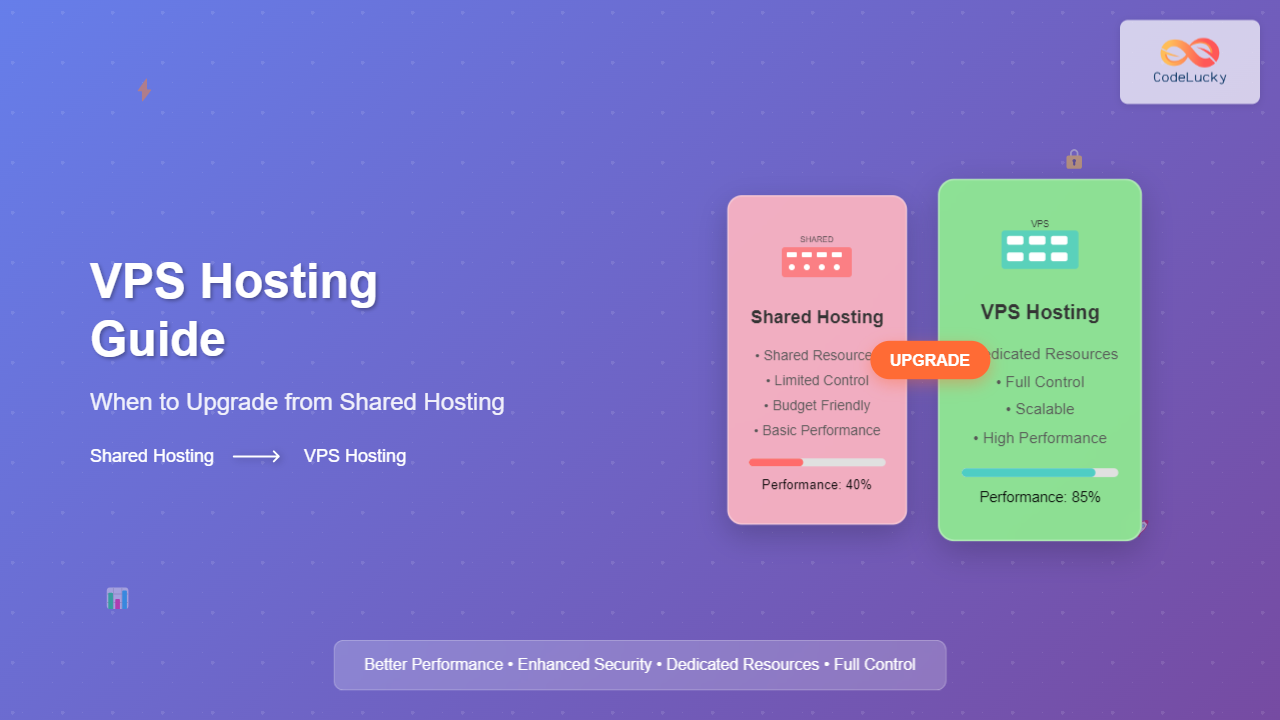
Virtual Private Server (VPS) hosting represents a significant step up from shared hosting, offering dedicated resources and enhanced control over your web hosting environment. As your website grows, understanding when and how to make this transition becomes crucial for maintaining optimal performance and user experience.
What is VPS Hosting?
VPS hosting creates isolated virtual environments on a physical server, where each virtual server operates independently with its own allocated resources. Unlike shared hosting where hundreds of websites compete for the same resources, VPS hosting guarantees specific amounts of CPU, RAM, and storage exclusively for your use.

Shared Hosting vs VPS Hosting: Key Differences
| Feature | Shared Hosting | VPS Hosting |
|---|---|---|
| Resource Allocation | Shared among all users | Dedicated allocation per VPS |
| Performance | Variable, affected by neighbors | Consistent, isolated performance |
| Root Access | No administrative access | Full root/administrator access |
| Customization | Limited to hosting provider’s setup | Install custom software and configurations |
| Security | Shared security vulnerabilities | Isolated security environment |
| Scalability | Limited upgrade options | Easy resource scaling |
| Cost | $2-10/month | $10-100+/month |
Clear Signs It’s Time to Upgrade from Shared Hosting
1. Consistent Performance Issues
When your website regularly experiences slow loading times, especially during peak hours, it indicates resource limitations. Shared hosting performance degrades when neighboring sites consume excessive resources.
Performance indicators to monitor:
- Page load times exceeding 3 seconds consistently
- Server response times above 200ms
- Frequent timeout errors
- Database connection issues
2. Traffic Growth Beyond Shared Hosting Limits
Most shared hosting plans handle 10,000-25,000 monthly visitors comfortably. Beyond this threshold, you’ll notice performance degradation and potential resource limit violations.

3. Resource Limit Errors
Shared hosting providers implement strict resource limits. Common error messages indicating the need for VPS upgrade include:
508 Resource Limit Is ReachedCPU Limit ExceededMemory Limit ExceededEntry Process Limit Reached
4. Need for Custom Software or Configurations
When your application requires specific software installations, custom server configurations, or particular PHP versions not available on shared hosting, VPS becomes necessary.
5. Enhanced Security Requirements
E-commerce sites, membership platforms, or applications handling sensitive data benefit from VPS’s isolated security environment, reducing risks from neighboring sites’ vulnerabilities.
Types of VPS Hosting
Managed VPS Hosting
Managed VPS includes server maintenance, security updates, monitoring, and technical support. Ideal for users without extensive server administration experience.
Managed VPS Benefits:
- Automated backups and updates
- 24/7 server monitoring
- Security patch management
- Technical support for server issues
- Control panel interface (cPanel, Plesk)
Unmanaged VPS Hosting
Unmanaged VPS provides raw server access with minimal support. Users handle all server administration tasks independently.
Unmanaged VPS Requirements:
- Linux/Windows server administration knowledge
- Security hardening expertise
- Backup strategy implementation
- Software installation and maintenance
- Performance optimization skills

VPS Hosting Technologies
Virtualization Technologies
KVM (Kernel-based Virtual Machine)
Full virtualization providing complete isolation and dedicated kernel for each VPS. Offers better performance and security.
OpenVZ
Container-based virtualization sharing the host OS kernel. More resource-efficient but less isolated than KVM.
Xen
Hypervisor-based virtualization offering both paravirtualization and hardware-assisted virtualization modes.
Storage Types
| Storage Type | Speed | Cost | Best Use Case |
|---|---|---|---|
| HDD | Slowest | Lowest | File storage, backups |
| SSD | Fast | Medium | General websites, databases |
| NVMe SSD | Fastest | Highest | High-performance applications |
VPS Hosting Use Cases and Examples
E-commerce Websites
Online stores require consistent performance, security, and ability to handle traffic spikes during sales events. VPS provides the reliability needed for processing transactions and maintaining customer trust.
Example Configuration for Medium E-commerce Site:
- 4GB RAM
- 2 CPU cores
- 100GB SSD storage
- Managed VPS with SSL certificate
- Automated daily backups
WordPress Websites with High Traffic
WordPress sites with multiple plugins, themes, and high visitor counts benefit from VPS’s dedicated resources and caching capabilities.
Development and Staging Environments
Developers use VPS to create identical staging environments for testing applications before production deployment.
SaaS Applications
Software-as-a-Service platforms require reliable performance, custom software installations, and scalability that VPS hosting provides.
VPS Resource Planning and Sizing

RAM Requirements by Application Type
- Static websites: 1-2GB RAM
- WordPress blogs: 2-4GB RAM
- E-commerce stores: 4-8GB RAM
- Web applications: 8-16GB RAM
- Database-heavy sites: 16GB+ RAM
VPS Migration Process
Pre-Migration Checklist
- Backup everything: Files, databases, emails, configurations
- Document current setup: Software versions, configurations
- Choose migration method: Manual transfer or hosting provider migration service
- Plan downtime window: Minimize business impact
- Update DNS TTL: Reduce propagation time
Migration Steps
- Set up VPS environment: Install required software and configurations
- Transfer files: Use FTP, rsync, or hosting provider tools
- Migrate databases: Export from old host, import to VPS
- Test functionality: Verify website works correctly
- Update DNS records: Point domain to new VPS IP
- Monitor for issues: Check for broken links, email delivery
VPS Security Best Practices
Initial Server Hardening
- Change default SSH port: Reduce automated attack attempts
- Disable root login: Create sudo user for administrative tasks
- Configure firewall: Allow only necessary ports and services
- Install fail2ban: Block brute-force attack attempts
- Enable automatic updates: Keep system packages current
Ongoing Security Maintenance
- Regular security audits and vulnerability scans
- Monitor log files for suspicious activity
- Keep all software updated and patched
- Implement regular backup strategies
- Use strong passwords and SSH keys
VPS Performance Optimization
Server-Level Optimizations
Web Server Configuration:
- Configure Nginx or Apache for optimal performance
- Enable compression (Gzip/Brotli)
- Set appropriate cache headers
- Optimize worker processes and connections
Database Optimization:
- Configure MySQL/PostgreSQL memory settings
- Optimize database queries and indexes
- Implement query caching
- Regular database maintenance and cleanup
Application-Level Optimizations
- Caching implementation: Redis, Memcached, or application-specific caching
- Content Delivery Network: Serve static assets from CDN
- Image optimization: Compress and serve appropriate formats
- Code optimization: Minify CSS/JavaScript, optimize database queries
Cost Analysis and Budgeting
VPS Pricing Factors
| Resource | Impact on Price | Typical Range |
|---|---|---|
| RAM | High impact | $5-15 per GB/month |
| CPU Cores | Medium impact | $10-25 per core/month |
| Storage | Low-medium impact | $0.10-1 per GB/month |
| Bandwidth | Variable | Often included or $0.05-0.15/GB |
| Management | High impact | $20-100+ additional/month |
Total Cost of Ownership
Beyond base VPS costs, consider additional expenses:
- Control panel licenses: cPanel ($15-45/month), Plesk ($10-35/month)
- Security software: Malware scanning, firewalls ($5-20/month)
- Backup services: Automated backups ($5-15/month)
- Monitoring tools: Uptime monitoring, performance tracking ($5-25/month)
- Development tools: Staging environments, development licenses
Choosing the Right VPS Provider
Key Evaluation Criteria
Performance and Reliability:
- Uptime guarantees (99.9%+ SLA)
- Server hardware specifications
- Network connectivity and bandwidth
- Data center locations
Support and Management:
- 24/7 technical support availability
- Support response times and quality
- Management service options
- Knowledge base and documentation
Scalability and Flexibility:
- Easy resource upgrades/downgrades
- Multiple operating system options
- Add-on services availability
- API access for automation
Provider Comparison Checklist
- Compare resource allocation methods (guaranteed vs burstable)
- Review backup and disaster recovery options
- Evaluate security features and compliance certifications
- Check migration assistance availability
- Assess pricing transparency and contract terms
- Read customer reviews and testimonials
Common VPS Migration Challenges and Solutions
Technical Challenges
Software Compatibility Issues:
Different operating systems or software versions between shared hosting and VPS can cause compatibility problems. Solution: Test applications thoroughly in a staging environment before migration.
Email Configuration:
Email services often require reconfiguration on VPS. Solution: Document current email settings and configure mail servers or use external email services.
SSL Certificate Issues:
SSL certificates may need reinstallation or reconfiguration. Solution: Obtain new certificates or properly transfer existing ones during migration.
Performance Optimization Post-Migration
- Monitor resource usage patterns
- Implement appropriate caching strategies
- Optimize database configurations
- Fine-tune web server settings
- Set up monitoring and alerting systems
Future-Proofing Your VPS Investment
Scalability Planning
Choose VPS providers offering seamless scaling options to accommodate future growth without service disruption. Consider both vertical scaling (more resources to existing VPS) and horizontal scaling (additional VPS instances).
Technology Evolution
Stay informed about emerging technologies like containerization (Docker, Kubernetes) and cloud-native architectures that may influence future hosting decisions.
Monitoring and Optimization
Implement comprehensive monitoring to track performance metrics, resource utilization, and user experience. Regular optimization ensures your VPS continues meeting growing demands efficiently.
VPS hosting represents a crucial step in your website’s growth journey, providing the performance, control, and scalability needed to support expanding online businesses. By understanding the signs indicating upgrade necessity, properly sizing your VPS requirements, and following best practices for security and optimization, you’ll create a robust hosting foundation supporting long-term success.
The transition from shared hosting to VPS requires careful planning but offers significant benefits in performance, reliability, and growth potential. Whether you choose managed or unmanaged VPS hosting depends on your technical expertise and resource availability, but both options provide substantial improvements over shared hosting limitations.





