
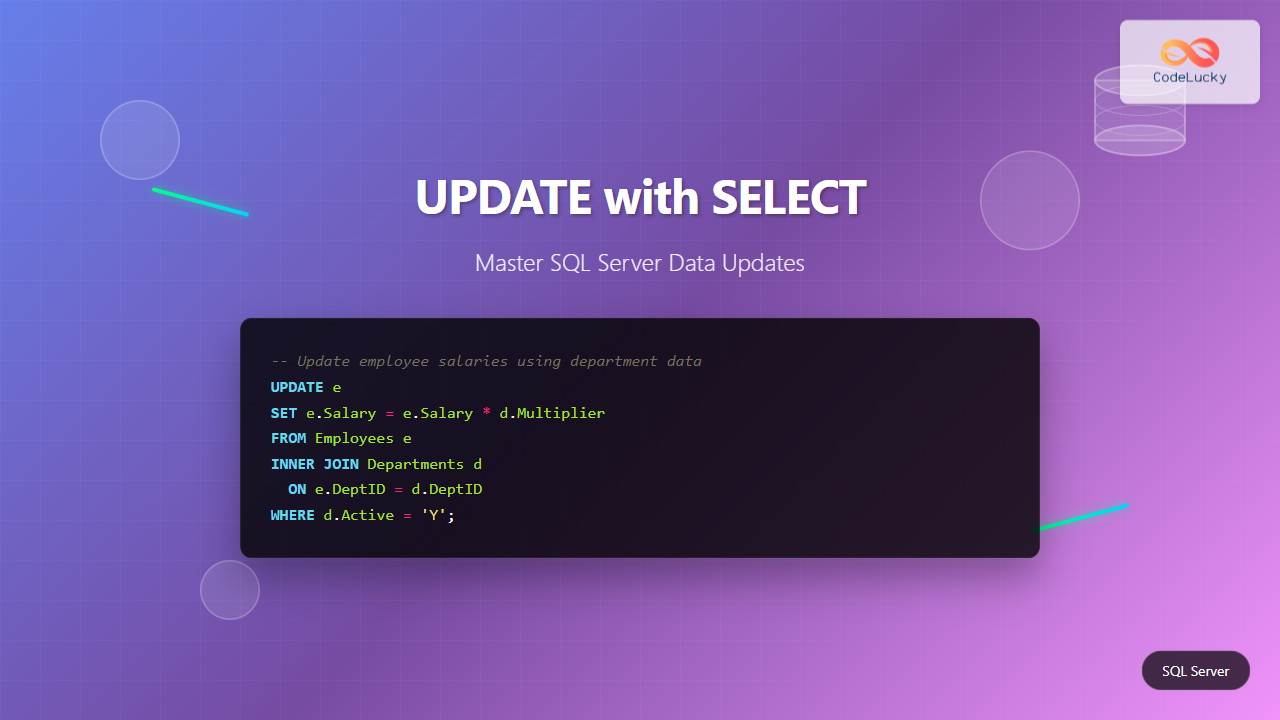
Updating data in SQL Server using SELECT statements is a powerful technique that allows you to modify table records based on data from other tables or complex queries. This comprehensive guide will walk you through various methods to update data using SELECT in SQL Server, providing practical examples and best practices.
Understanding UPDATE with SELECT
The UPDATE statement combined with SELECT allows you to modify existing records in a table based on data retrieved from the same table or different tables. This approach is particularly useful when you need to update records based on conditions or values from related tables.

Basic Syntax
There are several ways to use SELECT within an UPDATE statement. Here are the most common patterns:
Method 1: UPDATE with Subquery
UPDATE table_name
SET column_name = (
    SELECT value_expression
    FROM another_table
    WHERE condition
)
WHERE update_condition;
Method 2: UPDATE with JOIN
UPDATE t1
SET t1.column_name = t2.column_value
FROM table1 t1
INNER JOIN table2 t2 ON t1.id = t2.id
WHERE condition;
Practical Examples
Example 1: Simple UPDATE with Subquery
Let’s start with a basic example. Assume we have two tables: Employees and Departments.
-- Sample data setup
CREATE TABLE Employees (
    EmployeeID INT PRIMARY KEY,
    Name NVARCHAR(50),
    DepartmentID INT,
    Salary DECIMAL(10,2)
);

CREATE TABLE Departments (
    DepartmentID INT PRIMARY KEY,
    DepartmentName NVARCHAR(50),
    BudgetMultiplier DECIMAL(3,2)
);

-- Insert sample data
INSERT INTO Employees VALUES
(1, 'John Doe', 1, 50000),
(2, 'Jane Smith', 2, 60000),
(3, 'Mike Johnson', 1, 55000);

INSERT INTO Departments VALUES
(1, 'IT', 1.10),
(2, 'HR', 1.05);
Now, let’s update employee salaries based on their department’s budget multiplier:
UPDATE Employees
SET Salary = Salary * (
    SELECT BudgetMultiplier
    FROM Departments
    WHERE Departments.DepartmentID = Employees.DepartmentID
)
WHERE DepartmentID IN (1, 2);
Output:
| EmployeeID | Name | DepartmentID | Salary |
|---|---|---|---|
| 1 | John Doe | 1 | 55000.00 |
| 2 | Jane Smith | 2 | 63000.00 |
| 3 | Mike Johnson | 1 | 60500.00 |
Example 2: UPDATE with INNER JOIN
Using JOIN is often more readable and efficient for complex updates:
UPDATE e
SET e.Salary = e.Salary * d.BudgetMultiplier
FROM Employees e
INNER JOIN Departments d ON e.DepartmentID = d.DepartmentID
WHERE d.DepartmentName = 'IT';
Example 3: UPDATE with Multiple Tables
You can update data using information from multiple tables. Let’s add a Projects table:
CREATE TABLE Projects (
    ProjectID INT PRIMARY KEY,
    ProjectName NVARCHAR(50),
    DepartmentID INT,
    Bonus DECIMAL(10,2)
);

INSERT INTO Projects VALUES
(1, 'Website Redesign', 1, 5000),
(2, 'HR System', 2, 3000);

-- Update employee salaries with project bonuses
UPDATE e
SET e.Salary = e.Salary + p.Bonus
FROM Employees e
INNER JOIN Departments d ON e.DepartmentID = d.DepartmentID
INNER JOIN Projects p ON d.DepartmentID = p.DepartmentID
WHERE p.ProjectName LIKE '%System%';
Advanced Techniques
Using CTE (Common Table Expression)
CTEs can make complex UPDATE operations more readable:
WITH SalaryUpdates AS (
    SELECT
        e.EmployeeID,
        e.Salary + (e.Salary * d.BudgetMultiplier * 0.1) AS NewSalary
    FROM Employees e
    INNER JOIN Departments d ON e.DepartmentID = d.DepartmentID
    WHERE d.DepartmentName = 'IT'
)
UPDATE e
SET Salary = su.NewSalary
FROM Employees e
INNER JOIN SalaryUpdates su ON e.EmployeeID = su.EmployeeID;
Conditional Updates with CASE
You can use CASE statements for conditional logic in updates:
UPDATE e
SET e.Salary =
    CASE
        WHEN d.DepartmentName = 'IT' THEN e.Salary * 1.15
        WHEN d.DepartmentName = 'HR' THEN e.Salary * 1.08
        ELSE e.Salary
    END
FROM Employees e
INNER JOIN Departments d ON e.DepartmentID = d.DepartmentID;
UPDATE with SELECT and Window Functions
Window functions can be powerful when used with UPDATE statements:
-- Add a rank column to employees table
ALTER TABLE Employees ADD SalaryRank INT;

-- Update with ranking based on salary within department
WITH RankedEmployees AS (
    SELECT
        EmployeeID,
        ROW_NUMBER() OVER (PARTITION BY DepartmentID ORDER BY Salary DESC) as Rank
    FROM Employees
)
UPDATE e
SET SalaryRank = re.Rank
FROM Employees e
INNER JOIN RankedEmployees re ON e.EmployeeID = re.EmployeeID;
Best Practices and Performance Tips
1. Use Proper Indexing
Ensure that columns used in JOIN conditions and WHERE clauses are properly indexed:
-- Create indexes for better performance
CREATE INDEX IX_Employees_DepartmentID ON Employees(DepartmentID);
CREATE INDEX IX_Departments_DepartmentID ON Departments(DepartmentID);
2. Test with SELECT First
Always test your logic with a SELECT statement before running the UPDATE:
-- Test the update logic first
SELECT
    e.EmployeeID,
    e.Name,
    e.Salary as CurrentSalary,
    e.Salary * d.BudgetMultiplier as NewSalary
FROM Employees e
INNER JOIN Departments d ON e.DepartmentID = d.DepartmentID;
3. Use Transactions
Wrap complex updates in transactions for safety:
BEGIN TRANSACTION;

UPDATE e
SET e.Salary = e.Salary * d.BudgetMultiplier
FROM Employees e
INNER JOIN Departments d ON e.DepartmentID = d.DepartmentID;

-- Check the results
SELECT * FROM Employees;

-- If satisfied, commit; otherwise rollback
COMMIT;
-- ROLLBACK;
Common Pitfalls and How to Avoid Them
1. Subquery Returns Multiple Values
When using subqueries, ensure they return only one value:
-- Wrong: This might return multiple values
UPDATE Employees
SET Salary = (SELECT Salary FROM Employees WHERE DepartmentID = 1);

-- Correct: Use aggregation or specific conditions
UPDATE Employees
SET Salary = (SELECT AVG(Salary) FROM Employees WHERE DepartmentID = 1)
WHERE DepartmentID = 2;
2. Missing JOIN Conditions
Always ensure proper JOIN conditions to avoid Cartesian products:
-- Wrong: Missing JOIN condition
UPDATE e
SET e.Salary = d.BudgetMultiplier
FROM Employees e, Departments d;

-- Correct: Proper JOIN condition
UPDATE e
SET e.Salary = e.Salary * d.BudgetMultiplier
FROM Employees e
INNER JOIN Departments d ON e.DepartmentID = d.DepartmentID;
3. Updating Without WHERE Clause
Be cautious about updates without WHERE clauses:
-- This updates ALL records - might not be intended
UPDATE Employees
SET Salary = Salary * 1.1;

-- Better: Use specific conditions
UPDATE Employees
SET Salary = Salary * 1.1
WHERE DepartmentID = 1;
Error Handling and Validation
Implement proper error handling in your UPDATE operations:
BEGIN TRY
    BEGIN TRANSACTION;

    UPDATE e
    SET e.Salary = e.Salary * d.BudgetMultiplier
    FROM Employees e
    INNER JOIN Departments d ON e.DepartmentID = d.DepartmentID
    WHERE d.BudgetMultiplier IS NOT NULL;

    -- Validate the update
    IF @@ROWCOUNT = 0
    BEGIN
        RAISERROR('No rows were updated', 16, 1);
    END

    COMMIT TRANSACTION;
    PRINT 'Update completed successfully';

END TRY
BEGIN CATCH
    ROLLBACK TRANSACTION;
    PRINT 'Error occurred: ' + ERROR_MESSAGE();
END CATCH;
Performance Considerations
1. Batch Processing for Large Updates
For large datasets, consider batch processing:
DECLARE @BatchSize INT = 1000;
DECLARE @RowsUpdated INT = 1;

WHILE @RowsUpdated > 0
BEGIN
    UPDATE TOP (@BatchSize) e
    SET e.Salary = e.Salary * d.BudgetMultiplier
    FROM Employees e
    INNER JOIN Departments d ON e.DepartmentID = d.DepartmentID
    WHERE e.Salary < 100000;

    SET @RowsUpdated = @@ROWCOUNT;

    -- Optional: Add delay to reduce system load
    WAITFOR DELAY '00:00:01';
END;
2. Using EXISTS vs IN
For better performance, use EXISTS instead of IN when possible:
-- Using EXISTS (generally more efficient)
UPDATE Employees
SET Salary = Salary * 1.1
WHERE EXISTS (
    SELECT 1 FROM Departments
    WHERE Departments.DepartmentID = Employees.DepartmentID
    AND DepartmentName = 'IT'
);

-- Instead of IN
UPDATE Employees
SET Salary = Salary * 1.1
WHERE DepartmentID IN (
    SELECT DepartmentID FROM Departments
    WHERE DepartmentName = 'IT'
);
Conclusion
Updating data using SELECT in SQL Server provides powerful capabilities for data manipulation. Whether you’re using subqueries, JOINs, or advanced techniques like CTEs and window functions, the key is to understand your data structure and choose the most appropriate method.
Remember to always test your updates with SELECT statements first, use transactions for complex operations, and implement proper error handling. With these techniques and best practices, you’ll be able to efficiently update data in SQL Server while maintaining data integrity and optimal performance.
The combination of UPDATE and SELECT statements opens up numerous possibilities for data manipulation, making it an essential skill for database developers and administrators working with SQL Server.





