
Understanding Theme Issues: Fix Website Design Problems
Website themes define the visual appearance and layout of your site. However, theme issues can disrupt user experience by causing broken layouts, inconsistent fonts, color clashes, or responsiveness problems. This article delves into how to diagnose and fix common theme issues effectively with practical examples and visual explanations.
Common Website Design Problems & Their Causes
- Broken Layouts: Caused by conflicting CSS styles, missing resource files, or improper HTML structure.
- Poor Responsiveness: Theme lacks proper media queries or flexible grid systems.
- Color & Contrast Issues: Bad color combinations or absence of accessible design considerations.
- Font Inconsistencies: Missing font files, improper font declarations, or override conflicts.
- Slow Load Times: Excessive CSS or JavaScript affecting theme rendering.
Step-by-Step Guide to Fix Theme Design Problems
1. Diagnose the Issue
Start with inspecting the element using browser developer tools (F12). Look for:
- CSS errors or warnings in the console.
- Missing resource files (fonts, images, stylesheets).
- Incorrect or overridden styles causing visual glitches.

2. Fix Broken Layouts
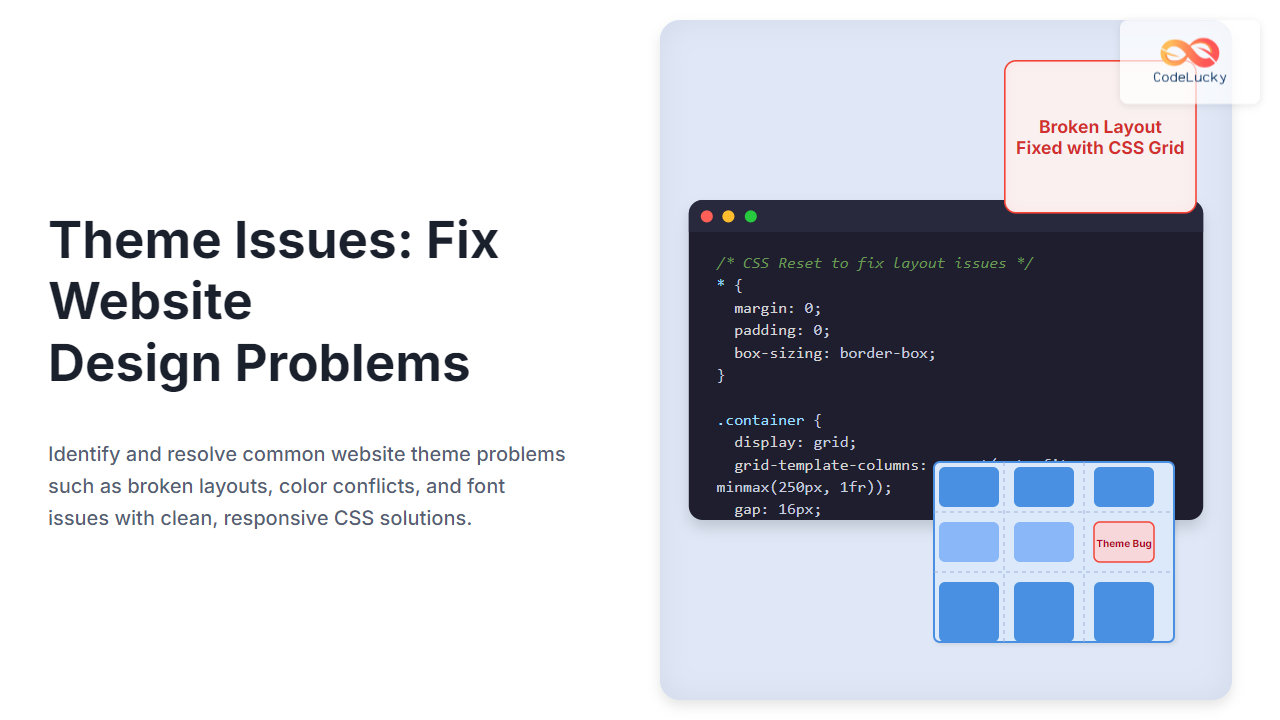
Broken layouts often result from CSS conflicts. Use CSS resets or normalize.css to ensure consistent baseline styling:
/* Example CSS Reset snippet */
* {
  margin: 0;
  padding: 0;
  box-sizing: border-box;
}
Verify containers use proper display properties such as flex or grid. Example of a simple responsive grid:
/* Simple Responsive Grid Example */
.container {
  display: grid;
  grid-template-columns: repeat(auto-fit, minmax(250px, 1fr));
  gap: 16px;
}
This ensures the layout adapts smoothly on different screen sizes.
3. Resolve Responsiveness Issues
Check for missing or wrong media queries. Implementing mobile-first CSS can help:
@




